Product Information – Windows 11 Pro N
Buy Windows 11 Pro N and enjoy powerful new features for everyday work
Released in October 2021, Windows 11 is the official successor to Windows 10 and represents Microsoft’s most modern operating system to date. In addition to the free upgrade from eligible Windows 10 licenses, a clean installation is also possible at any time. By purchasing Windows 11 Pro N, you gain access to all the advanced features and improvements of the new system.
At Softwarewelt24, you receive an affordable Windows 11 Pro N license, perfectly suited for business and professional use. Order conveniently online and benefit from the many advantages of Microsoft’s latest operating system.
Benefit from technical innovations and practical features in Windows 11 Pro N
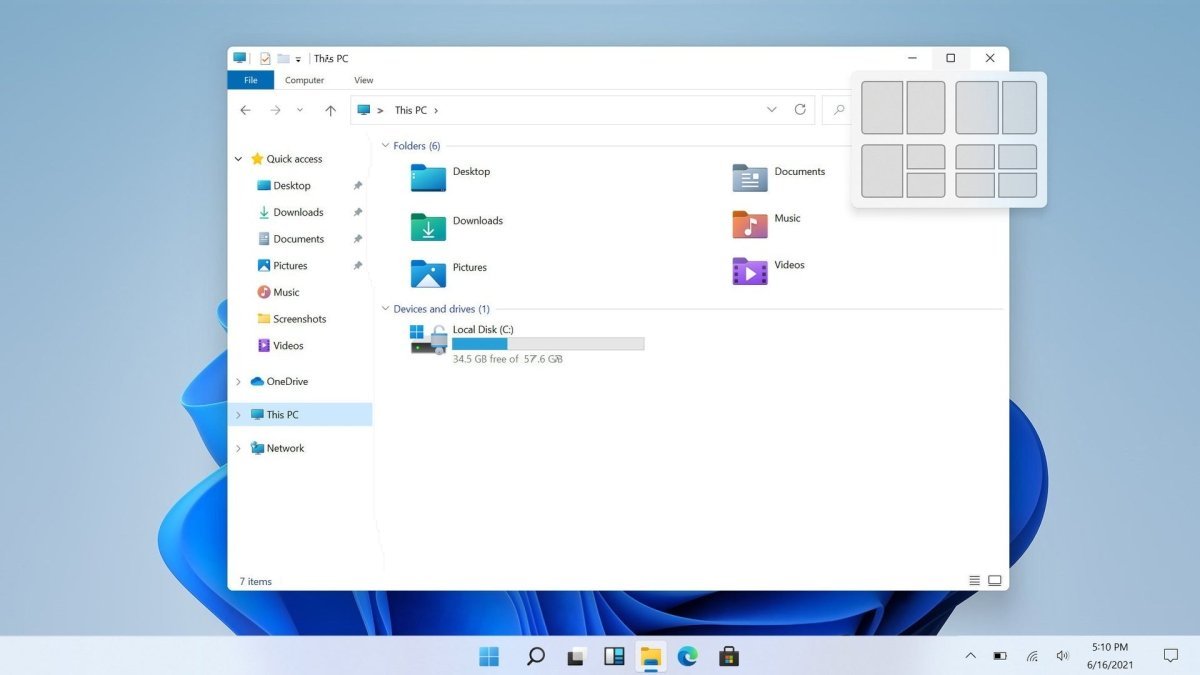
Microsoft has introduced numerous technical enhancements in Windows 11 Pro N to make daily work more efficient—especially in professional environments with large or multiple displays. The improved window management makes multitasking significantly easier.
With the new Snap and click-based window arrangement features, windows and content can be positioned quickly and precisely. Resize, align, and organize your workspace effortlessly, saving time and avoiding tedious manual adjustments.
Smarter search and faster setup
The search function in Windows 11 Pro N has been completely redesigned. While the entire storage environment is still searched, results are now faster and more comprehensive. Frequently used applications and recent searches are displayed more prominently, enabling quicker access to essential tools.
Another major improvement is the optimized installation and setup routine, which is faster and more intuitive. During initial setup, location and data transfer options are enabled by default but can be disabled easily according to your preferences.
Professional features compared to Windows 11 Home N
Windows 11 Pro N offers significantly more functionality than entry-level versions such as Windows 11 Home N. Key professional features include:
-
BitLocker device encryption for enhanced data security
-
Windows Information Protection to prevent unintended data leaks
-
Group Policy management
-
Assigned Access and Dynamic Provisioning
-
Windows Update for Business
-
Microsoft Store for Business
These tools make Windows 11 Pro N an ideal solution for companies, IT administrators, and professional users.
Optimized for gaming and multimedia performance
Although widely used in business environments, Windows 11 Pro N is also well suited for private use, including gaming. Microsoft introduces performance improvements such as Auto HDR, delivering richer colors and better contrast in supported games.
The Xbox app is included free of charge, and with an active Xbox Game Pass, you can access over 100 games across multiple genres. Thanks to the DirectStorage API, game loading times and download speeds can be significantly improved by offloading tasks to the graphics card.
Modern design and visual enhancements
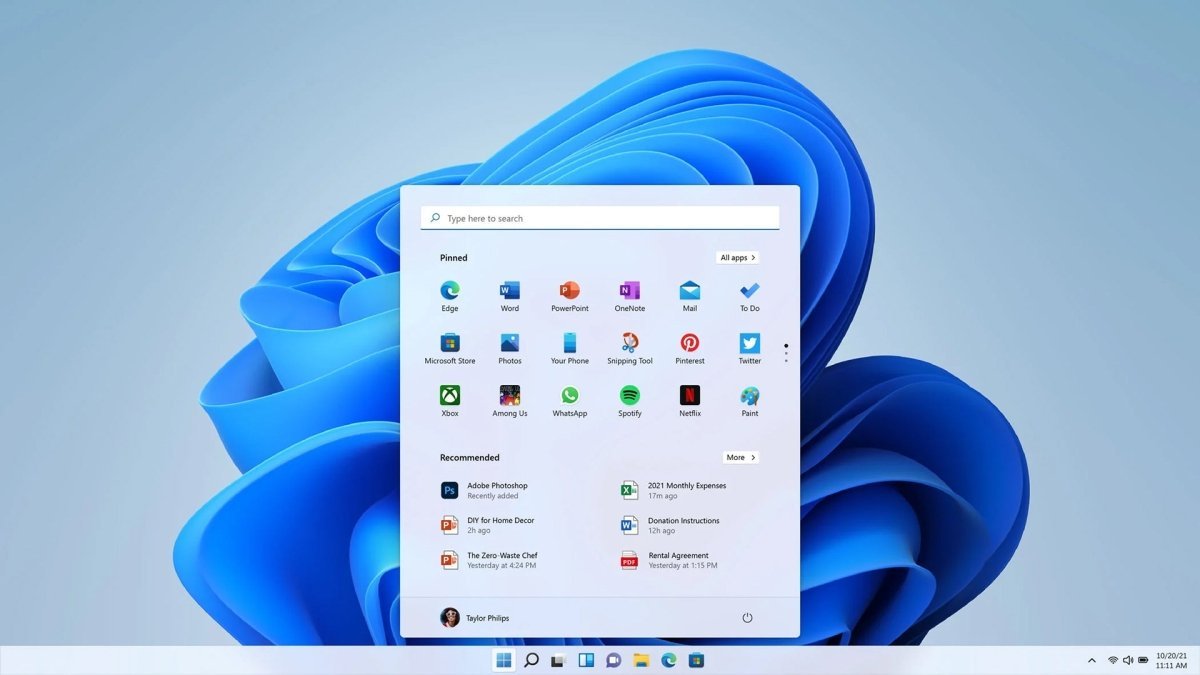
After installation, Windows 11 Pro N impresses with a refreshed and modern user interface. One of the most noticeable changes is the centered taskbar and Start menu, designed to improve focus and productivity. If preferred, the layout can easily be adjusted to a more traditional appearance.
The Start menu no longer includes Live Tiles but still offers fast access to applications, system functions, and search. Rounded corners, refined colors, and smoother animations provide a cleaner and more contemporary look.
Dark mode and personalization options
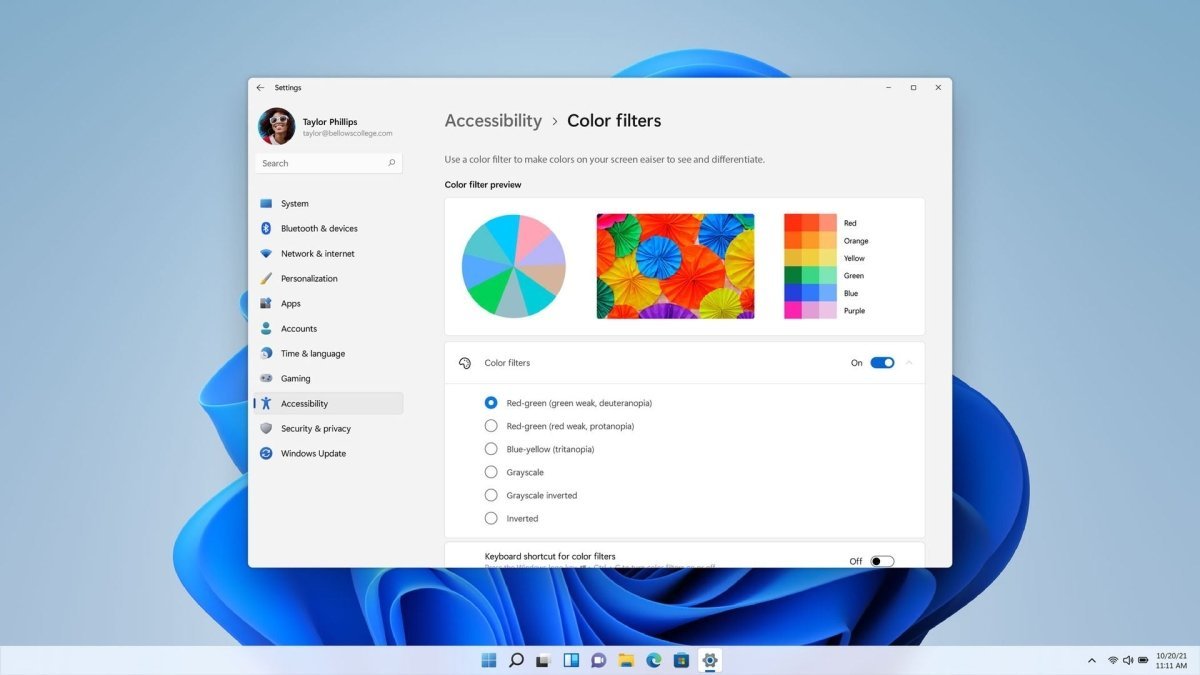
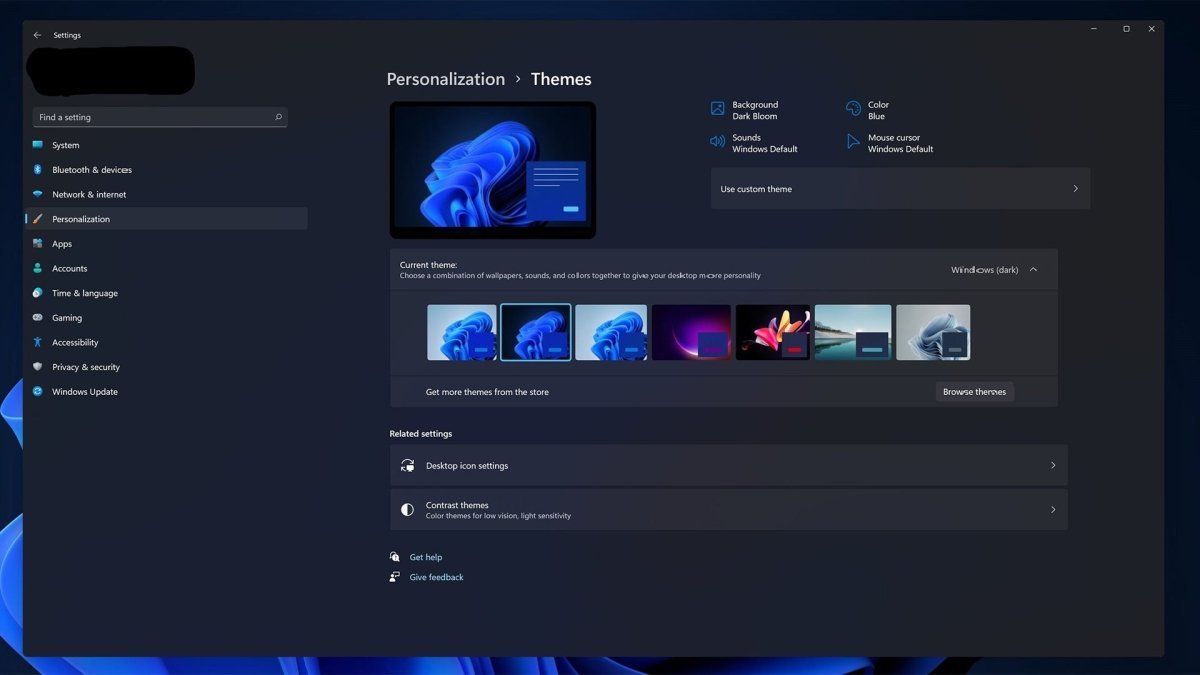
Windows 11 Pro N includes a built-in dark mode, which can be enabled or disabled via system settings. This high-contrast display mode reduces eye strain and enhances usability, especially in low-light environments.
Additional personalization features allow you to assign different wallpapers to virtual desktops, giving each workspace a unique and personal feel.
Important note before purchasing – Windows 11 Pro N edition
Please note that the “N” edition of Windows 11 Pro does not include Windows Media Player, media-related apps, or certain multimedia codecs. The built-in Music app is also not available.
Apart from these multimedia components, Windows 11 Pro N is technically identical to the standard Windows 11 Pro version. Microsoft is legally required to offer this media-free version in certain regions.
Upgrade and media functionality information
An in-place upgrade from Windows 11 Pro N to Windows 11 Pro (standard) is not possible. A complete reinstallation would be required.
However, you can manually install the missing media components, including Windows Media Player and codecs, via official Microsoft feature packs or trusted online sources. This allows you to use Windows 11 Pro N with almost no noticeable differences compared to the standard Pro edition—without reinstalling the entire system.
Buy Windows 11 Pro N at a low price from Softwarewelt24
Purchase Windows 11 Pro N quickly and securely from Softwarewelt24. You will receive a permanent activation key, often delivered by email within 30 minutes, so you can start using your system immediately.
Our customer support team is available via email, phone, or live chat to assist you with any questions or activation issues. In addition, Softwarewelt24 offers a wide range of other Microsoft products, including Windows 10 Home N, Windows 11 Pro for Workstations, and Windows 11 Pro for Workstations N.
Choose the operating system that best fits your needs and enjoy a productive, modern working environment.
System Requirements – Windows 11 Pro N
-
Processor: 1 GHz or faster with at least 2 cores on a compatible 64-bit processor or SoC
-
Operating System: Windows 11 Pro N
-
RAM: Minimum 4 GB
-
Storage: Minimum 64 GB available space
-
Graphics: DirectX 12 compatible graphics card with WDDM 2.0 driver
(For detailed and up-to-date requirements, please refer to the manufacturer’s specifications.)

 Overview
 Languages






Reviews
Clear filtersThere are no reviews yet.