Product Information – Windows 11 Pro for Workstations
Buy Windows 11 Pro for Workstations – designed to meet the highest professional demands
With Windows 11 Pro for Workstations, Microsoft delivers a powerful operating system tailored to the needs of demanding professional environments. This edition is specifically designed for high-performance workloads, such as large data processing, media production, engineering, and graphic design.
In addition to all the core features of Windows 11—officially released in October 2021—this workstation edition offers advanced performance, stability, and enterprise-grade tools.
Important: A direct upgrade from Windows 10 is generally possible with a valid license, but a product activation key is required for installation.
A versatile and efficient operating system for professional workflows
Performance and reliability are equally important in Windows 11 Pro for Workstations. Microsoft introduces several new features and tools that significantly improve daily productivity.
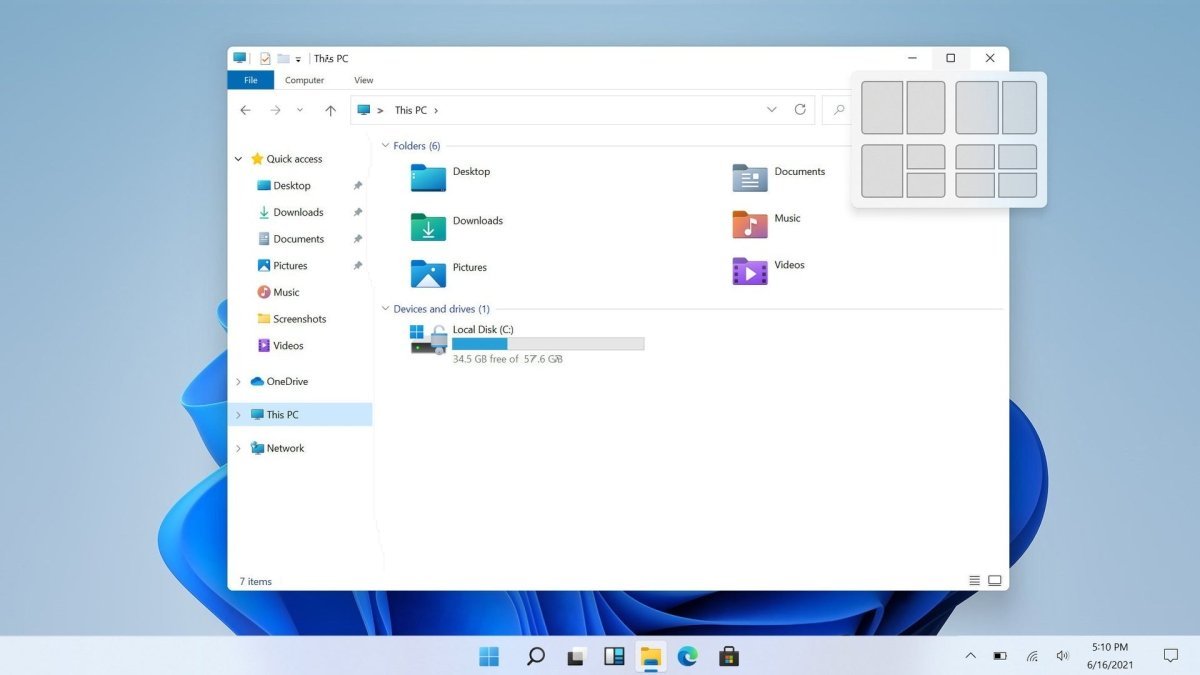
The enhanced Snap and click-based window management allows you to arrange multiple applications side by side with ease—ideal for large, high-resolution displays. With just one click, open windows can be docked neatly without overlapping, enabling smooth multitasking and more efficient use of screen space.
Faster installation and optimized system setup
The updated installation routine of Windows 11 Pro for Workstations is noticeably faster and more intuitive. Your system is ready for use within minutes, allowing you to start working immediately.
Please note that privacy and location settings are enabled by default during installation. These options can be adjusted easily by disabling unnecessary settings before completing the setup.
Widgets, virtual desktops, and smarter multitasking
Widgets make a return in Windows 11 Pro for Workstations and are particularly useful in professional environments. These small, customizable tools allow you to keep track of information such as stock prices, weather updates, or news at a glance—without needing to check your smartphone.
Additional improvements include:
-
Custom wallpapers for each virtual desktop
-
Automatic restoration of window positions on external monitors
These features are especially beneficial for users who frequently switch between laptops and external displays.
Focus sessions, productivity tools, and Android app support
Windows 11 Pro for Workstations introduces enhanced Focus Sessions, helping you stay productive by controlling notifications and optionally integrating background music via Spotify.
In addition, Windows 11 allows you to run Android apps on your PC, made possible through cooperation with Intel and Amazon. While the feature is still expanding, many apps are already accessible through the redesigned Microsoft Store.
Modern design with professional customization options
Windows 11 Pro for Workstations features a refreshed, modern design with smooth animations, rounded corners, and refined color schemes. Most visual elements can still be customized to match your preferences.
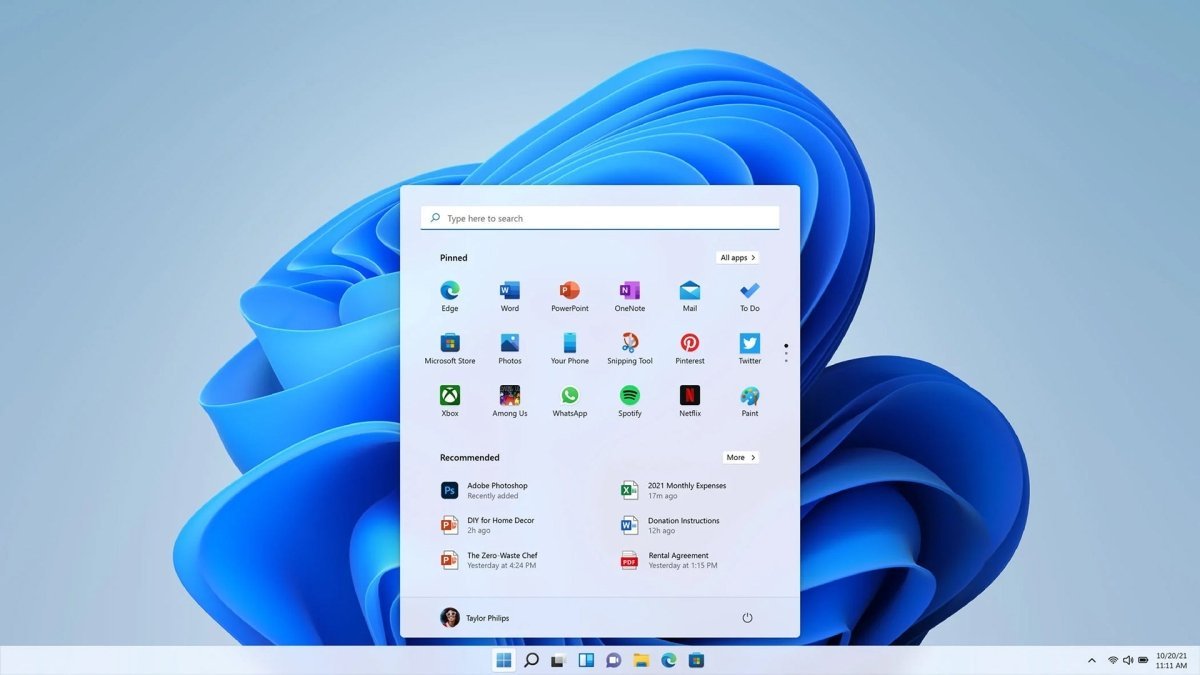
The taskbar and Start menu are centered by default, creating a more focused workflow. If preferred, this layout can easily be reverted to a traditional left-aligned design. Live Tiles are no longer included, but essential apps and shortcuts remain easily accessible.
Dark Mode for professional environments
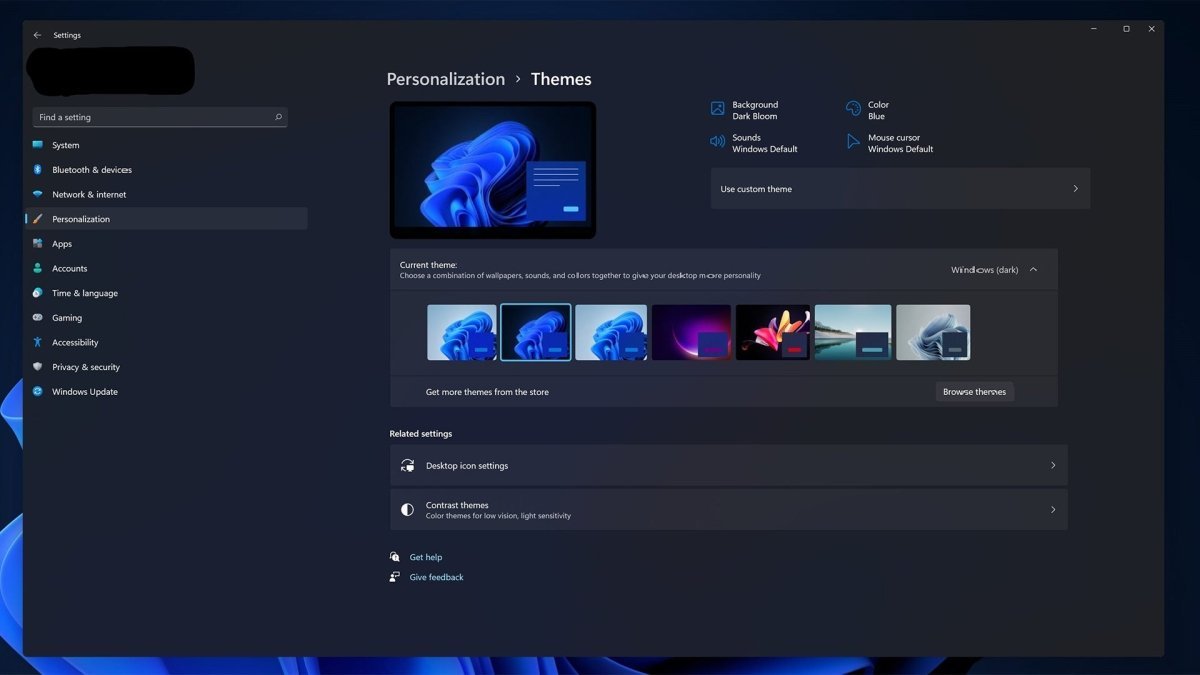
A built-in Dark Mode is available in Windows 11 Pro for Workstations and is particularly popular among professional users. It can be activated via system settings and displays windows and content in high-contrast black tones. The intensity can be adjusted, allowing for a personalized and eye-friendly working experience.
Key differences compared to standard Windows versions
Windows 11 Pro for Workstations is designed for users with the highest performance requirements. In addition to general system optimizations, it includes exclusive advanced features such as:
-
ReFS (Resilient File System) for automatic detection and repair of corrupted files
-
SMB Direct for high-speed, low-latency file transfers
-
Advanced power and performance optimizations
-
Hyper-V virtualization technology for running virtual machines and testing alternative operating systems
Hyper-V is particularly valuable in professional and development environments, allowing you to test software, run isolated systems, or experiment with different operating systems—quickly and with excellent performance.
System Requirements – Windows 11 Pro for Workstations
-
Processor: 1 GHz or faster with 2 or more cores on a compatible 64-bit processor or SoC
-
RAM: 4 GB
-
Storage: 64 GB available disk space
-
Graphics: DirectX 12 compatible graphics card with WDDM 2.0 driver
-
Display: High-definition display (720p), larger than 9 inches, 8 bits per color channel
(For more detailed and up-to-date information, please refer to the manufacturer’s specifications.)

 Overview
 Languages












Reviews
Clear filtersThere are no reviews yet.