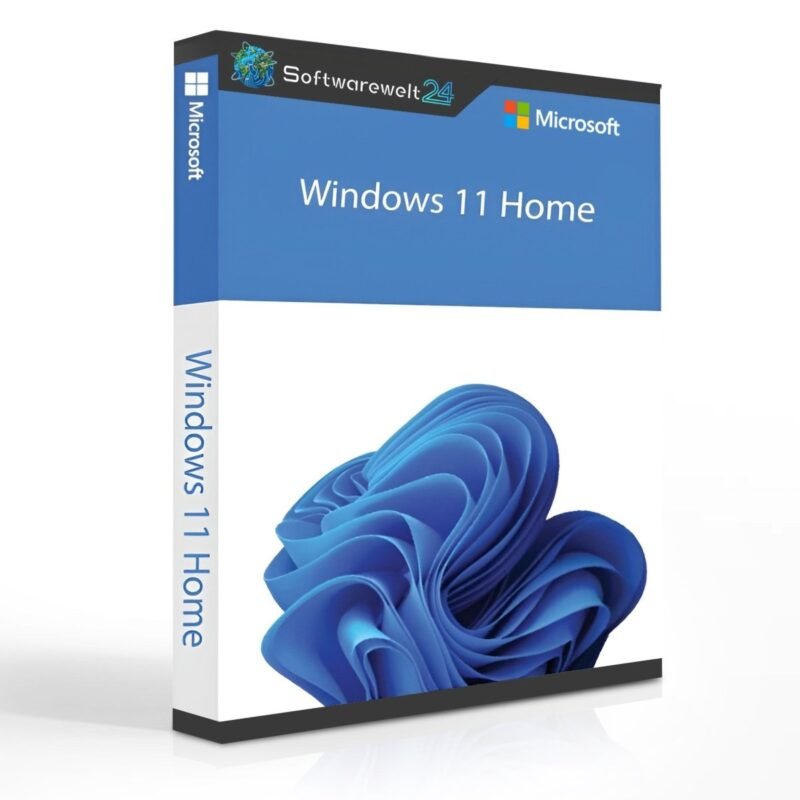
Product Information: Windows 11 Home
Buy Microsoft Windows 11 Home and Enjoy a Versatile Operating System
When you purchase Windows 11 Home, you get a powerful operating system that sets new standards for both work and entertainment. As the name suggests, the Home Edition is primarily designed for individual users who want to benefit from numerous improvements and updates.
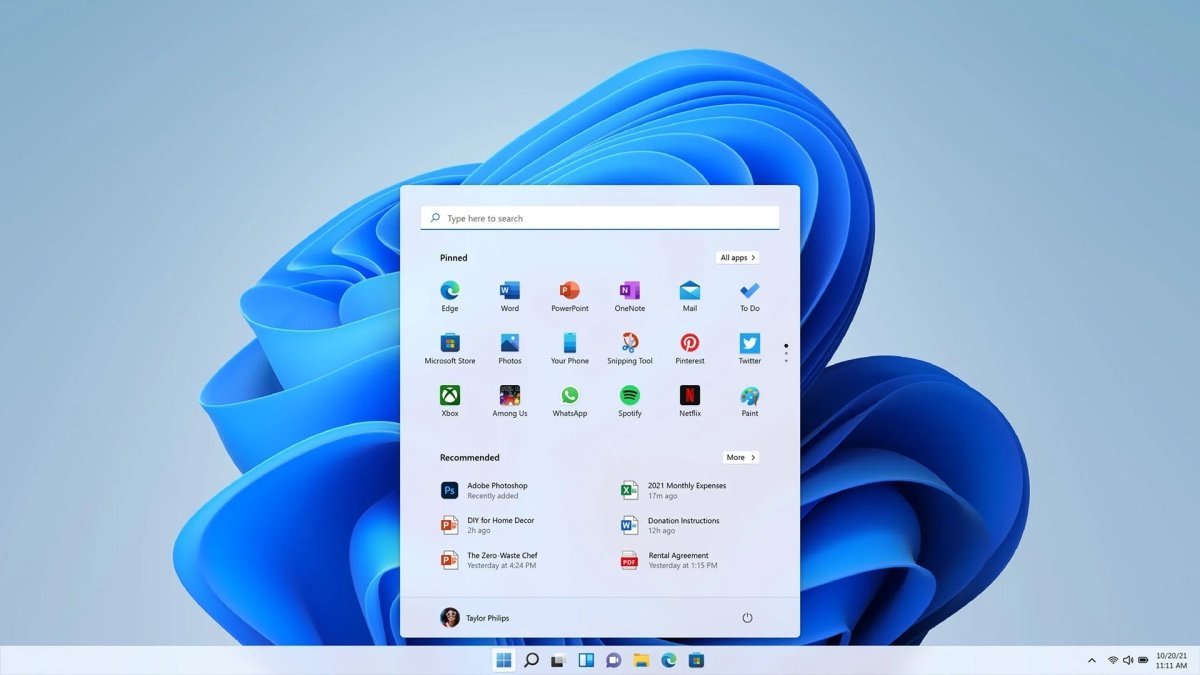
Windows 11 Home stands out for its comfort, performance, and security. Features such as pre-configured window layouts, major gaming enhancements, Android integration, and a wide range of new widgets are just some of the highlights. The Start menu has been completely redesigned, replacing the Live Tiles used in Windows 8.x and Windows 10 with a grid of pinned applications and a list of recently used programs and resources.
By purchasing Windows 11 Home, you also receive comprehensive support for the latest hardware devices.
Preview of Windows 11 Home Updates
When you buy Windows 11 Home, you can look forward to numerous improvements and updates. Various technology portals and YouTube reviewers have confirmed that Windows 11 is significantly faster than previous versions. Users managing large databases or graphics-intensive games will notice impressive performance gains.
One of the standout features of Windows 11 is Auto HDR, which makes PC games look even more stunning. Even DirectX 11 and DirectX 12 games without native HDR benefit from higher contrast, more vibrant colors, and a wider color gamut.
With the new group icon in the system tray, users can make calls, send text messages, and access chat features more quickly. Additional features include startup notifications, improved multi-window management, Microsoft Store optimizations, simplified context menus, and desktop groups.
More Convenience: Buy Windows 11 Home Online
The Action Center in Windows 10 has been replaced by a Notification Center and Quick Settings menu, accessible from the lower-right corner of the taskbar. The Notification Center displays all user notifications along with a full monthly calendar, while the Quick Settings menu allows quick access to essential system settings such as volume, brightness, Wi-Fi, Bluetooth, and Focus Assist.
Media controls are displayed directly above the Quick Settings menu when watching videos in Microsoft Edge or listening to music in apps like Spotify.
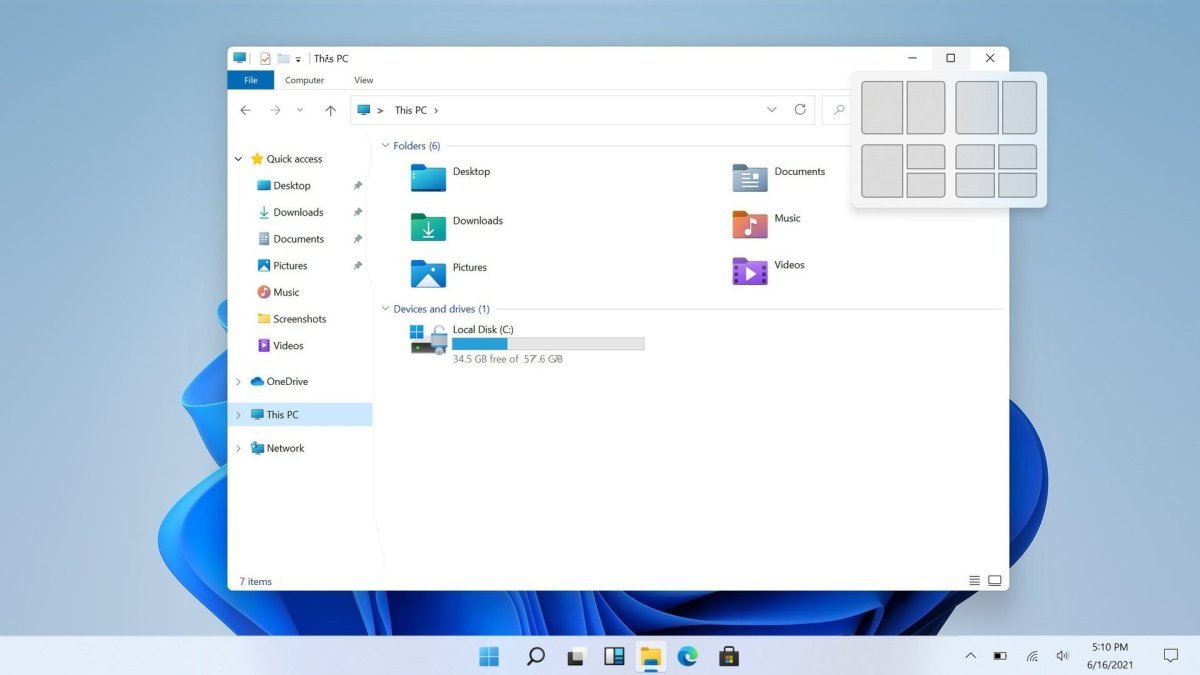
Another practical enhancement in Windows 11 Home is Snap Layouts, which allow application windows to be docked in predefined positions. Whether arranged side by side or stacked vertically, windows no longer overlap unnecessarily. This feature is especially beneficial for large monitors and multitasking environments, significantly improving usability.
At Softwarewelt24, you can purchase Windows 11 Home online at an affordable price in just a few steps.
System Requirements – Windows 11 Home
| Component |
Minimum Requirements |
| Processor |
1 GHz or faster with at least 2 cores on a compatible 64-bit processor or SoC |
| Operating System |
Windows 11 |
| RAM |
Minimum 4 GB |
| Storage |
Minimum 64 GB available |
| Graphics |
Compatible with DirectX 12 or later, with WDDM 2.0 driver |
|
(For detailed information, please refer to the manufacturer) |
Important Note
Windows 11 Home Edition requires an internet connection and a Microsoft account to complete device setup during first use.

 Overview
 Languages









Reviews
Clear filtersThere are no reviews yet.