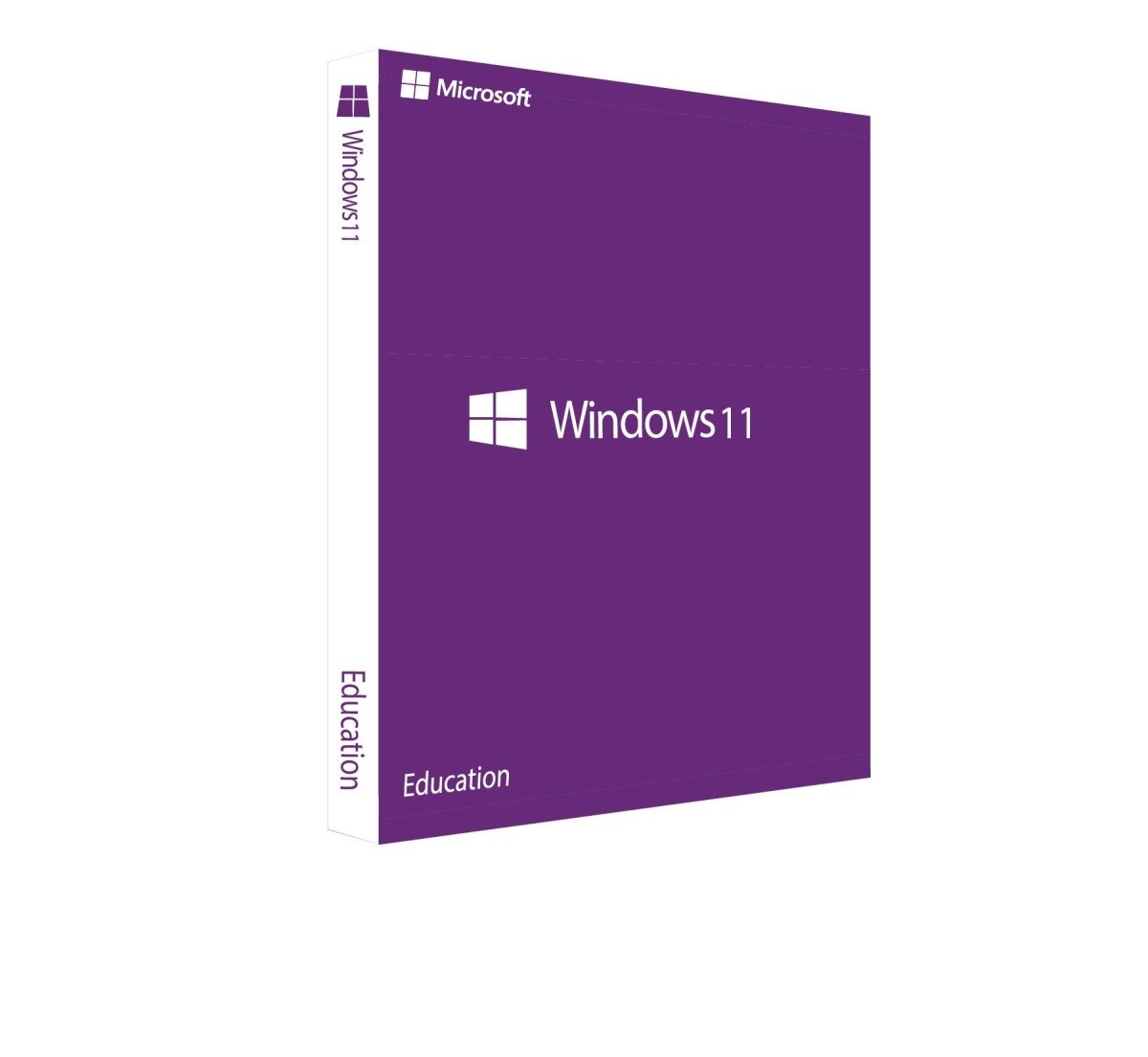
Windows 11 Education
The Ideal Operating System for Educational Institutions
With the Windows operating system, computers can be managed easily, efficiently, and intuitively. This is one of the main reasons why Windows is the most widely used operating system in the world. These advantages, appreciated by millions of users globally, are especially important in educational environments.
With Windows 11 Education, Microsoft offers a version specifically designed for schools, universities, and similar institutions. You can purchase this license at an attractive price and benefit from a modern, powerful learning platform.
Why Educational Institutions Benefit from Windows 11
When setting up computer systems, there are many operating systems to choose from. However, Windows 11 is particularly well suited for educational use. One of its biggest advantages is its ease of use. The interface is intuitive and user-friendly, requiring little to no training. Since many students and teachers already use Windows privately, they are familiar with its structure and functionality. This eliminates the need to teach basic system usage and allows learning to focus directly on educational content.
Another key benefit is the wide availability of educational and professional software for Windows. This allows institutions to tailor applications precisely to their teaching requirements. In addition, Windows 11 enables educators to work with Microsoft’s latest technologies and prepare students for modern digital environments.
Windows 11 Education – Designed for Modern Learning
Alongside Windows 11 Home, Pro, and Enterprise, Microsoft offers Windows 11 Education, a version tailored specifically to the needs of educational institutions. Compared to standard editions, it addresses requirements such as controlled access, remote learning, and simplified system deployment.
The experience gained from remote education during recent years has significantly influenced the development of Windows 11 Education. Security, performance, and cloud-based collaboration have been further optimized. Communication and teamwork are essential in modern teaching, which is why Microsoft Teams is integrated directly into Windows 11. This replaces older solutions such as Skype and allows seamless communication without complex installations or configurations.
Enhanced Usability, Performance, and Compatibility
Windows 11 Education places a strong focus on usability and flexibility. Touchscreen devices are supported more effectively than ever, making the operating system ideal for tablets, 2-in-1 devices, and interactive classroom hardware. In addition, the integration of Android applications allows mobile apps to be used directly within the Windows environment, expanding learning possibilities even further.
Like all Windows 11 editions, the Education version delivers improved performance, stability, and security. This is particularly important as digital learning increasingly incorporates interactive applications, simulations, and even educational games. Windows 11 Education provides the reliability and protection required for such modern teaching methods.
The Perfect Choice for Schools and Universities
With its modern design, strong security features, seamless cloud integration, and excellent performance, Windows 11 Education is an optimal solution for educational institutions. It supports both in-class and remote learning, simplifies administration, and provides a future-ready platform for digital education.


 Overview
 Languages









Reviews
Clear filtersThere are no reviews yet.