Product Information: Windows 10 Pro
Work More Efficiently – Get Windows 10 Pro at a Great Price
To work efficiently on a PC or laptop, Microsoft has provided reliable and universal operating system solutions for many years. Windows 10 Pro is a powerful operating system designed for both private and professional use. With its intuitive, modern user interface and a wide range of proven tools, Windows 10 Pro delivers excellent performance and productivity.
Purchase your license today for permanent activation and unlimited use, and benefit from a stable, secure, and feature-rich operating system.
Windows 10 Pro – Designed for Higher Demands
One of the key advantages of Windows 10 Professional is its comprehensive feature set. After installation, the operating system includes all essential components required for smooth and reliable operation—such as modern web browsers that support the latest technologies.
While Windows 10 Pro is ideal for home users, it is especially popular in business and professional environments. Microsoft enables advanced cloud-based workflows through features such as Azure Active Directory and identity management services. These allow seamless integration with SaaS applications like Microsoft 365 or Dropbox.
Exclusive Pro features include:
-
Advanced device and Microsoft Store management
-
Mobile device management (MDM)
-
BitLocker drive encryption for enhanced data protection
-
Remote device locking in case of loss or theft
With BitLocker, your data remains secure even if your device is stolen or accessed without authorization.
What’s New in Windows 10 Pro Compared to Previous Versions
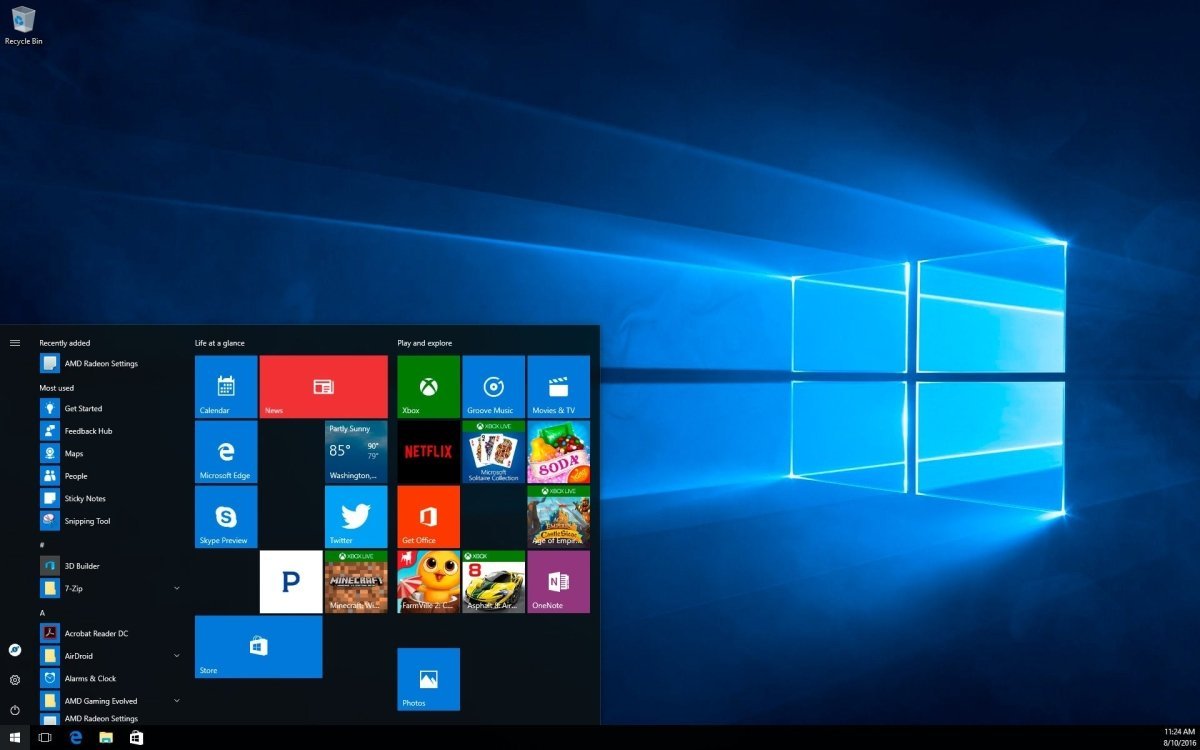
As the successor to Windows 8, Microsoft introduced numerous innovations and modern technologies in Windows 10 Pro. Visually, the system combines the classic Start menu with modern Live Tiles, offering a familiar yet refreshed user experience.
Key improvements include:
-
Cortana voice assistant for task management, scheduling, searching, and app control
-
Microsoft Edge browser, based on Chromium, replacing Internet Explorer with faster performance, improved security, and plugin compatibility
-
Windows Hello biometric authentication (face and fingerprint recognition) for fast and secure login
-
Optimized support for touchscreens, drawing tablets, and stylus input
-
Continuum mode, which automatically switches to tablet mode for touch-optimized use
The Microsoft Store offers a wide selection of secure apps, tools, and games—both free and premium. Purchased apps linked to your Microsoft account can be used across multiple compatible devices.
Windows 10 Pro also enhances productivity with:
-
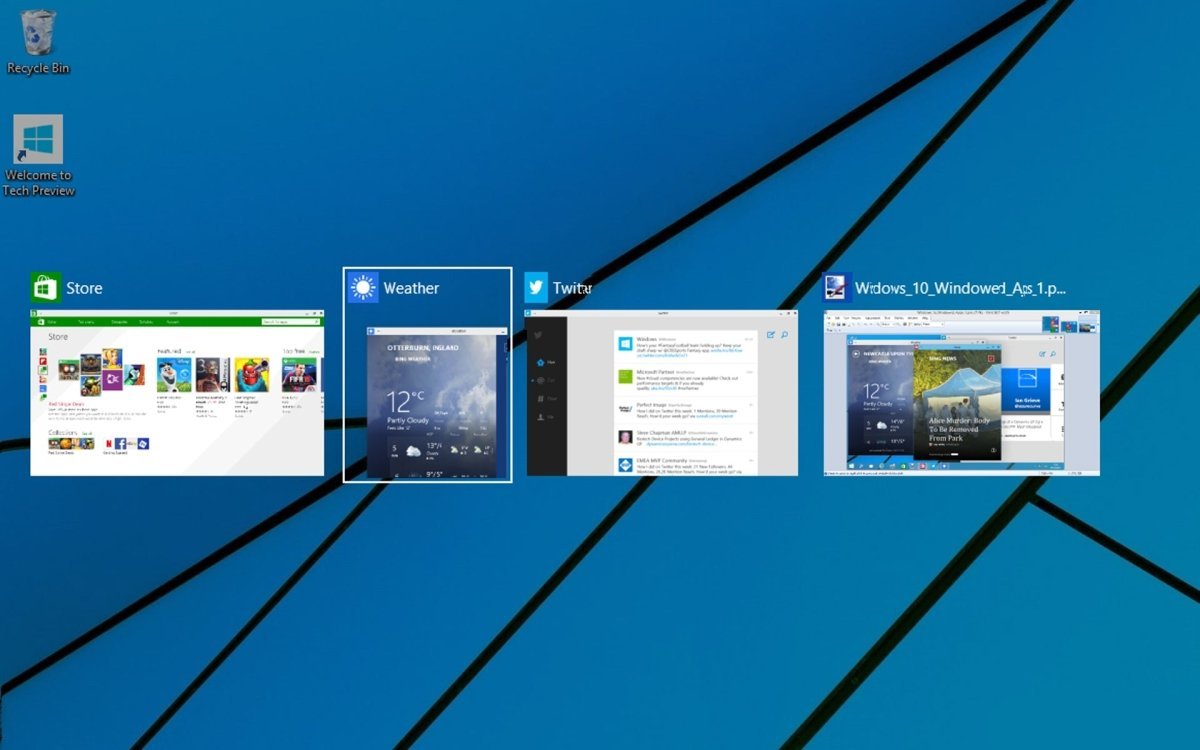
Multiple virtual desktops
-
Improved multitasking
-
Seamless integration with Xbox via Play Anywhere, allowing games to be played across platforms without additional purchases
To ensure ongoing protection, Microsoft has significantly improved Windows Defender, delivering robust antivirus and firewall protection with frequent updates.
Regular Updates Keep Windows 10 Pro Secure and Up to Date
Since its release in 2015, Microsoft has followed a continuous update model for Windows 10 Pro. Instead of releasing frequent new operating systems, Microsoft provides regular feature and security updates.
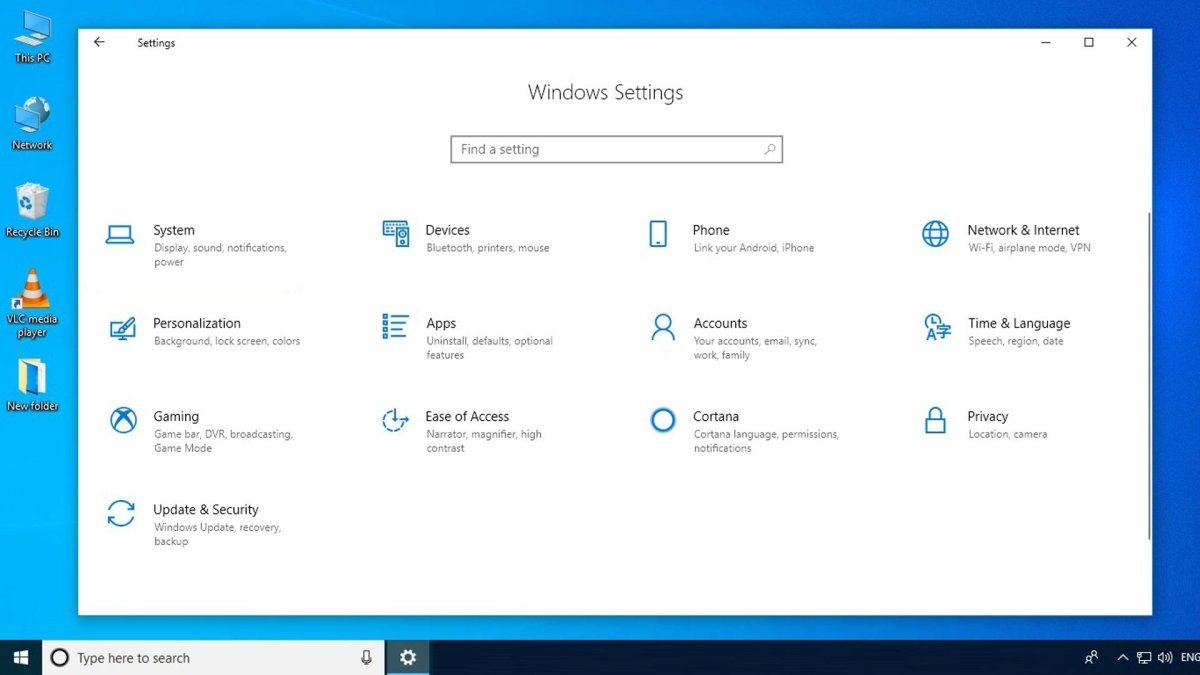
By default, Windows 10 Pro installs critical updates automatically. However, users can also manage updates manually through system settings.
Important note:
For professional users, installing security updates regularly is strongly recommended to protect against vulnerabilities and ensure system stability.
System Requirements – Windows 10 Pro
| Component |
Minimum Requirement |
| Processor |
1 GHz or faster processor or SoC |
| Operating System |
Windows 10 |
| RAM |
1 GB (32-bit) or 2 GB (64-bit) |
| Storage |
16 GB (32-bit) or 20 GB (64-bit) |
| Graphics |
DirectX 9 or later with WDDM 1.0 driver |
|
(For more details, please refer to the manufacturer) |


 Overview
 Languages





Reviews
Clear filtersThere are no reviews yet.