Windows 10 Home N
Versatile Features and Practical Tools for Everyday Computing
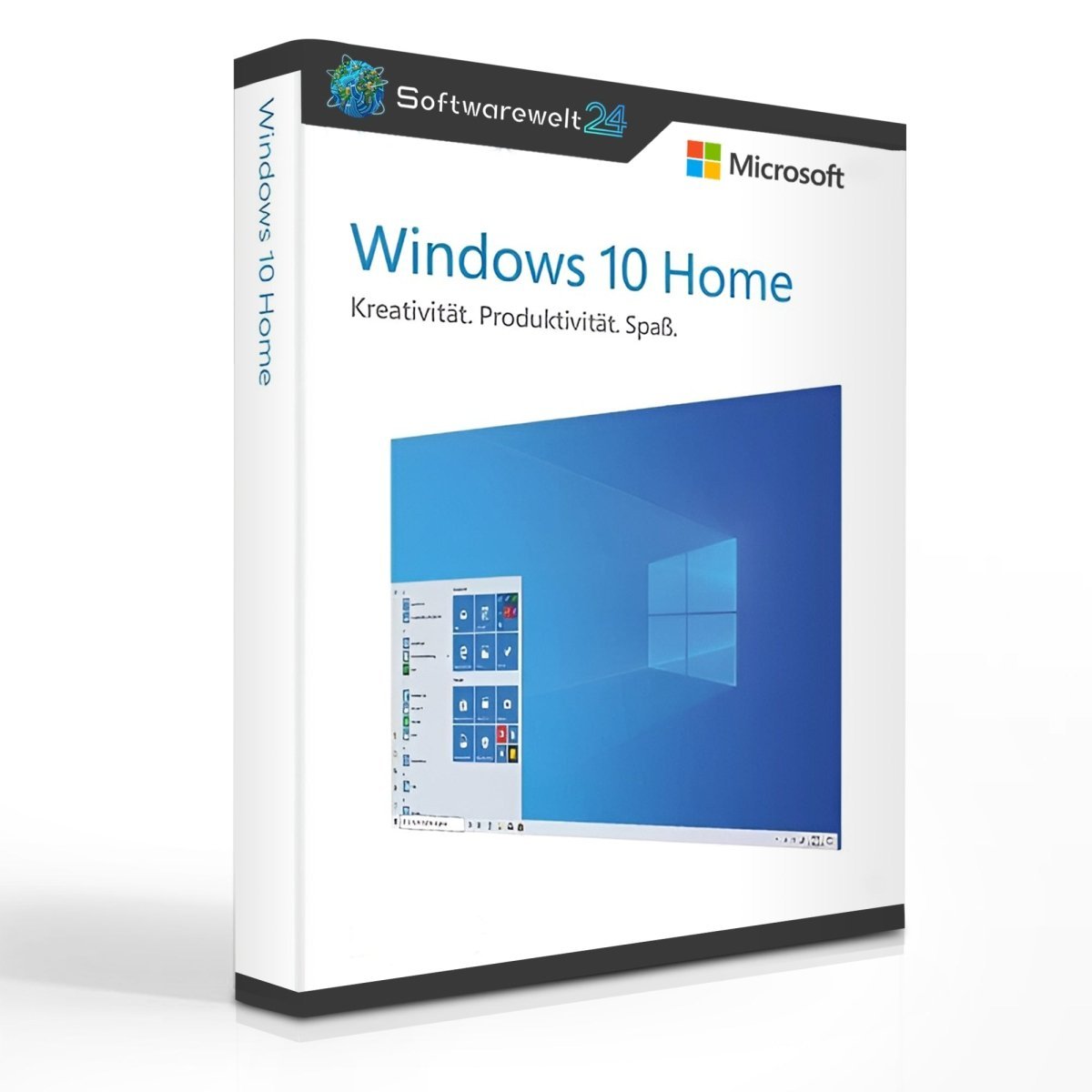
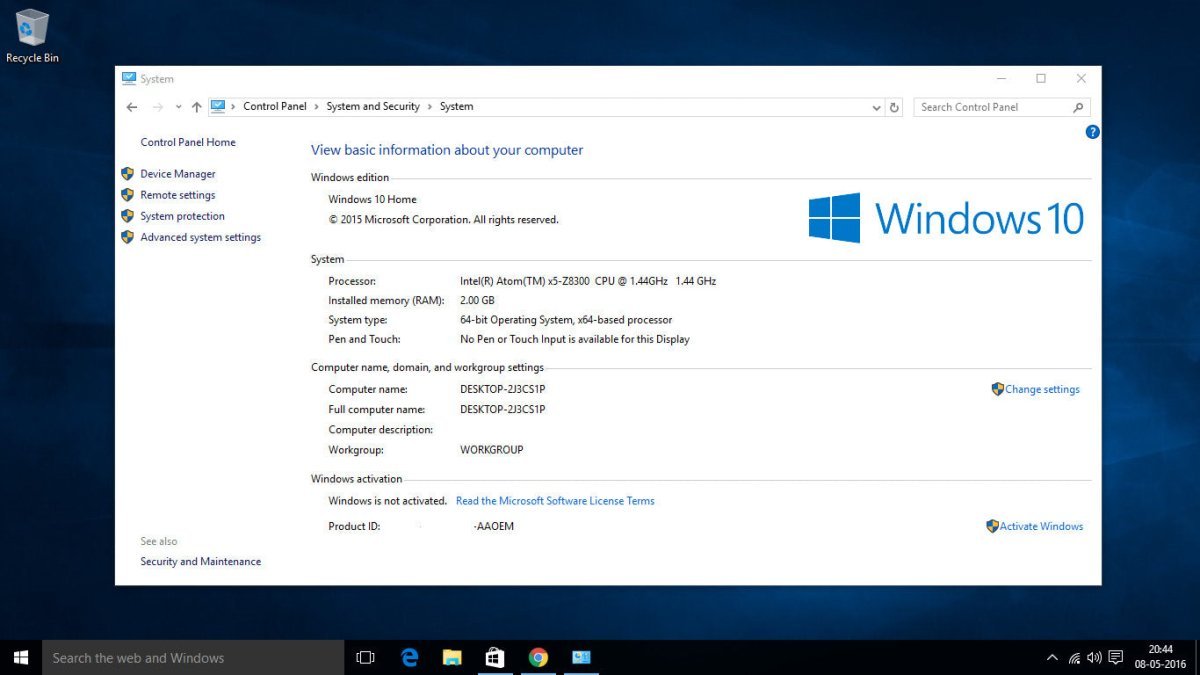
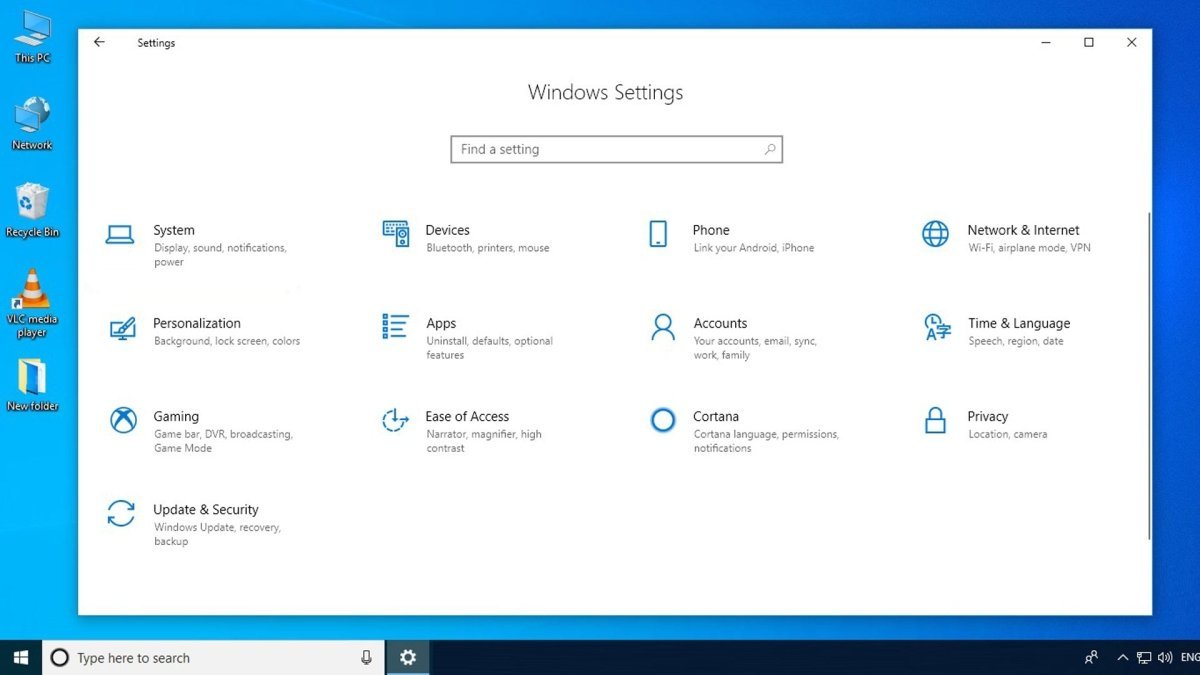
Windows 10 Home N is designed for productive work, smooth gaming, and secure internet browsing. It is primarily aimed at private users who want a modern, stable, and powerful operating system. The system supports high-performance hardware components and includes a wide range of built-in tools for everyday use.
One of the highlights is the modern web browser Microsoft Edge, available in its latest version. Edge is now based on Chromium technology, clearly setting it apart from the former Internet Explorer. This ensures excellent performance, full compatibility with modern web standards, and access to a wide range of extensions for a personalized browsing experience.
Powerful Built-In Tools and Security
Windows 10 Home N includes a comprehensive set of system tools. With Windows Defender, Microsoft provides an integrated security solution that offers reliable protection against everyday threats. Together with the Windows Firewall, the system continuously monitors activities on your PC and detects potential risks, malware, or attacks in real time.
Regular system and security updates ensure that Windows 10 Home N remains up to date, so you don’t need to worry about new or emerging threats.
Increased Productivity with a Microsoft Account
By signing in with a Microsoft account, you unlock additional features that enhance productivity. Important data such as browser history, saved passwords, and settings can be synchronized across multiple devices. This allows you to continue working seamlessly on different computers.
The Microsoft Store is another central feature. It provides access to a wide range of free and paid applications that can be downloaded and installed with just a few clicks. A Microsoft account is required to use the Store.
Convenient Login with Windows Hello
With Windows Hello, Microsoft introduces a modern and convenient authentication method. Depending on your hardware, you can log in using facial recognition or a fingerprint, allowing faster and more secure access to your user account.
Modern Design and Improved User Experience
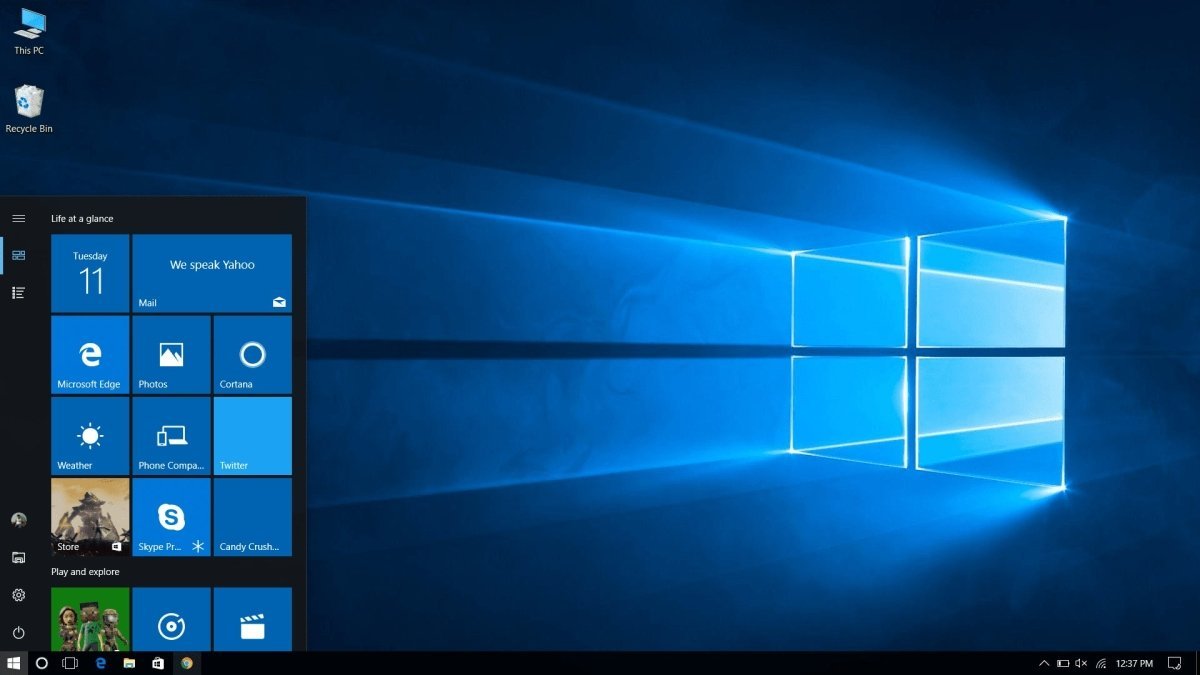
Visually, Windows 10 Home N represents a clear improvement over Windows 8 and Windows 8.1. The operating system once again features a classic Start Menu, making it easier to launch applications and access system settings. The Start Menu can be customized to your preferences.
In addition, Dark Mode is available, displaying windows and system elements in a high-contrast dark design. This mode can be enabled or disabled easily, depending on your personal preference.
Smart Everyday Improvements
Windows 10 Home N includes many subtle but practical enhancements, such as:
-
Improved gesture controls for intuitive operation
-
Automatic reactivation of Wi-Fi after being disabled
-
Dynamic Lock, which automatically locks your PC when you leave your workstation
Dynamic Lock uses Bluetooth technology in combination with your smartphone. When you move away and the Bluetooth connection is interrupted, the system automatically locks itself after approximately 30 seconds—an effective security feature, especially in professional environments.
Key Differences Between Windows 10 Home N and Windows 10 Home
Windows 10 Home N is functionally very similar to the standard Windows 10 Home edition. However, one important component is missing:
This version exists to comply with EU regulations, which require Microsoft to offer Windows without preinstalled media software. As a result, media-related features are affected:
Tip: Add Media Features to Windows 10 Home N
Although Windows 10 Home N works perfectly well without media components, many users prefer to restore these features. Microsoft provides Media Feature Packs that can be downloaded and installed separately. These packs add the missing codecs and media tools, including the Media Player.
Please note: A direct upgrade from Windows 10 Home N to Windows 10 Home is not possible. Switching editions requires a complete reinstallation of the operating system.
Buy Windows 10 Home N at a Low Price
With an affordable purchase of a Windows 10 Home N license, you receive your activation key quickly and conveniently via email. Activation support and customer service are available to assist you with installation or technical questions. You can also choose from many other Microsoft products, including Windows 10 Home, Windows 10 Pro N, and various Office editions.
System Requirements – Windows 10 Home N
-
Processor: 1 GHz or faster processor or SoC
-
Operating System: Windows 10 Home N
-
Memory: 1 GB RAM (32-bit) or 2 GB RAM (64-bit)
-
Storage: 16 GB (32-bit) or 20 GB (64-bit) available disk space
-
Graphics: DirectX 9 or higher with WDDM 1.0 driver
(For more detailed technical information, please refer to the manufacturer.)

 Overview
 Languages








Reviews
Clear filtersThere are no reviews yet.