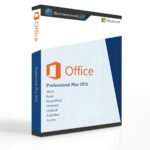
Office 2013 Professional Plus
The Advantages of Office Professional Plus 2013
Office Professional Plus 2013 presents Microsoft Office in a completely refreshed design and delivers a powerful, integrated working experience. No matter which device you use—PC, tablet, smartphone, or cloud-based access—you can reach your documents anytime and from virtually anywhere, even on computers where Office is not installed.
The new Start Experience makes it easier than ever to access and manage your documents, offering a consistent and intuitive interface across all Office applications. All included programs are closely connected, allowing seamless transitions between applications and significantly improving productivity.
Included Applications
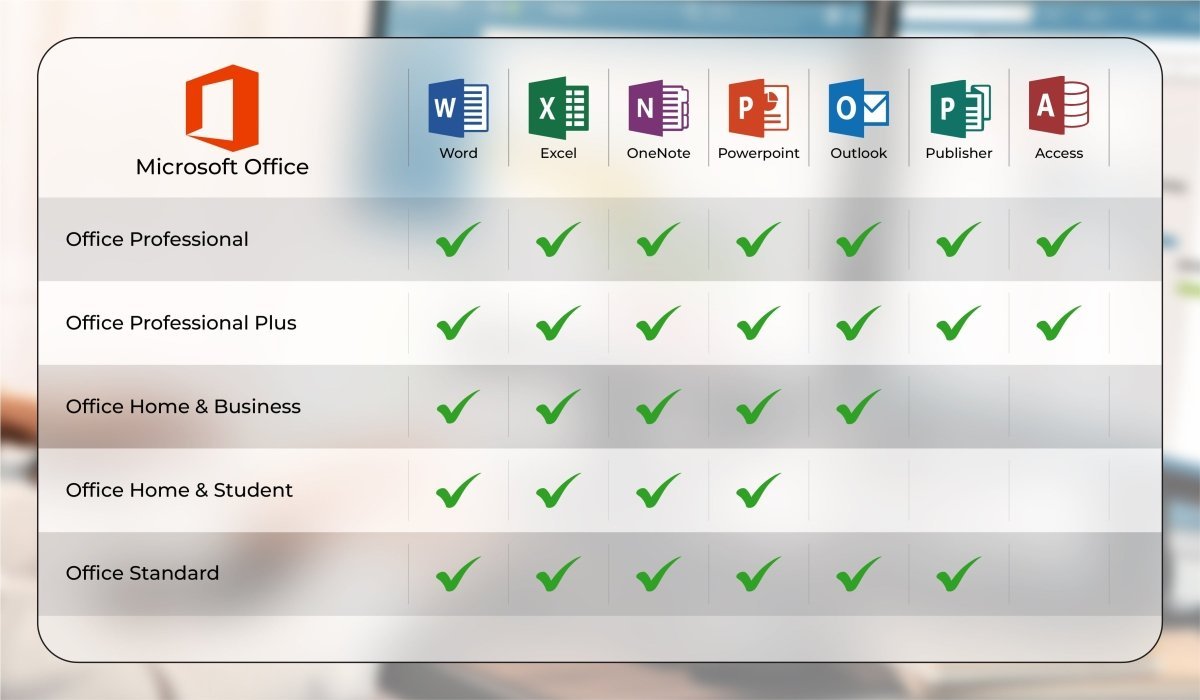
Office 2013 Professional Plus includes a comprehensive set of Microsoft applications:
-
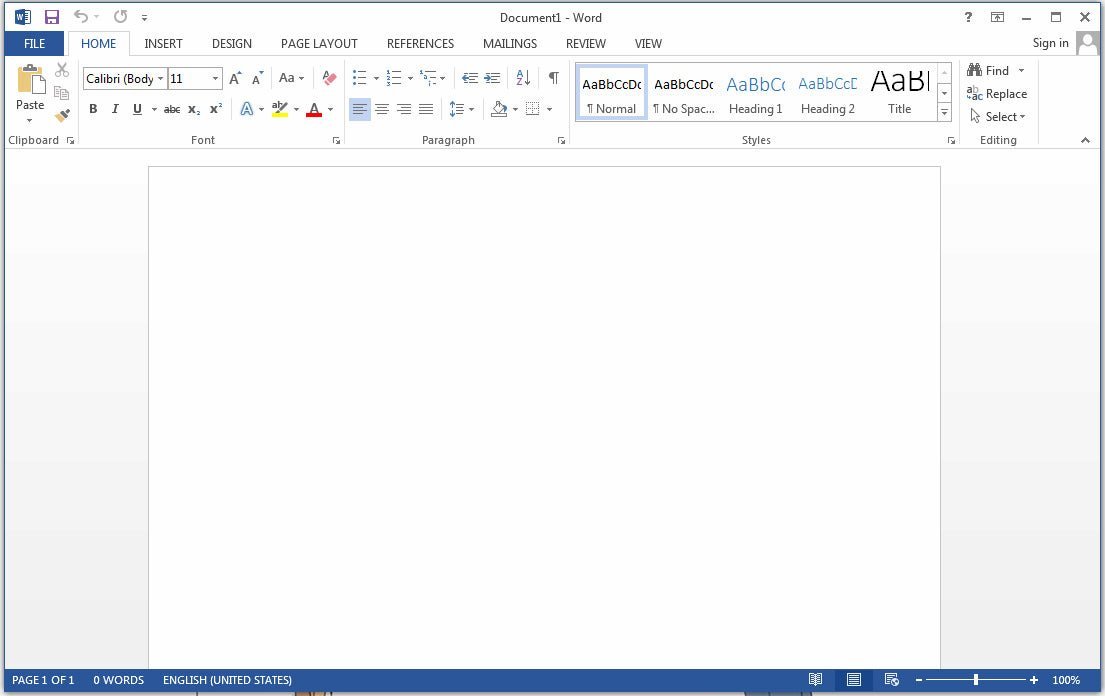
Word 2013 – Professional document creation and editing
-
Excel 2013 – Advanced spreadsheets and data analysis
-
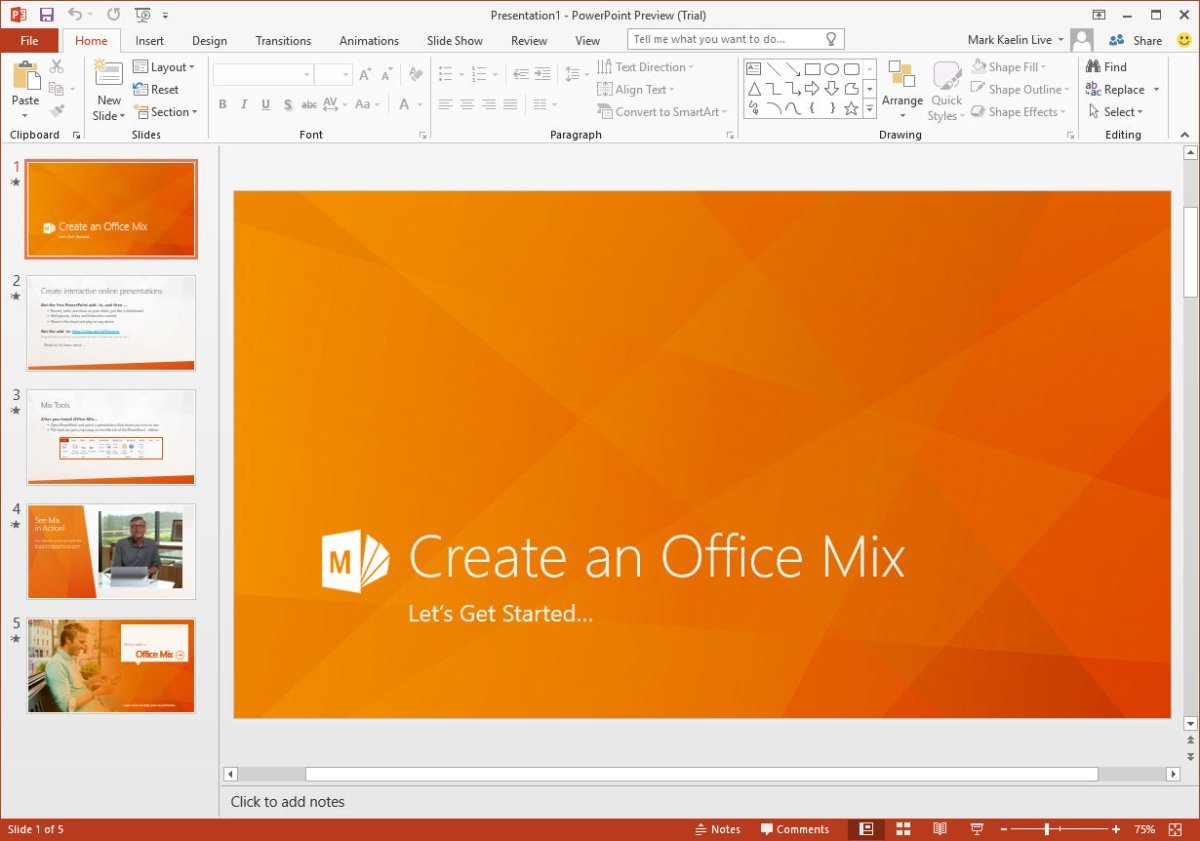
PowerPoint 2013 – Dynamic and engaging presentations
-
Outlook 2013 – Email, calendar, contacts, and task management
-
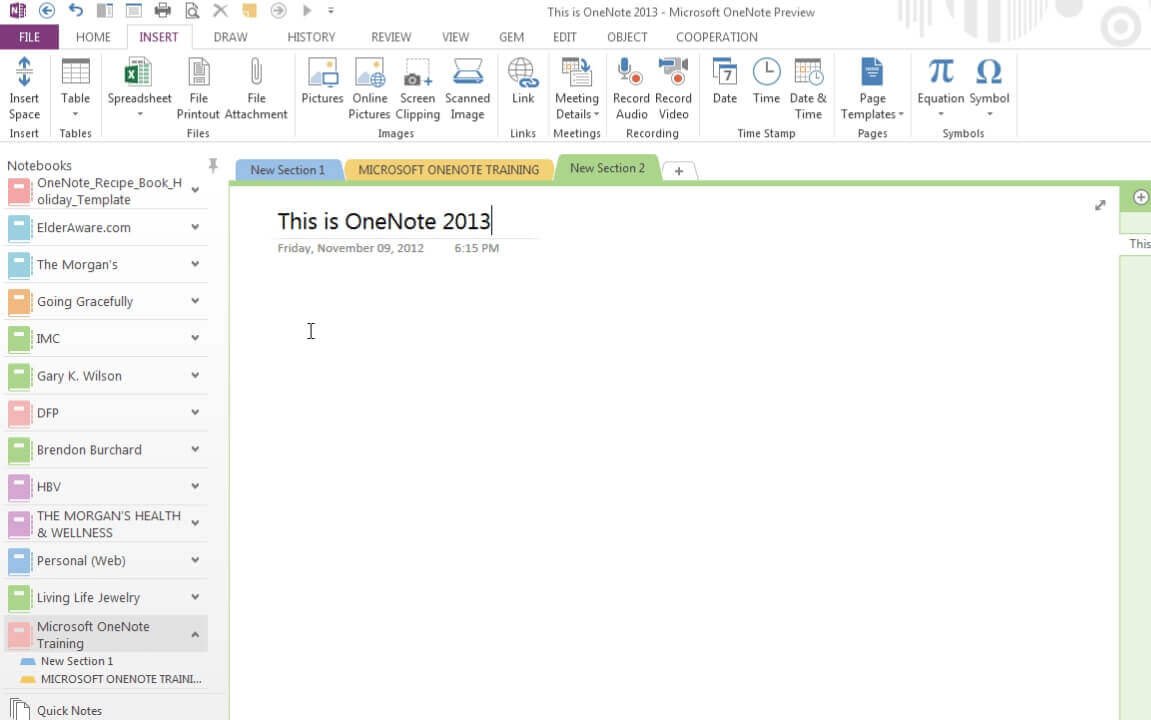
OneNote 2013 – Digital note-taking and organization
-
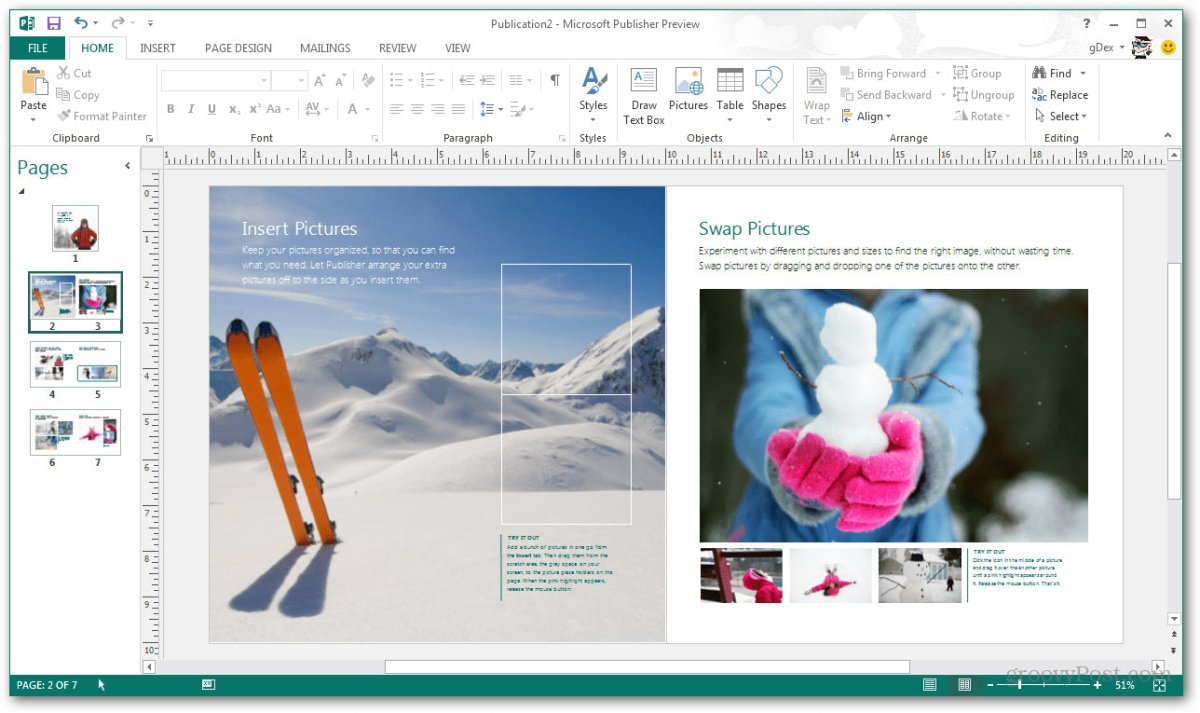
Publisher 2013 – Professional publications and layouts
-
Project – Project planning and management
-
Lync – Business communication and collaboration
All applications are fully integrated, ensuring a smooth and efficient workflow.
PowerPoint 2013 – Smarter Presentations
PowerPoint 2013 introduces new tools and features in addition to its modern design. One standout feature is Presenter View, which allows you to see your notes on your device while the audience only sees the presentation slides. The Zoom Tool lets you zoom in on images, charts, graphics, or specific parts of a slide to highlight key information during your presentation.
System Requirements – Office 2013 Professional Plus
-
Processor: 1 GHz or faster, 32-bit (x86) or 64-bit (x64)
-
Operating Systems:
-
Memory:
-
1 GB RAM (32-bit)
-
2 GB RAM (64-bit)
-
Storage: Minimum 3 GB of available disk space
For detailed and up-to-date requirements, please visit: office.com/systemrequirements
Important Note on Office Versions
Compatibility between the installation file and the product key is essential. Due to the wide variety of Office versions, it is mandatory to install the software using the download file provided by us to ensure proper activation and functionality.


 Overview
 Languages








Reviews
Clear filtersThere are no reviews yet.