Office 2013 Professional Plus
The Advantages of Office Professional Plus 2013
Experience Office Professional Plus 2013 like never before, with a completely new and modern look. No matter which device you are working on—smartphones, tablets, or in the cloud—you have access to all your documents, even on PCs where Office is not installed.
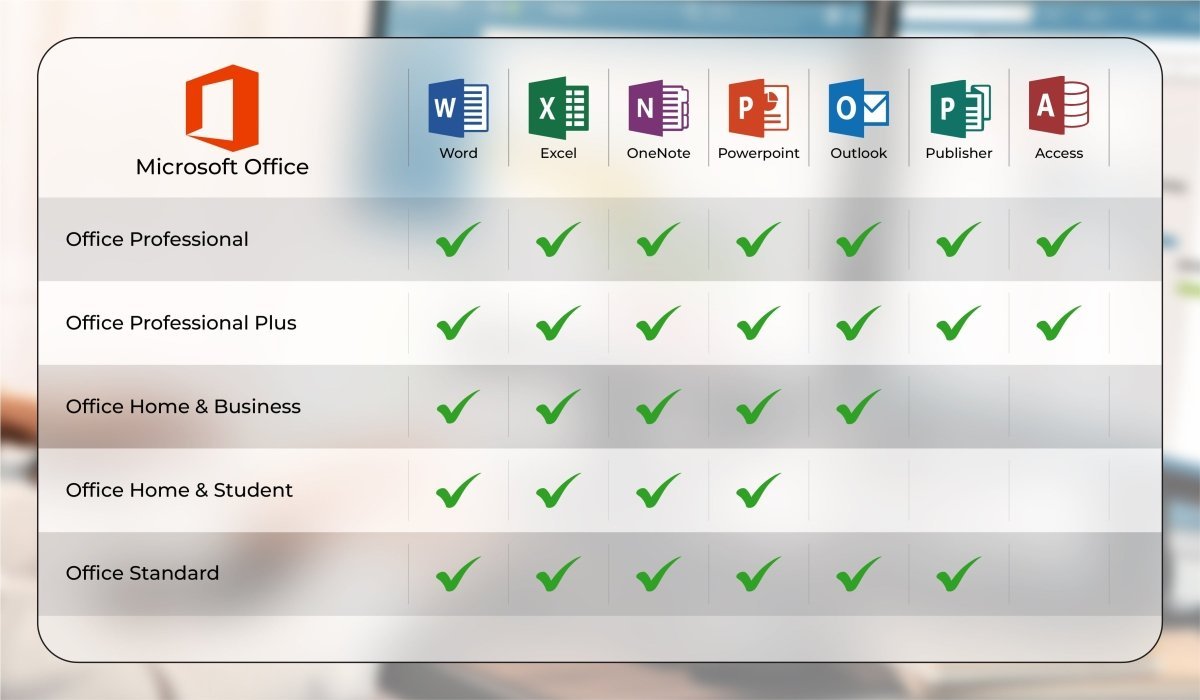
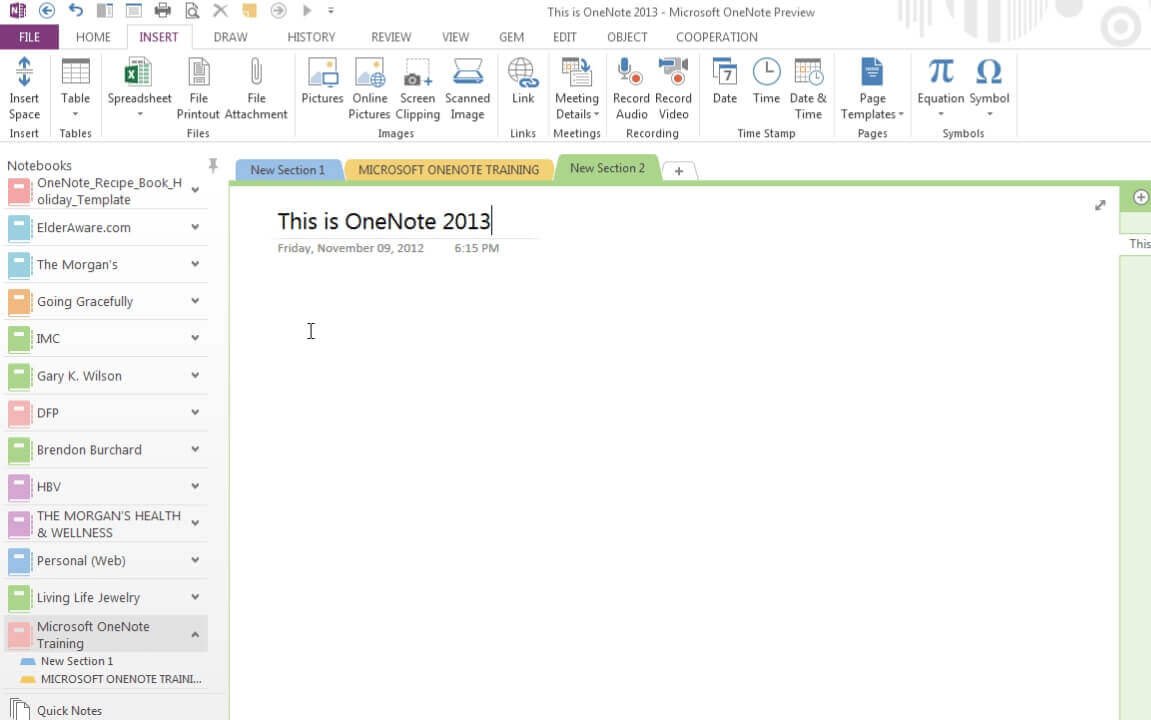
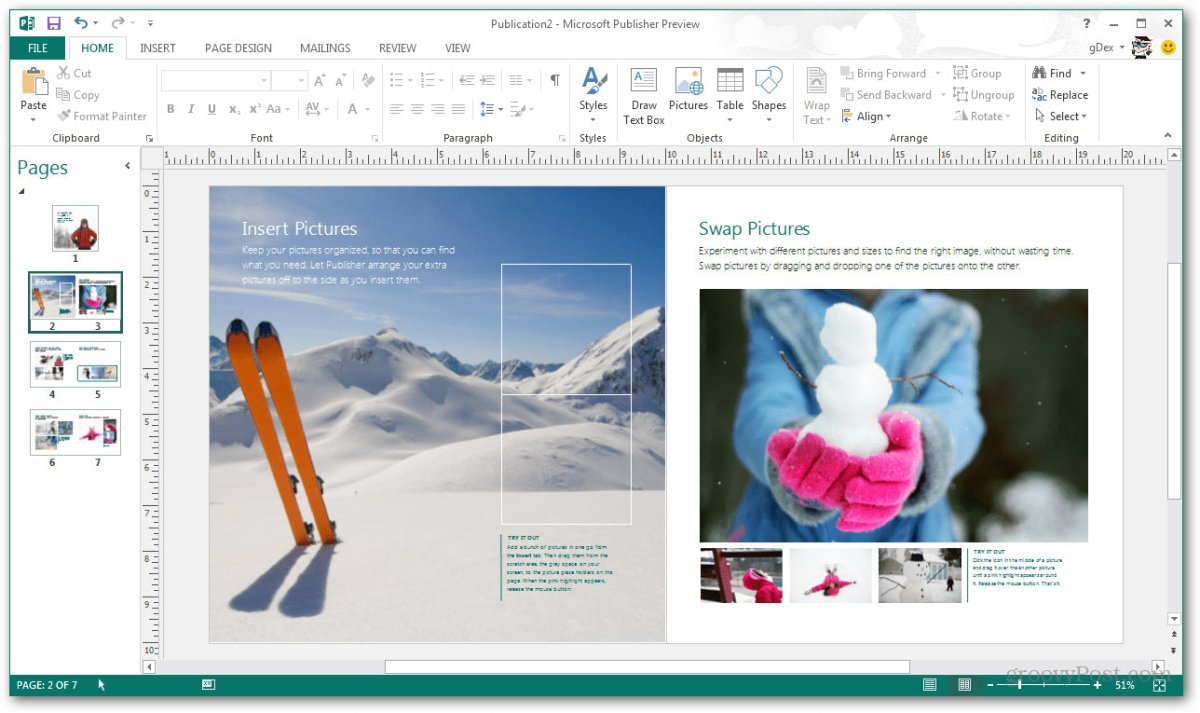
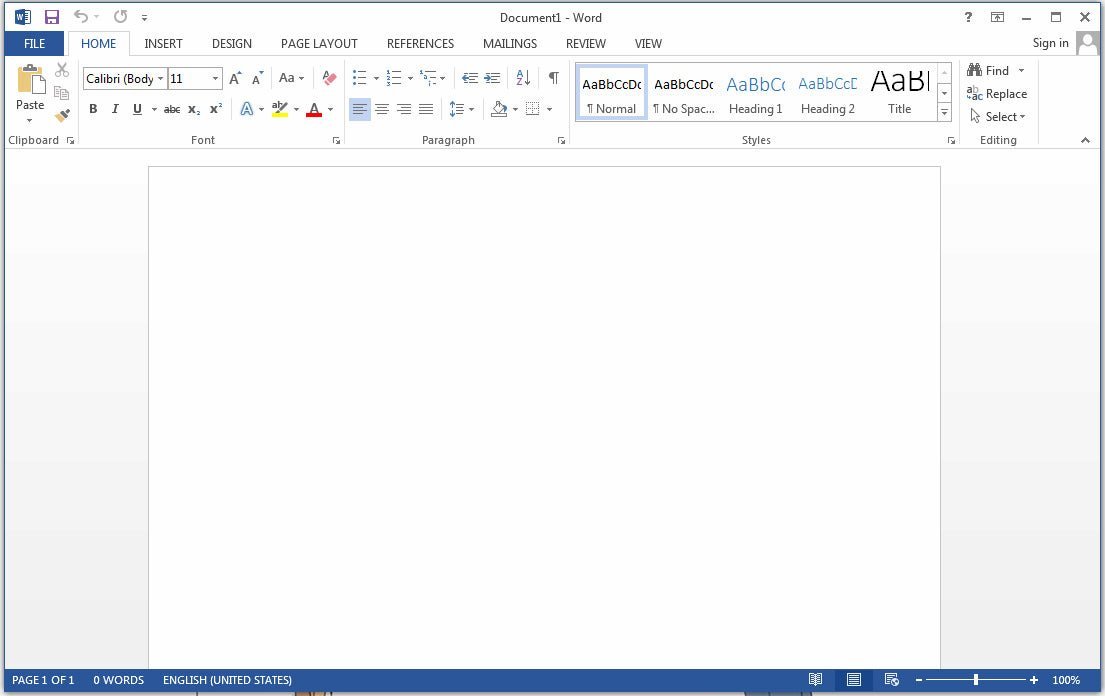
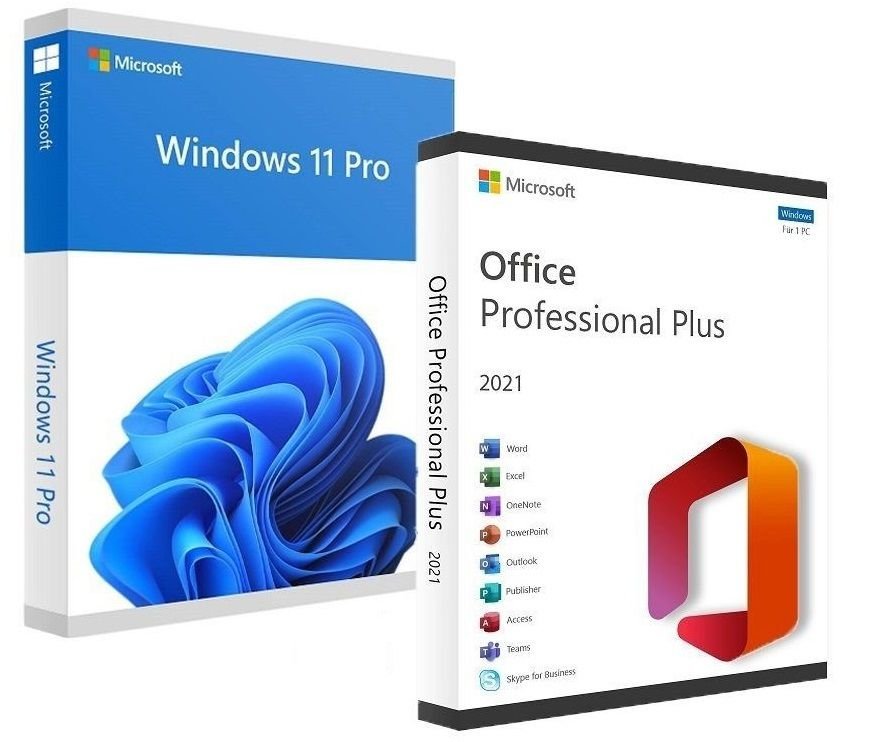
The new start experience built into every Office application provides quick and easy access to your files. Office Professional Plus includes the following applications: Word, Excel, PowerPoint, Outlook, OneNote, Project, Publisher, and Lync. All applications are interconnected, allowing you to switch seamlessly between them and enjoy a smooth, integrated workflow.
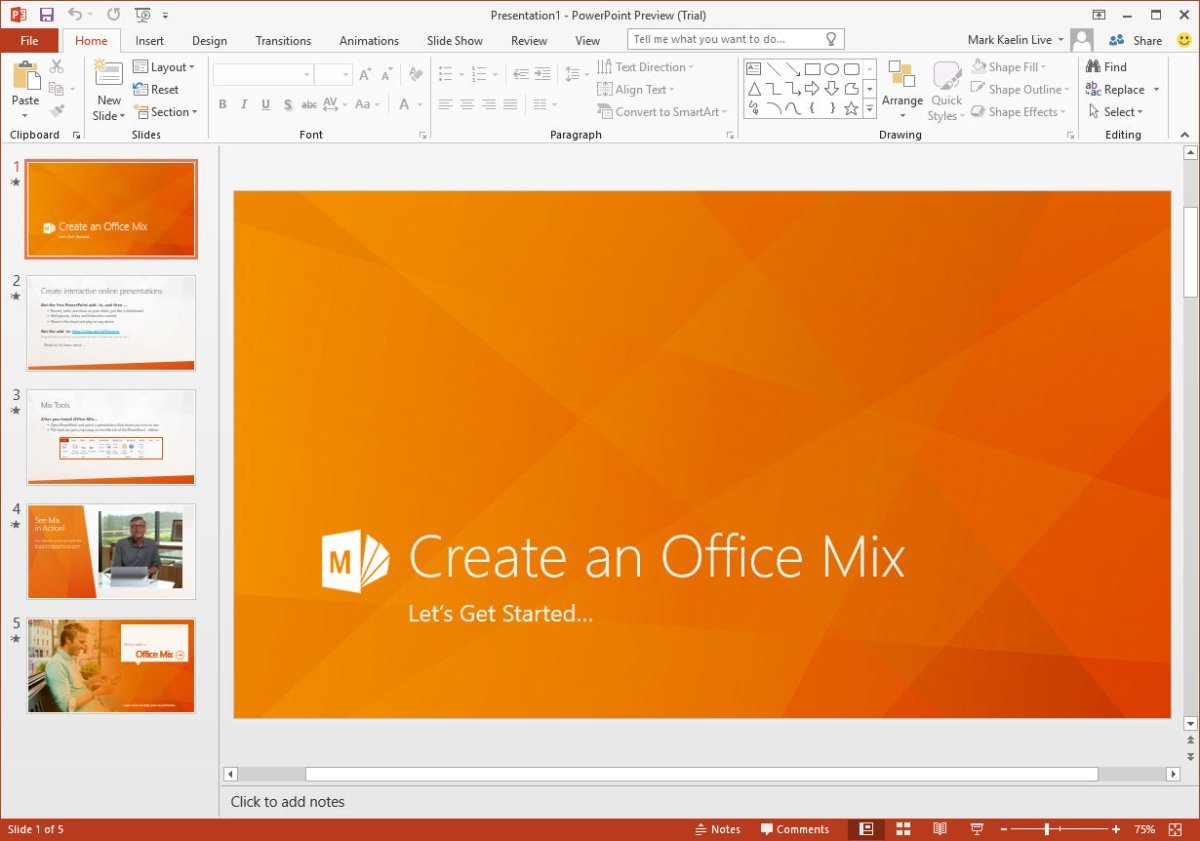
PowerPoint 2013
In addition to its refreshed design, PowerPoint 2013 offers new tools and features such as Presenter View. This function allows you to display your notes on your device while the audience only sees the presentation slides. The Zoom tool lets you focus on images, charts, graphics, or any specific part of the presentation you want to highlight for your audience.
System Requirements – Office 2013 Professional Plus
-
Processor: 1 GHz or faster, 32-bit (x86) or 64-bit (x64)
-
Operating Systems:
Windows XP (SP3), Windows Server 2003 (SP2), Windows Vista, Windows Server 2008,
Windows 7, Windows 8, Windows Server 2012, Windows 10
-
Memory: Minimum 1 GB RAM (32-bit) or 2 GB RAM (64-bit)
-
Hard Disk Space: Minimum 3 GB of available storage
For more detailed information, please refer to the manufacturer: office.com/systemrequirements.
Note on Office Versions
Compatibility between the installation file and the product key is essential. Due to the wide range of software variants, it is mandatory to install the software using the download installation file provided by us.

 Overview
 Languages






Reviews
Clear filtersThere are no reviews yet.