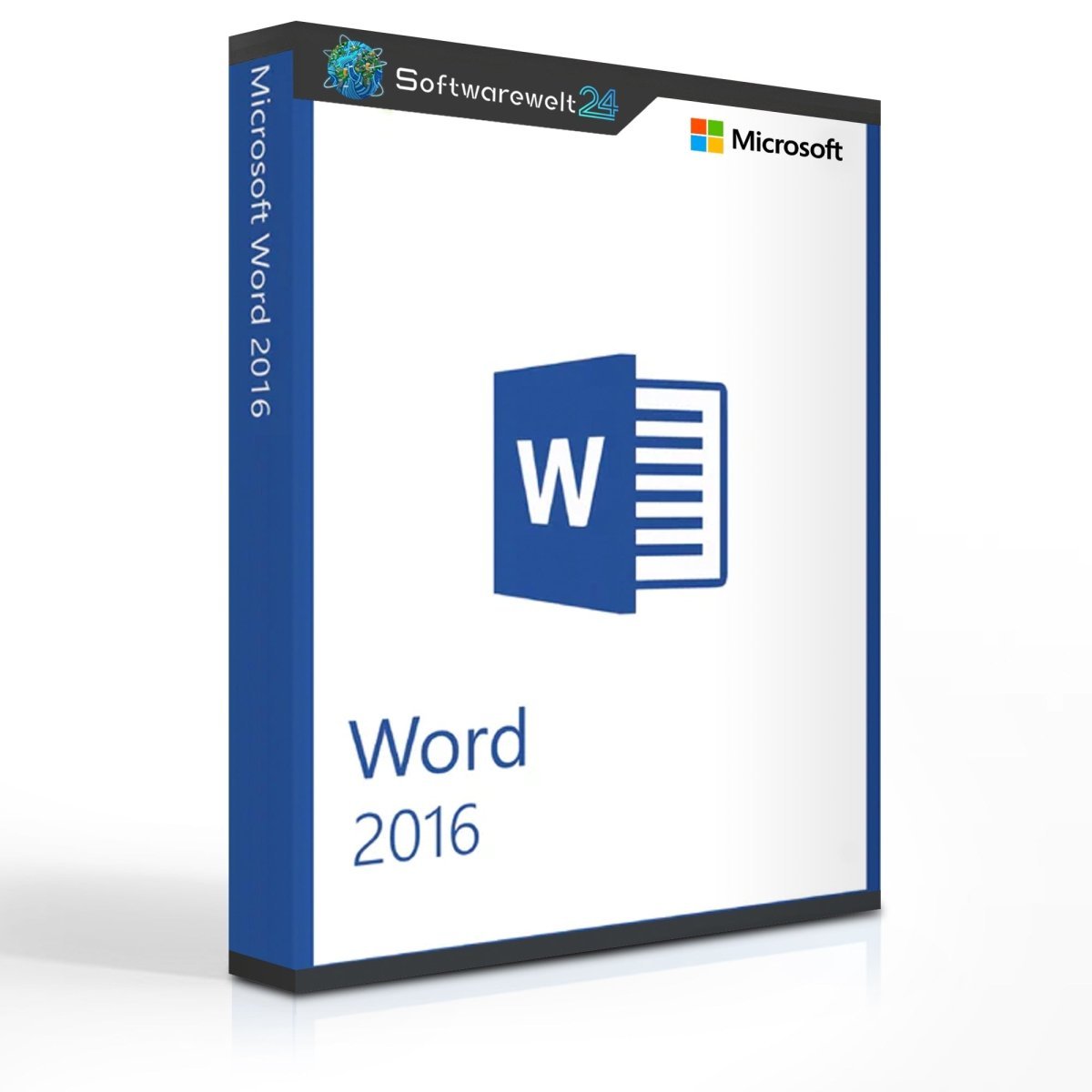
Product Information “Microsoft Word 2016”
Microsoft Word 2016 – The classic word processor, further refined
With Microsoft Word 2016, the well-known classic has received another major update and has been enhanced with several new features. Despite these improvements, the software remains intuitive and user-friendly. You will quickly find your way around the program—whether you are writing simple text documents, printing mail merges, or designing invitations.
Thanks to the extensive range of functions in Word 2016, you will always find the right tools to turn your ideas into reality. Numerous built-in templates support you in your work, and if you cannot find the right one, the integrated online template search offers additional options.
What’s new in Microsoft Word 2016
Integrated Assistant
The “Tell Me What You Want to Do” field allows you to enter keywords and instantly receive relevant help topics and commands. This makes navigation faster and eliminates the need to search through menus to find the right function.
Improved collaboration
Invite friends or colleagues to work on documents together. All you need is a free Microsoft account. Files can be edited conveniently via the Word Web App, and sharing is done directly within the document using a new button. Changes made by collaborators are visible in real time.
Intelligent search
Word 2016 enables you to search for information directly from within a document—without switching to a web browser. For example, you can access Wikipedia content instantly and view relevant information alongside your document.
A refreshed user interface
Microsoft Word 2016 introduces new color themes and a design inspired by Windows 10. It also supports drawing formulas and similar elements directly on the touchpad, which Word automatically recognizes and converts.
The strong focus on touch devices and cloud-based Office features gives you exceptional flexibility. Take your projects with you anywhere and let your creativity flow freely. In our online shop, you can purchase Microsoft Word 2016 either as a standalone application or as part of a popular Microsoft Office suite. If you are using an older system, our customer support team will be happy to advise you on the most suitable Word version for your needs.
Microsoft Word 2016 – System Requirements
Additional requirements
Operating System: Windows
Includes: Word
Release Year: 2016

 Overview
 Languages









Reviews
Clear filtersThere are no reviews yet.