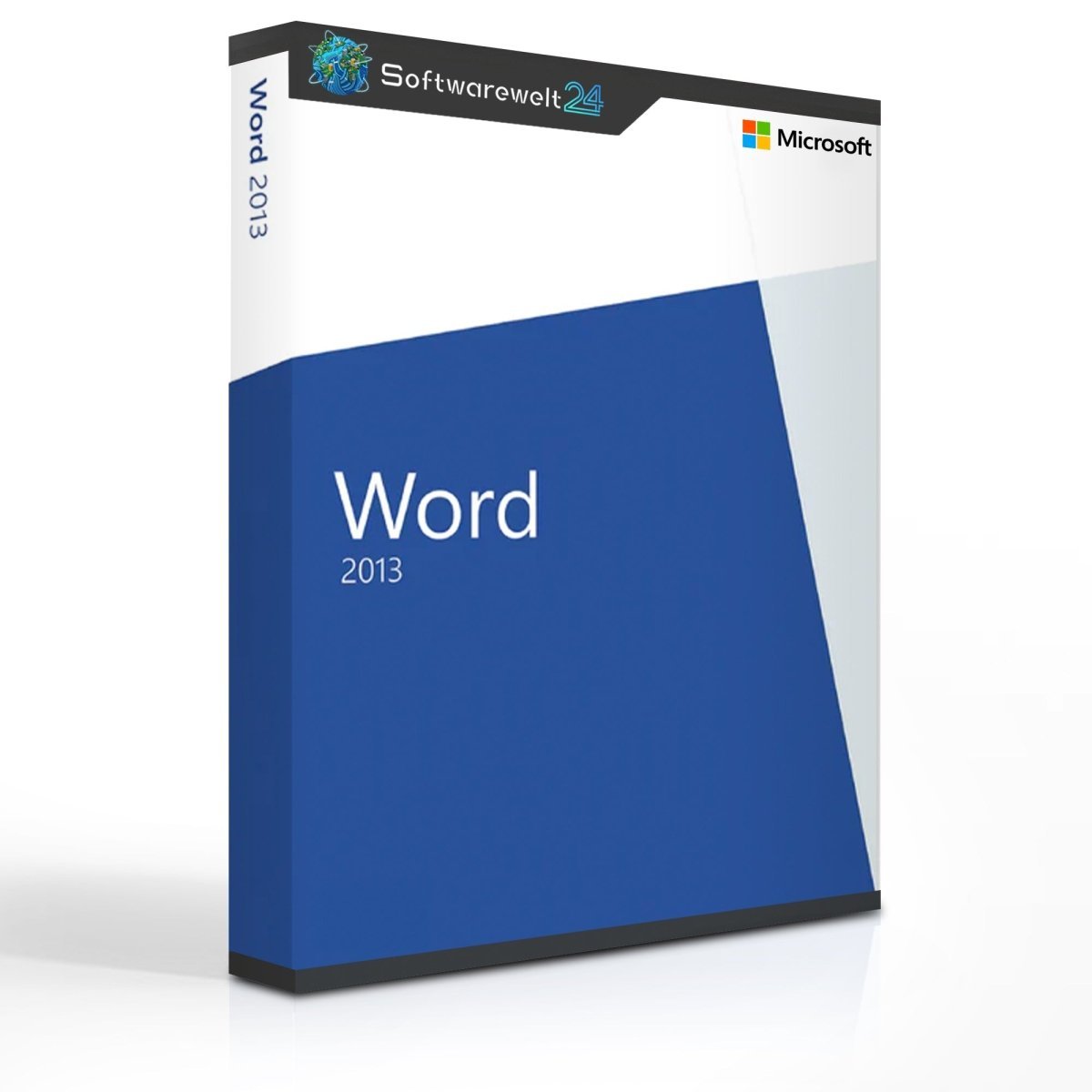
Product Information “Microsoft Word 2013”
Create professional documents with Microsoft Word 2013
Worldwide, Microsoft Word is the leading software for creating and editing text documents on a computer. The program can be purchased either as part of the Microsoft Office suite together with applications such as PowerPoint or Excel, or as a powerful standalone application. From simple text documents and serial letters to invitations and business correspondence, Word allows you to create virtually any type of document. These can be enhanced with images, videos, and a wide range of additional elements.
Even more versatile document editing with Microsoft Word 2013
With the 2013 version, Microsoft significantly expands media integration by supporting a wide range of online content. Text documents can now be enriched with online videos, which readers can play directly within the document. The same applies to images and other media stored on the internet or in the cloud. With Word 2013, Microsoft takes an important step toward greater digitization and connectivity, making it easier to combine online and offline content in modern documents.
Practical preview features for efficient workflows
For professional document editing, seeing changes immediately is essential. Word 2013 introduces an enhanced real-time preview, allowing users to instantly view formatting and layout changes. This is especially useful when inserting or resizing images, as the updated layout can be reviewed immediately after making adjustments.
This feature becomes even more important with collaborative document editing via the cloud. Real-time display of changes ensures that all contributors always see the same document status at their respective workstations. Another convenient feature is automatic return to the last reading position when reopening a document, allowing you to continue exactly where you left off.
Additional features and improvements in Word 2013
Microsoft Word 2013 includes an intelligent object zoom for tables, charts, and other embedded elements. Even without actively editing these objects, zooming makes reading and reviewing content much easier.
For the first time within the Microsoft Office product family, Word 2013 allows users to open and edit PDF files. While it does not replace a full PDF editor, it enables basic adjustments to content and layout within PDF documents. Of course, Word documents can also be saved directly in PDF format.
A wide selection of templates helps users get started quickly without creating documents from scratch. From business letters to invitations, templates can be easily customized. Colors and designs can be adapted effortlessly, for example to match your corporate identity.
Microsoft Word – standalone or part of the Office suite?
Word 2013 is a true standard in word processing. If you primarily create and edit text documents at home or in the office, the standalone version is fully sufficient. However, purchasing Word as part of the Office suite offers excellent value and access to additional applications.
Excel is frequently used even in private environments, while Access, PowerPoint, and other Office applications are particularly beneficial in professional settings. For business use, purchasing the complete Office suite is often the best choice. All options are available at attractive prices in our online shop.
System Requirements – Microsoft Word 2013
-
Processor: 1 GHz or faster, 32-bit (x86) or 64-bit (x64)
-
Operating Systems:
-
Windows 11
-
Windows 10
-
Windows 8.1
-
Windows Server 2016
-
Windows Server 2012 R2
-
Windows Server 2012
-
Memory:
-
1 GB RAM (32-bit)
-
2 GB RAM (64-bit)
-
Hard Disk Space: 3 GB available storage
-
Graphics: DirectX 10–compatible graphics card, minimum resolution 1024 × 576
For more detailed information, please refer to the manufacturer’s website at office.com/systemrequirements.

 Overview
 Languages





Reviews
Clear filtersThere are no reviews yet.