Product Information
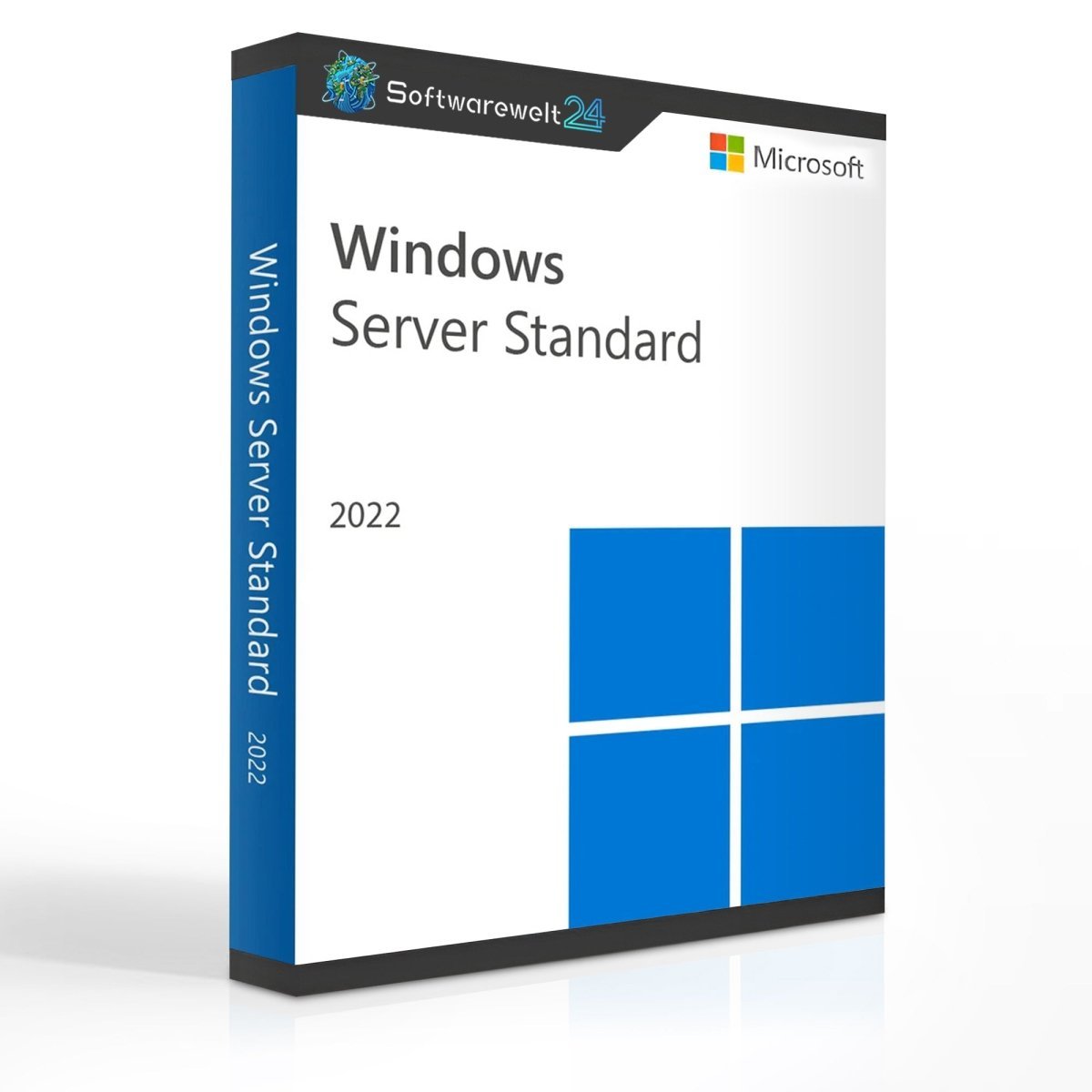
Windows Server 2022 Standard
Windows Server 2022 Standard – The Server Operating System for Enhanced Security
With Windows Server 2022 Standard, businesses and organizations can enable shared access to data, services, and applications for multiple users. Permissions, resources, and software packages can be managed and deployed with just a few steps. When you purchase Windows Server 2022 Standard, you receive a powerful, feature-rich, and highly secure server operating system designed to meet the highest enterprise requirements.
Unlike Windows Server 2022 Essentials, there is no limitation on the number of users. Any number of users can access Windows Server 2022 Standard features, provided they are equipped with the appropriate Client Access Licenses (CALs). Each Windows Server 2022 Standard license allows the use of two virtual machines plus one Hyper-V host as a virtualization guest. Numerous enhancements and innovations make this operating system a future-proof server solution.
Windows Server 2022 Standard – Key Innovations at a Glance
Windows Server 2022 Standard introduces major advancements, particularly in security, Azure hybrid functionality, virtualization, and performance optimization. Notable innovations include:
-
Advanced security enhancements with TLS 1.3 enabled by default
-
Improved Azure hybrid integration
-
Nested virtualization support for AMD processors
-
Storage optimizations for Storage Spaces Direct (Azure Stack HCI)
-
Microsoft Edge as the default browser
-
SMB encryption with AES-256, fully integrated into the SMB 3 protocol
-
Encrypted SMB Direct over RDMA networks using AES-128 and AES-256
-
Improved Windows Admin Center functionality
-
Reduced Windows container image sizes
-
Enhanced UDP and TCP network performance
By purchasing Windows Server 2022 Standard online, you benefit from a multi-layered security approach and modern server management tools.
Windows Server 2022 Standard – Extensive Server Roles and Capabilities
Windows Server is a versatile multi-purpose operating system offering dozens of server roles and hundreds of features, including guest rights. Available roles include:
-
Active Directory Certificate Services
-
Active Directory Federation Services
-
Active Directory Domain Services (AD DS)
-
Active Directory Rights Management Services
-
DHCP Server and DNS Server
-
Hyper-V
-
Print and Document Services
-
Remote Desktop Services
-
Windows Deployment Services
Additional features include DirectAccess, Volume Activation Services, and Windows System Resource Manager.
Windows Server 2022 Standard also supports NetApp migration, enabling secure and optimized storage integration in NAS and SAN environments. NetApp arrays can be migrated to Windows Server and integrated into clusters.
Efficient Container Deployment with Windows Server 2022 Standard
Containers provide a cost-effective way to develop and deploy applications, and Windows Server 2022 Standard delivers strong support for container-based environments. Enhancements include:
-
Reduced dependencies between host OS and containerized applications
-
Ability to run applications using Azure Active Directory Group Managed Service Accounts (gMSA) without joining the container host to a domain
-
Simplified operation of software-defined networking through seamless integration of Windows SDN tools with Kubernetes
These improvements make it easier to build and manage virtual infrastructures with Windows Server.
By purchasing Windows Server 2022 Standard, you gain access to a next-generation server operating system built for modern, hybrid, and containerized environments.
System Requirements – Windows Server 2022 Standard
For detailed and up-to-date requirements, please consult the official Microsoft documentation.

 Overview
 Languages









Reviews
Clear filtersThere are no reviews yet.