Product Information
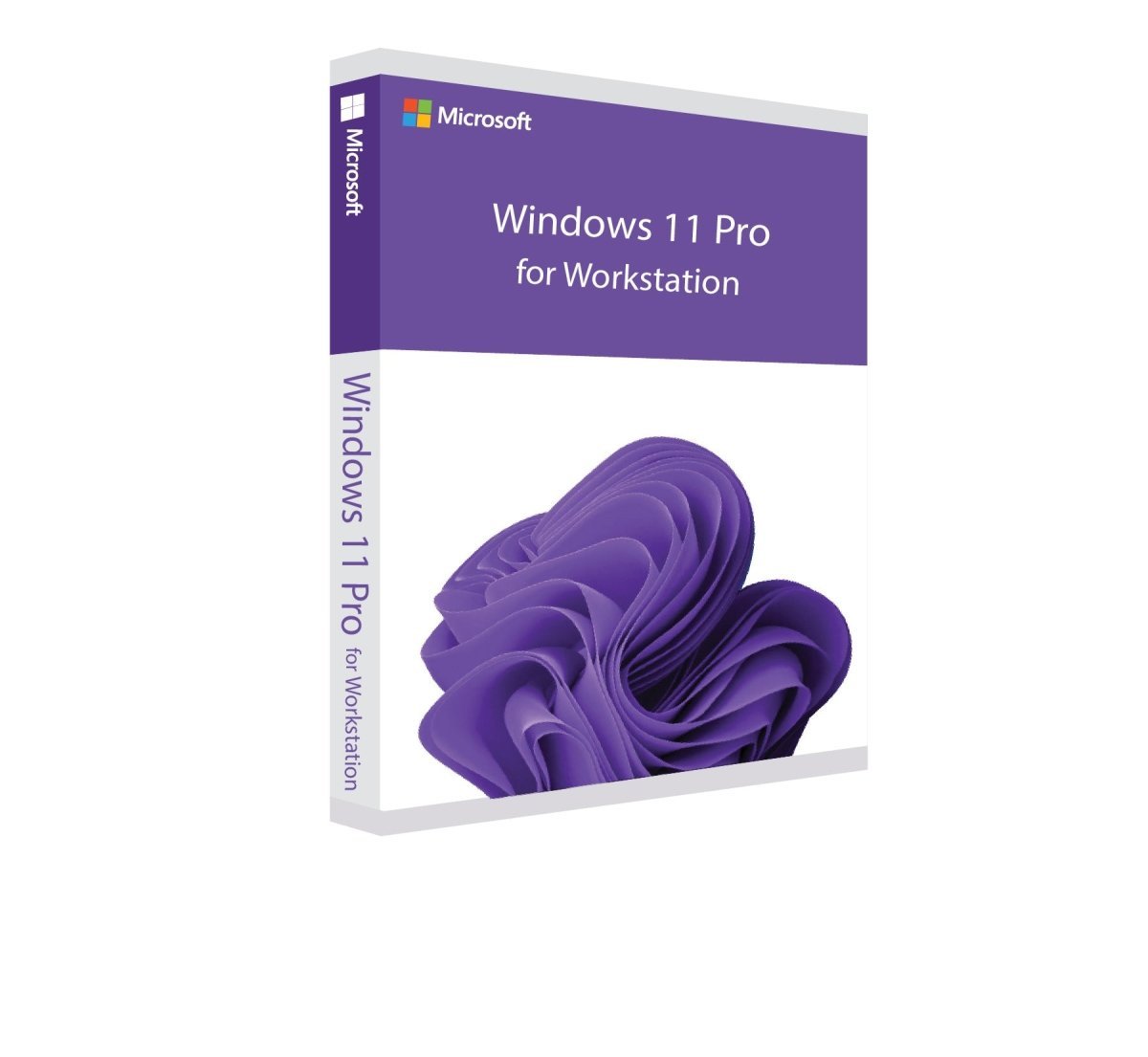
Windows 11 Pro for Workstations
Buy Windows 11 Pro for Workstations – Designed for the Highest Professional Demands
With Windows 11 Pro for Workstations, Microsoft delivers a powerful operating system specifically designed for high-performance professional environments. It is ideal for users who work with large data volumes, media production, graphic design, engineering, or 3D modeling. In addition to all the core features of Windows 11, this Workstation edition includes advanced capabilities focused on performance, stability, and efficiency.
Note: A direct upgrade is possible from an officially licensed Windows 10 version. A valid activation key is required for installation.
A Versatile and Efficient Operating System for Professionals
Windows 11 Pro for Workstations places equal emphasis on performance and reliability. Microsoft introduces a range of new tools and optimizations that significantly improve daily productivity.
One of the highlights is the enhanced Snap Layouts and window docking feature, allowing you to organize multiple applications efficiently on large or high-resolution displays. With just one click, open windows can be neatly arranged side by side without overlapping, making multitasking more intuitive and productive.
The updated installation process is noticeably faster, allowing systems to be ready for use within minutes. Please note that privacy and location settings are enabled by default and can be customized during setup.
Widgets, Virtual Desktops, and Productivity Enhancements
Widgets return in Windows 11 Pro for Workstations, offering quick access to essential information such as weather updates, news, or stock prices. Widgets can be customized in size and content to suit individual workflows.
Virtual desktops are now more flexible, allowing individual wallpapers for each desktop. The system also remembers window positions on external monitors, which is especially beneficial for laptop users working with docking stations or multiple displays.
The improved Focus Sessions feature helps users stay productive by managing notifications and optionally integrating background music via Spotify.
Android App Support and the New Windows Store
Windows 11 Pro for Workstations enables the use of Android applications directly on your PC through collaboration with Intel and Amazon. This expands the available software ecosystem and enhances cross-platform usability. Users can also explore the redesigned Microsoft Store for a more streamlined app experience.
Modern Design and User Experience
Windows 11 introduces a refreshed, modern design with smooth animations, rounded corners, and subtle color gradients. The centered Start menu and taskbar create a clean and balanced interface, while users still have the option to revert to a traditional layout if preferred.
The newly enhanced Dark Mode is especially popular in professional environments, offering reduced eye strain and customizable contrast levels for long working sessions.
Differences Between Windows 11 Pro for Workstations and Standard Editions
Windows 11 Pro for Workstations is designed for users with advanced performance requirements. In addition to general system optimizations, it includes exclusive features such as:
-
Resilient File System (ReFS) for improved data integrity
-
Automatic detection and recovery of corrupted files
-
SMB Direct for ultra-fast data transfers
-
Advanced Standby support
-
Built-in Hyper-V virtualization, allowing you to run multiple operating systems or test software in virtual environments with excellent performance
These features make Windows 11 Pro for Workstations the ideal choice for demanding professional workloads.
System Requirements – Windows 11 Pro for Workstations
-
Processor: 1 GHz or faster with 2 or more cores on a compatible 64-bit processor or SoC
-
RAM: 4 GB
-
Storage: 64 GB available space
-
Graphics: DirectX 12 compatible graphics with WDDM 2.0 driver
-
Display: High-definition display (720p), larger than 9 inches, 8-bit color depth
(For detailed and up-to-date requirements, please refer to the manufacturer.)

 Overview
 Languages








Reviews
Clear filtersThere are no reviews yet.