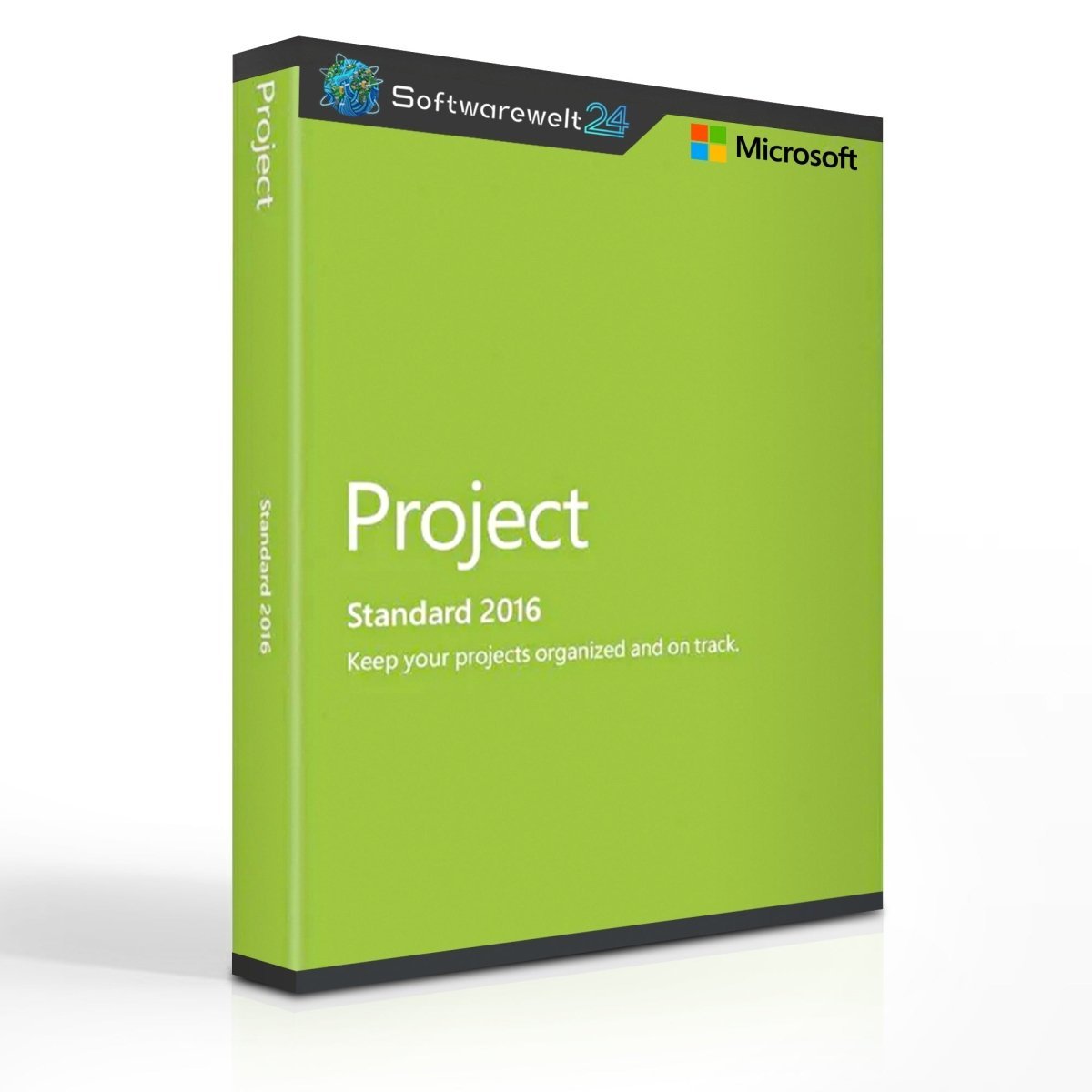
Product Information – Microsoft Project 2016 Standard (Windows)
Keep full control of your projects at all times
Microsoft Project 2016 Standard provides a comprehensive set of tools to support you reliably in planning, managing, and executing projects of any size. The software helps you document project progress, analyze resources, schedules, and budgets, and ensure smooth and efficient project management. With Project Standard 2016, project managers gain powerful insights to measure success and maintain a clear overview of all project phases.
Comprehensive features for reliable project management
Plan and manage your projects using easy-to-use tools while keeping full visibility of resources, costs, and work progress at all times. Project Standard 2016 offers a wide range of professional functions that help you complete projects efficiently and successfully.
-
Access the latest Project templates from Office.com directly within Project 2016 Standard and start planning immediately
-
Office-style user interface for intuitive navigation and quick familiarization
-
Powerful reporting tools, including Burndown reports and resource overviews, for easy progress tracking and reliable resource allocation
-
Display task dependencies clearly using the Task Path feature in the Gantt chart
-
Create and compare multiple timelines side by side in the Timeline view, ideal for presentations
-
Seamlessly insert Project elements into other Microsoft Office applications (Word, Excel, PowerPoint) without loss of quality
Maintain a clear overview of all projects
Microsoft Project Standard 2016 provides multiple ways to organize projects in detail and maintain a clear overview of schedules and resource distribution. Using up-to-date templates from Office.com, you can quickly create professional project plans.
The improved graphical interface, aligned with Office 2016, allows fast orientation and efficient daily use. All tasks, milestones, timelines, and key project indicators are displayed clearly in one functional workspace. The highlighted Task Path in the Gantt chart shows task relationships and helps you identify the activities that are critical to the successful completion of your project.
Measure project progress and ensure success
With Microsoft Project Standard 2016, you can continuously monitor project progress using various performance indicators. Identify which tasks are essential to achieving project goals and create professional presentations for your project team or management.
The integrated project management tools allow you to visualize all key metrics in a timeline view and generate predefined reports, such as Burndown charts and resource reports. These reports can be easily shared with your entire team, enabling faster decision-making and more effective responses to potential challenges.
System Requirements – Microsoft Project 2016 Standard
Platform: Windows
Supported Operating Systems:
-
Windows 7 or later
-
Windows 10
-
Windows Server 2008 R2
-
Windows Server 2012
-
Windows Server 2012 R2
Processor:
Memory (RAM):
-
1 GB RAM (32-bit)
-
2 GB RAM (64-bit)
Storage:
Graphics:
Sound card:

 Overview
 Languages







Reviews
Clear filtersThere are no reviews yet.