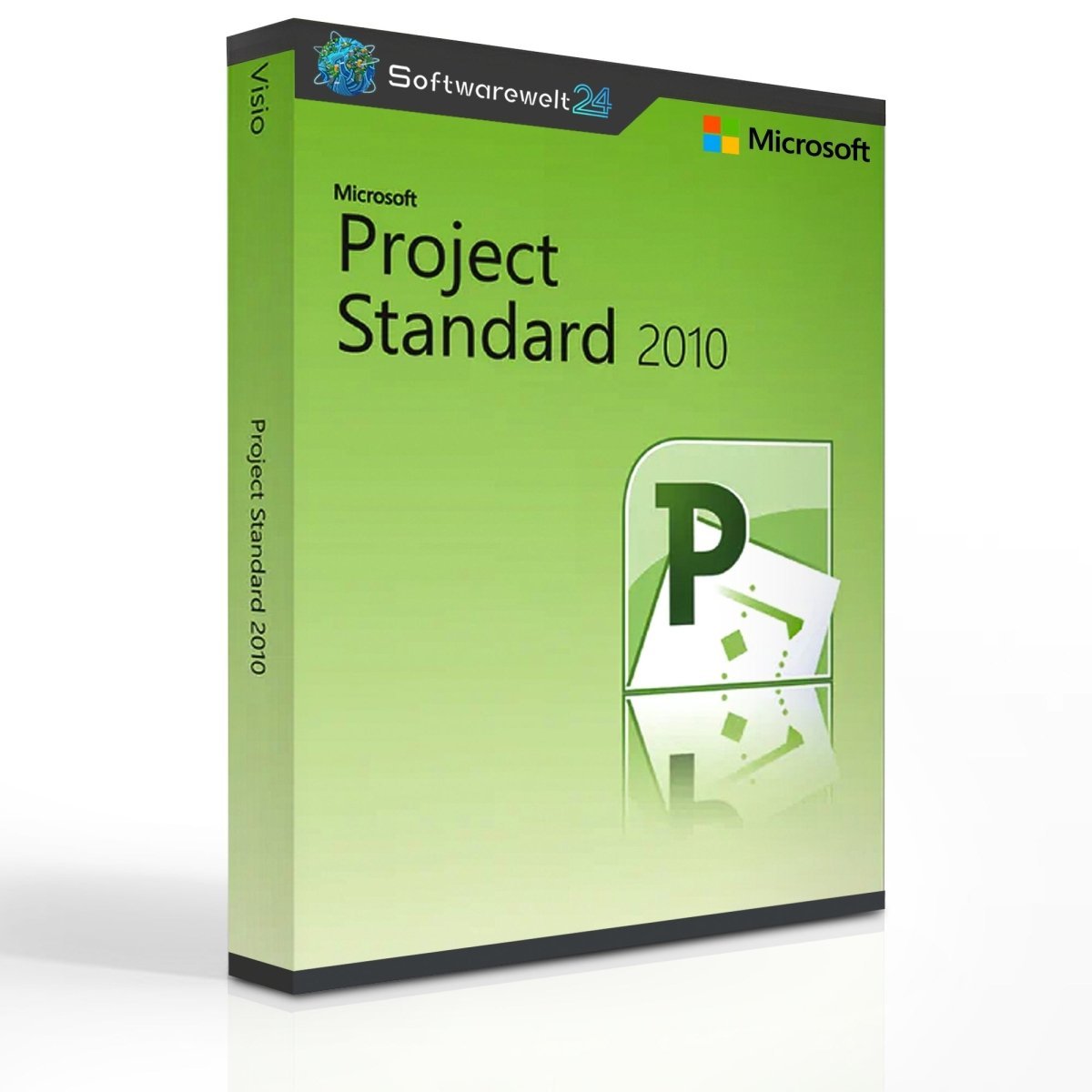
Product Information – Microsoft Project Standard 2010
Plan, manage, and track your projects efficiently
With Microsoft Project Standard 2010, you can keep all your company projects firmly under control. Plan and develop new initiatives, organize schedules, and assign specific tasks to employees using this reliable project management solution. Thanks to the improved Ribbon interface, you gain faster and more intuitive access to essential commands, making project creation and management quicker, simpler, and more efficient.
Productive project management with Microsoft Project Standard 2010
Microsoft Project Standard 2010 makes implementing new projects almost effortless. Define schedules and deadlines, add subtasks, and gradually integrate employees, resources, and activities. Within minutes, your project structure comes to life—from small ideas to large-scale visions.
This project management software is suitable not only for small businesses and teams, but also for freelancers and self-employed professionals who need a structured and reliable planning tool.
Intelligent automation for efficient workflows
A large portion of the work is handled automatically by MS Project 2010 Standard. Dependent tasks are scheduled sequentially, and the system alerts you to potential conflicts caused by overlapping resources or employee assignments—offering practical solutions to resolve them.
Existing data from Microsoft Word or Excel can be imported directly into Project Standard 2010, saving time and reducing manual effort. For complex projects spanning long periods, the visual timeline view allows you to present progress clearly and professionally.
Key features of Microsoft Project Standard 2010
-
Create complex projects within minutes by linking schedules, tasks, and resources
-
Seamless integration with Microsoft Office 2010 products
-
Modern layouts, colors, and visual effects for clear and professional project presentations
-
Import Excel data directly into MS Project 2010 Standard
-
Visual timelines for improved project overview and communication
Context-sensitive project creation with the Ribbon interface
For the first time in the history of Microsoft Project, Project Standard 2010 introduces the Ribbon interface, already familiar from Office products since Office 2007. This provides faster, more intuitive access to all relevant tools and features.
Because the interface closely resembles other Office 2010 applications, users can start working productively almost immediately—without a steep learning curve.
Visual clarity and flexible team management
Project Standard 2010 allows you to present information in a visually appealing way using extended color palettes, modern text effects, and customizable layouts. Highlight important milestones with consistent designs and clearly mark the phases that drive your project forward.
For larger teams, you can assign colors to individual team members and use drag-and-drop to allocate tasks quickly and efficiently.
Simplify planning, management, and execution
Microsoft Project Standard 2010 significantly simplifies project planning, management, and execution. Achieve your goals step by step and work more productively and efficiently with a proven project management solution.
⚠ Important note
Microsoft Project Standard 2010 is not compatible with Microsoft Office 2016.
System Requirements – Microsoft Project Standard 2010
Platform: Windows
Supported operating systems
-
32-bit only:
-
32-bit and 64-bit:
-
Not supported:
Processor:
Memory (RAM):
Storage:
Display:
Sound card:
Included: Microsoft Project
Release year: 2010


 Overview
 Languages








Reviews
Clear filtersThere are no reviews yet.