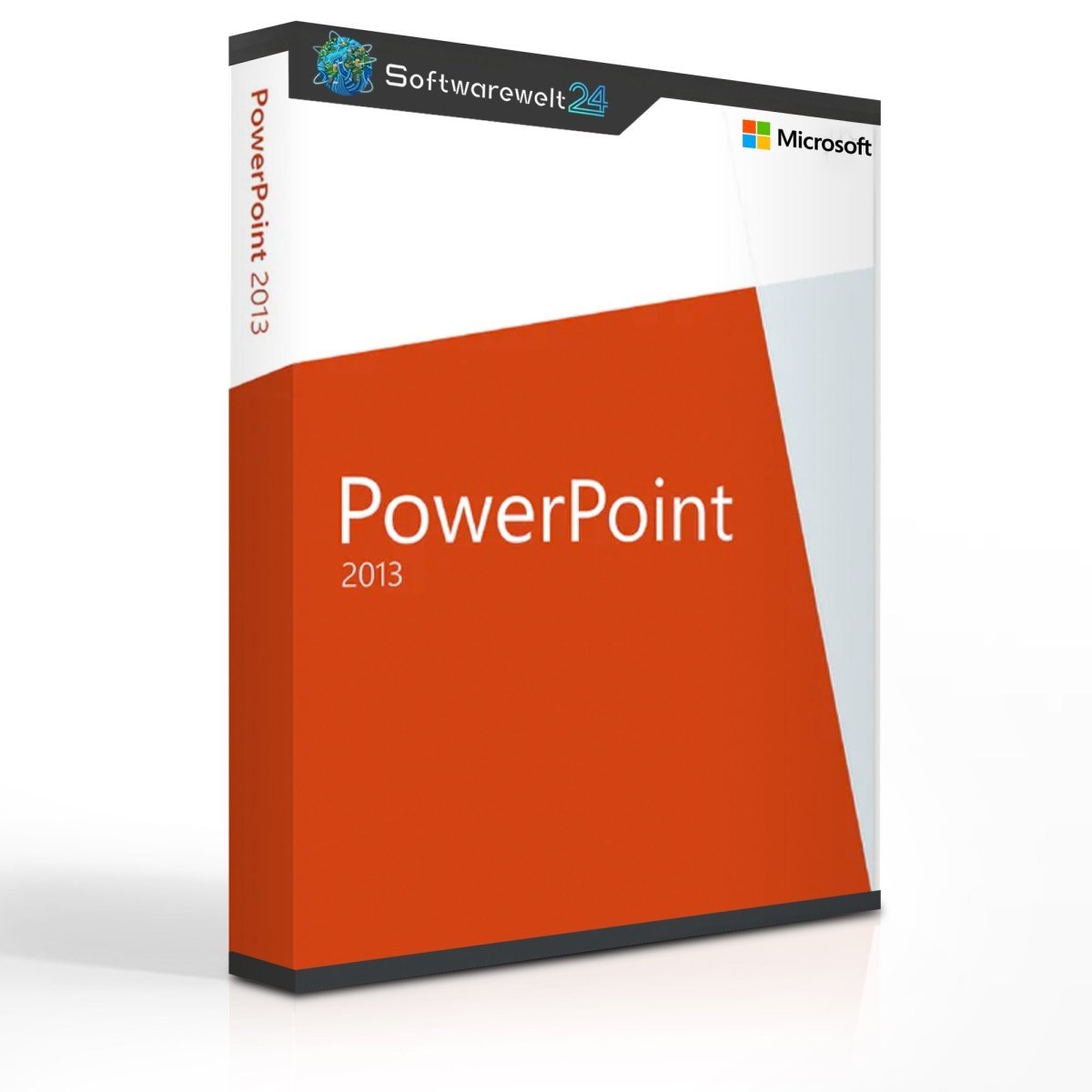
Microsoft PowerPoint 2013
One of the world’s most popular presentation solutions
Microsoft Office is the world’s most widely used office software suite, offering a variety of individual applications for different use cases. With Microsoft PowerPoint 2013, you choose one of the most popular tools for creating professional presentations of all kinds. PowerPoint is commonly used for business meetings, seminars, and presentations in universities and other educational institutions.
The 2013 edition is among the most popular versions of PowerPoint, particularly due to its expanded online features, improved templates and designs, and enhanced options for collaborative work on shared projects.
Extensive online features for modern presentations
Over the past decade, the business world has become increasingly digital, and online connectivity has become standard in meetings and presentations. Microsoft PowerPoint 2013 addresses this development with a range of new online features that were not available in earlier Office generations.
Users can now create interactive online presentations and share them directly via the internet. Audio and video elements can be easily embedded and accessed individually by viewers. Presentations can be hosted via OfficeMix.com as a central platform, where Microsoft also provides various statistics and analytical insights into presentation usage.
Cloud-based collaboration with PowerPoint 2013
The internet not only connects people during presentations, but also supports collaboration during the creation and editing process. Using Microsoft OneDrive (not included with PowerPoint 2013) as a cloud solution, multiple users can access presentations simultaneously. All changes are displayed in real time, allowing teams to see exactly what is being edited at any moment.
As an alternative to OneDrive, companies can also use their own website or internal server as a cloud-based platform for sharing and editing presentations.
New templates, design options, and editing tools
PowerPoint 2013 introduces numerous enhancements that make presentation creation easier and more flexible. A wide selection of fonts, color palettes, and design variations can be accessed and customized with just a few clicks. Animation paths can be implemented more precisely, and objects on slides are now automatically aligned more accurately.
A particularly useful feature allows multiple objects to be combined into a single, independent shape with a simple keystroke. Significant improvements were also made to presenter tools, including a magnifier that helps speakers display detailed statistics and charts more clearly during presentations.
Buy Microsoft PowerPoint 2013 as a standalone application or as part of Office
If your primary requirement is creating presentations, PowerPoint 2013 as a standalone application is an excellent choice. However, PowerPoint is most commonly purchased as part of the complete Microsoft Office suite. Applications such as Word for text processing and Excel for spreadsheets are essential tools in everyday office work.
Purchasing the full Office suite offers a clear price advantage compared to buying each application separately. It also enables seamless cross-application workflows, such as embedding Excel tables and charts directly into PowerPoint presentations.
System Requirements – PowerPoint 2013
-
Processor: 1 GHz or faster, 32-bit (x86) or 64-bit (x64)
-
Operating Systems:
-
Windows 11, Windows 10, Windows 8.1
-
Windows Server 2016, Windows Server 2012 R2, Windows Server 2012
-
Memory:
-
1 GB RAM (32-bit)
-
2 GB RAM (64-bit)
-
Hard Disk Space: 3 GB available
-
Graphics: DirectX 10–compatible graphics card, minimum resolution 1024 × 576
-
Additional information: Available from the manufacturer at office.com/systemrequirements

 Overview
 Languages






Reviews
Clear filtersThere are no reviews yet.