Product Information – Microsoft Office 2021 Professional
Office 2021 Professional
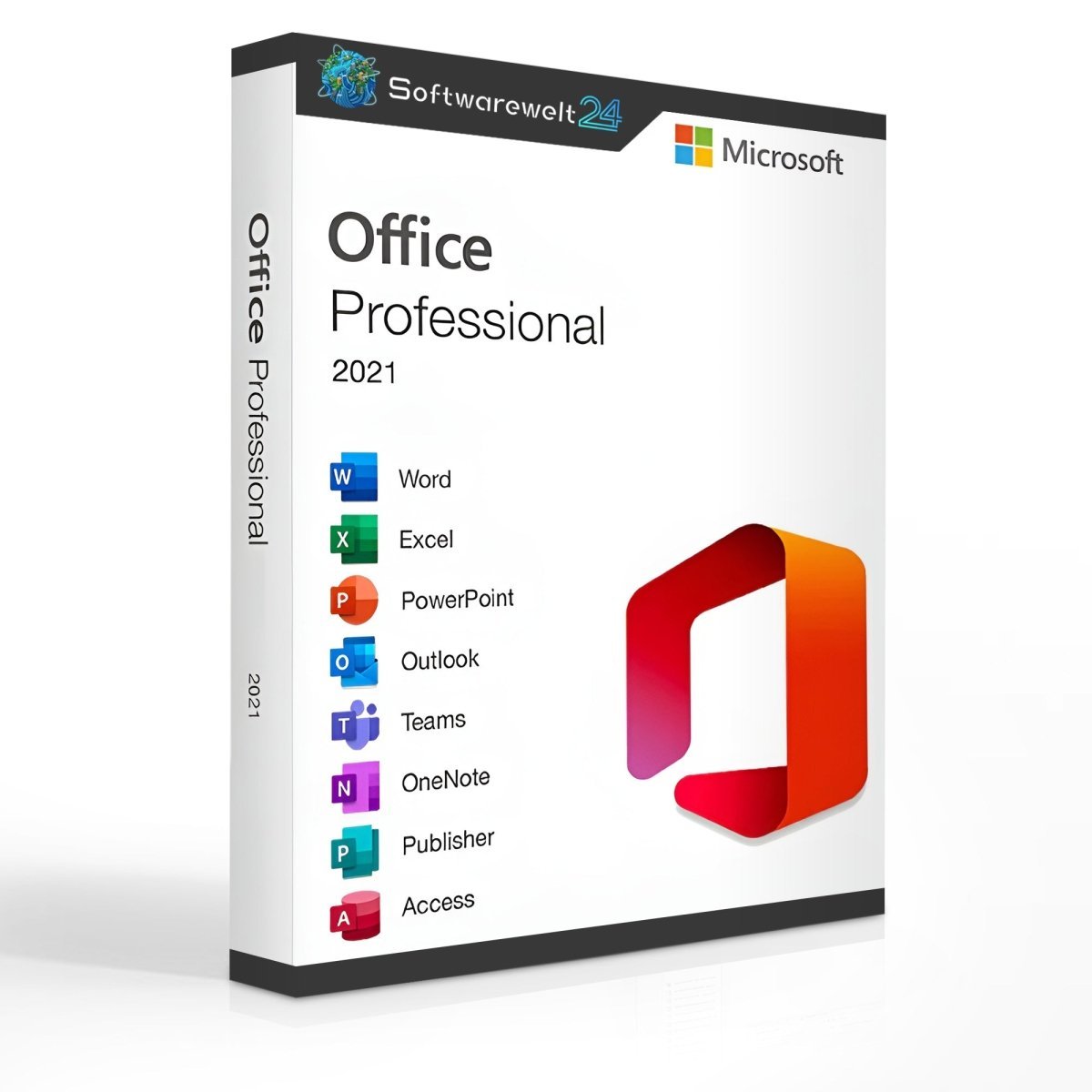
Microsoft Office 2021 Professional offers a wide range of programs from the Office suite. You can purchase the complete package online at the best price. In addition to the traditional Office applications, it also includes Publisher and Access, making this package ideal for users with advanced requirements.
With Publisher, you can create customized letterheads, business cards, brochures, and more. Access is a database application designed for professional database management, such as customer data collection, vehicle fleet management, inventory control, and much more.
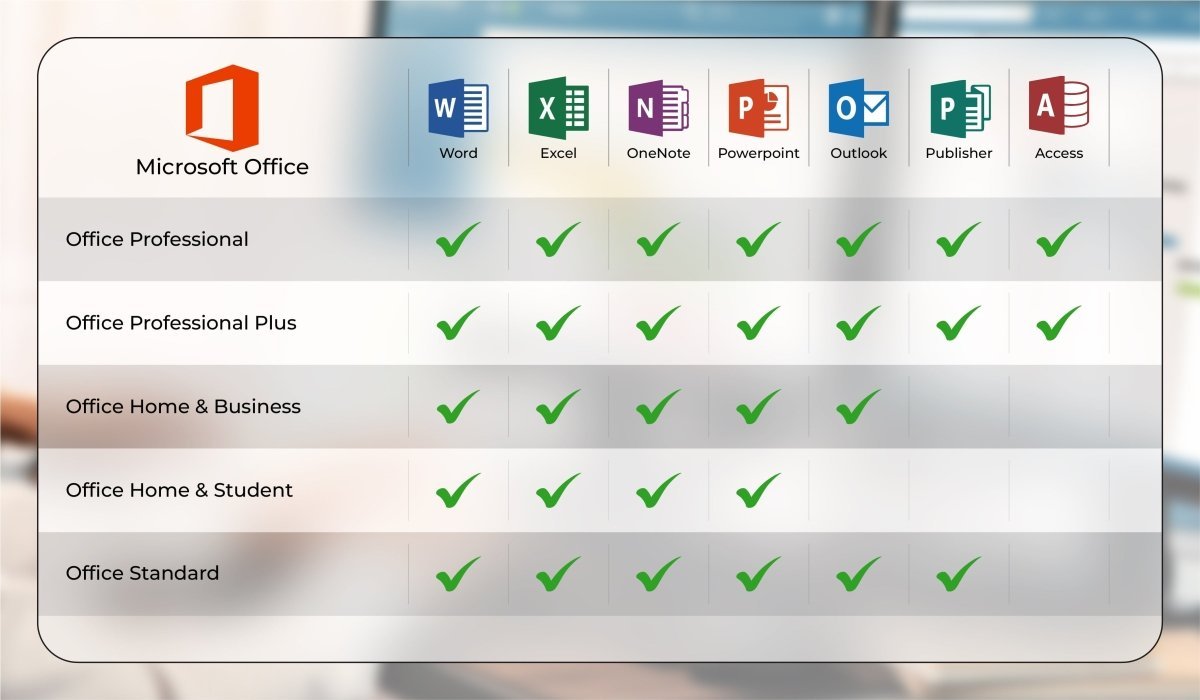
This version is particularly popular among entrepreneurs and small to medium-sized businesses. Microsoft Office 2021 Professional is the most complete Office package for local use without requiring a server. In contrast, Professional Plus would also require Skype for Business, which needs a server and a Skype for Business account.
Office 2021 Professional therefore covers all essential applications and provides a comprehensive collection of programs with all the tools needed for your office.
Microsoft Office 2021 Professional includes the following applications:
-
Word
-
Excel
-
PowerPoint
-
OneNote
-
Outlook
-
Publisher
-
Access
Word
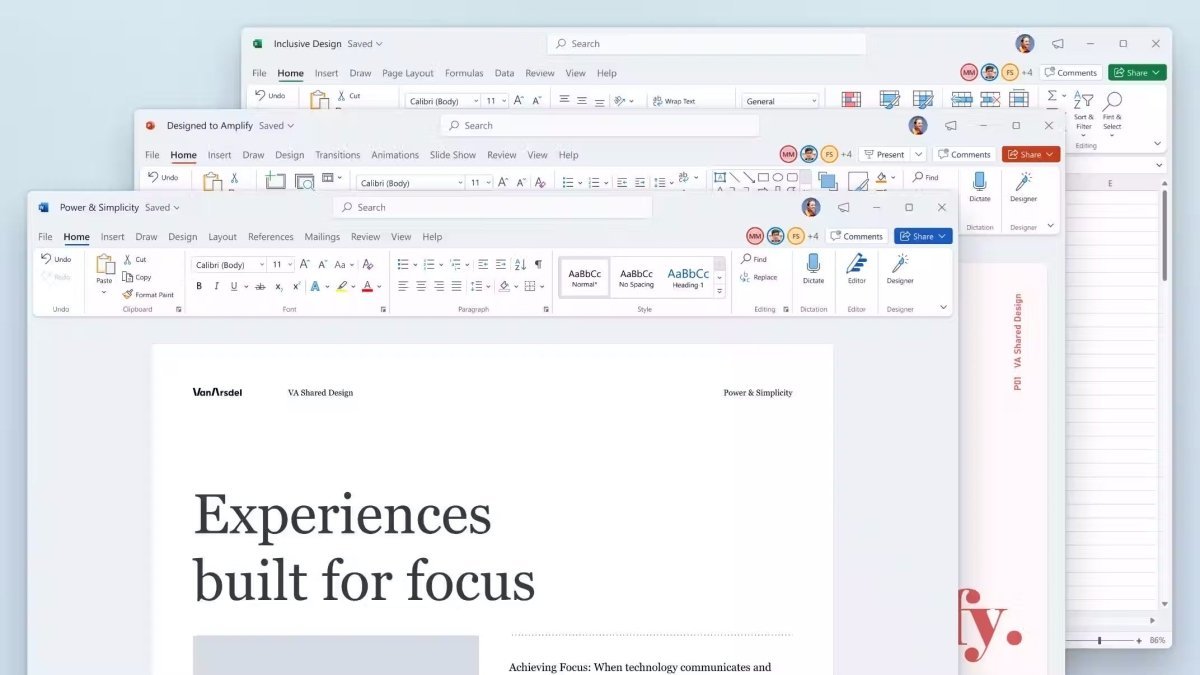
Already well established as a benchmark in word processing, Word stands out with powerful features and a clear, user-friendly interface. Compatibility issues or layout shifts are rare, which is why public administrations, schools, and most companies rely on this Microsoft Office application.
For every task, there is a suitable function without making the menus overly complex. Microsoft provides numerous templates and layouts that allow you to easily personalize your documents. You can also send documents directly via email, choosing from various formats, including PDF.
Excel
Microsoft has enhanced Excel with pivot tables to quickly process complex data. As always, you can automate, visualize, and analyze even the most complex workflows, calculations, and analyses.
Data can be easily imported from CSV files, SharePoint, SQL databases, and other data sources, and customized using Power Query. Excel now also includes analytical features and protection against data loss in the event of a system crash. There are virtually no limits to the amount of data you can manage. Additionally, this version is more stable and easier to use thanks to improved command search.
PowerPoint
For presentations, seminars, and courses, PowerPoint remains the preferred solution for many presenters. You can integrate videos, music, SVG files, and many other elements into your presentation. You can now also add 3D models.
A wide range of effects and transitions is available to enhance the appearance of your slides. PowerPoint works seamlessly with other Office programs such as Word and Excel, allowing data to be dragged and dropped easily. You can add comments for collaborators and use handwriting tools. Deliver professional presentations with confidence using PowerPoint.
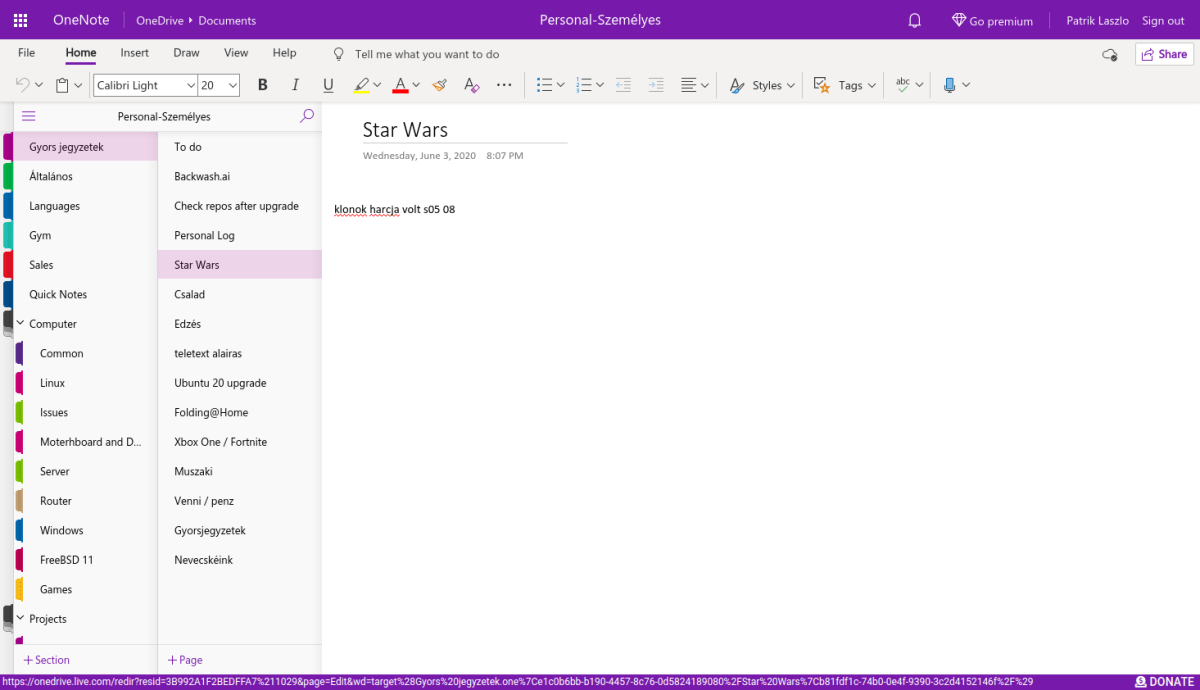
OneNote
With OneNote, you can keep track of all your notes in one central location. Instead of constantly writing small notes or creating lists on scattered papers, you have access to your notes wherever you are—ensuring that important information is never lost.
For example, when collecting research for a thesis, you can easily copy and paste notes and add comments. OneNote is also useful for organizing shopping or to-do lists. With its familiar Office interface, it is easy to use and an extremely practical daily tool.
Outlook
In the office, information can quickly accumulate, making it difficult to stay organized. With Outlook, Microsoft provides a powerful organizational tool for managing emails, calendars, contacts, and tasks.
You can create email signatures, set up multiple mailboxes, and use automatic text entries that are completed with just a few keystrokes. Each mailbox has its own calendar, keeping tasks clearly organized. You can also view everything in overlay mode. Notifications help you remember deadlines, appointments, and birthdays. Outlook brings order not only to your office but also to your personal life.
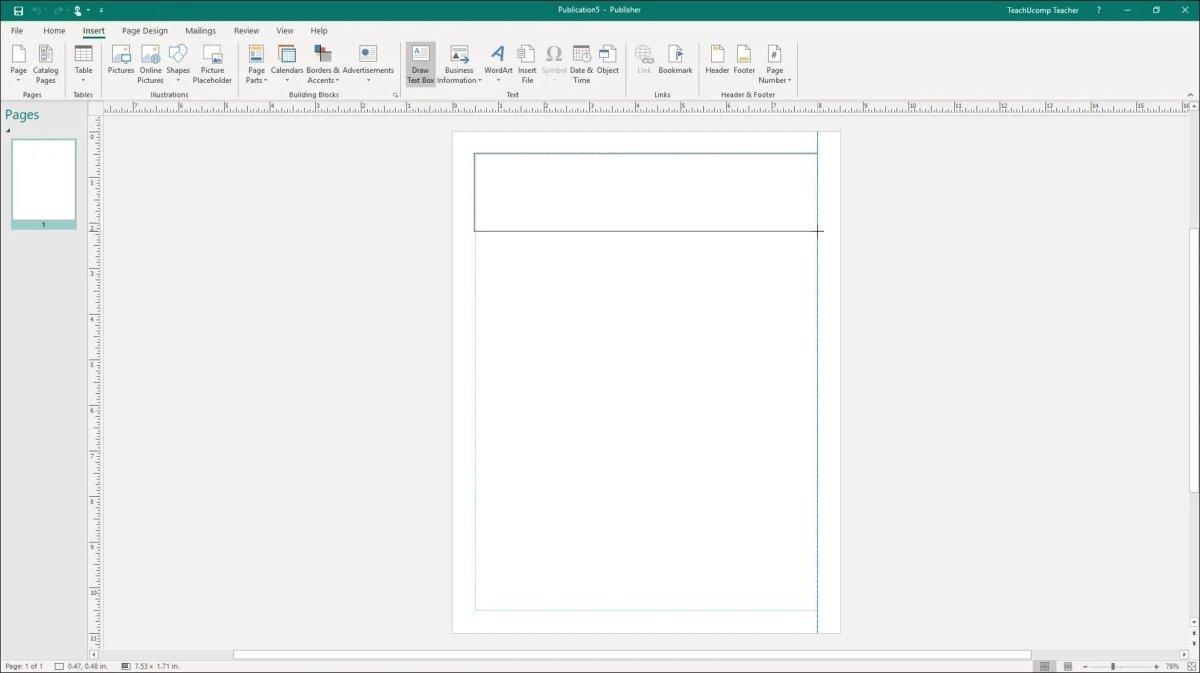
Publisher
Microsoft once again impresses with its professional publishing tool Publisher. This program includes templates and layouts for many occasions. Brochures, invitations, letterheads, and more can be created in just a few steps.
Publisher is similar to Word but offers significantly more customization options. You can also insert your company data directly into selected templates, eliminating the need to re-enter information each time. Publisher works seamlessly with other programs such as Excel and Word.
Access
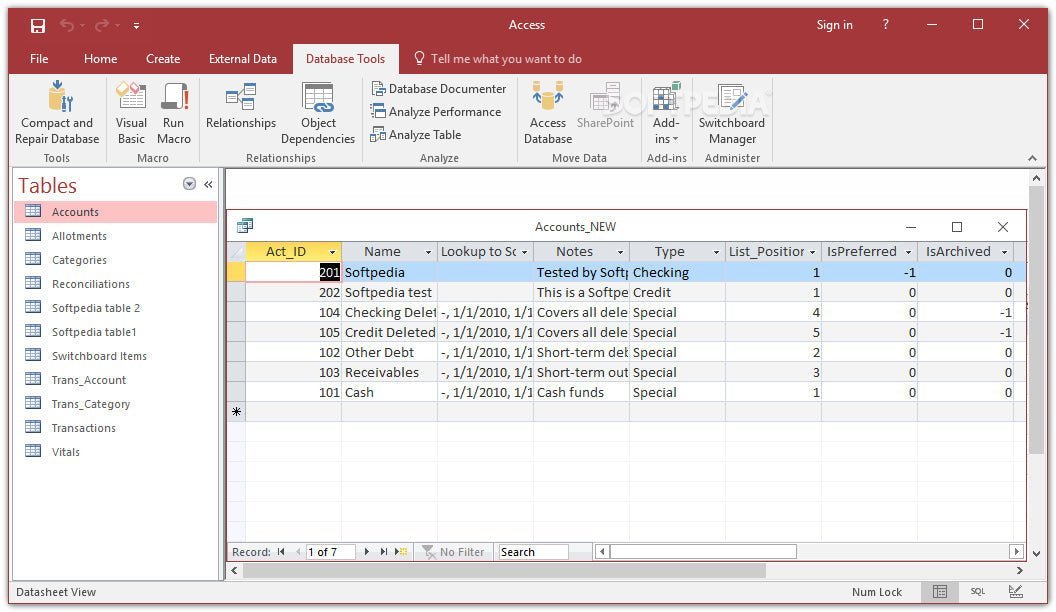
When it comes to creating databases to manage large volumes of data, Microsoft Access is the ideal solution. This program uses SQL to store, link, and automate your data.
You can manage inventory, vehicle fleets, customer data, and more. No programming knowledge is required to use Access. With its familiar Office interface, you can easily create professional databases tailored to your needs.
System Requirements – Microsoft Office 2021 Professional
-
Processor: 1.6 GHz or faster, 32-bit (x86) or 64-bit (x64)
-
Operating Systems:
-
Memory: At least 2 GB RAM
-
Storage: At least 3 GB of available disk space
-
Display: Minimum resolution of 1024 × 768 pixels
-
.NET Version: .NET 3.5 or higher
(For more information, visit the manufacturer’s website: office.com/systemrequirements)
Our Innovation for Your Future
If the Office package you want is not available, we will automatically offer you an upgrade to a higher version with advanced features at no additional cost.
With our offer, you receive:
This allows you to enjoy a more complete Office package right away.
Important Note on Office Versions
Compatibility between the installation file and the product key is essential. Due to the many software variants available, it is crucial that the new installation is performed using the installation file provided by us.

 Overview
 Languages







Reviews
Clear filtersThere are no reviews yet.