Product Information – Microsoft Office 2021 Professional
Microsoft Office 2021 Professional
Microsoft Office 2021 Professional is a comprehensive office suite designed for users with advanced requirements. In addition to the classic Office applications, this edition includes Publisher and Access, making it especially suitable for entrepreneurs, freelancers, and small to medium-sized businesses.
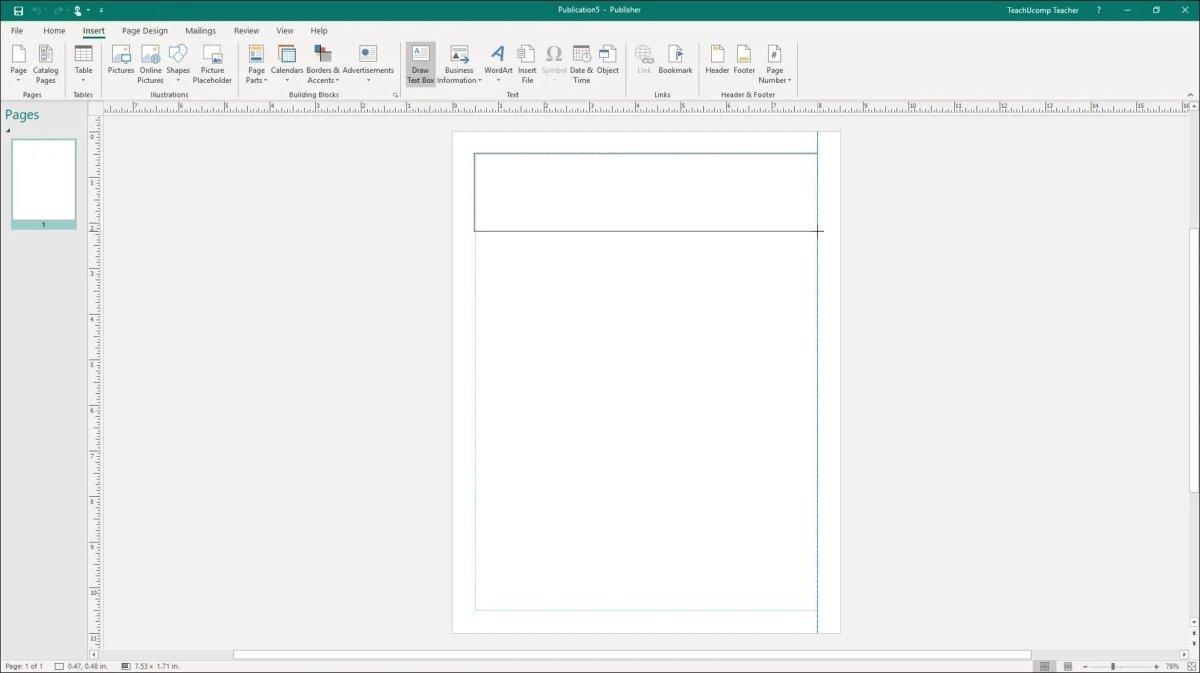
With Publisher, you can easily create professional layouts such as letterheads, business cards, brochures, and flyers. Microsoft Access is a powerful database application ideal for managing customer data, inventory systems, vehicle fleets, and many other professional database solutions.
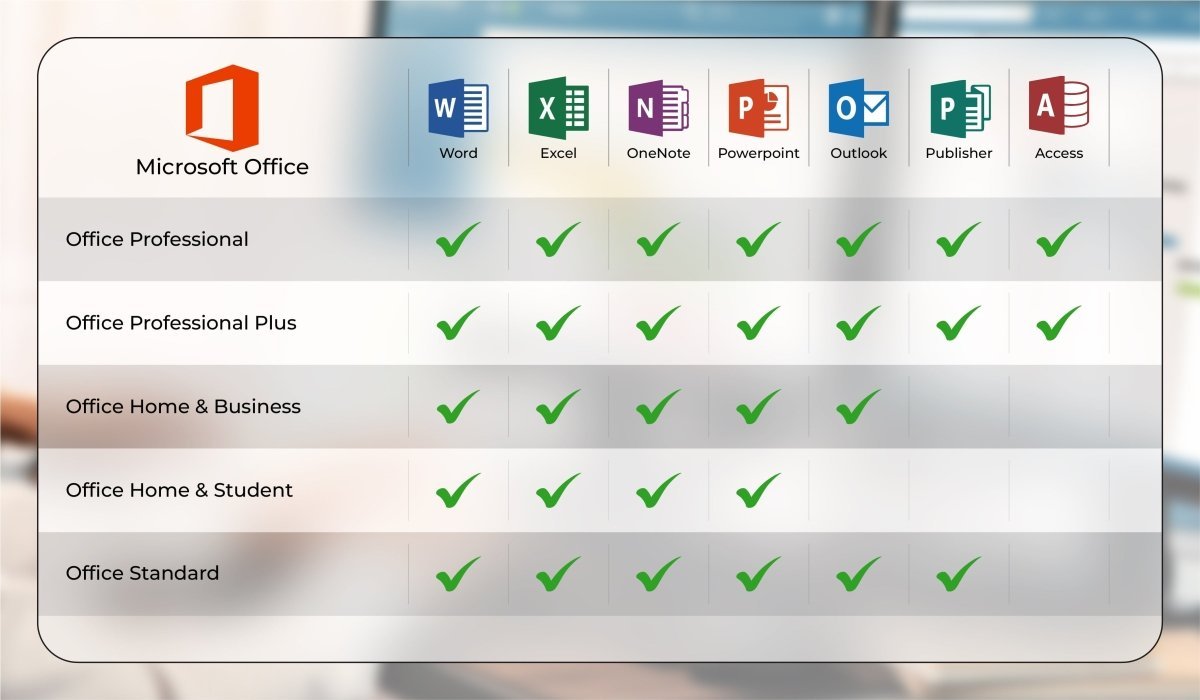
Office 2021 Professional is the most complete Office package for local use without a server environment. Unlike the Professional Plus edition, it does not require Skype for Business, which would need a separate server and account. This makes Office 2021 Professional the perfect all-in-one solution for everyday office work.
Included Applications
-
Microsoft Word
-
Microsoft Excel
-
Microsoft PowerPoint
-
Microsoft OneNote
-
Microsoft Outlook
-
Microsoft Publisher
-
Microsoft Access
Application Overview
Microsoft Word
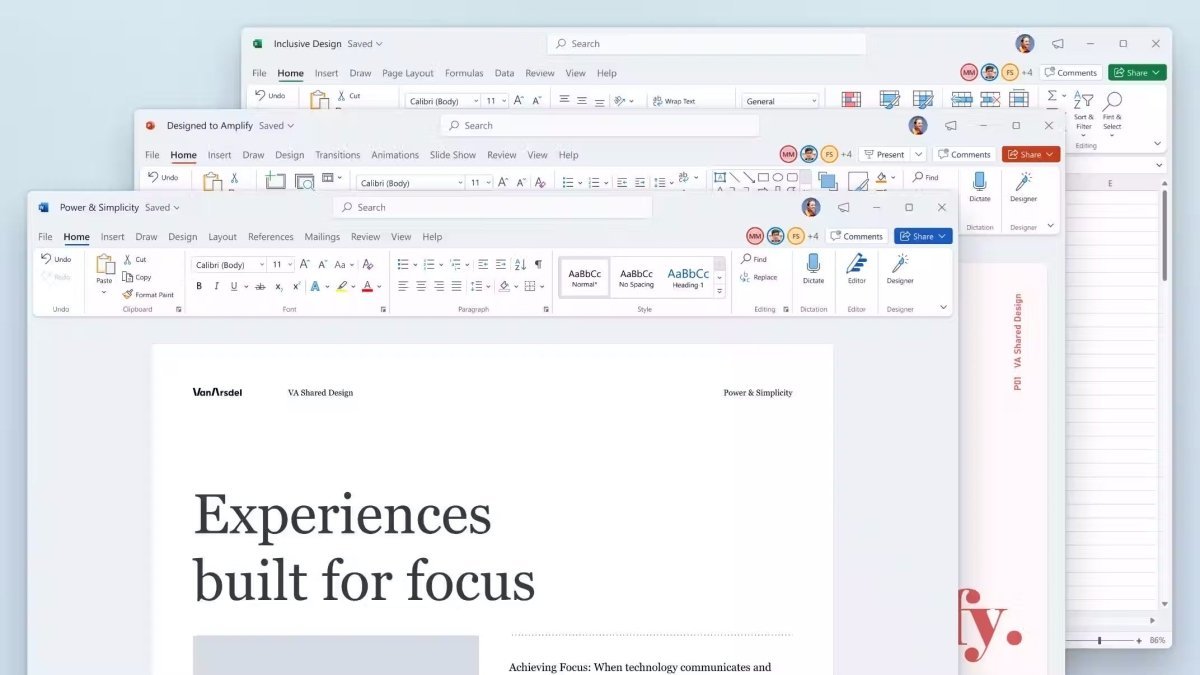
Word is the industry standard for word processing, offering a powerful yet intuitive interface. Documents maintain consistent formatting without compatibility issues. Numerous templates and layouts are available, and files can be exported directly as PDF or sent via email.
Microsoft Excel
Excel enables advanced data analysis with PivotTables, automation through formulas, and data imports from CSV, SQL, SharePoint, and more. Enhanced stability, improved search functions, and built-in data protection ensure efficient and reliable performance.
Microsoft PowerPoint
PowerPoint is the preferred tool for professional presentations, seminars, and training sessions. Create impressive presentations using videos, music, SVGs, and even 3D models. Smooth integration with Word and Excel allows seamless data transfer and collaboration.
Microsoft OneNote
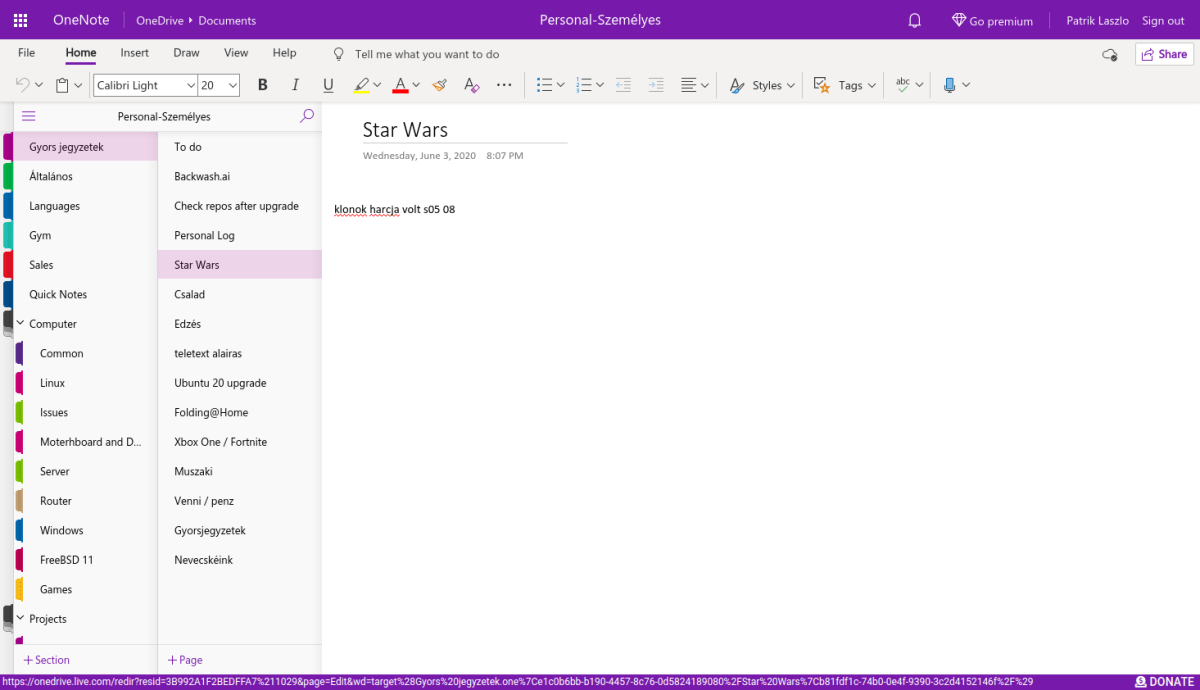
OneNote helps you organize all your notes in one central place. Whether for studies, business planning, or daily reminders, your notes are always accessible and clearly structured using the familiar Office interface.
Microsoft Outlook
Outlook is a powerful organizer for emails, calendars, contacts, and tasks. Features include multiple email accounts, signatures, automatic text entries, reminders, and shared calendars—bringing structure to both work and personal life.
Microsoft Publisher
Publisher offers professional templates for brochures, invitations, letterheads, and more. Company data can be stored and reused across documents. Publisher integrates smoothly with Word and Excel for efficient content creation.
Microsoft Access
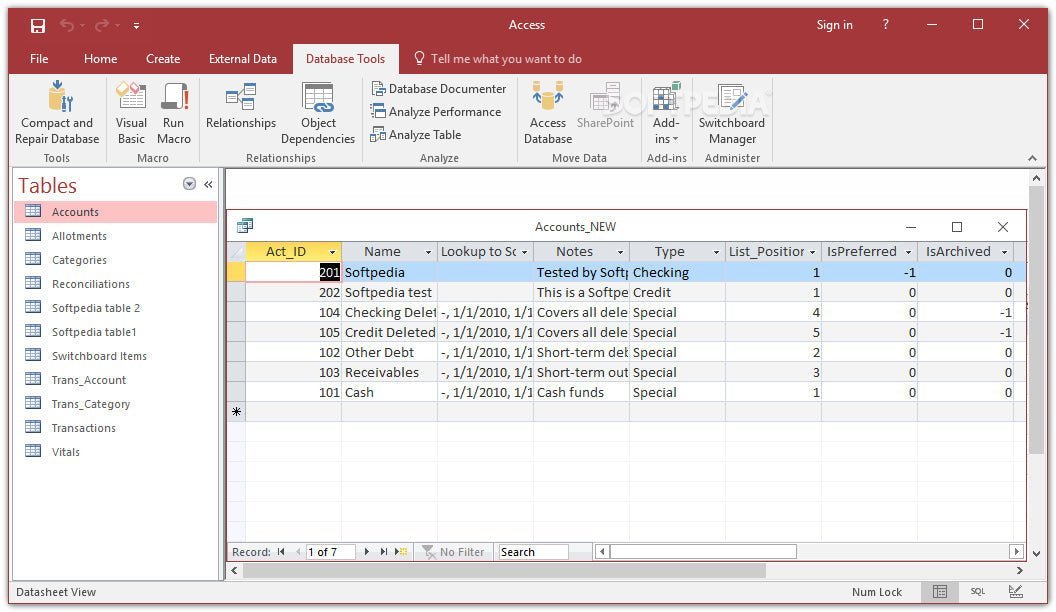
Access allows you to create and manage professional databases without programming knowledge. Using SQL in the background, Access helps store, link, and automate data for inventory management, customer databases, and other business needs.
System Requirements – Microsoft Office 2021 Professional
-
Processor: 1.6 GHz or faster, 32-bit (x86) or 64-bit (x64)
-
Operating System:
-
RAM: Minimum 2 GB
-
Hard Disk Space: Minimum 3 GB available
-
Display: Minimum 1024 × 768 resolution
-
.NET Framework: Version 3.5 or higher
For detailed information, please visit: office.com/systemrequirements
Our Innovation for Your Future
If the Office package you ordered is temporarily unavailable, we will automatically provide an upgrade to a higher version at no extra cost. You benefit from:
Important License Information
-
You are purchasing a product key, not a physical license.
-
The product key is intended for one-time activation on one device only.
-
Unlimited usage is permitted as long as the software remains installed on the same device.
-
Reinstallation, hardware changes, or system resets may cause the key to become invalid.
-
Activation on multiple devices is not permitted under Microsoft licensing terms.
-
This product originates from a legally acquired volume license.
Please ensure that you install the software only using the download file provided by us, as compatibility between the installation file and product key is essential.

 Overview
 Languages








Reviews
Clear filtersThere are no reviews yet.