Product Information – Microsoft Office 2019 Standard (Windows)
Microsoft Office 2019 Standard – A Powerful Solution for School, University, and Everyday Office Work
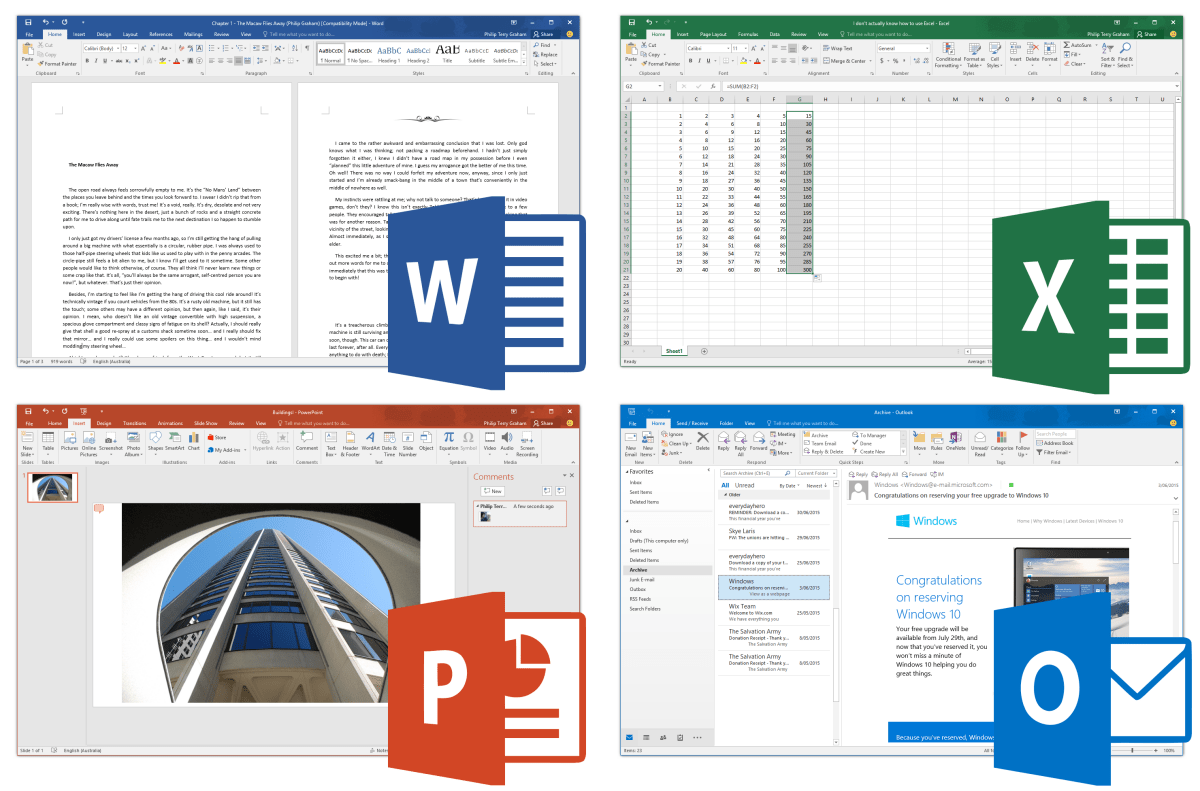
For decades, Microsoft Office has been synonymous with professional computer-based office work. Whether for school assignments, academic projects, or business correspondence, documents are created with Word, spreadsheets are managed with Excel, and presentations are designed with PowerPoint.
With Microsoft Office 2019 Standard, users choose the most modern version of this proven and powerful office software, offering reliability, performance, and familiar usability.
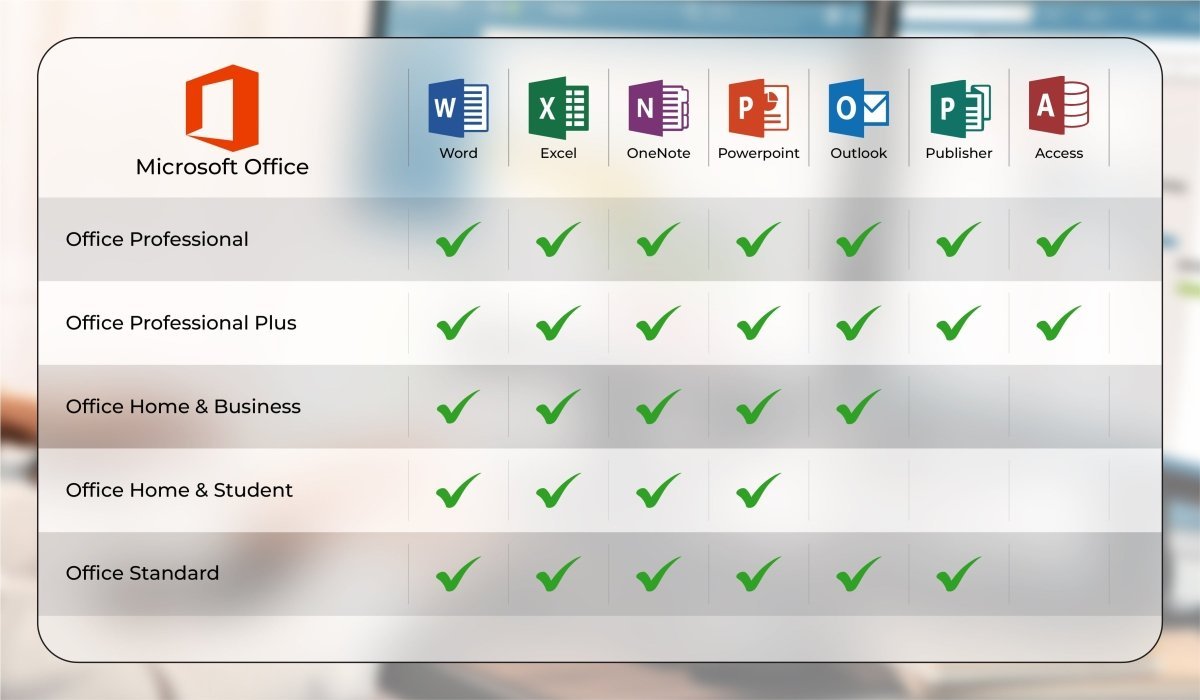
Included Applications
-
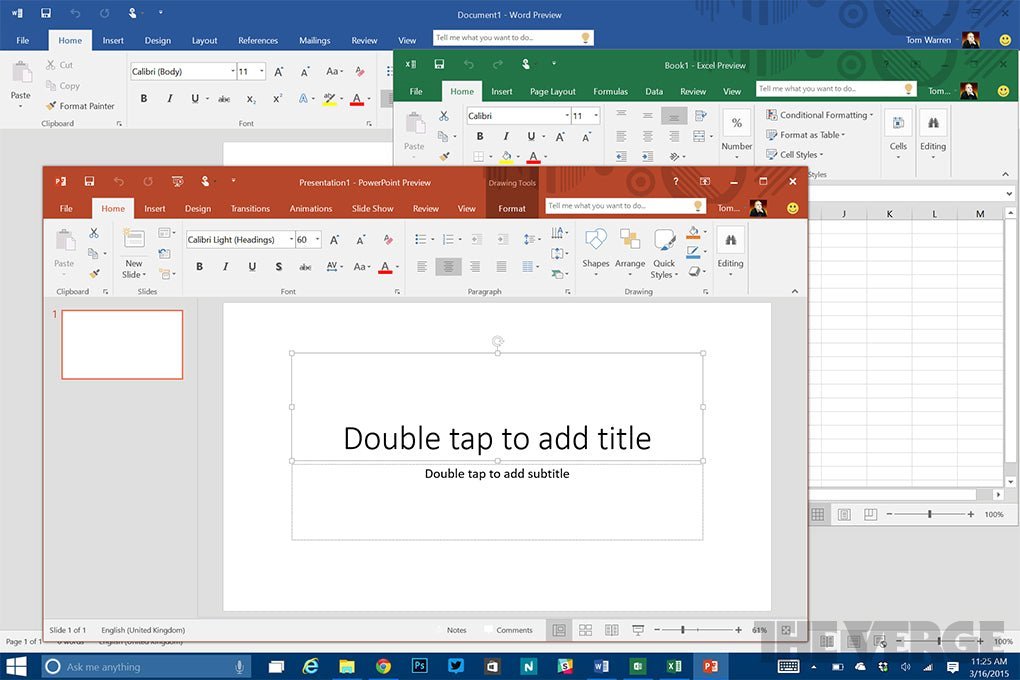
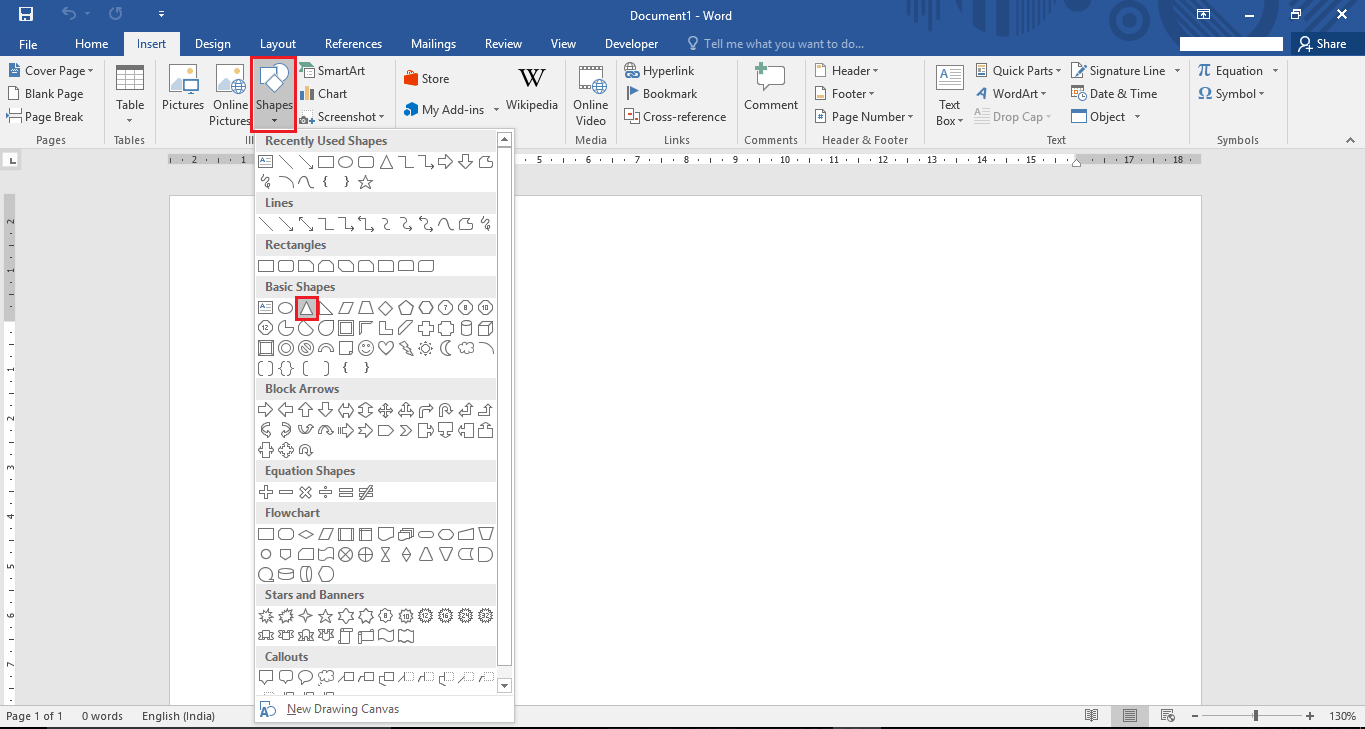
Microsoft Word – Create professional text documents in no time
-
Microsoft Excel – Intelligent spreadsheets for efficient data management
-
Microsoft PowerPoint – Design dynamic presentations with impressive visuals
-
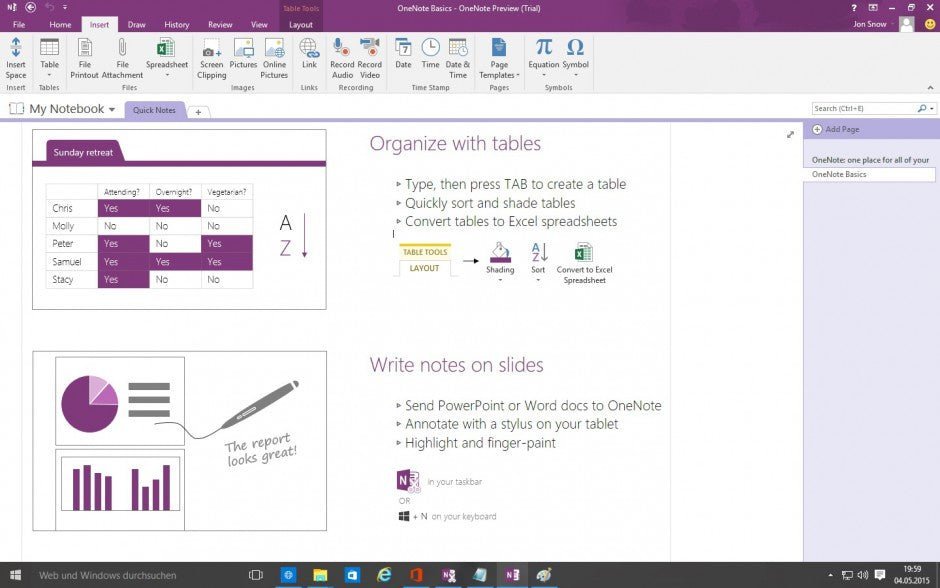
Microsoft OneNote – Digital notebook for organized and detailed data collection
-
Microsoft Outlook – Simplified and efficient email communication
-
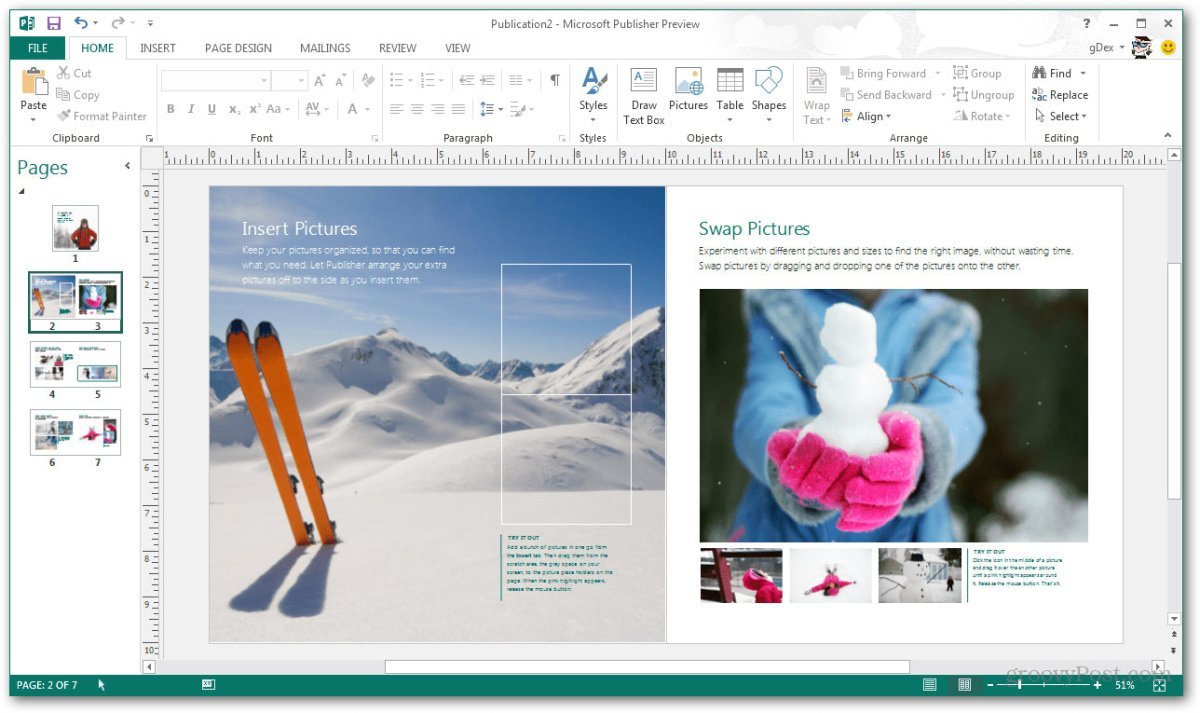
Microsoft Publisher – Professional-quality publication and layout design
Key Features of Microsoft Office 2019 Standard at a Glance
-
Includes all essential Office applications such as Word, Excel, PowerPoint, OneNote, Outlook, and Publisher
-
Numerous new features compared to previous Office versions
-
Data Loss Prevention (DLP) to protect sensitive information
-
Seamless integration with other Microsoft applications for fast and easy content sharing
-
Cloud connectivity for significantly improved collaboration
Microsoft Office 2019 Standard – Improved in Every Aspect
With Office 2019, Microsoft has achieved an excellent balance: the software has been enhanced across the board without sacrificing what makes each application special. Users will quickly notice that it still feels like Office.
The core design principles remain unchanged, ensuring intuitive navigation. Every application is more powerful, yet no more difficult to use. In short, Office 2019 allows users to do more—without added complexity.
Cloud Connectivity and Data Protection
Office 2019 introduces numerous improvements, two of which stand out in particular:
Cloud Integration
All Office applications can seamlessly connect to Microsoft OneDrive. This significantly improves collaboration, for example:
-
Employees working from home can prepare documents that are later printed or edited in the office
-
Students and university groups can collaborate without meeting in person
-
Notes can be easily shared and synchronized using OneNote
Enhanced Data Security
Office 2019 Standard includes Data Loss Prevention (DLP) features that help protect users from accidental data loss. Automatic backups are created in case of unexpected system failures or external attacks. This level of protection is especially valuable for users working with sensitive or business-critical data.
System Requirements – Office 2019 Standard
-
Processor: 1.6 GHz or faster, 32-bit (x86) or 64-bit (x64)
-
Operating Systems:
-
Memory: Minimum 2 GB RAM
-
Storage: At least 4 GB of free disk space
-
Display: Minimum resolution of 1024 × 768 pixels
-
.NET Framework: Version 3.5 or higher
(For more detailed information, please refer to the manufacturer.)
Our Innovation for Your Future
If the Office package you selected is not available, we will automatically upgrade you to a higher version with more features at no additional cost.
You benefit from:
This allows you to enjoy a more comprehensive Office package without delay.
Important Note on Office Versions
Compatibility between the installation file and the product key is essential. Due to the wide variety of Office versions, installation must be carried out using the download installation file provided by us.
If you have any questions about installation or Microsoft products, feel free to contact us—we’re happy to help.


 Overview
 Languages










Reviews
Clear filtersThere are no reviews yet.