Product Information – Microsoft Office 2019 Standard (Windows)
Microsoft Office 2019 Standard: A Powerful Solution for School, Studies, and Everyday Office Work
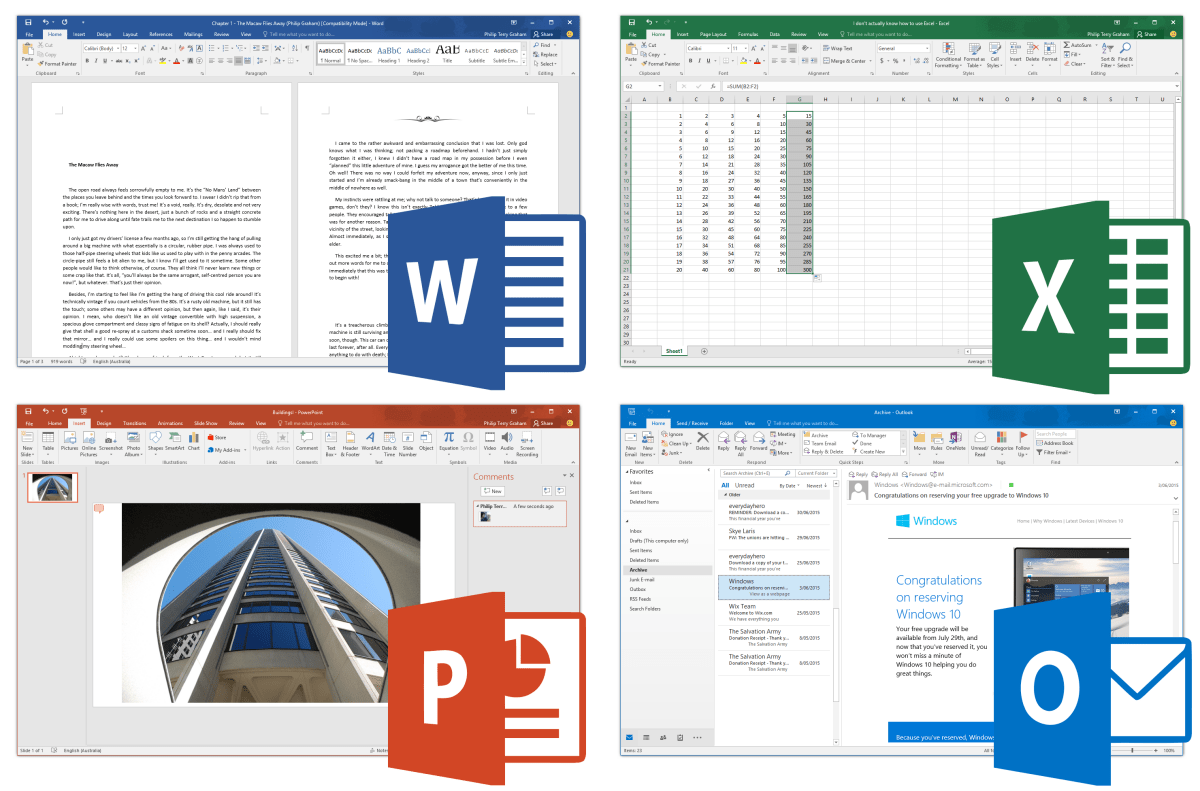
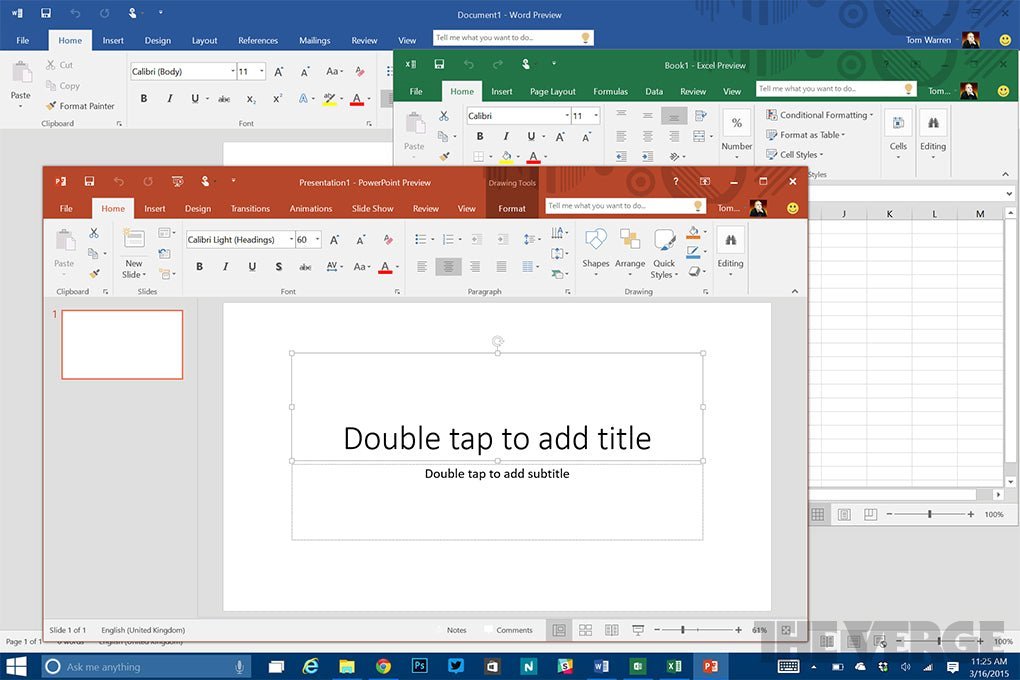
For decades, Microsoft Office has been synonymous with digital office work. Whether it’s homework for school, academic papers for university, or business correspondence, documents are created with Word. Excel is the standard for all types of spreadsheets, and PowerPoint is the leading application for creating high-quality presentations. With Microsoft Office 2019 Standard, users choose the most modern version of this proven and powerful software suite.
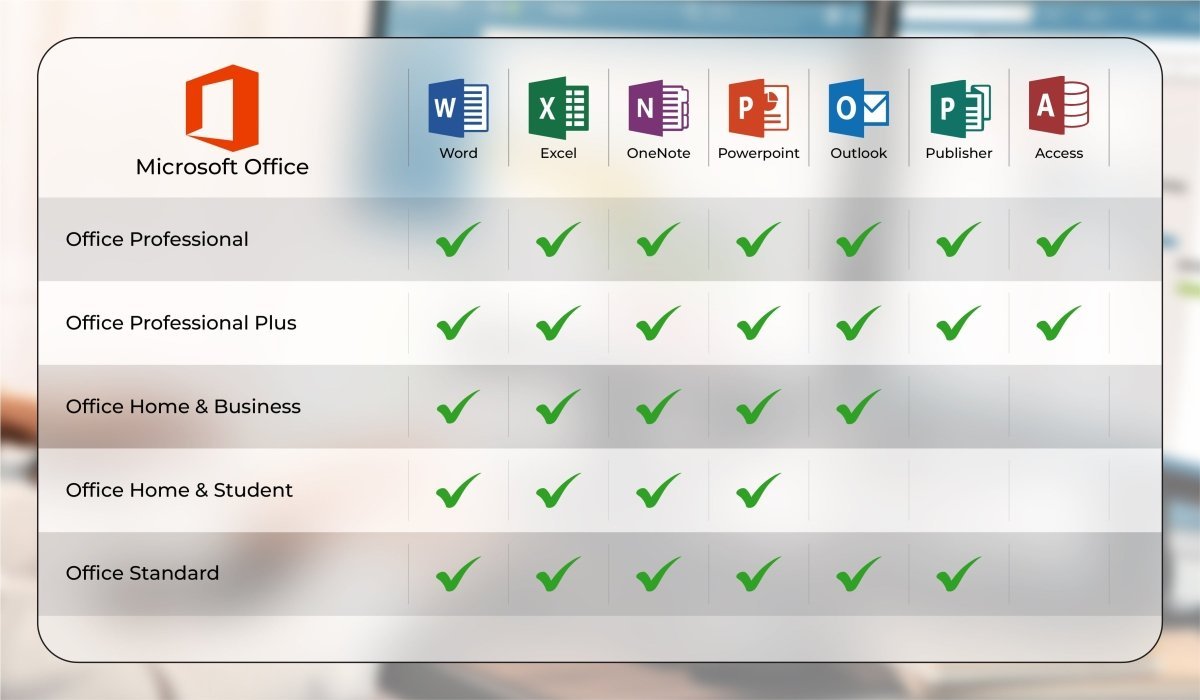
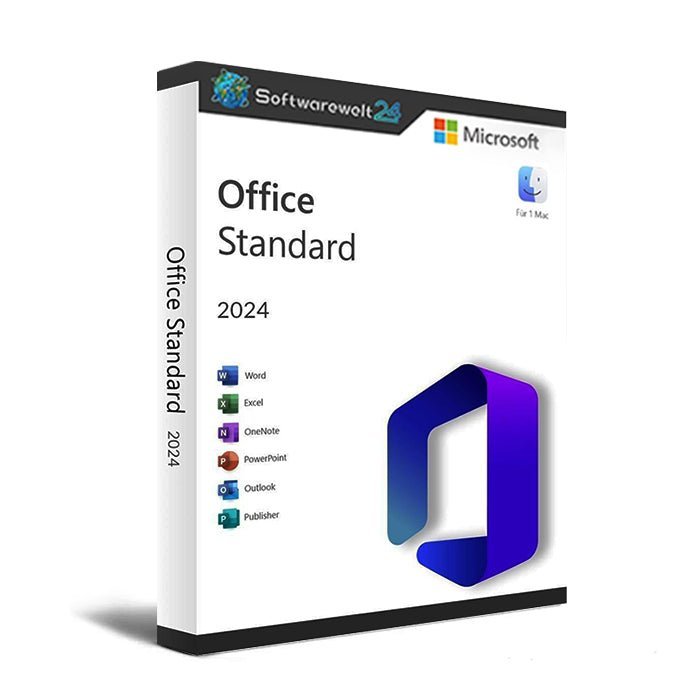
Office 2019 Standard Includes
-
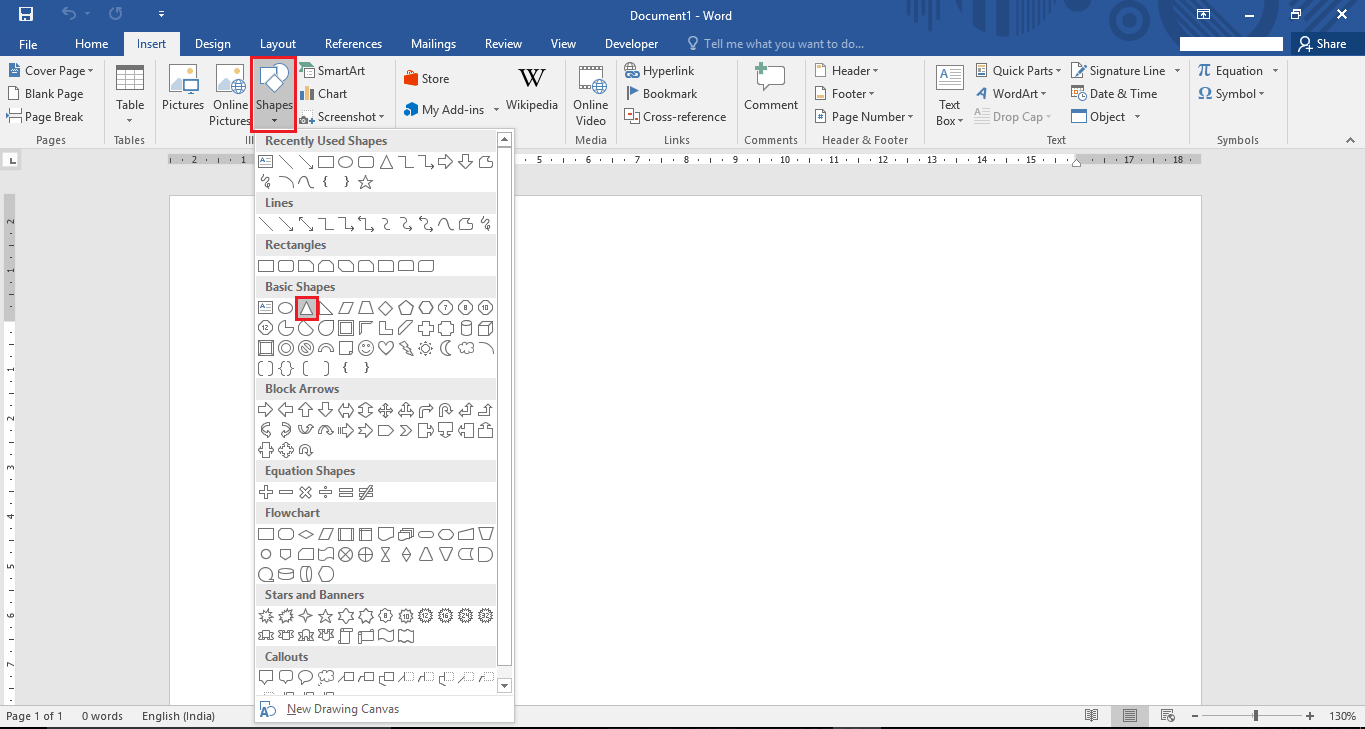
Word – Create and edit professional documents with ease
-
Excel – Intelligent spreadsheets for managing and analyzing data
-
PowerPoint – Create dynamic presentations for impressive visual communication
-
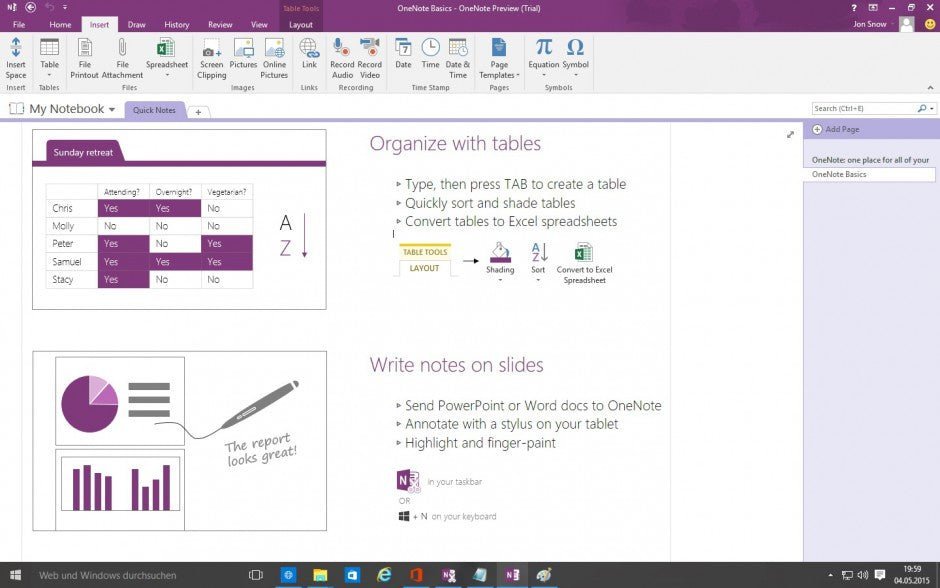
OneNote – Digital notebook for structured and organized note-taking
-
Outlook – Simplified and efficient email and communication management
-
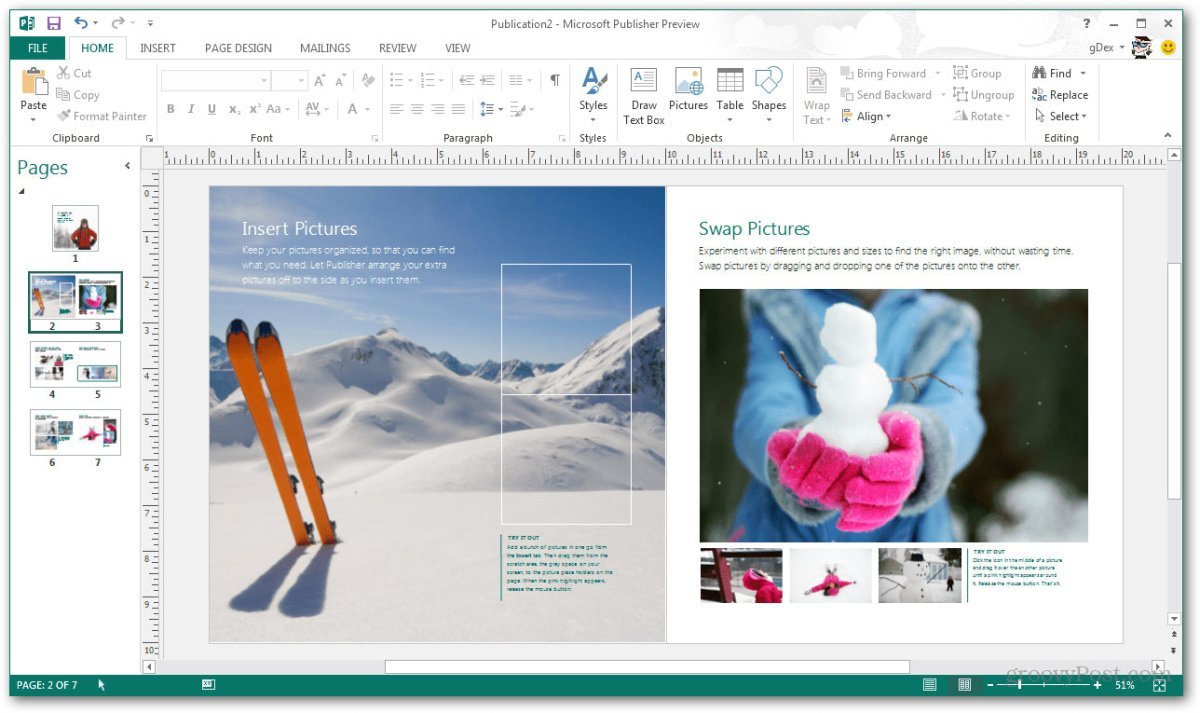
Publisher – Design high-quality publications on a professional level
Key Features of Microsoft Office 2019 Standard at a Glance
-
All essential Office applications such as Word, Excel, PowerPoint, OneNote, and Outlook included
-
Numerous new features compared to previous versions
-
Data Loss Prevention (DLP) for improved protection against data loss
-
Seamless integration with other Microsoft applications for easy content transfer
-
Cloud connectivity for significantly improved collaboration
Microsoft Office 2019 Standard: Improved in Every Way
With Office 2019, Microsoft has achieved an impressive balance: the software has been enhanced in every aspect without sacrificing the familiar strengths of the individual applications. Users will immediately recognize the classic Office experience. The core design principles remain unchanged, ensuring intuitive navigation and ease of use.
Each application has become more powerful, yet none has become more complex. Users can do more with Office 2019, while enjoying the same straightforward and familiar workflow.
Cloud Integration and Data Protection
The improvements introduced in Office 2019 are extensive. Two particularly important enhancements stand out:
First, Office applications can seamlessly integrate with Microsoft’s OneDrive cloud, significantly improving collaboration. For example, employees working from home can prepare documents that are later printed in the office. Students and academic groups can collaborate without meeting in person by easily sharing and synchronizing notes via OneNote.
Second, users of Office 2019 Standard benefit from enhanced protection against data loss. Microsoft’s Data Loss Prevention (DLP) system automatically creates backups in the event of unexpected crashes or external attacks. This feature is especially valuable for anyone working with sensitive data.
System Requirements – Microsoft Office 2019 Standard
-
Processor: 1.6 GHz or faster, 32-bit (x86) or 64-bit (x64)
-
Operating Systems:
-
RAM: Minimum 2 GB
-
Storage: At least 4 GB of available disk space
-
Display: Minimum resolution of 1024 × 768
-
.NET Framework: Version 3.5 or higher
(For further details, please refer to the manufacturer.)
Our Innovation for Your Future
If the Office package you selected is temporarily unavailable, we automatically provide an upgrade to a higher version with extended functionality at no additional cost. This ensures:
You can continue working without delay using a more comprehensive Office package.
Important Notice Regarding Office Versions
⚠️ Compatibility between the installation file and the product key is essential.
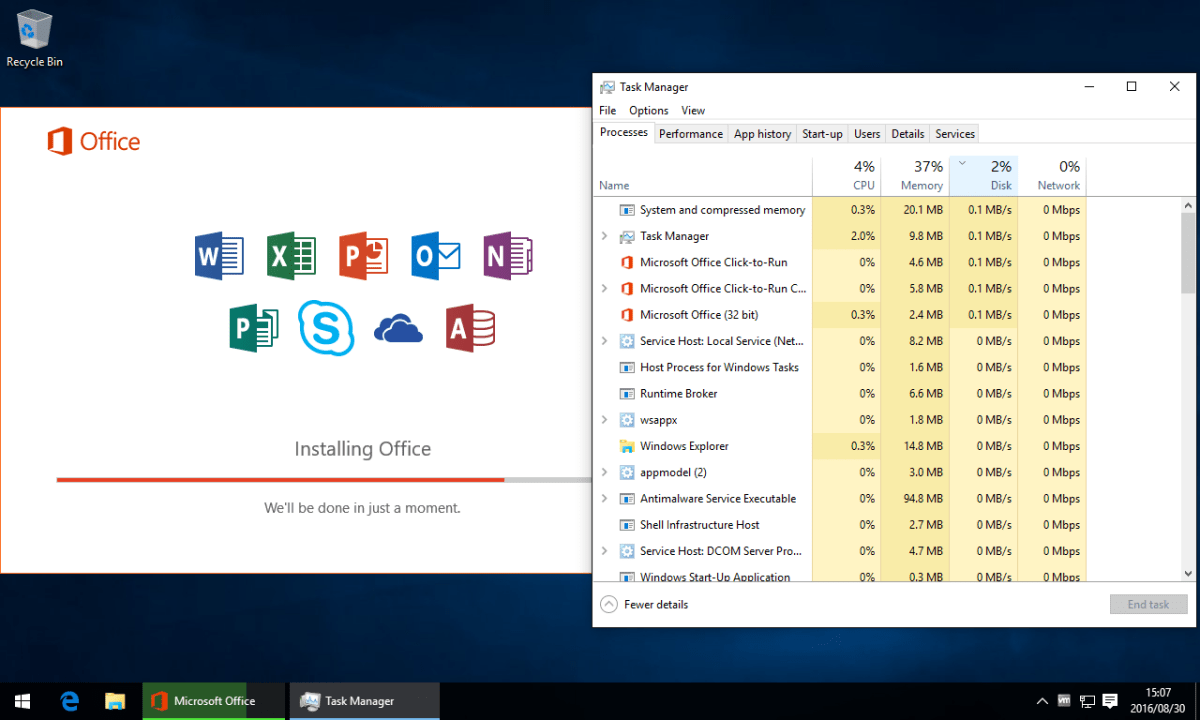
Due to the wide variety of Office editions, it is mandatory to perform the installation using the download installation file provided by us.

 Overview
 Languages






Reviews
Clear filtersThere are no reviews yet.