Product Information
Microsoft Office 2019 Professional Plus | Windows
Microsoft Office 2019 Professional Plus – The Digital Office at Its Best
Microsoft Office has been the benchmark for digital office work for decades. Since the release of its first version in 1989, the software suite has grown into one of the most successful productivity solutions worldwide. Microsoft Office 2019 Professional Plus builds on this extensive experience by enhancing existing strengths, eliminating weaknesses, and delivering an even more powerful and reliable office solution.
Key Features of Microsoft Office 2019 Professional Plus
-
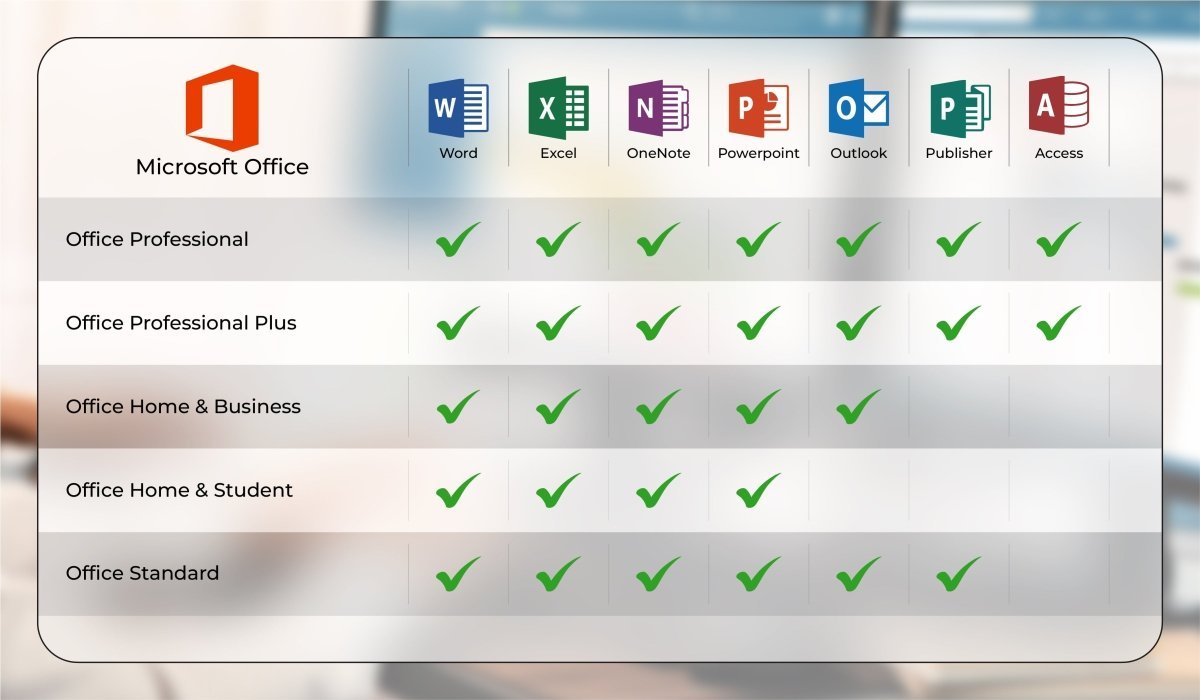
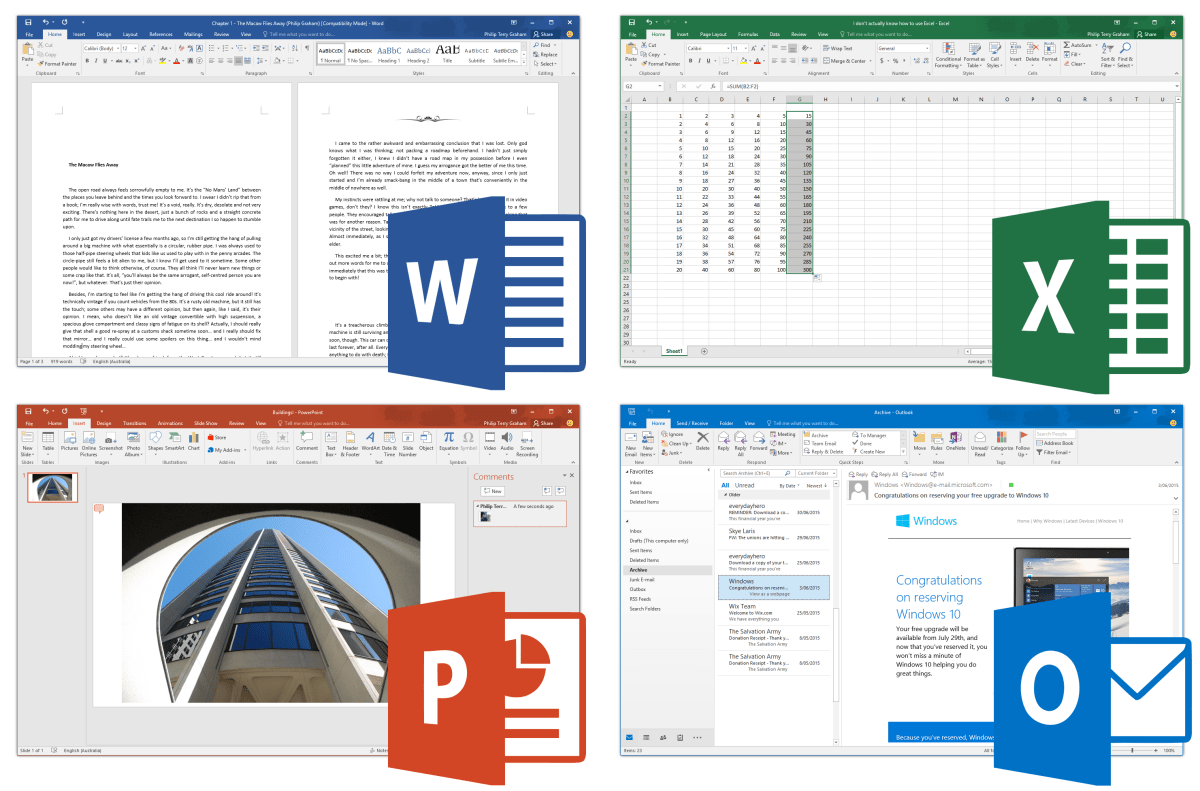
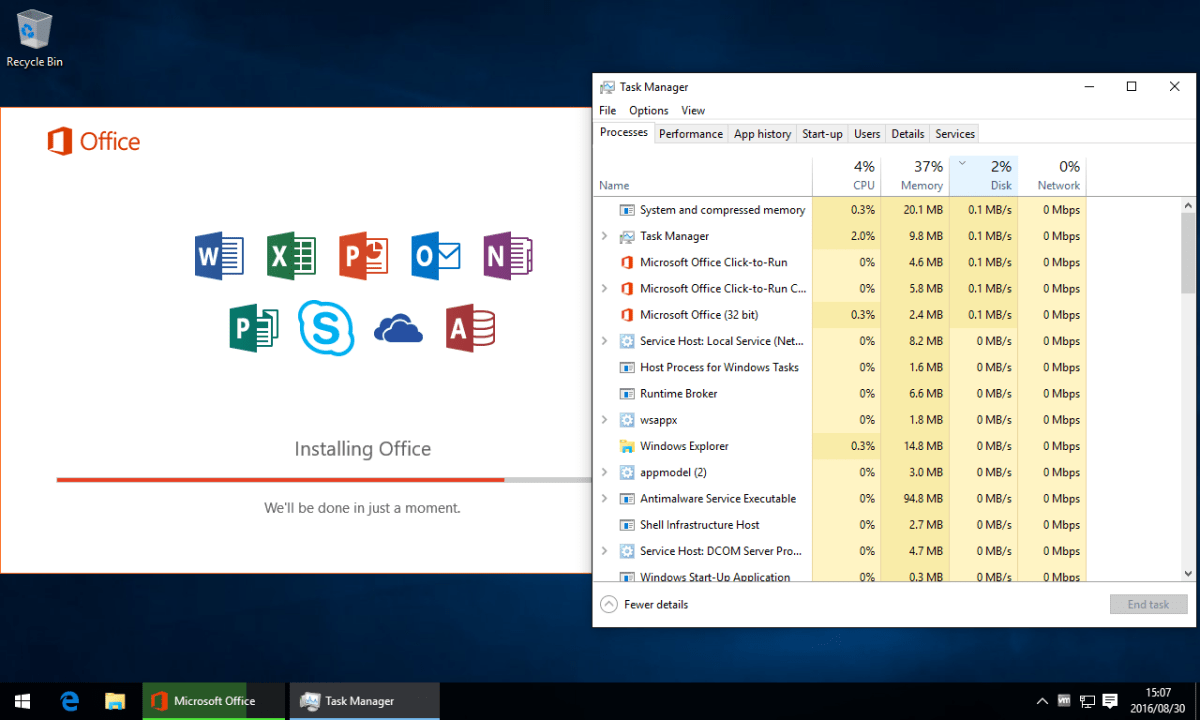
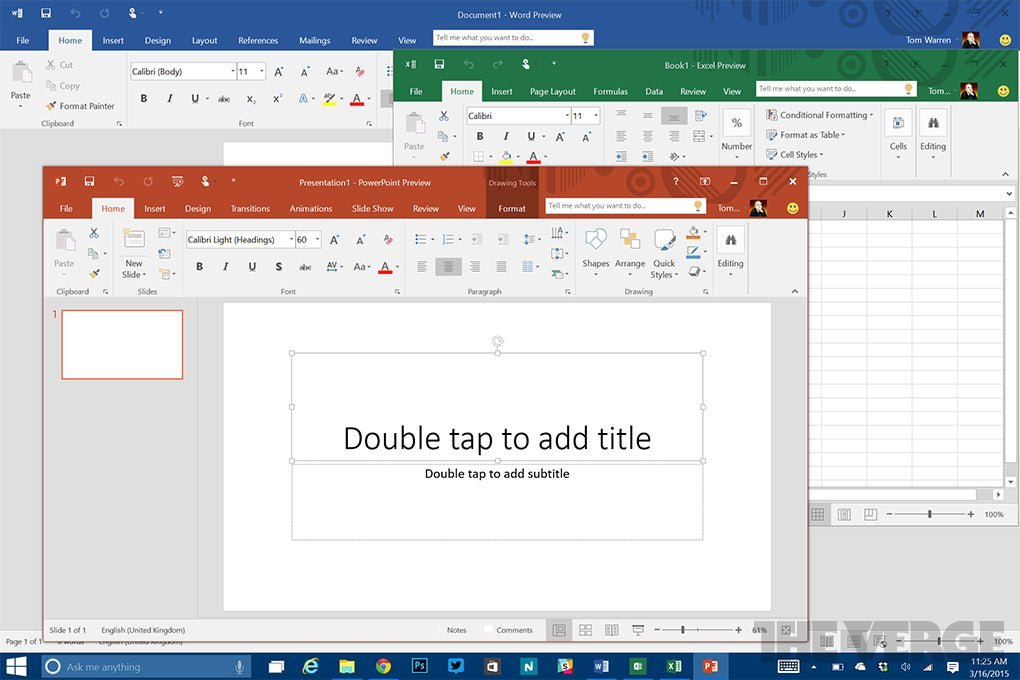
All essential Office applications in one package: Word, Excel, PowerPoint, Outlook
-
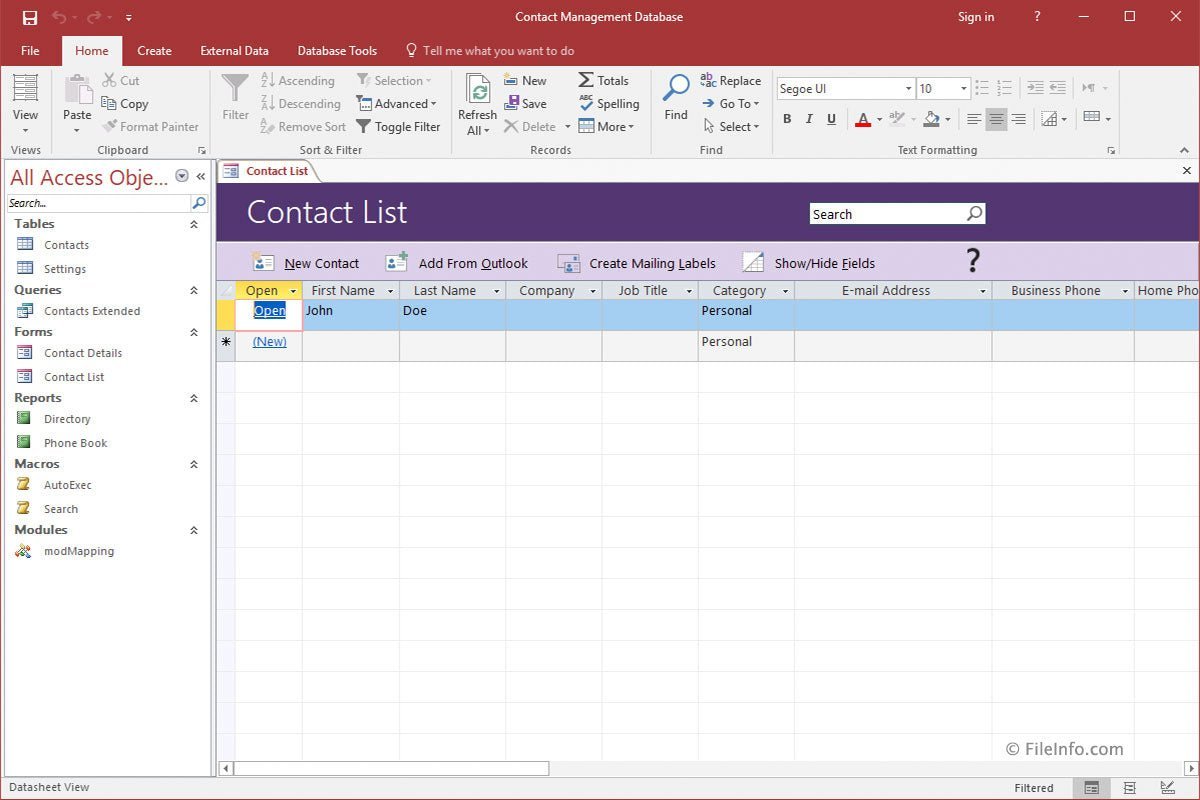
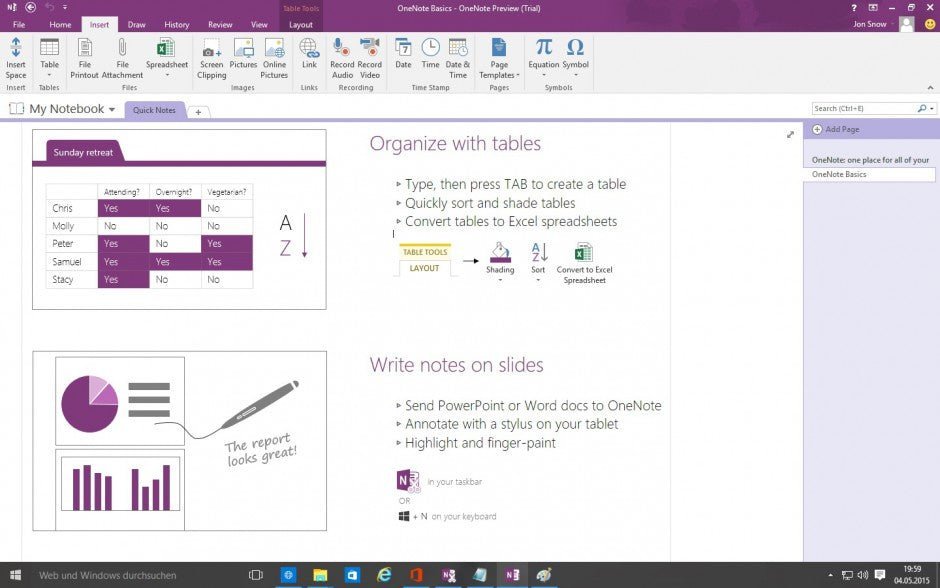
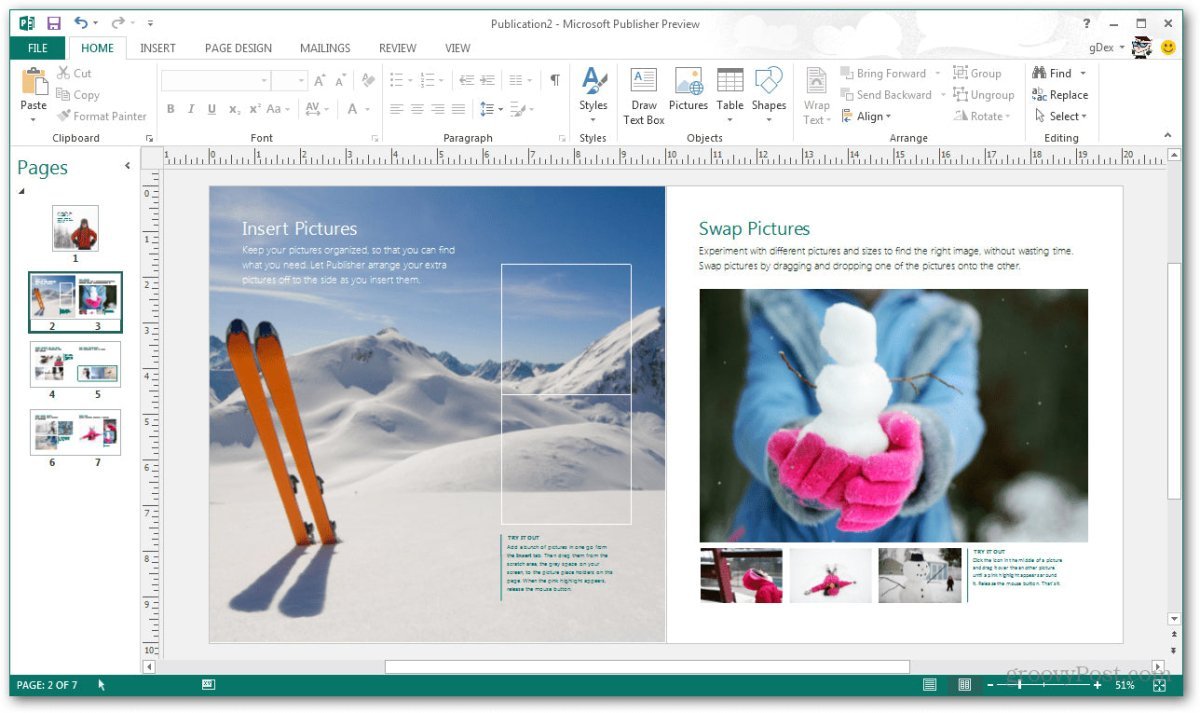
Additional business-critical tools included: Access, Publisher, OneNote
-
One-time purchase with a fixed price – no monthly or annual subscription
-
Numerous new and improved features across all applications
-
Seamless interaction between applications with easy import and export of content
-
Intelligent optimizations that simplify everyday workflows
-
Approved for commercial and professional use
Microsoft Office 2019 – Combining the Best of Office 2016 and Office 365
In 2019, Microsoft Office celebrated its 30th anniversary. This milestone is clearly reflected in the maturity and stability of the software. Microsoft has successfully combined the strengths of traditional Office versions with selected innovations from Office 365, without forcing users into a subscription model.
With Office 2019 Professional Plus, you benefit from a proven, stable software solution that includes essential modern features while remaining independent of cloud-only services or ongoing fees.
What’s New in Office 2019 – Why an Upgrade Is Worth It
Microsoft Office 2019 introduces a wide range of improvements that significantly enhance productivity, even for users upgrading from Office 2013 or 2016:
-
Built-in translation tools via Microsoft Translator for words, sentences, and entire text sections
-
Support for scalable vector graphics (SVG) with filters for enhanced visual quality
-
LaTeX formula support, ideal for technical and scientific users
-
Expanded Excel functionality with new formulas, text chains, and IF constructions
-
Support for digital pens across all applications for drawing, highlighting, note-taking, and annotations
-
Improved performance and stability across all Office apps
These enhancements make daily work faster, more intuitive, and more efficient.
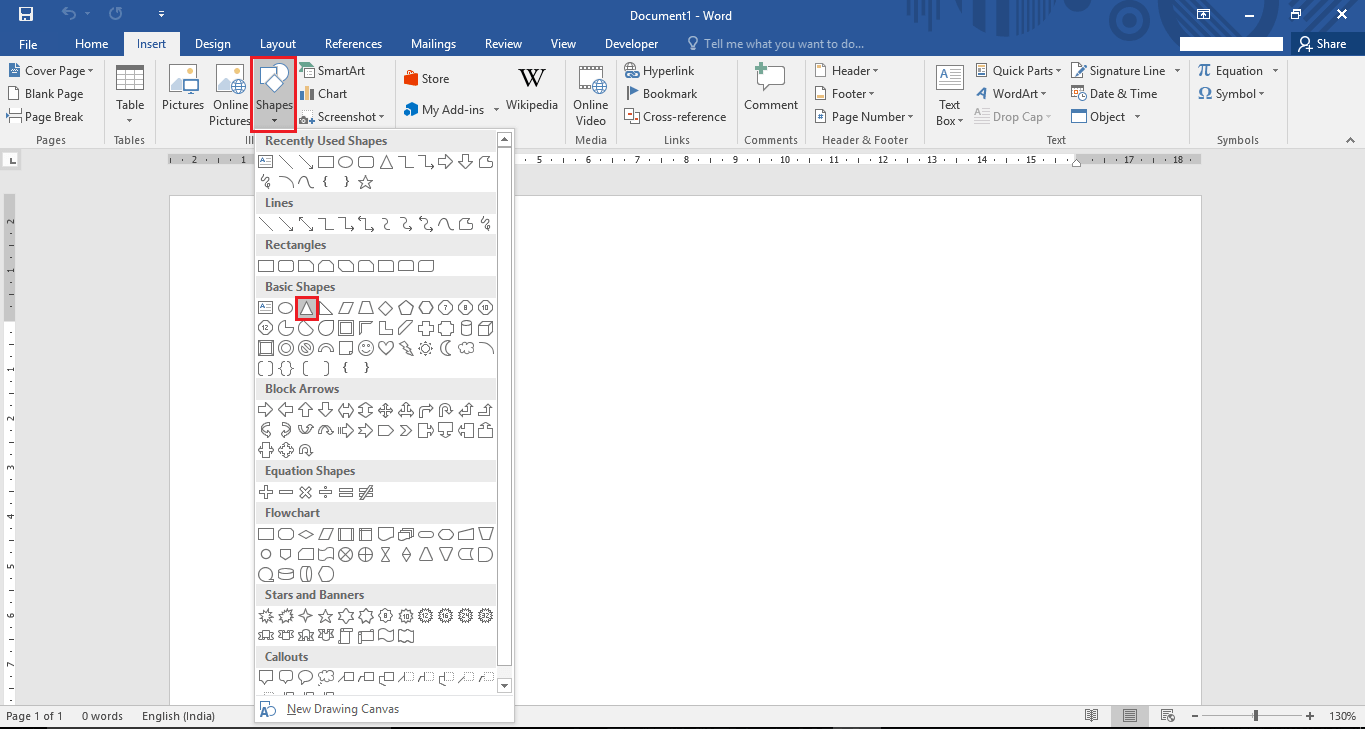
Intuitive Interface – Minimal Learning Curve
Microsoft has retained the familiar and user-friendly interface from previous Office versions. This ensures that new users can get started quickly, while experienced users can continue working without interruption. Whether for private or professional use, the transition to Office 2019 is smooth and efficient.
Office 2019 Professional Plus – For the Highest Professional Demands
The Professional Plus edition stands out with its extensive feature set. Compared to other editions such as Home & Business or Standard, it offers:
-
Advanced business applications like Access and Publisher
-
Enhanced data protection features such as Data Loss Prevention (DLP)
-
Full support for commercial use
-
A complete solution tailored for companies, organizations, and power users
This makes Microsoft Office 2019 Professional Plus the ideal choice for users with advanced requirements and professional workloads.
System Requirements – Microsoft Office 2019 Professional Plus
-
Processor: 1.6 GHz or faster, 32-bit (x86) or 64-bit (x64)
-
Operating Systems:
-
Memory: Minimum 2 GB RAM
-
Storage: At least 3 GB of available disk space
-
Display: Minimum resolution of 1024 × 768 pixels
-
.NET Framework: Version 3.5 or higher
(For detailed specifications, please refer to the manufacturer)
Important Notice Regarding Office Versions
Compatibility between the installation file and the product key is essential. Due to the wide variety of Office editions, the software must be installed using the download file provided by us to ensure successful activation.

 Overview
 Languages









Reviews
Clear filtersThere are no reviews yet.