Product Information – Microsoft Office 2019 Professional Plus (Windows)
Microsoft Office 2019 Professional Plus: The Digital Office at Its Best
For decades, Microsoft Office has been the benchmark for digital office work. Since the first release in 1989, the Office suite has evolved into one of the most successful software solutions worldwide. Microsoft Office 2019 Professional Plus builds on this extensive experience, refining existing strengths, eliminating weaknesses, and delivering an even more powerful and reliable office solution.
Key Features of Microsoft Office 2019 Professional Plus
-
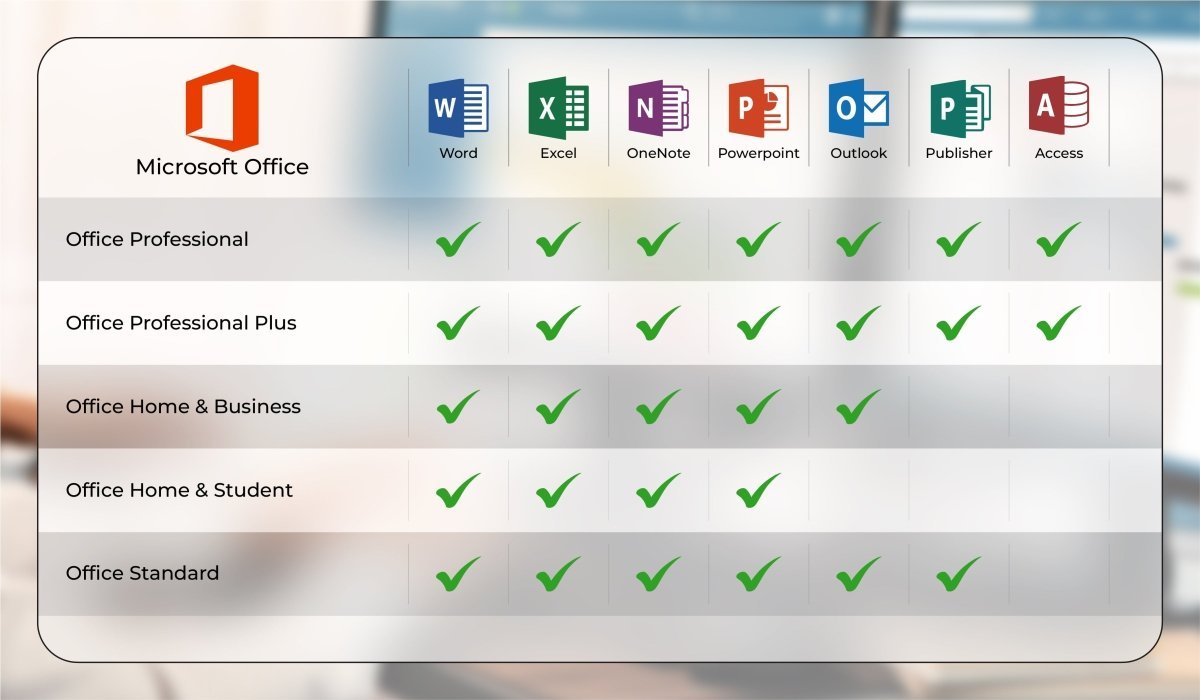
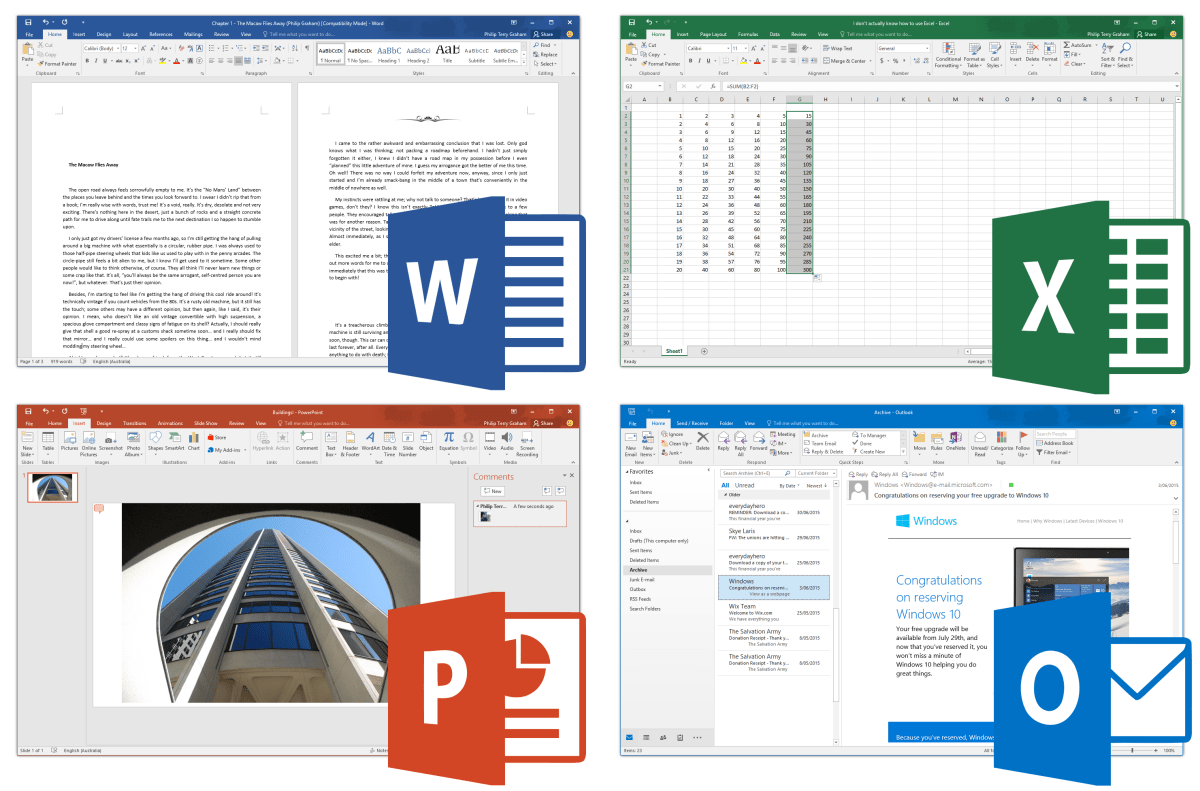
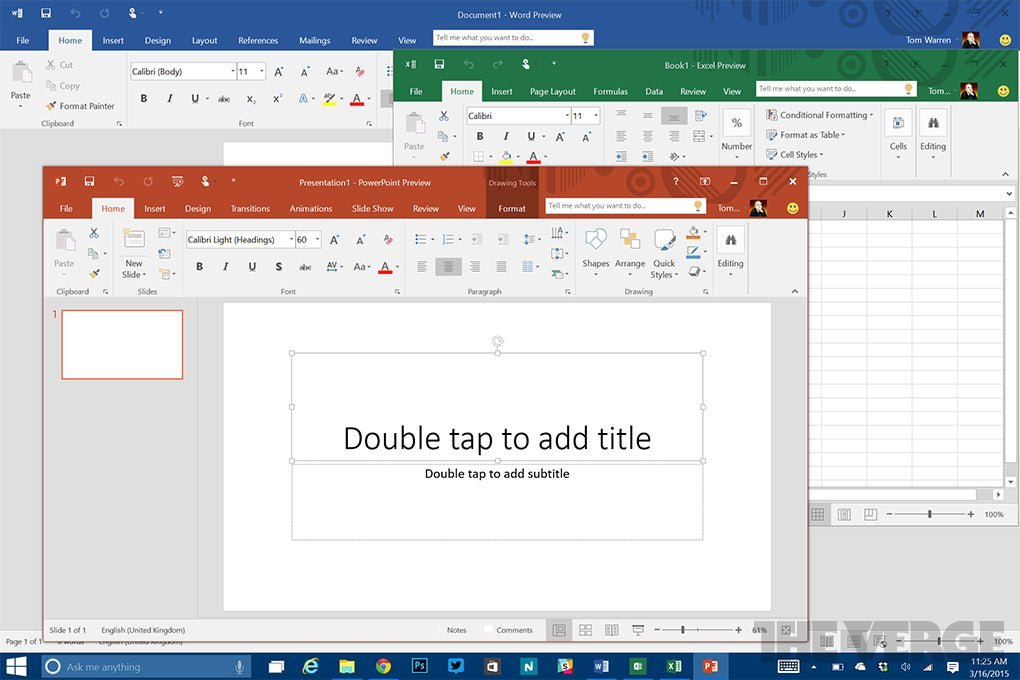
All well-known Office applications such as Word, Excel, PowerPoint, and Outlook in one comprehensive suite
-
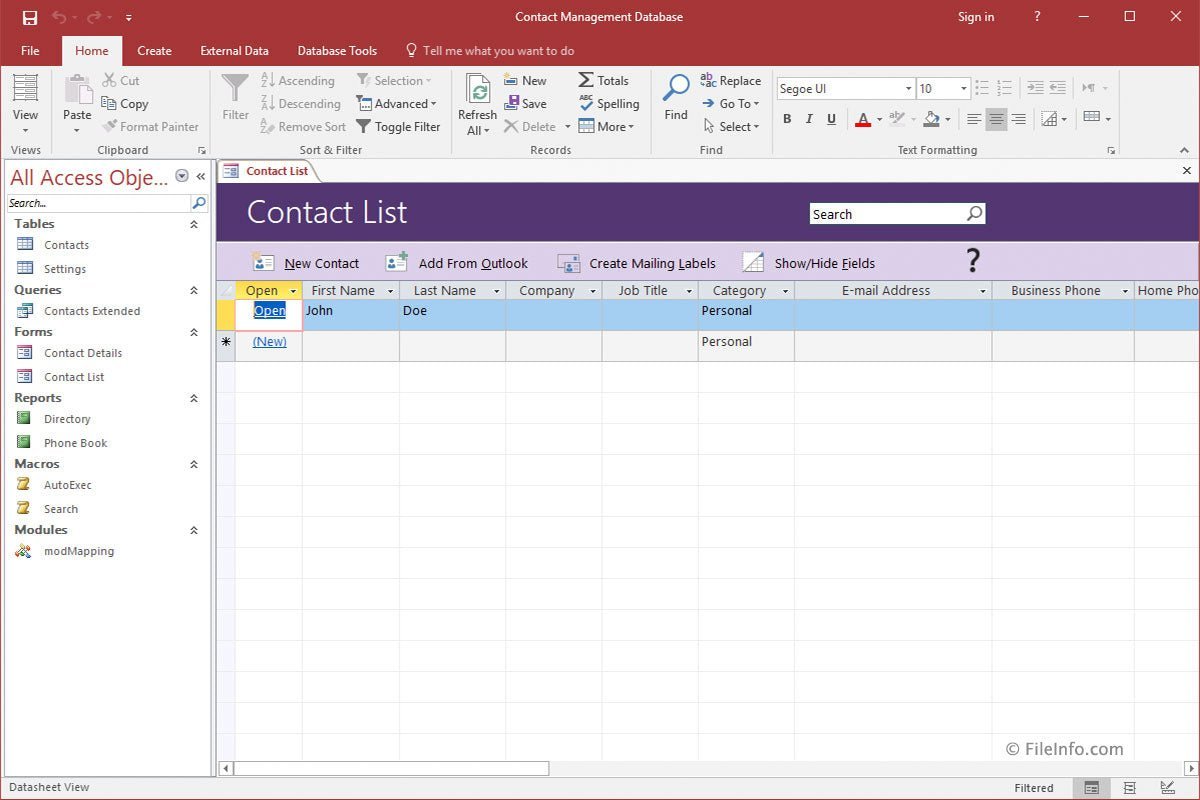
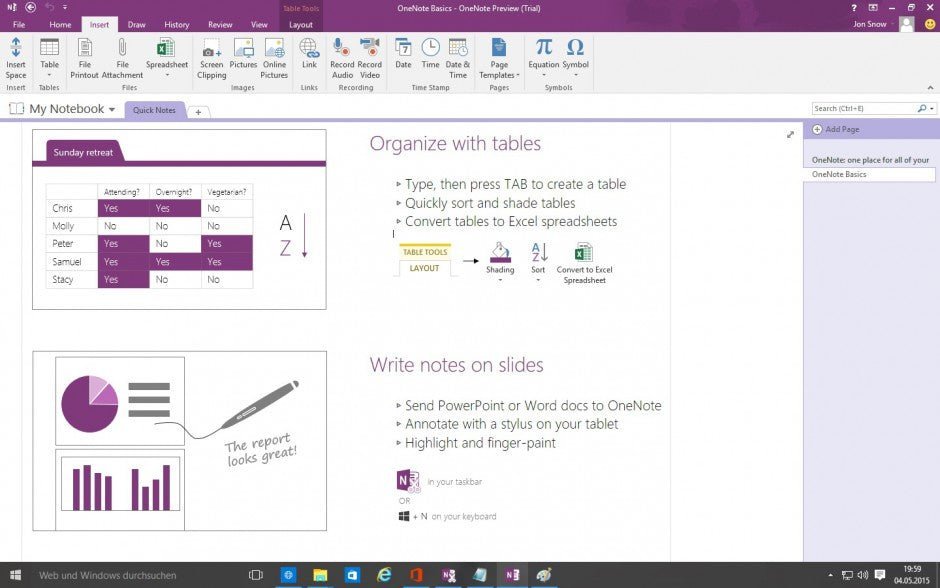
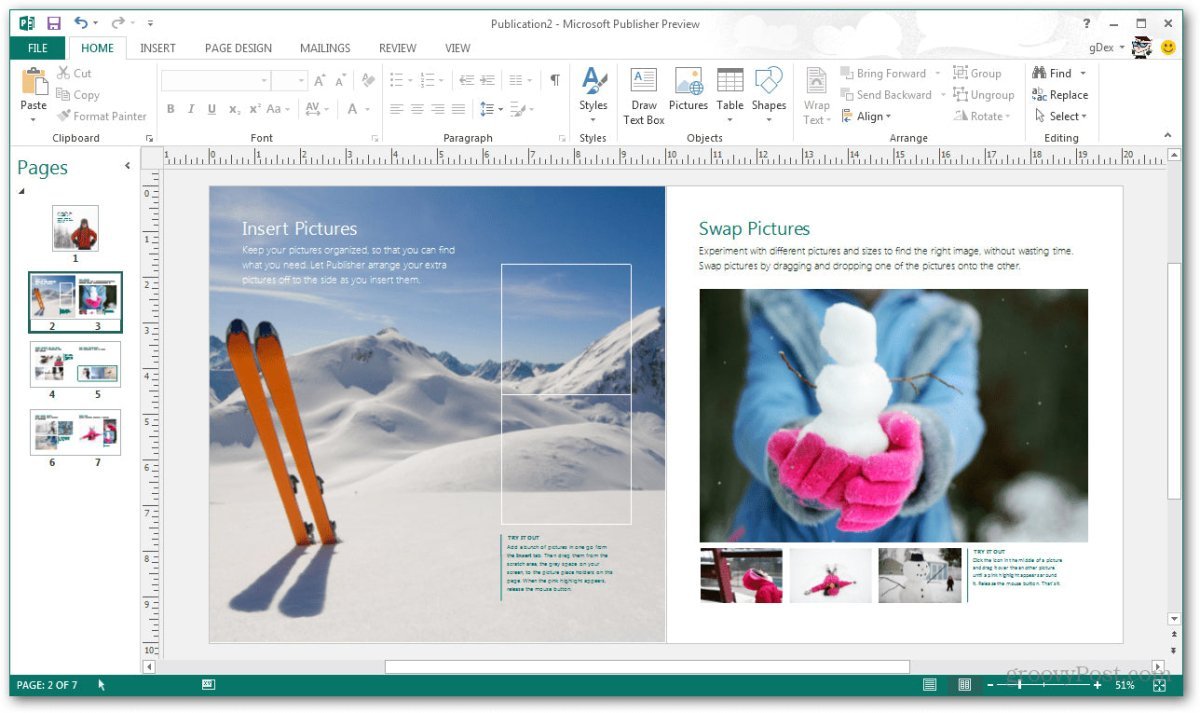
Business-critical applications including OneNote, Access, and Publisher
-
One-time purchase with a fixed price – no monthly subscription fees
-
Numerous new and improved features across all applications
-
Seamless collaboration between apps with easy import and export of content
-
Enhanced intelligence and automation to simplify everyday workflows
Microsoft Office 2019: The Best of Office 2016 and Office 365
In 2019, Microsoft Office celebrated its 30th anniversary—a milestone that clearly reflects the maturity of its applications. In recent years, Microsoft has expanded its ecosystem with the subscription-based Office 365, which continuously introduces new features.
Office 2019 combines the best of both worlds:
Users who choose Microsoft Office 2019 Professional Plus benefit from a powerful, refined office suite with proven enhancements designed for long-term productivity.
Why Upgrading to Office 2019 Is Worth It
Office 2019 introduces numerous improvements that significantly enhance everyday work—especially for users upgrading from Office 2013 or Office 2016.
Key innovations include:
-
Integrated translation tools: Words, sentences, and entire text passages can be translated instantly using Microsoft Translator
-
Enhanced visual content: Support for scalable vector graphics (SVG) with filters improves the visual quality of documents and presentations
-
LaTeX support: Mathematical formulas can now be inserted using LaTeX syntax
-
Advanced Excel features: New formulas, text functions, and logical “IF” statements for more powerful data analysis
-
Digital pen support: All applications support pen input, allowing users to draw, highlight, annotate, and write formulas—ideal for meetings and presentations
Intuitive Operation with Minimal Learning Curve
Users switching to Office 2019 will feel immediately at home. Microsoft has retained the familiar and proven menu structure of previous versions, ensuring intuitive navigation and fast onboarding. Both private and professional users can continue working almost immediately, with most new features learned naturally during daily use.
Office 2019 Professional Plus: Designed for the Highest Demands
Professional Plus is the most comprehensive edition of Office 2019. Compared to other versions (Home & Business, Standard, Professional), it offers additional advanced features such as:
-
Access and Skype for Business
-
Data Loss Prevention (DLP) to protect sensitive information
-
Full support for commercial use
These capabilities make Office 2019 Professional Plus the ideal choice for companies, power users, and professionals with the highest expectations.
System Requirements – Microsoft Office 2019 Professional Plus
-
Processor: 1.6 GHz or faster, 32-bit (x86) or 64-bit (x64)
-
Operating Systems:
-
RAM: Minimum 2 GB
-
Storage: At least 3 GB of available disk space
-
Display: Minimum resolution of 1024 × 768
-
.NET Framework: Version 3.5 or higher
For detailed technical information, please refer to the manufacturer.
Important Notice Regarding Office Versions
⚠️ Compatibility between the installation file and the product key is essential.
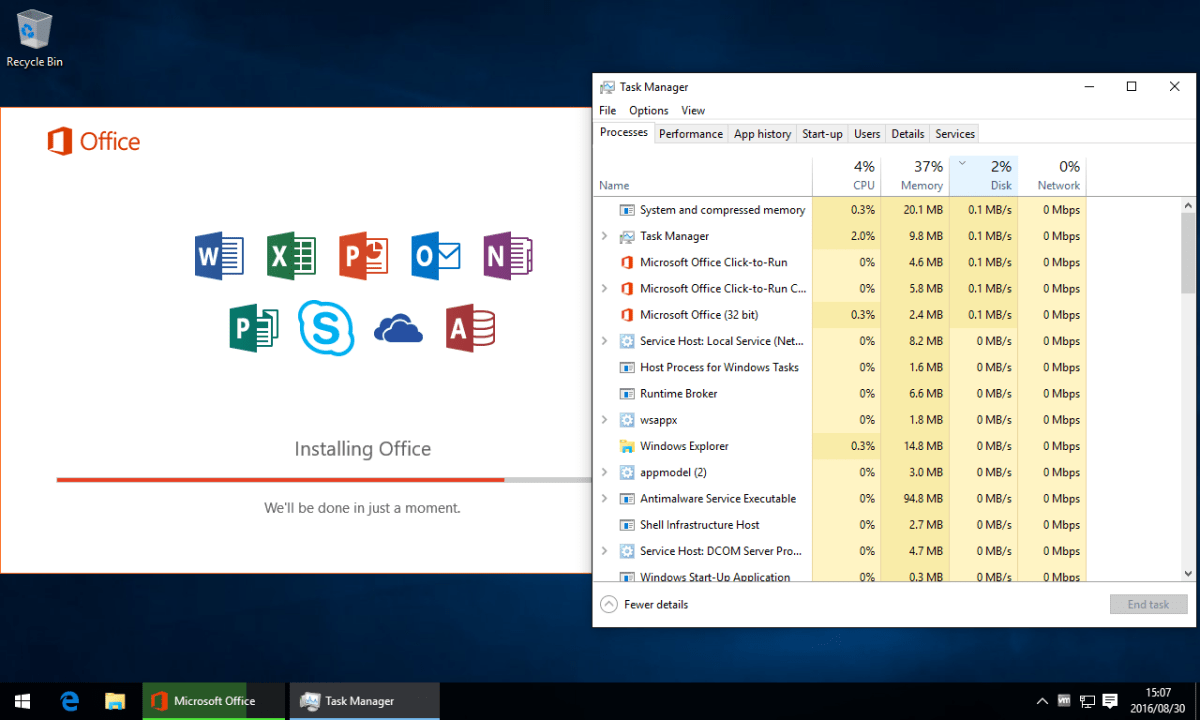
Due to the wide variety of Office editions, installation must be performed using the download file provided with your purchase.


 Overview
 Languages








Reviews
Clear filtersThere are no reviews yet.