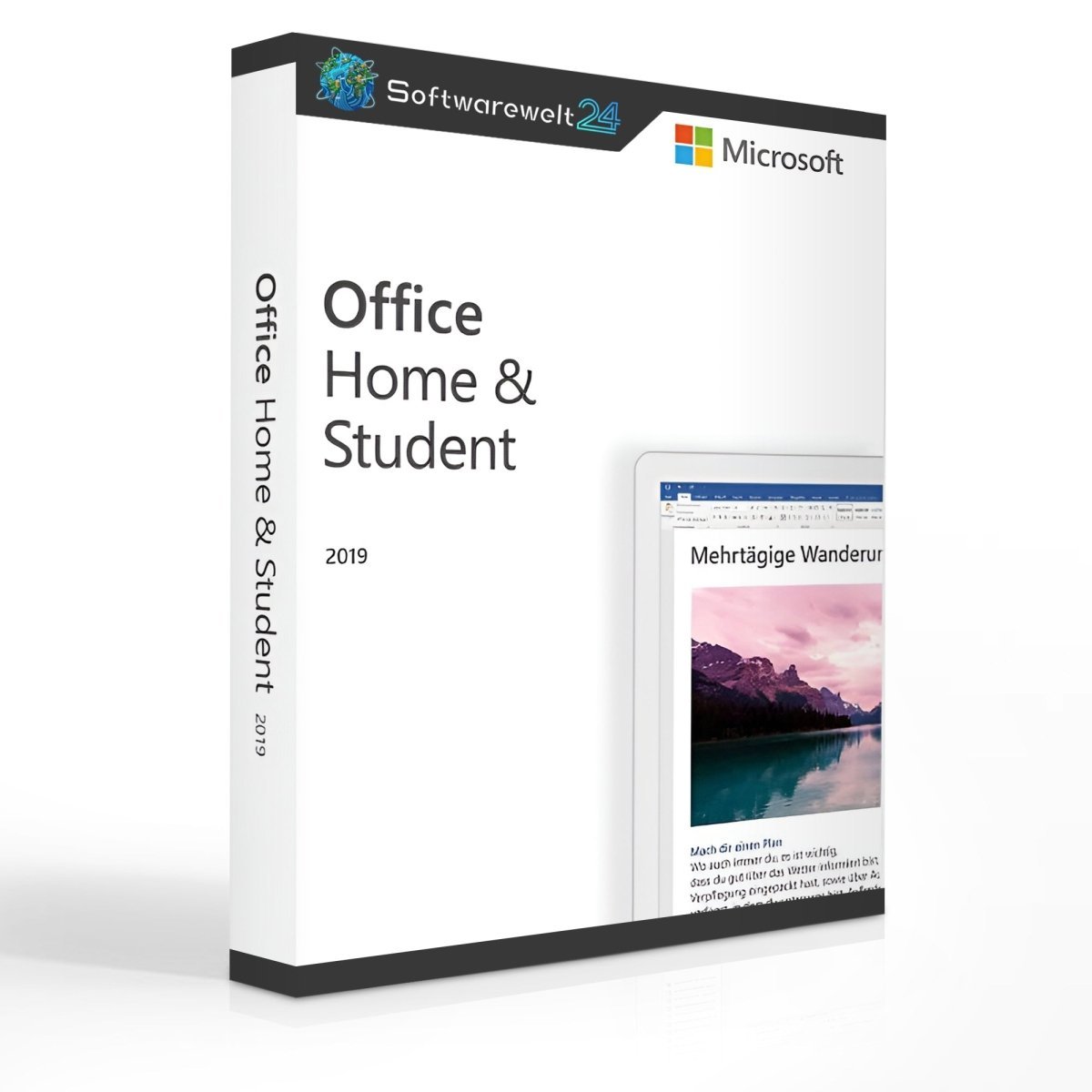
Product Information – Microsoft Office 2019 Home and Student (Windows)
Office Home and Student 2019: Ideal for Private Users and Students
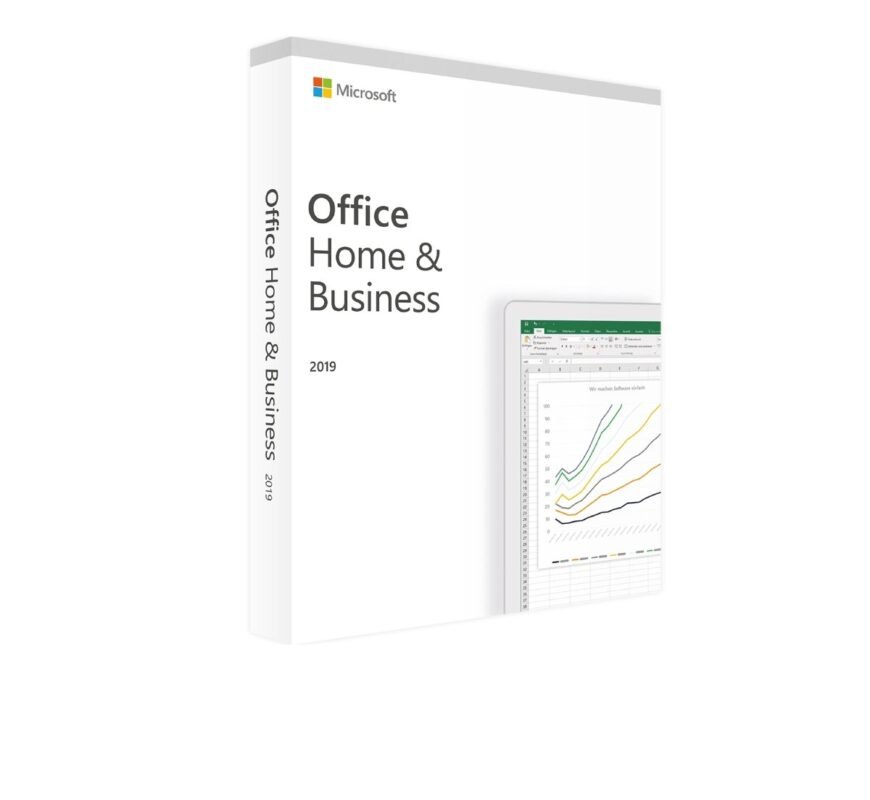
Microsoft Office 2019 Home and Student is designed specifically for private users, pupils, and students. Whether you need to write a university paper, prepare a school presentation, manage household finances with Excel, or create professional documents at home, this Office package is a reliable and efficient choice.
If you are looking to buy Microsoft Office 2019 Home and Student at a low price, this version provides all essential Office tools without unnecessary extras.
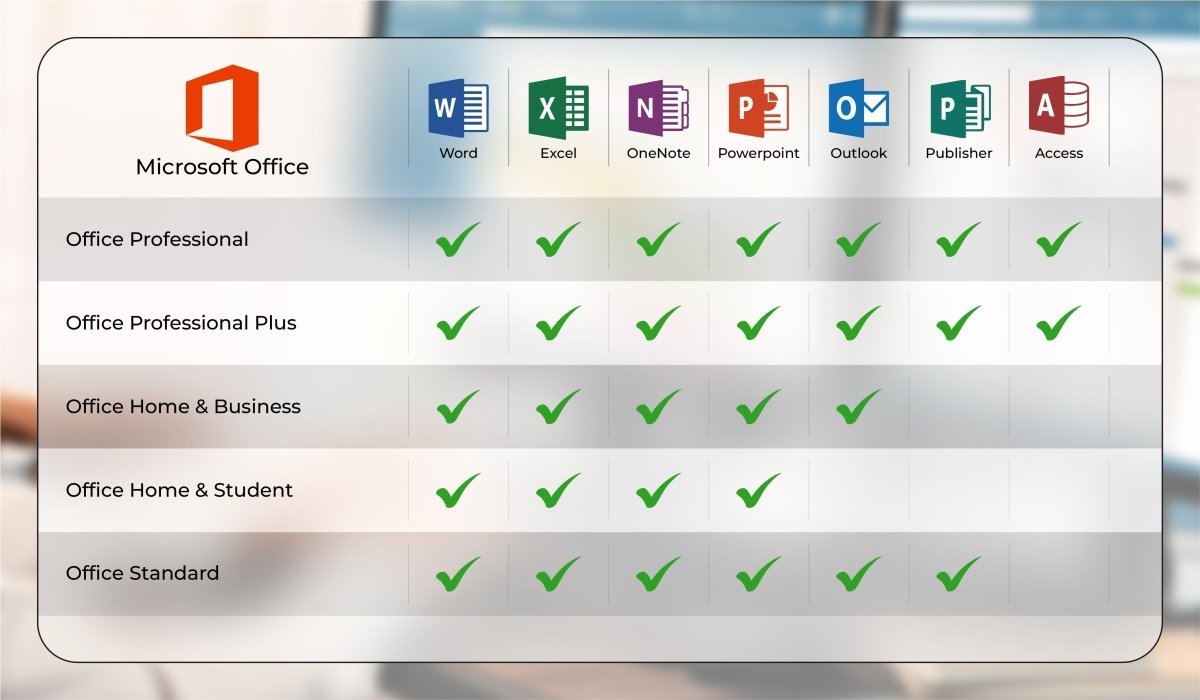
Applications Included in Office Home and Student 2019
The package contains the most important Office applications for everyday use:
-
Word – Create professional text documents quickly and easily
-
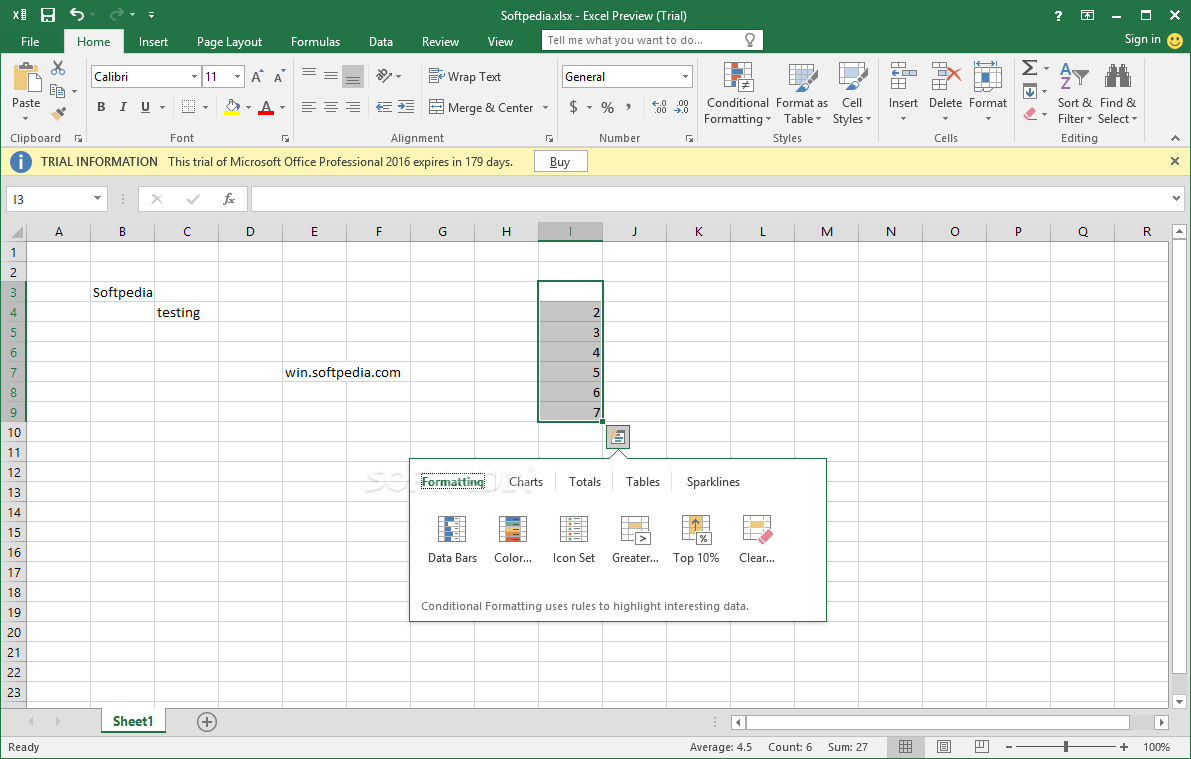
Excel – Intelligent spreadsheets for organizing and analyzing data
-
PowerPoint – Design dynamic and visually impressive presentations
-
OneNote – Digital notebook for structured note-taking
Why Buy Microsoft Office 2019 Home and Student? – Key Benefits
-
All essential Office applications in top form
-
Numerous improvements compared to older Office versions
-
Support for touchscreens and voice input
-
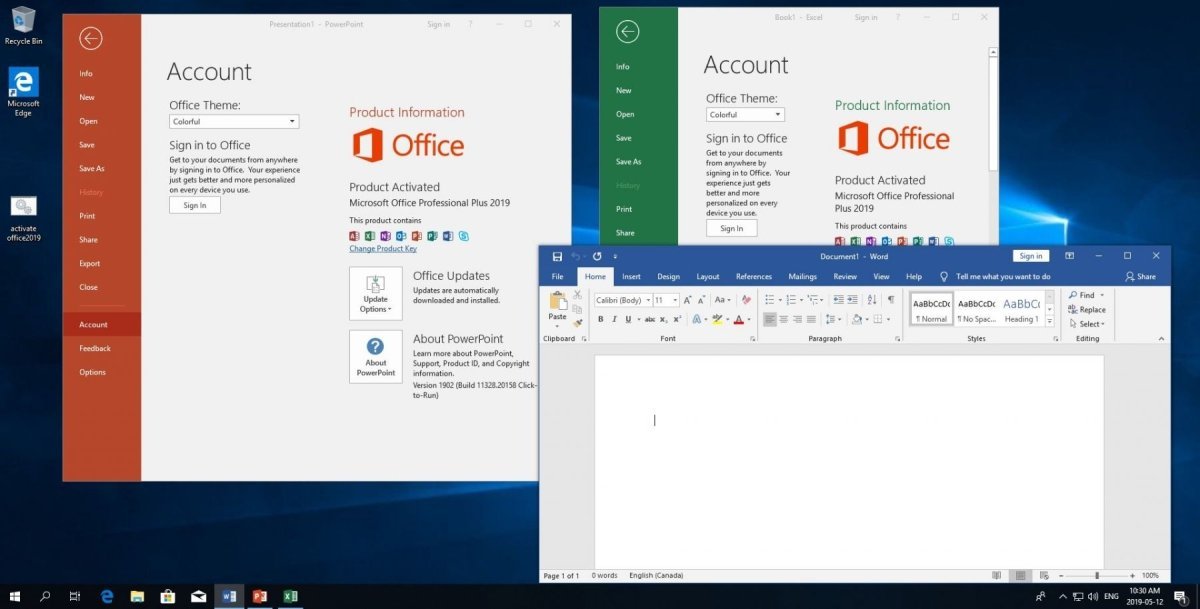
Optimized for Windows 10 and Windows 11
-
One-time purchase – no subscription required
Microsoft Office 2019 Home and Student: Slimmer, Faster, Better
When you purchase Microsoft Office 2019 Home and Student, you receive a streamlined Office suite that focuses on what private users really need. Microsoft optimized Office 2019 by reducing unnecessary components and improving overall performance.
Unlike business editions, this version does not include Outlook or Publisher. Microsoft found that private users rarely need advanced collaboration or email management tools. As a result, the package is smaller and more efficient.
If needed, OneNote can be downloaded separately from the Microsoft Store.
Word, Excel, and PowerPoint are included by default and fully equipped.
Improvements and New Features in Office 2019
Microsoft has introduced many enhancements “under the hood” in Office 2019:
-
PowerPoint 2019 features an improved zoom function using Morph. This allows you to zoom into images during presentations—ideal for school or university presentations.
-
Word 2019 includes improved learning tools and better handling of captions and images.
-
All Office applications support touch input and voice commands.
-
Excel 2019 offers improved Power Query and Power Pivot features, as well as new funnel charts and 2D maps.
Many of these enhancements become especially valuable during long-term use.
Windows 10 or Newer Required
Please note:
To use Microsoft Office 2019 Home and Student, Windows 10 or Windows 11 is required. Compatibility with older Windows versions has been discontinued by Microsoft.
System Requirements – Microsoft Office 2019 Home and Student
-
Processor: 1.6 GHz or faster, 32-bit (x86) or 64-bit (x64)
-
Operating Systems:
-
RAM: Minimum 2 GB
-
Storage: At least 3 GB of available disk space
-
Display: Minimum resolution of 1024 × 768
-
.NET Framework: Version 3.5 or higher
For further details, please refer to the manufacturer’s system requirements.
Our Innovation for Your Future
If the Office package you selected is temporarily unavailable, we will automatically provide an upgrade to a higher version at no additional cost, giving you:
This ensures uninterrupted productivity.
Important Notice Regarding Office Versions
⚠️ Compatibility between the installation file and the product key is essential.
Due to the wide variety of Office versions, installation must be performed using the download file provided by us.

 Overview
 Languages






Reviews
Clear filtersThere are no reviews yet.