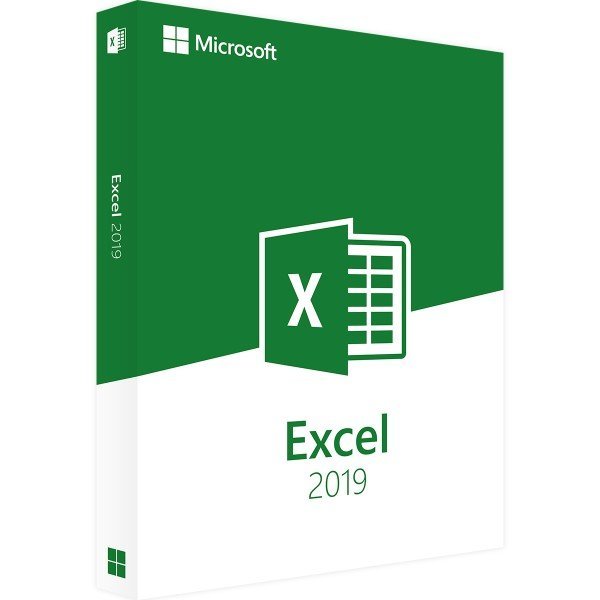
Microsoft Excel 2019 – Windows – Full Version
Work smarter for outstanding results
Microsoft Excel 2019 is one of the most widely used Office applications in offices around the world. Whether for tax calculations, financial reports, payroll accounting, or complex spreadsheets, Excel 2019 provides powerful tools for efficient and accurate data processing. Purchasing Excel 2019 gives you access to significantly improved intelligent features that simplify daily work, optimize workflows, and adapt to user behavior for greater productivity.
Key features of Microsoft Excel 2019
-
New and enhanced formulas
-
Automatic data visualization
-
Live data integration
-
Machine learning–based assistance
-
Highlighting of trends and patterns
-
Streamlined and modern user interface
Excel 2019: A learning Office application
With the integration of machine learning technology, Microsoft Excel 2019 introduces an important innovation. The software learns from your working habits and adapts automatically to recurring tasks and preferred workflows. If you frequently perform similar analyses, Excel recognizes these patterns and prepares future steps accordingly. This intelligent automation saves time, reduces manual input, and increases overall efficiency.
Automation for everyday tasks
Excel 2019 offers a wide range of automated processes designed to simplify complex operations. With the Insights feature, data visualizations can be created quickly and intuitively, while trends and patterns are highlighted automatically. In addition, Excel allows the integration of live data from the Bing search engine, enabling real-time updates directly within your workbooks. This functionality is particularly useful for forecasts, predictions, and data-driven decision-making.
Modern and simplified design
Compared to Excel 2016, Excel 2019 features a noticeably refined and cleaner design. The interface has been streamlined to eliminate unnecessary elements, overly complex navigation paths, and distracting colors. The result is a clearer layout that helps users focus on their tasks and work more efficiently without visual clutter.
If you want to improve productivity and streamline your data analysis, Microsoft Excel 2019 offers the ideal balance between ease of use and advanced functionality.
System Requirements – Microsoft Excel 2019
Processor:
1.6 GHz or faster, 32-bit (x86) or 64-bit (x64)
Operating System:
-
Windows 10
-
Windows Server 2019
Memory (RAM):
Minimum 2 GB
Hard Disk Space:
Minimum 4 GB of available storage
Display:
Minimum resolution 1024 × 768 pixels
Browser:
Current versions of Firefox, Internet Explorer, Chrome, Safari, or Microsoft Edge
.NET Framework:
.NET version 3.5 or higher
(For more detailed information, please refer to the manufacturer’s website.)

 Overview
 Languages










Reviews
Clear filtersThere are no reviews yet.