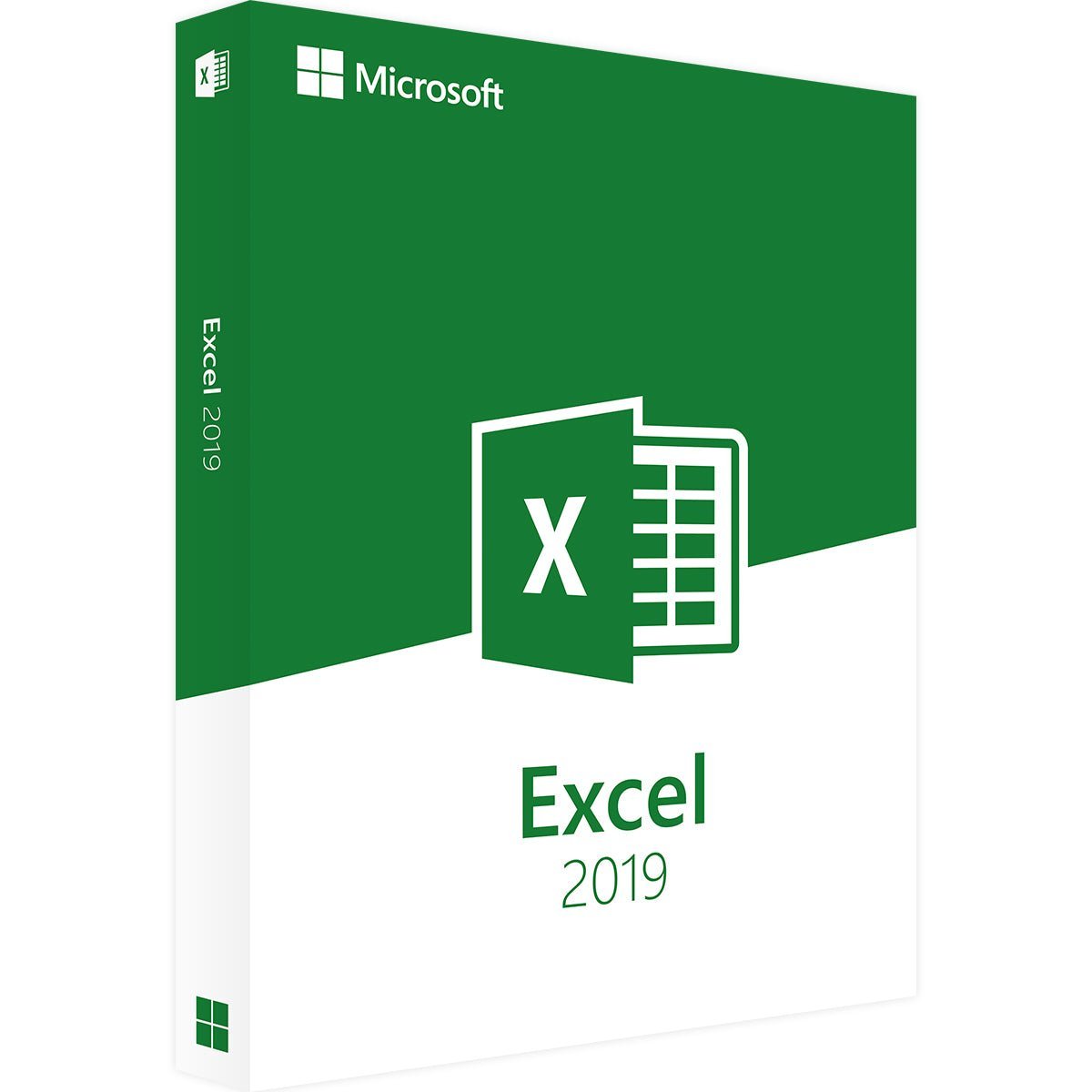
Microsoft Excel 2019 for Windows
Buy Microsoft Excel 2019 Easily and Legally – Powerful Spreadsheet Software
Looking for a modern and powerful spreadsheet solution? Microsoft Excel 2019 is the perfect choice. This professional application helps you organize, analyze, and visualize data more efficiently in your daily work. Since Excel 2019 is available as a standalone application, you don’t need to purchase the entire Office suite—saving you money by buying only the software you really need.
What Makes Microsoft Excel 2019 Special?
Previous versions of Excel were already highly capable, but Excel 2019 takes performance and functionality even further. This version introduces numerous new features and enhancements, especially for PivotTables and advanced table formatting. Create professional-looking spreadsheets and charts quickly and easily—even for complex data and demanding requirements.
Enhanced Online and Collaboration Features
One of the standout improvements in Excel 2019 is its expanded online functionality. You can access web-based features directly from the application and benefit from seamless integration with other Microsoft Office programs. Collaboration is especially efficient: multiple users can work on the same document, making Excel 2019 ideal for teamwork in modern work environments.
Buy Microsoft Excel 2019 as a Download – One-Time License
With Microsoft Excel 2019, you receive a perpetual license with no subscription fees. After purchase, simply download the software, install it on your device, and activate it using the product key sent by email. The license allows reinstallation at any time—for example, after a hardware failure—so be sure to keep your key in a safe place.
System Requirements – Microsoft Excel 2019
-
Processor: 1 GHz or faster, 32-bit (x86) or 64-bit (x64)
-
Operating System: Windows 10, Windows 11, Windows Server 2019, Windows Server 2022
(Other Windows versions are not supported)
-
RAM: Minimum 2 GB
-
Hard Disk Space: At least 4 GB available
-
Display: Minimum resolution 1024 × 768 pixels
-
.NET Version: .NET Framework 3.5 or higher
(For more details, please refer to the manufacturer’s website.)



 Overview
 Languages






Reviews
Clear filtersThere are no reviews yet.