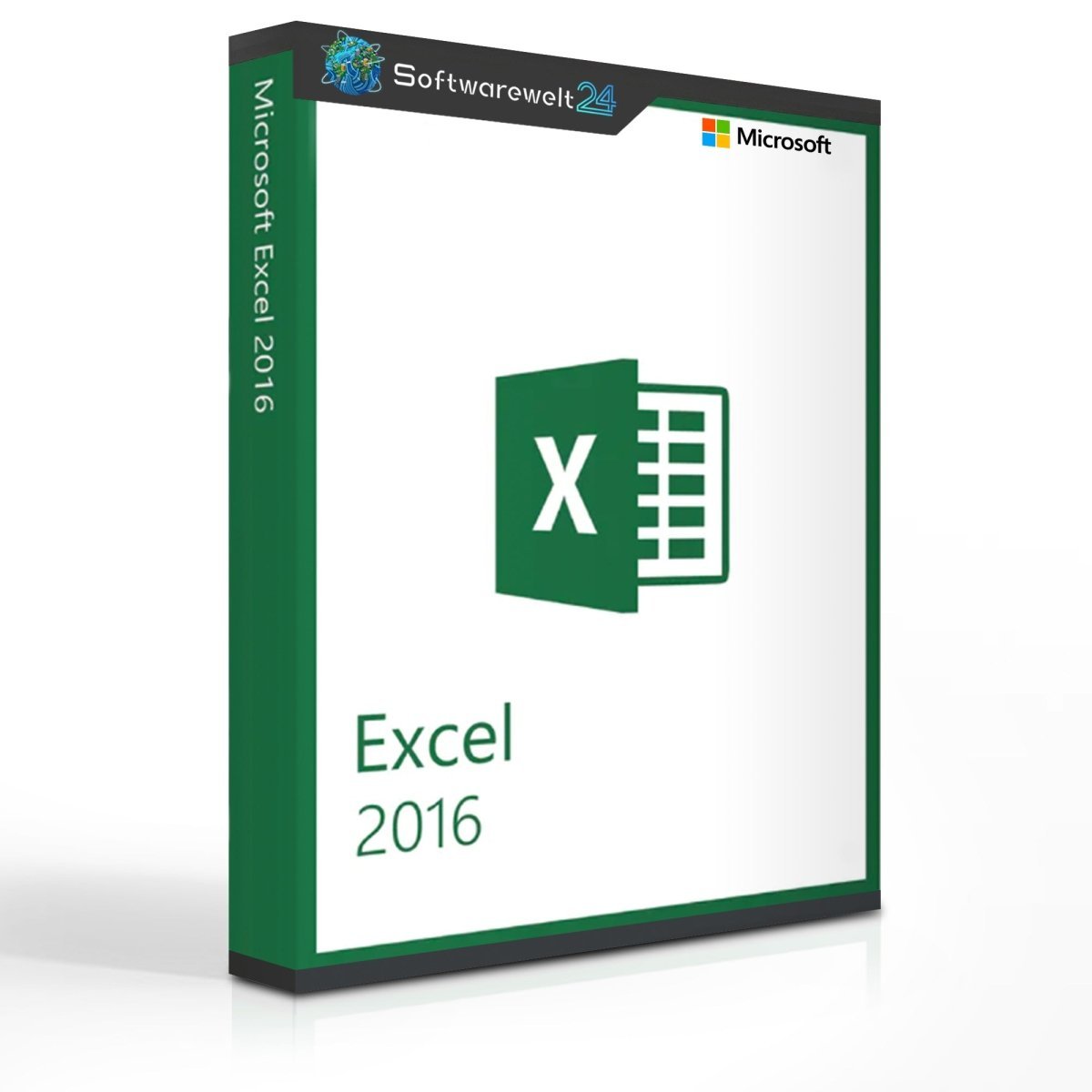
Microsoft Excel 2016
Powerful and Reliable Spreadsheet Software
Microsoft Excel 2016 is one of the most popular and powerful spreadsheet applications available today. As part of Microsoft’s trusted Office family, Excel is an essential tool for anyone who works with numbers, data, and calculations. The 2016 version introduces numerous enhancements while maintaining the familiar, user-friendly interface that Excel users appreciate.
Excel 2016 intelligently adapts to your working habits, helping you complete tasks faster and more efficiently. Whether for private use, education, or business, Excel 2016 provides all the tools needed to organize, analyze, and visualize data professionally.
Turn Data into Valuable Insights
Organize numerical and text-based data in worksheets or workbooks and gain clear insights through context-aware data displays. Excel helps you make informed decisions by presenting your information in a structured and easy-to-understand way.
Smart Data Formatting and Organization
As you work with your data, Excel recognizes patterns and automatically completes remaining entries—no formulas or macros required. The “Tell Me” search feature guides you directly to the commands you need, saving time and simplifying complex tasks.
Advanced Data Analysis Made Easy
Excel 2016 performs complex data analyses and summarizes your information using PivotTables. Preview different layout options and choose the one that best communicates your message and highlights key results.
Fast and Professional Charts
Excel recommends suitable chart types to visually represent data patterns. You can preview different chart options instantly and select the one that best illustrates your findings. New modern chart designs help present data clearly and attractively.
Highlight Trends and Forecast Developments
Use data bars, colors, and icons to emphasize important values and identify trends at a glance. With the built-in forecasting feature, Excel 2016 can predict future trends in your data series with just one click.
Real-Time Collaboration via the Cloud
Share your workbooks easily via OneDrive or SharePoint to ensure everyone always has access to the latest version. Files can be viewed, edited, and shared with colleagues or sent directly via email or chat.
Once saved to OneDrive, OneDrive for Business, or SharePoint, Excel Online allows real-time collaboration. The improved version history lets you view previous versions or restore earlier drafts at any time.
Professional Design in Minutes
Choose from a wide range of ready-made templates across more than 40 categories. Templates help you save time while maintaining a professional appearance for reports, budgets, schedules, and more.
System Requirements – Microsoft Excel 2016
-
Platform: Windows
-
Supported Operating Systems:
-
Processor: 1 GHz or faster, x86 or x64 processor with SSE2
-
RAM:
-
1 GB (32-bit)
-
2 GB (64-bit)
-
Hard Disk Space: At least 3 GB available
-
Graphics: DirectX 10 compatible graphics card for hardware acceleration
-
Internet Connection: Required for online features
-
Microsoft Account: Required
Product Details:

 Overview
 Languages








Reviews
Clear filtersThere are no reviews yet.