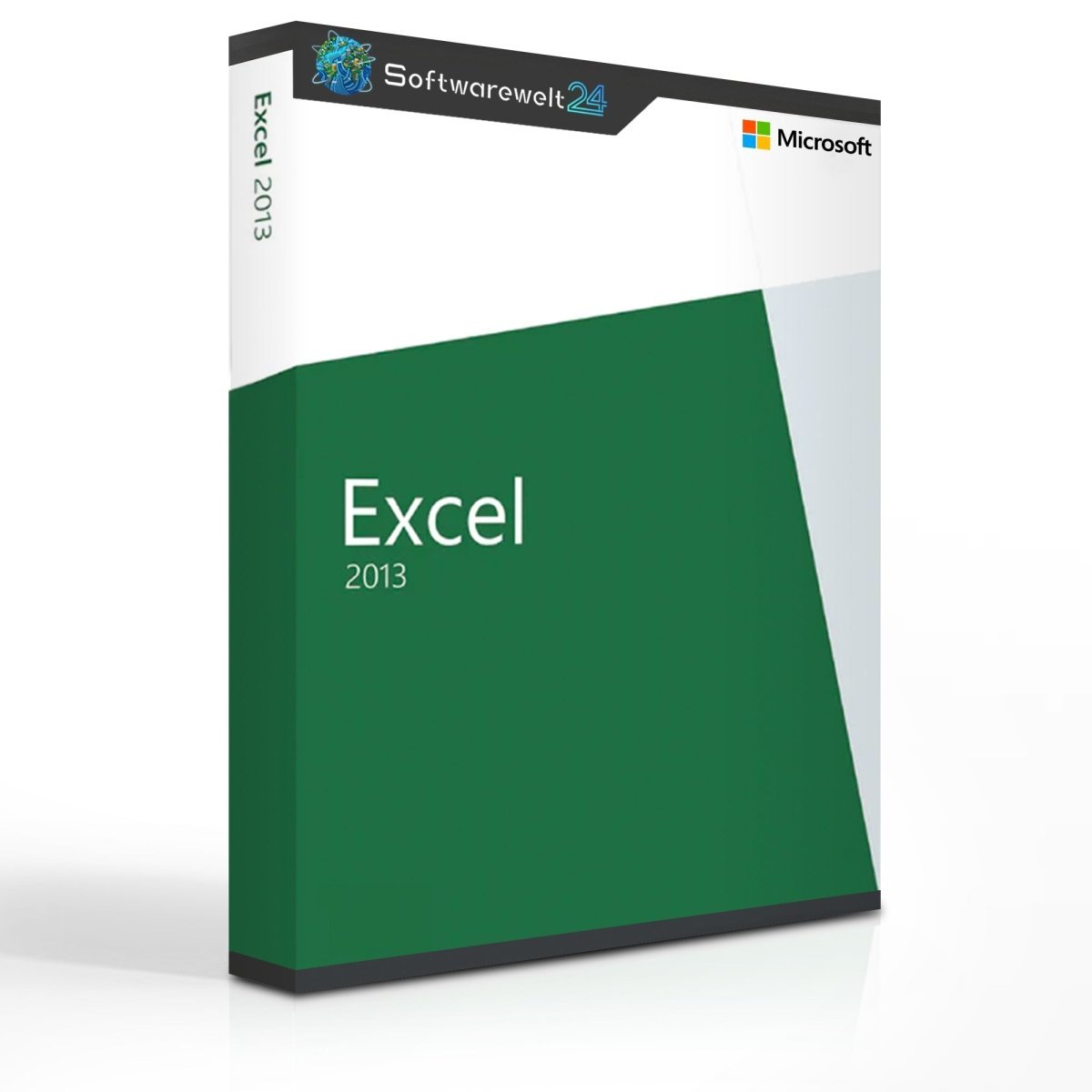
Microsoft Excel 2013 for Windows
Modern spreadsheet software for the digital and mobile age
With Microsoft Excel 2013, the well-established spreadsheet application fully enters the digital and mobile era. This is reflected in the redesigned user interface, which enables users to create and edit spreadsheets not only on a PC but also across mobile environments. In addition, Excel 2013 introduces enhanced collaboration features, allowing multiple users to work on spreadsheets simultaneously from different locations.
For over 20 years, Microsoft Office has been the global standard for office productivity. Alongside Microsoft Word for document creation, Excel remains one of the most popular applications in the Office suite. As a powerful spreadsheet solution, Excel allows users to create tables, statistics, calculations, and data analyses with ease. Intelligent functions automatically fill cells based on formulas, significantly improving efficiency and accuracy. One of the most notable innovations in Microsoft Excel 2013 is the ability to collaboratively edit spreadsheets via the cloud.
Collaborative work with cloud integration
Microsoft uses OneDrive (not included with Microsoft Excel 2013), formerly known as SkyDrive, as its standard cloud service for collaboration. With OneDrive for Business, users benefit from expanded features tailored to professional and industry-specific requirements. Spreadsheets stored in the cloud can be edited in real time, allowing all team members to instantly view changes made by others.
If OneDrive is not preferred, users may alternatively utilize their own company website or internal server as the cloud infrastructure, ensuring flexibility and compliance with internal IT policies.
Quick start with templates and modern designs
As with all Office 2013 products, Microsoft significantly simplifies the creation of new documents. A wide selection of templates and designs helps users get started quickly with Excel 2013. These templates can be customized, saved, and reused as personal formats. Through cloud integration, users can access their templates worldwide or share them with colleagues and collaborators.
Improved file handling and online features
Opening, saving, and editing files in Microsoft Excel 2013 has been fundamentally improved. With an active internet connection, licensed users can edit Office documents online, making a full local installation on a single workstation optional.
In addition to redesigned menus and file management features, document sharing has been greatly enhanced. Using Microsoft Lync (now Microsoft Skype for Business / Teams in later versions), users can participate in online meetings and share Excel spreadsheets, statistics, and other Office documents in real time. Permissions can be individually assigned, allowing full access or restricted viewing for meeting participants.
System Requirements – Microsoft Excel 2013
Operating System:
Processor:
1 GHz or faster, x86 or 64-bit processor
Memory (RAM):
-
1 GB (32-bit version)
-
2 GB (64-bit version)
Hard Disk Space:
3 GB (for Microsoft Office)
Graphics:
DirectX 10 compatible graphics card
Minimum resolution: 1024 × 576 pixels
Platform: Windows
Includes: Excel
Release Year: 2013

 Overview
 Languages









Reviews
Clear filtersThere are no reviews yet.