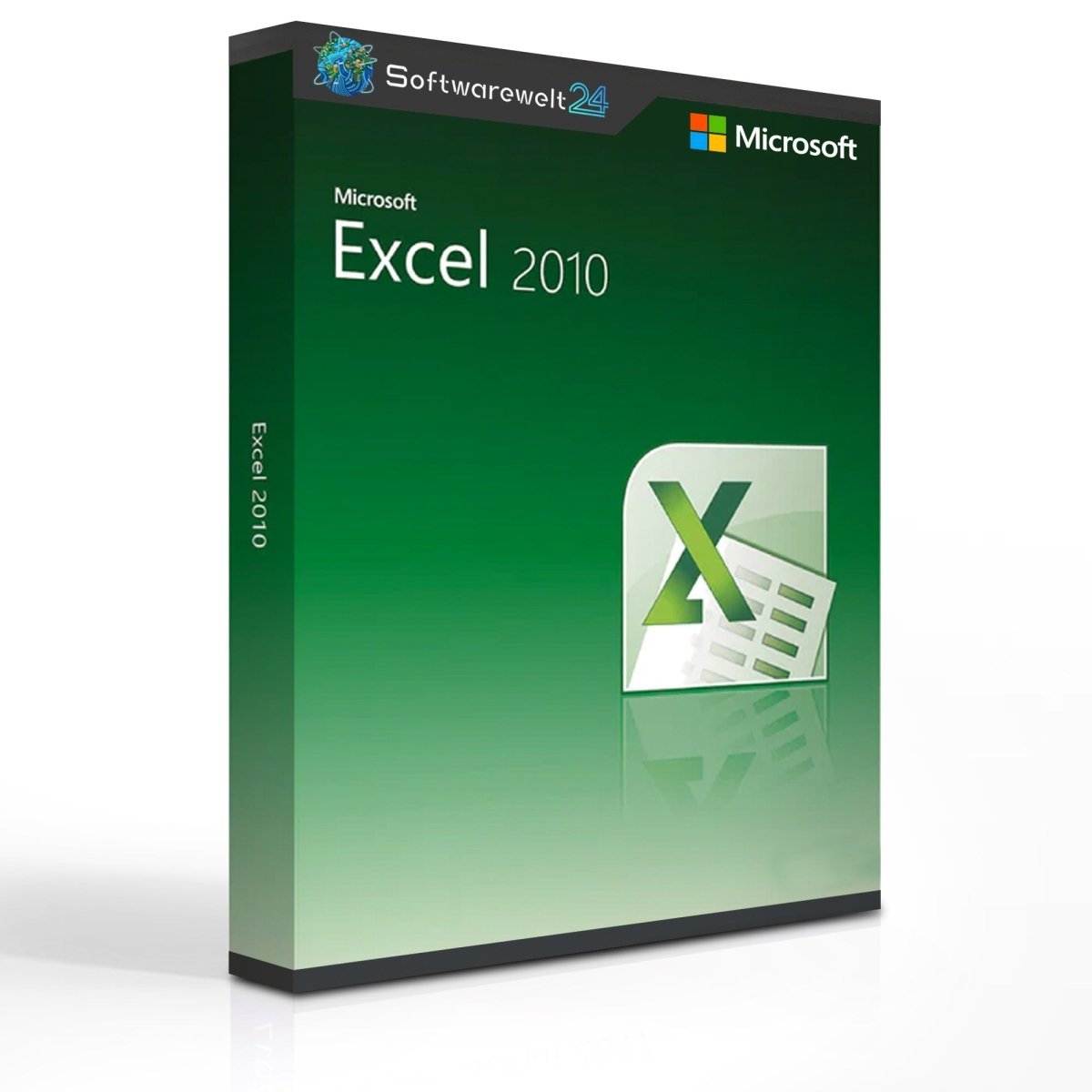
Microsoft Excel 2010 for Windows
Buy Microsoft Excel 2010 and start working immediately
Microsoft Office products have been firmly established on the market for many years—and Microsoft Excel 2010 is no exception. This powerful spreadsheet application can be purchased as a standalone download at an attractive price. One major advantage of the download version is that the software can be used immediately after entering the license key, with full functionality available right away.
Powerful features with Microsoft Excel 2010
When you purchase Microsoft Excel 2010, you receive a comprehensive spreadsheet solution. The software allows you to create clearly structured and visually appealing tables with ease, while also enabling detailed evaluations and complex data analyses. Excel 2010 includes a wide range of functions designed to handle virtually all types of calculations.
For data visualization, Microsoft Excel 2010 offers a variety of chart types, including bar charts, pie charts, and many others. Any change made to a value in the table is instantly reflected in the corresponding chart, ensuring accurate and up-to-date visual representations.
Perfect integration with Microsoft Office
If you already use other Microsoft Office applications, Excel 2010 integrates seamlessly into your existing Office environment. Exchanging data between Excel, Word, and other Office programs is smooth and fully compatible, which is one of the main reasons this version remains so popular among users.
The user interface follows the familiar Office design, making Excel 2010 easy to use—especially for those already working with programs like Word 2010. This consistent menu structure significantly reduces the learning curve.
Buying Microsoft Excel 2010 is simple and cost-effective
As Excel 2010 is not the latest version, it is available at a very attractive price. Despite its age, the software still provides all essential features required for daily work, without functional limitations.
When purchasing Microsoft Excel 2010 online, you will receive a download link and a license key via email. After downloading and installing the software, simply activate it using the provided product key. Be sure to store the license key securely, as it will be required for reinstallation in case of system issues.
System Requirements – Microsoft Excel 2010
Processor:
1 GHz or faster, 32-bit (x86) or 64-bit (x64)
Supported Operating Systems:
-
Windows 10
-
Windows 8.1
-
Windows 7
-
Windows XP
-
Windows Server 2016
-
Windows Server 2012 R2
-
Windows Server 2012
-
Windows Server 2010
-
Windows Server 2003
Memory (RAM):
512 MB
Hard Disk Space:
3.5 GB available storage
(For more detailed information, please refer to the manufacturer: office.com/systemrequirements)

 Overview
 Languages









Reviews
Clear filtersThere are no reviews yet.