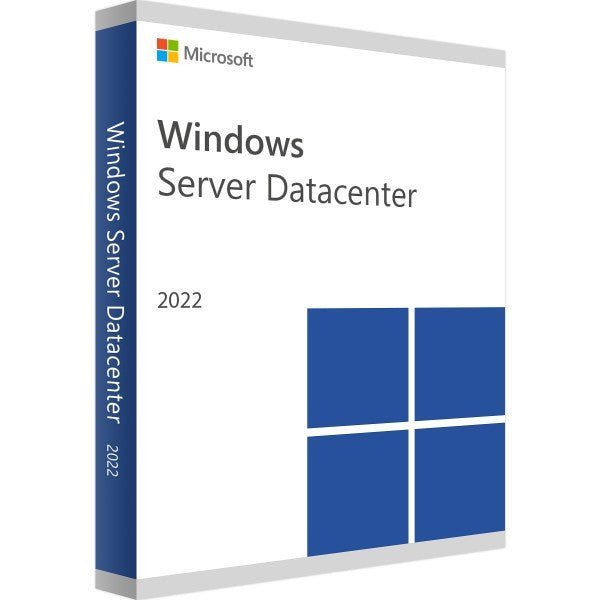
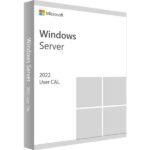
Microsoft Windows Server 2022 Datacenter 24 Core
Description
Product Information
Windows Server 2022 Datacenter | 24 Core | Certified
Windows Server 2022 Datacenter | 24 Core – The Ultimate Solution for Demanding Enterprise Infrastructures
Windows Server 2022 Datacenter | 24 Core is a high-performance and comprehensive server platform designed specifically for organizations that require a scalable, reliable, and secure IT infrastructure. Built on the latest Windows Server 2022 operating system, it delivers a wide range of powerful features to meet the complex demands of modern enterprise environments.
Key Features and Benefits
-
24-Core Licensing Flexibility
Enables efficient use of server resources and allows scalable growth according to business needs. -
Advanced Workload Support
Optimized for demanding workloads and enterprise applications such as databases, web services, and virtual machines. -
Comprehensive Virtualization Capabilities
Integrated Hyper-V technology for efficient creation and management of virtual machines. -
Enhanced Security
Includes advanced security features such as Secure Boot, Virtual TPM, and BitLocker encryption for maximum data protection. -
User-Friendly Management
An intuitive management interface ensures efficient administration of server resources and high availability.
This platform is ideal for large enterprises, data centers, cloud service providers, and organizations with complex IT or high security requirements. It delivers outstanding scalability, performance, security, and ease of management.
Suitable For
Windows Server 2022 Datacenter | 24 Core is a versatile solution designed for a wide range of use cases:
-
Large Enterprises – Comprehensive support for complex IT infrastructures
-
Data Centers – Built for high scalability and large-scale environments
-
Cloud Service Providers – Hybrid cloud support with seamless integration
-
Virtualized Environments – Extensive virtualization capabilities
-
High Availability & Failover Scenarios – Supports failover clustering and geo-clusters
-
Security-Critical Industries – Advanced security features for regulated sectors
-
Development & Testing Environments – Powerful tools for development workflows
-
Educational Institutions – Scalable user management, learning platforms, and cloud integration
Advantages Over the Previous Version
(Windows Server 2019 Datacenter | 24 Core)
-
Updated Technologies – Improved integration with Microsoft Azure and modern virtualization and container technologies
-
Performance Improvements – Faster startup times and optimized server responsiveness
-
Enhanced Security Features – Improved monitoring and access control
-
Improved Management Tools – More intuitive administration for efficient server control
-
Optimized Licensing & Scalability – Flexible 24-core licensing for better resource utilization and cost efficiency
Advantages Over Other Server Solutions
-
Scalability – Supports up to 24 cores for flexible workload scaling
-
Advanced Virtualization – Run multiple virtual machines on a single server
-
Cloud Integration – Seamless hybrid cloud environments with Microsoft Azure
-
Enterprise-Grade Security – Secure Boot, BitLocker, and advanced access controls
-
Powerful Management Tools – Easy configuration, monitoring, and administration
-
Broad Application Support – Ideal for enterprise applications, databases, and web services
Why Buy From Us?
-
Guaranteed Genuine Software – 100% original Microsoft license
-
Fast Delivery – Instant download link and activation key after purchase
-
Competitive Pricing – Excellent value compared to direct purchase
-
Personal Customer Support – Assistance with licensing and technical questions
-
Secure Purchase – Safe payment processing and data protection
Hardware Requirements
Minimum system requirements for installing Windows Server 2022 Datacenter | 24 Core:
-
Processor: 64-bit processor, minimum 1.4 GHz (2.0 GHz or faster recommended)
-
RAM: Minimum 4 GB (16 GB or more recommended for optimal performance)
-
Storage: Minimum 160 GB free disk space (200 GB or more recommended)
-
Network: Gigabit Ethernet adapter
-
Graphics: Super VGA (800 × 600) or higher
Depending on your applications and workloads, additional resources may be required. It is recommended to consult Microsoft’s official documentation or an IT professional before deployment.

Reviews
Clear filtersThere are no reviews yet.