Product Information
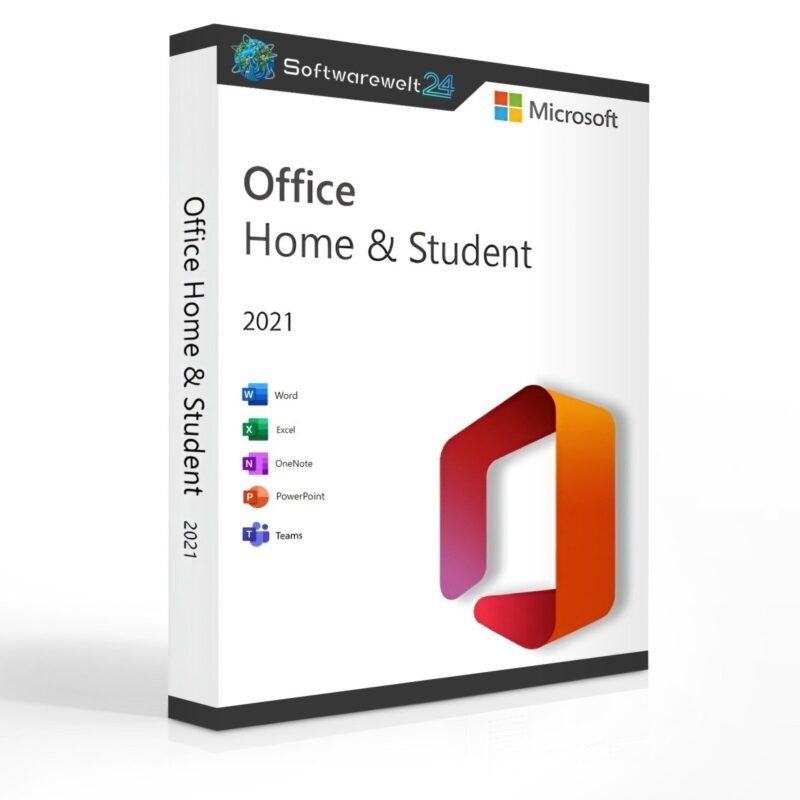
Microsoft Office 2021 Home and Student for Windows
Buy Microsoft Office Home and Student 2021 at a Great Price
For extensive text creation, impressive presentations, and comprehensive spreadsheets, Microsoft Office Home and Student 2021 has been a reliable choice for many years. The Office suite has been in use for over 20 years, with its first release dating back to 1998. The 2021 edition is a refined and modernized version, released alongside Microsoft Windows 11.
Affordable Entry into Digital Office Work
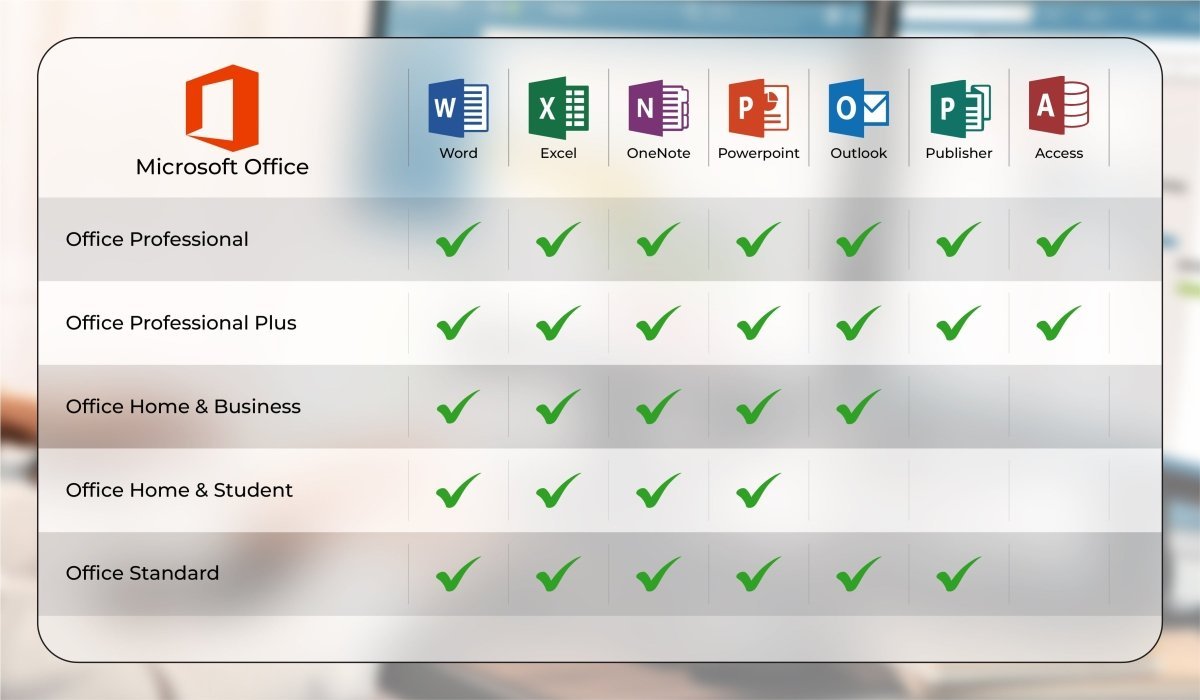
Microsoft offers Office in several different editions to meet varying needs. Microsoft Office Home and Student 2021 represents the most affordable entry-level version and is designed exclusively for private users. Those wishing to use Office 2021 for commercial or business purposes should choose a different edition, such as Office Home & Business 2021 or Office Professional Plus 2021.
As a result, Office Home and Student 2021 is available at a particularly attractive price. This version is licensed for single-user use and can be installed on one PC or laptop only. After purchase, the software can be used without time limitation. An internet connection, a modern web browser, and a Microsoft account are required. Reinstallation is possible at any time once the previous installation has been deactivated.
Included Applications – Everything You Need
As expected, Microsoft Office Home and Student 2021 includes the essential applications for everyday office work:
-
Word 2021 – Powerful word processing with advanced layout and formatting features
-
PowerPoint 2021 – Create professional and visually engaging presentations
-
Excel 2021 – Comprehensive spreadsheet software with familiar tools and unlimited tables
Outlook 2021 is not included in this edition and is only available starting with Office Home & Business 2021. Outlook is used for managing emails, calendars, and contacts.
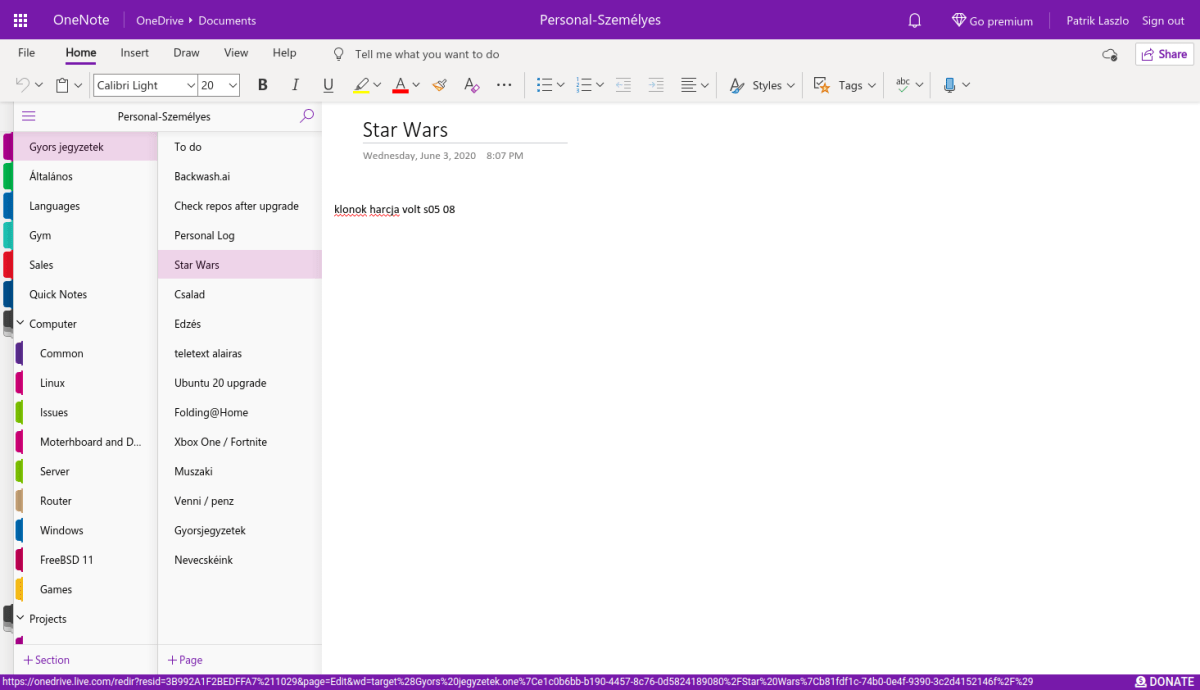
OneNote is ideal for quick notes and organizing important information.
In addition, Microsoft Teams is included in Office 2021, replacing Skype entirely. Teams offers chat functionality, video conferencing, and easy file sharing.
Modern Design and Improved Performance
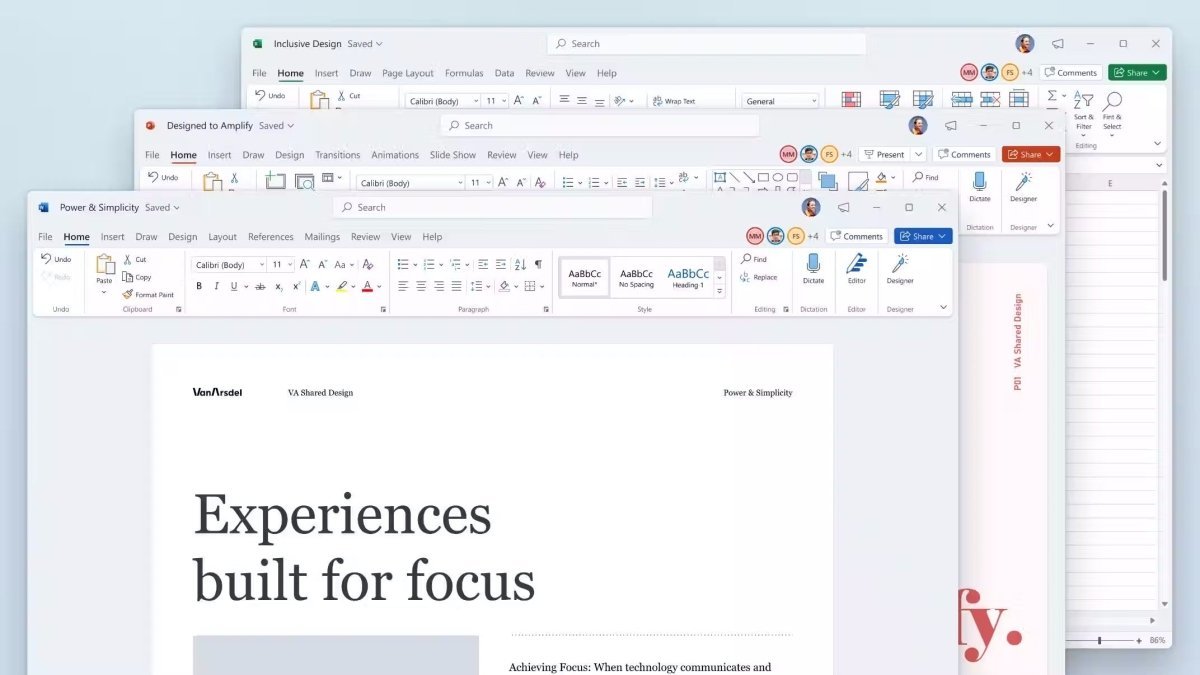
Microsoft Office Home and Student 2021 was released alongside Windows 11, and its visual design has been adapted accordingly. Updated menus, rounded corners, and a more harmonious interface provide a modern user experience. The new Dark Mode enhances readability and comfort, especially when working with multiple applications at once.
Technically, Office 2021 focuses on optimization rather than radical change. Users benefit from:
-
Improved performance, even on less powerful systems
-
Greater stability and reliability
-
Faster search functions
-
Automatic saving to protect against data loss
In Word 2021, co-authoring allows multiple users to work on the same document simultaneously, provided the file is stored in OneDrive.
One-Time Purchase – No Subscription
When you purchase Microsoft Office 2021 Home and Student, you pay once and can use the software permanently. There are no monthly or annual subscription fees, unlike Microsoft 365.
We also offer alternative Office editions:
-
Microsoft Office 2021 Home & Business – suitable for commercial use
-
Office 2021 Professional Plus – includes additional applications such as Publisher and Access
-
Older versions like Office 2019 are also available
All products are provided via instant download.
System Requirements – Microsoft Office 2021 Home and Student
Processor:
1.6 GHz or faster, 32-bit (x86) or 64-bit (x64)
Operating Systems:
Memory: Minimum 2 GB RAM
Hard Disk Space: Minimum 3 GB available
Display: Minimum resolution of 1024 × 768
.NET: Version 3.5 or higher
Our Innovation for Your Future
If the Office version you ordered is temporarily unavailable, you will automatically receive an upgrade to a higher edition at no extra cost. Your benefits include:
This ensures you can continue working without delay.
Important Note on Office Versions
Compatibility between the installation file and the product key is essential. Due to the wide variety of Office versions, it is mandatory to install the software using the download file provided by us to ensure proper activation.

 Overview
 Languages








Reviews
Clear filtersThere are no reviews yet.