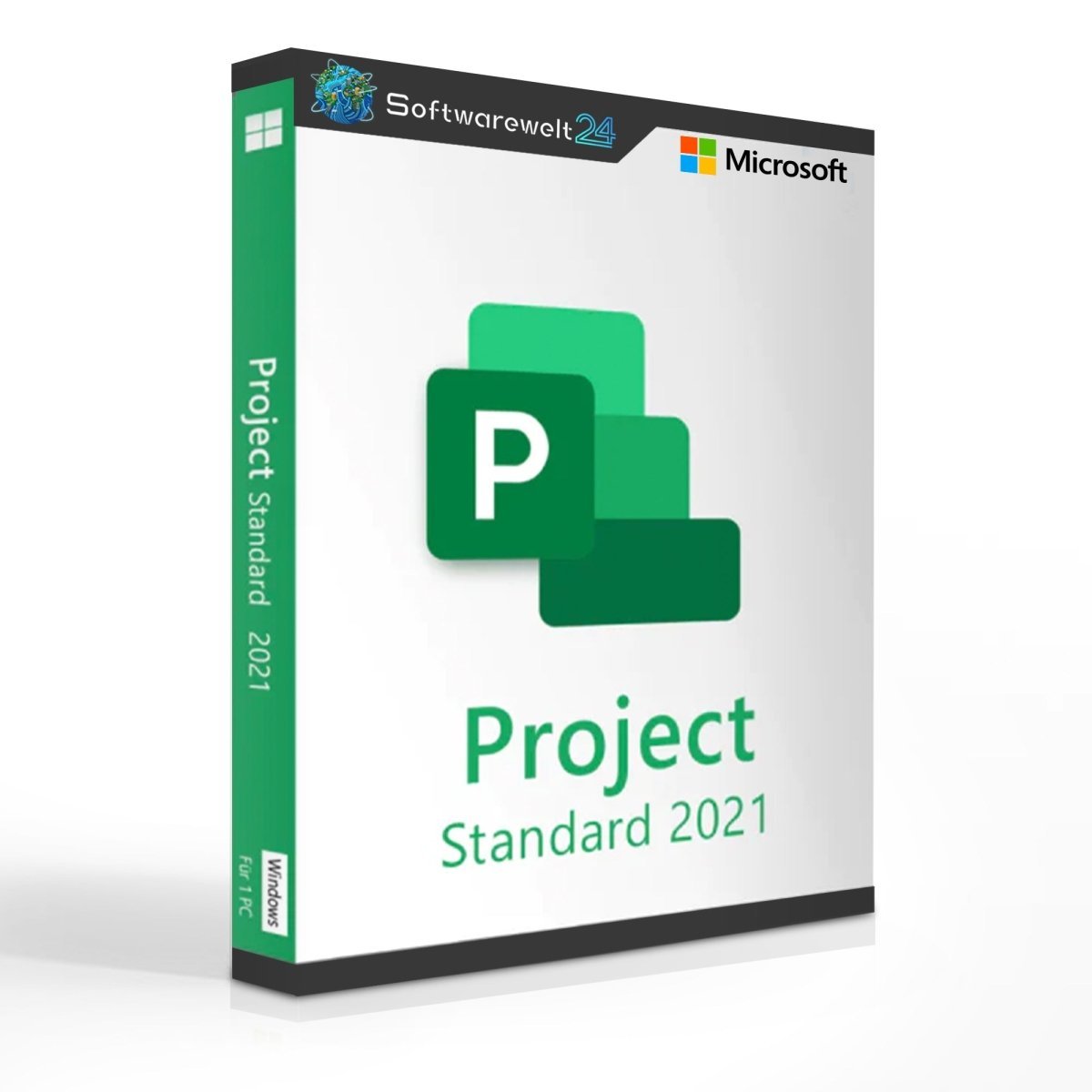
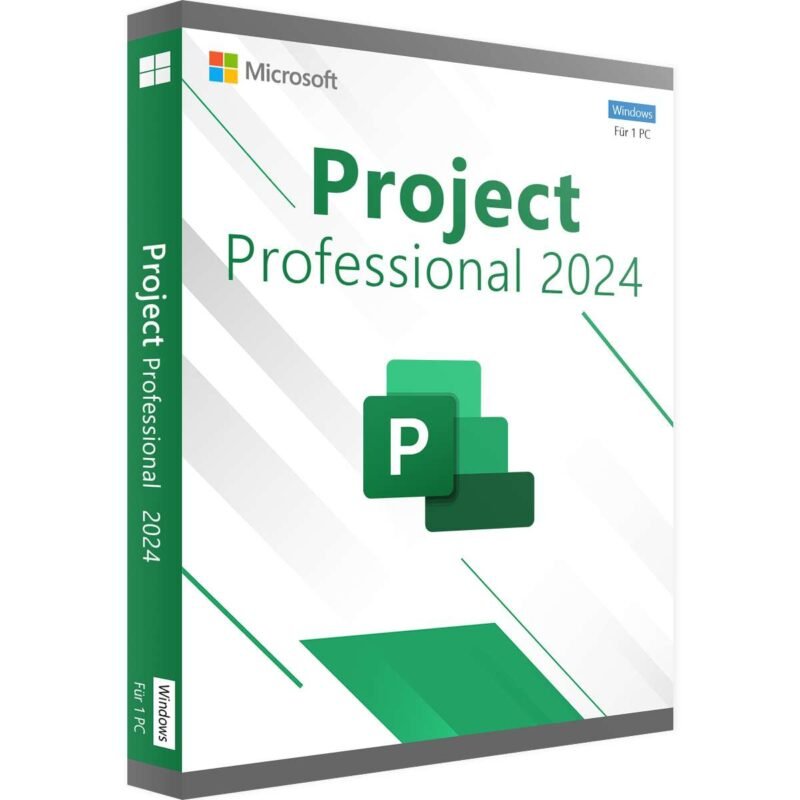
Microsoft Project 2021 Standard
The Right Project Management Software for Your Projects
Even in everyday life, projects need to be planned and implemented successfully—whether it’s renovating a home, redesigning a garden, or organizing an event. In professional environments, project planning becomes even more critical. Developing new products, opening new branches, or launching new sales channels all require precise planning to avoid delays and costly mistakes.
With Microsoft Project 2021 Standard, you gain access to a powerful project management solution that supports you throughout the planning and execution of your projects. The software helps increase success rates while significantly improving efficiency and transparency.
Microsoft Project 2021 – The Latest Version of the Project Management Tool
Using the latest version of Microsoft Project is always recommended. Project 2021, released in October 2021, is optimized for modern hardware and offers improved performance and enhanced security features.
The user interface has been redesigned to look cleaner, lighter, and more modern. This not only improves the visual experience but also makes navigation more intuitive and efficient.
Choosing the Right Edition: Standard vs. Professional
This product includes the Microsoft Project 2021 Standard edition, which provides all essential tools for effective project planning. You can define project tasks, set dependencies, and create accurate budgets with ease.
The Professional edition includes advanced features such as resource management and synchronization with Project Server or Project Online, which are mainly required in larger organizations. For users who do not need these advanced functions, Project 2021 Standard is the more cost-effective and practical choice—making it a popular option for many users.
Plan Projects Effectively with Microsoft Project
Successful project execution starts with reliable planning. Microsoft Project allows you to define every task in detail and establish dependencies between tasks to prevent delays and bottlenecks.
The software also provides powerful tools for budget planning, helping you calculate costs accurately from the start and determine whether a project is economically viable.
Efficient Project Execution and Progress Tracking
Once planning is complete, Microsoft Project continues to support you during execution. Team members clearly understand their responsibilities, timelines, and priorities, which greatly improves collaboration—even across different locations.
You can track progress directly within the project plan, mark completed tasks, and use key performance indicators to evaluate success. This ensures full transparency and control over every stage of your project.
System Requirements – Microsoft Project 2021 Standard
-
Processor: 1.6 GHz or faster, 32-bit (x86) or 64-bit (x64)
-
Operating System: Windows 10, Windows 11, Windows Server 2019
-
RAM: Minimum 2 GB
-
Hard Disk Space: At least 3 GB available
-
Display: Minimum resolution 1024 × 768
-
.NET Version: .NET Framework 3.5 or higher
(More details available from the manufacturer at office.com/systemrequirements)

 Overview
 Languages






Reviews
Clear filtersThere are no reviews yet.