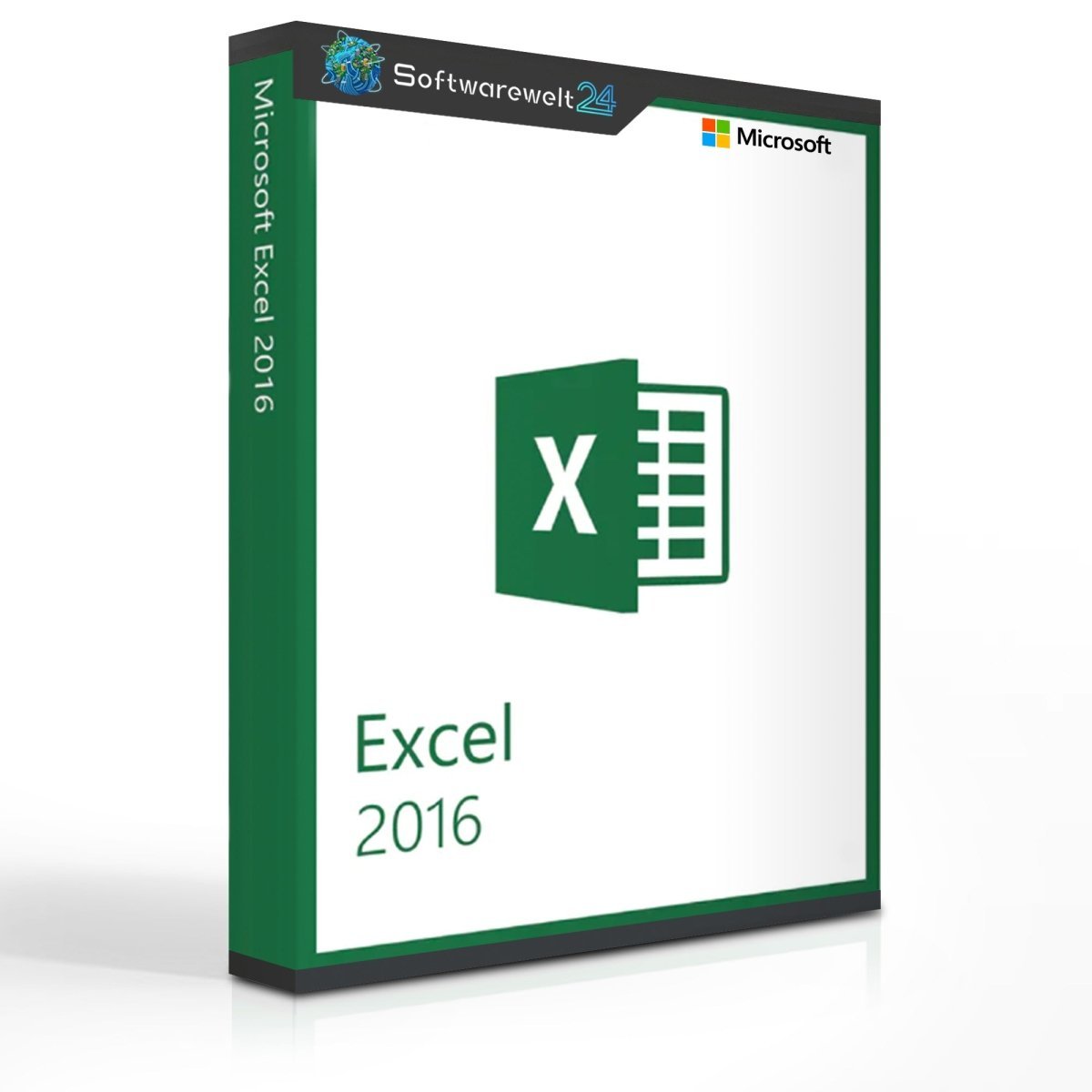
Microsoft Excel 2016
The Popular and Powerful Spreadsheet Application
Microsoft Excel 2016 is a powerful and widely used spreadsheet application from Microsoft and an essential tool for any well-equipped computer. This version introduces numerous new features that make it even easier to organize, analyze, and present data clearly and efficiently. Despite its extended functionality, Excel 2016 remains intuitive and user-friendly. Thanks to intelligent learning features, the software adapts to your working habits, helping you reach results faster than ever.
Turn Data into Insights
Organize numeric and text-based data in worksheets and workbooks with ease. Excel displays information in context, enabling better analysis and well-informed decision-making.
Reformat and Arrange Data Effortlessly
As you explore different data layouts, Excel learns patterns and automatically completes remaining data—without the need for formulas or macros. The “Tell Me” search feature guides you directly to the commands you need to achieve your desired results quickly and efficiently.
Perform Powerful Data Analysis
Excel handles complex analyses and summarizes your data using previews of various PivotTable options. This allows you to compare different layouts and select the one that best communicates your message.
Visualize Your Data Faster with Smart Charts
Excel recommends the most suitable charts to visualize patterns and trends in your data. Preview different chart options instantly and choose the one that best highlights your insights.
Find the Best Data Presentation
Discover and compare multiple ways to visually represent your data. Once you find the most effective format, you can apply formatting, sparklines, charts, and tables with just one click. Excel 2016 also includes a range of modern chart types to make your data presentation fresh and engaging.
Highlight Trends and Patterns
Use data bars, colors, and icons to visually emphasize key values and quickly identify trends. With the new forecasting feature in Excel 2016, you can generate data trend predictions with a single click and make future developments visible.
Collaborate More Effectively with Cloud Sharing
Share your workbooks via OneDrive or SharePoint to ensure everyone has access to the latest version. Files can be viewed and edited collaboratively, or simply shared as email or chat attachments.
Real-Time Collaboration
Once your spreadsheet is saved to OneDrive, OneDrive for Business, or SharePoint, you and your team can collaborate in real time using Excel Online. The enhanced version history allows you to view earlier drafts and restore previous versions at any time.
Professional Design in Minutes
Save time and showcase your skills with professionally designed templates. Choose from over 40 template categories to create polished spreadsheets quickly and easily.
System Requirements – Microsoft Excel 2016
-
Platform: Windows
-
Supported Operating Systems:
-
Windows 7 or later
-
Windows 10
-
Windows Server 2008 R2
-
Windows Server 2012
-
Windows Server 2012 R2
-
Processor: 86-bit or x64-bit processor, 1 GHz or faster with SSE2
-
Memory:
-
1 GB RAM (32-bit)
-
2 GB RAM (64-bit)
-
Storage: 3 GB of available disk space
-
Graphics: DirectX 10-compatible graphics card required for hardware acceleration
-
Internet Connection: Required for online features
-
Microsoft Account: Required
Product Details:

 Overview
 Languages









Reviews
Clear filtersThere are no reviews yet.