Product Information
Microsoft Office 2021 Professional
Microsoft Office 2021 Professional – The Complete Office Solution for Advanced Users
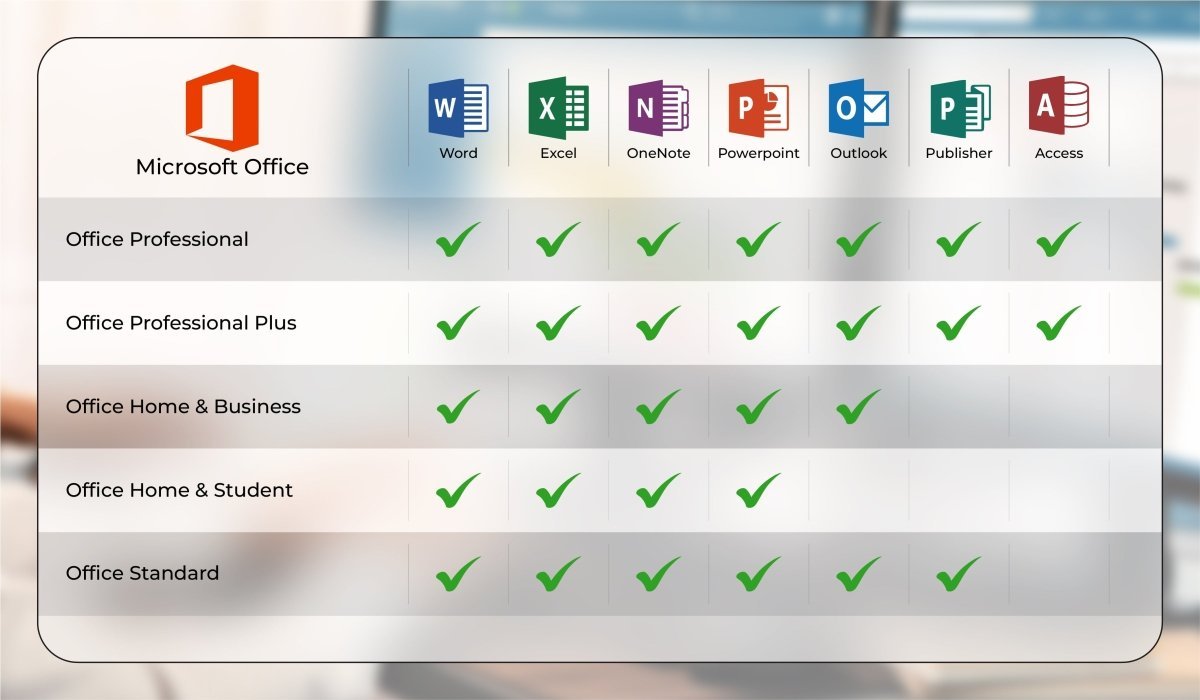
Microsoft Office 2021 Professional includes a wide range of powerful Office applications and is the most comprehensive Office package for local use without a server. You can purchase this extensive Office suite online at an attractive price. In addition to the classic Office programs, this edition also includes Publisher and Access, making it especially suitable for users with advanced requirements.
With Publisher, you can easily create customized stationery, business cards, brochures, and more. Access is a professional database application, ideal for tasks such as customer data management, vehicle fleet administration, inventory management, and many other database-driven workflows.
This version is particularly popular among entrepreneurs as well as small and medium-sized businesses. Microsoft Office 2021 Professional offers the most complete Office solution for standalone use. Compared to Professional Plus, it does not require Skype for Business, which would otherwise need a dedicated server and account. As a result, Office 2021 Professional covers all essential applications and provides a comprehensive collection of tools for your office needs.
Included Applications in Microsoft Office 2021 Professional
-
Word
-
Excel
-
PowerPoint
-
OneNote
-
Outlook
-
Publisher
-
Access
Word
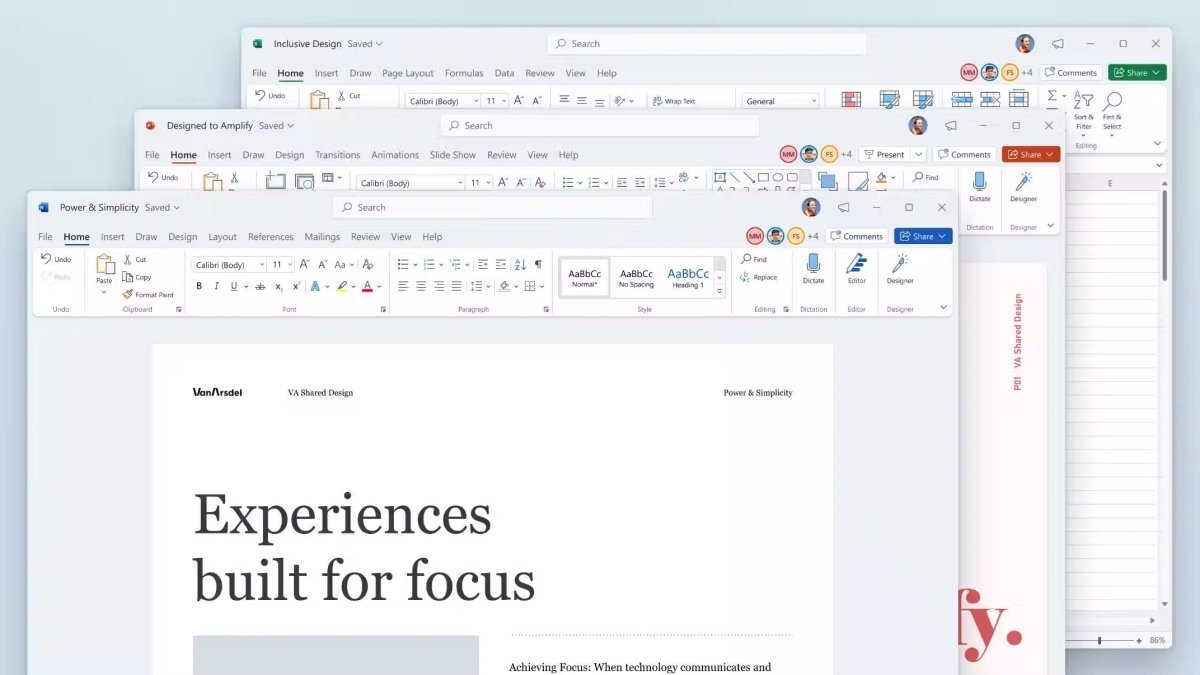
As the established standard for word processing, Microsoft Word continues to impress with powerful features and a clear, intuitive user interface. Compatibility issues or formatting shifts are rare, which is why Word is widely used by authorities, schools, and businesses.
For every task, Word provides the right function without cluttering the menu. Microsoft offers a wide selection of templates and layouts, allowing you to personalize documents quickly. Files can be sent directly via email from Word and exported in various formats, including PDF.
Excel
With Microsoft Excel, you can efficiently process complex data using pivot tables and advanced analysis tools. Calculations, workflows, and evaluations can be automated using functions and formulas.
Data can be imported from CSV files, SharePoint, SQL databases, and many other sources, then customized easily using Power Query. Excel now also includes enhanced analysis features and improved protection against data loss in case of crashes. The software is more stable than ever and even easier to use thanks to the integrated command search.
PowerPoint
For presentations, seminars, and training sessions, PowerPoint remains the preferred choice for professionals. You can integrate videos, music, SVG graphics, and even 3D models into your presentations.
A wide range of effects and transitions adds visual variety, while seamless integration with Word and Excel allows you to insert content without display issues. Collaboration features such as comments and freehand tools help you work efficiently with partners and deliver professional presentations to your audience.
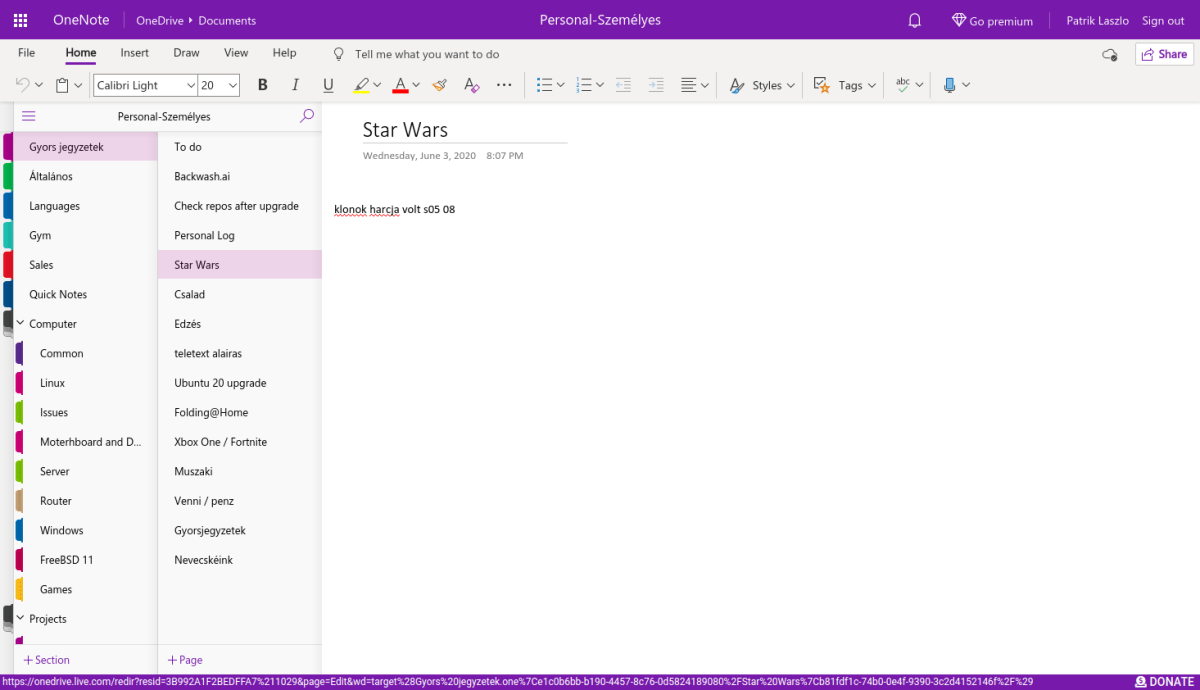
OneNote
With OneNote, you can keep all your notes organized in one central place. Instead of scattered paper notes or lists, you have access to your notes anytime and from anywhere.
Whether collecting research for a thesis, saving information via copy & paste, or creating shopping lists, OneNote helps you stay organized. Thanks to the familiar Office interface, it is easy to use and a valuable tool for everyday tasks.
Outlook
In a busy office environment, staying organized can be challenging. Microsoft Outlook is a powerful organizer that helps you manage emails, calendars, contacts, and tasks efficiently.
You can create email signatures, manage multiple mailboxes, and use quick text templates for faster communication. Each mailbox has its own calendar, which can also be displayed in an overlay view. Reminders ensure that you never miss appointments, deadlines, or birthdays. Outlook brings structure and order to both professional and personal life.
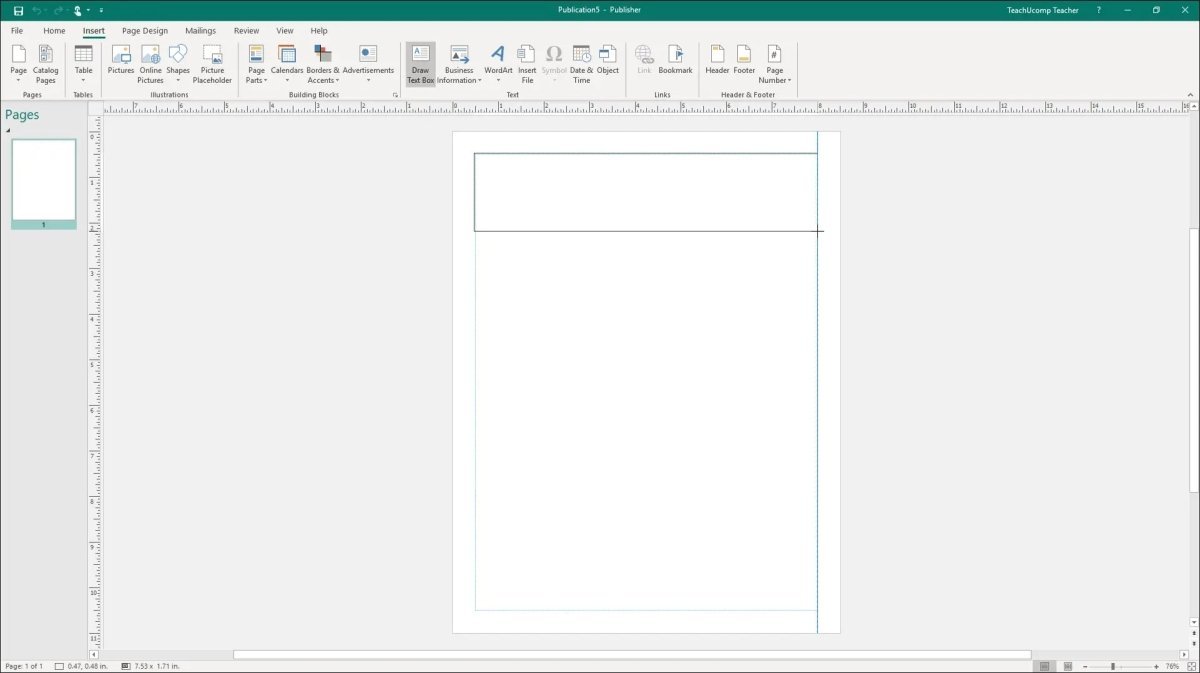
Publisher
With Microsoft Publisher, Microsoft once again delivers a professional design tool. It includes templates and layouts for a wide variety of purposes, such as brochures, invitations, letterheads, and more.
Publisher is similar to Word but offers more advanced layout and design options. You can store company details once and automatically apply them to templates. Publisher also integrates seamlessly with other Office programs like Word and Excel.
Access
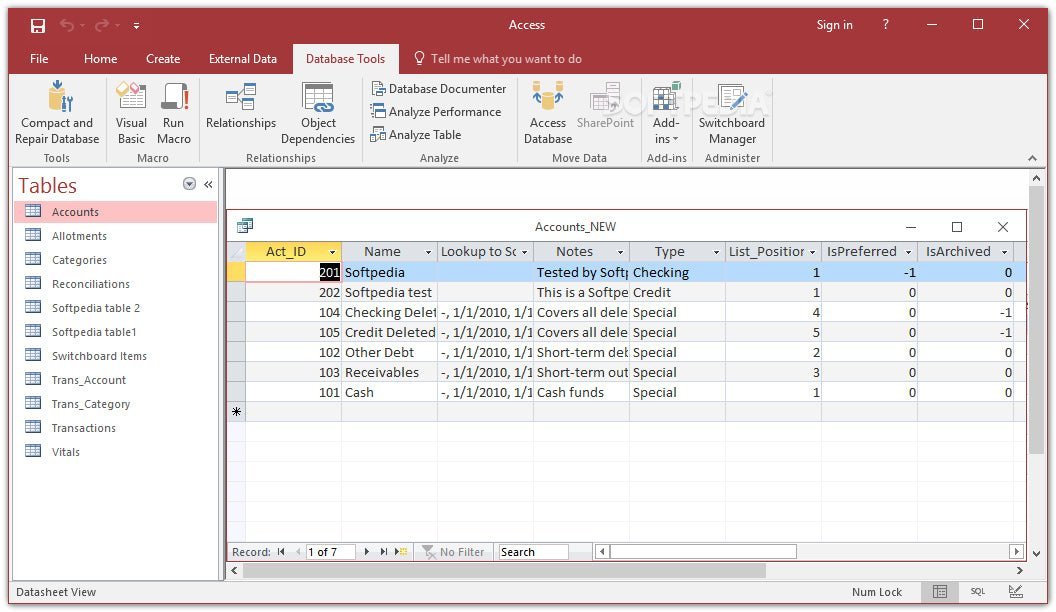
When it comes to creating and managing databases, Microsoft Access is the ideal solution. Using SQL-based technology, Access allows you to store data, link tables, and automate processes.
Typical use cases include inventory management, fleet management, and customer databases. No programming knowledge is required—thanks to the familiar Office interface, you can easily create professional databases even as a beginner.
System Requirements – Microsoft Office 2021 Professional
Processor:
1.6 GHz or faster, 32-bit (x86) or 64-bit (x64)
Operating Systems:
Memory:
Minimum 2 GB RAM
Hard Disk Space:
Minimum 3 GB of available storage
Display:
Minimum resolution of 1024 × 768 pixels
.NET Framework:
Version 3.5 or higher
(For detailed information, please refer to the manufacturer: office.com/systemrequirements)
Our Innovation for Your Future
If the Office package you selected is temporarily unavailable, we automatically provide you with an upgrade to a higher version with expanded features—at no additional cost.
With our offer, you benefit from:
This ensures you can start working right away with an even more powerful Office package.
Important Note on Office Versions
Compatibility between the installation file and the product key is essential. Due to the wide variety of Office versions, the software must be installed using the download file provided by us to ensure proper activation.

 Overview
 Languages









Reviews
Clear filtersThere are no reviews yet.