Microsoft Office 2021 Professional Plus
Description
Product Information – Office 2021 Professional Plus
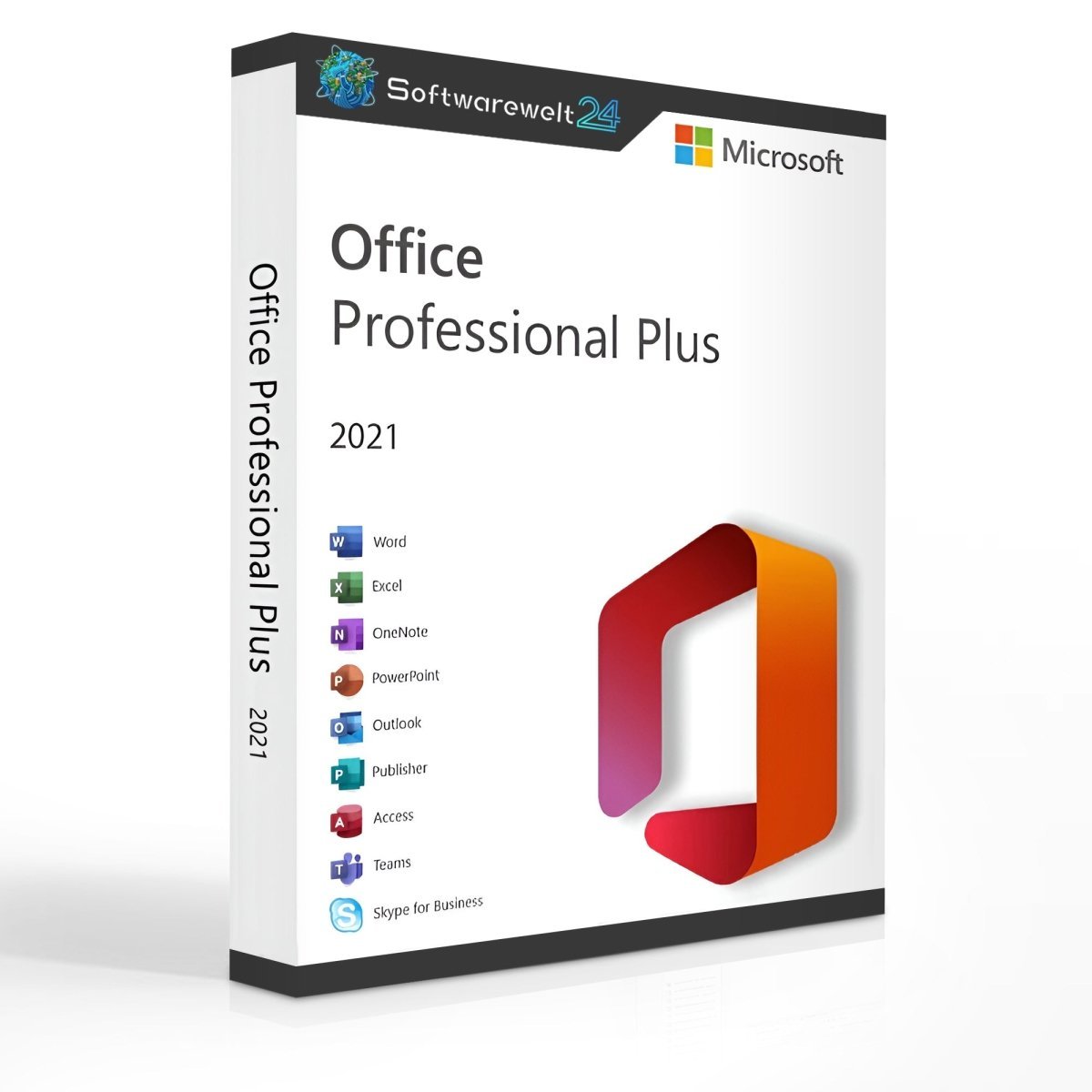
Microsoft Office 2021 Professional Plus
If you are looking for the complete Office package, Microsoft Office 2021 Professional Plus is the ideal choice. This powerful suite is designed for freelancers, entrepreneurs, self-employed professionals, businesses, and demanding private users. It meets all the requirements of a modern office environment and can be used for both commercial and private purposes.
Office 2021 Professional Plus includes the full range of Microsoft Office applications and offers numerous new features that significantly enhance productivity and simplify daily work tasks.
New Features in Office 2021
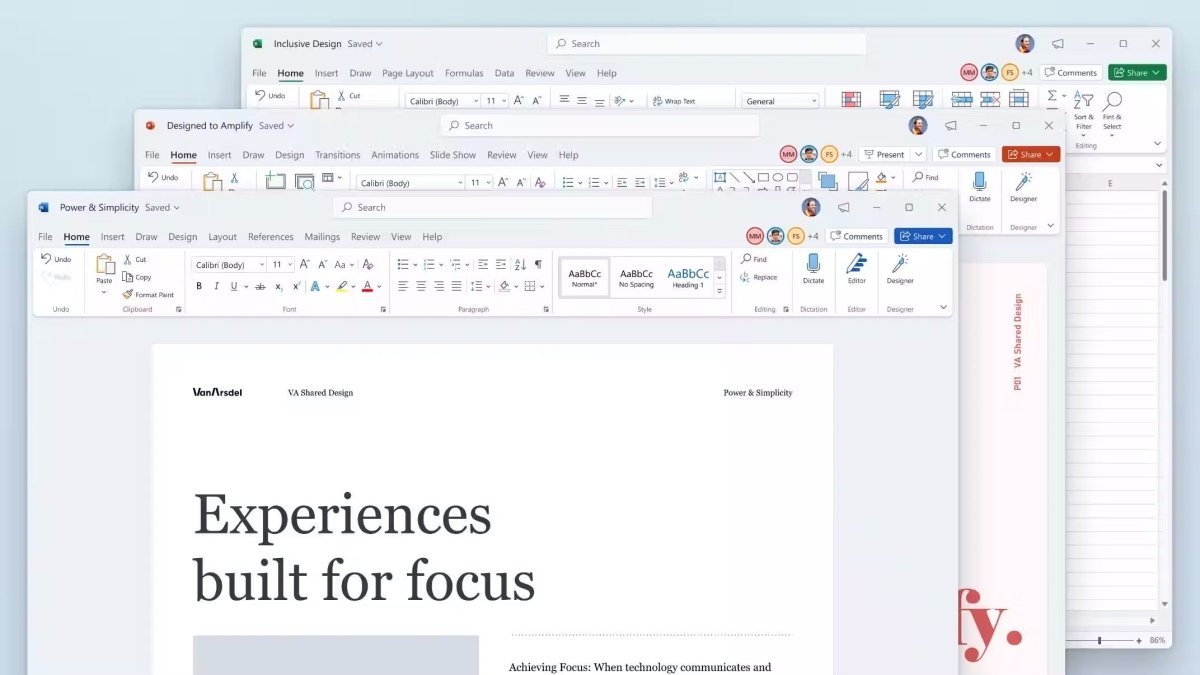
Microsoft Office 2021 introduces many improvements across all applications. These include pen input support, enhanced data analysis tools in Excel 2021, and advanced presentation features in PowerPoint 2021.
Word 2021 features a Black Theme, which is easier on the eyes during long working sessions. Additional highlights include text-to-speech functionality and multi-touch support, enabling smooth interaction with touchscreens.
All applications can be operated using a keyboard, mouse, or other compatible input devices. Touchscreen features are fully optimized for Windows 10 and Windows 11.
Included Applications
-
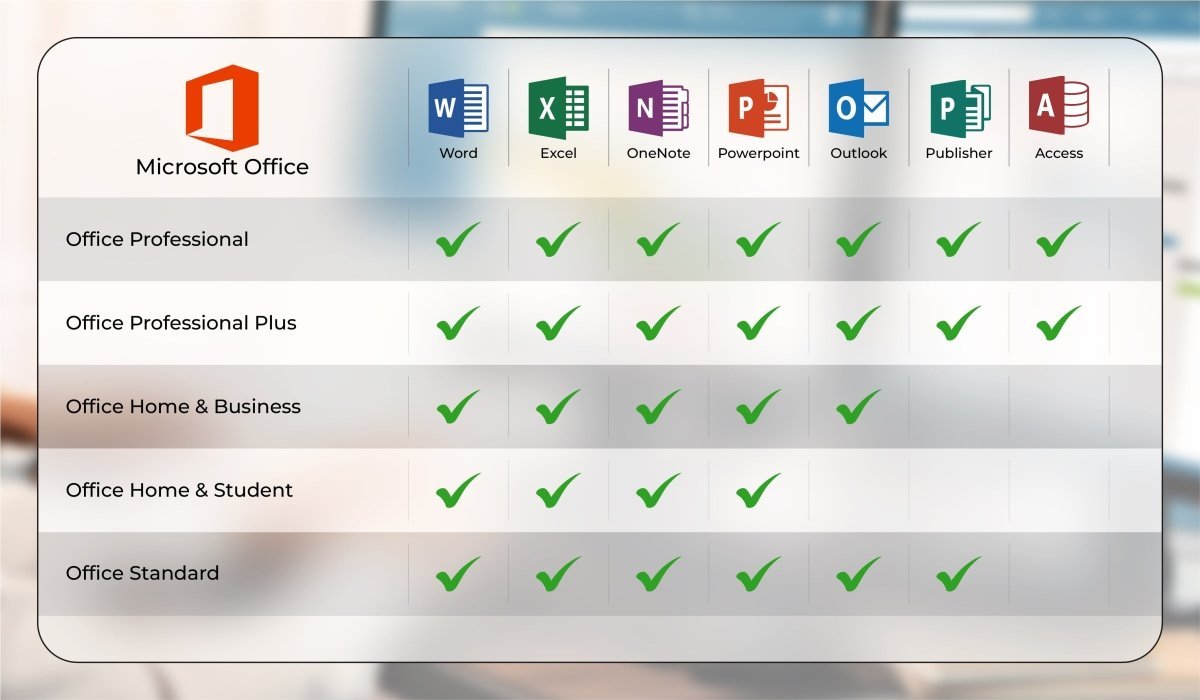
Word 2021 – Create and edit professional documents
-
Excel 2021 – Powerful tools for data analysis
-
PowerPoint 2021 – Create impressive presentations
-
Outlook 2021 – Manage emails, contacts, calendars, and tasks
-
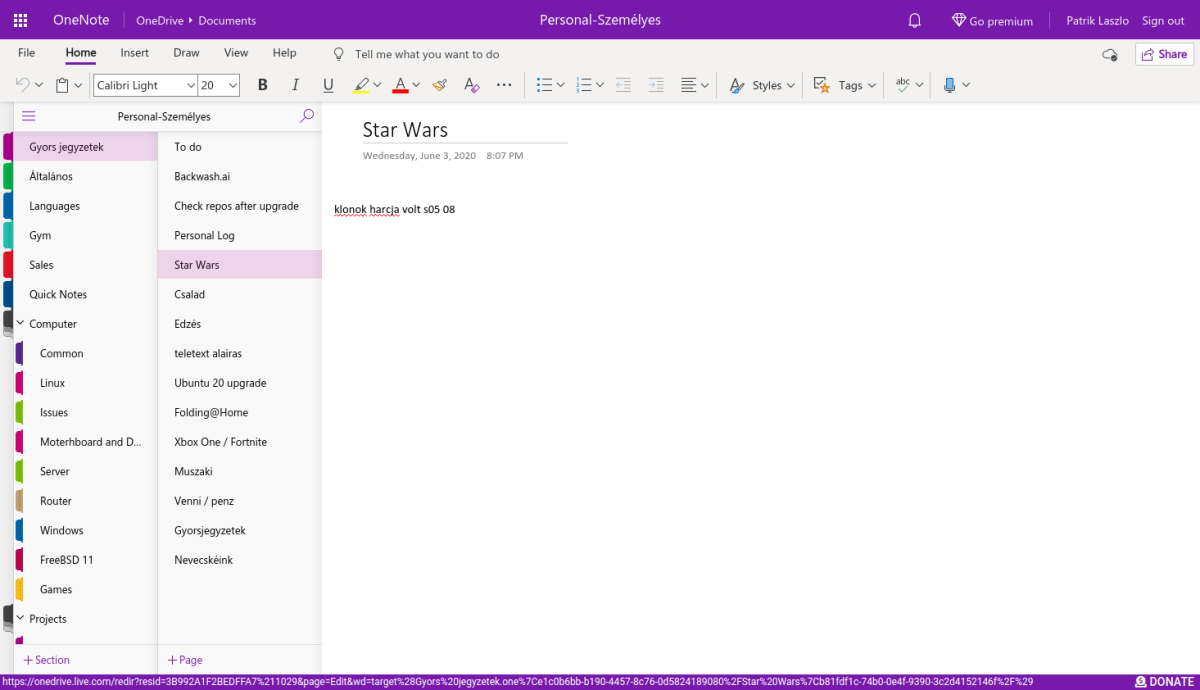
OneNote 2021 – Organize notes and ideas
-
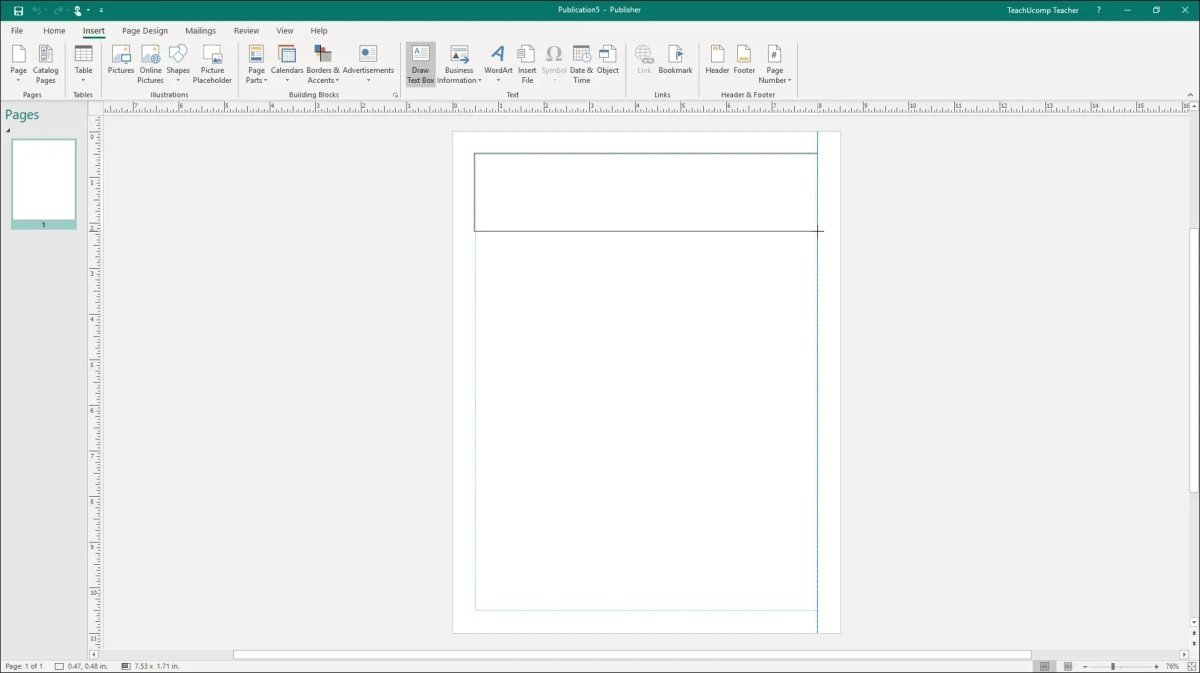
Publisher 2021 – Design professional publications
-
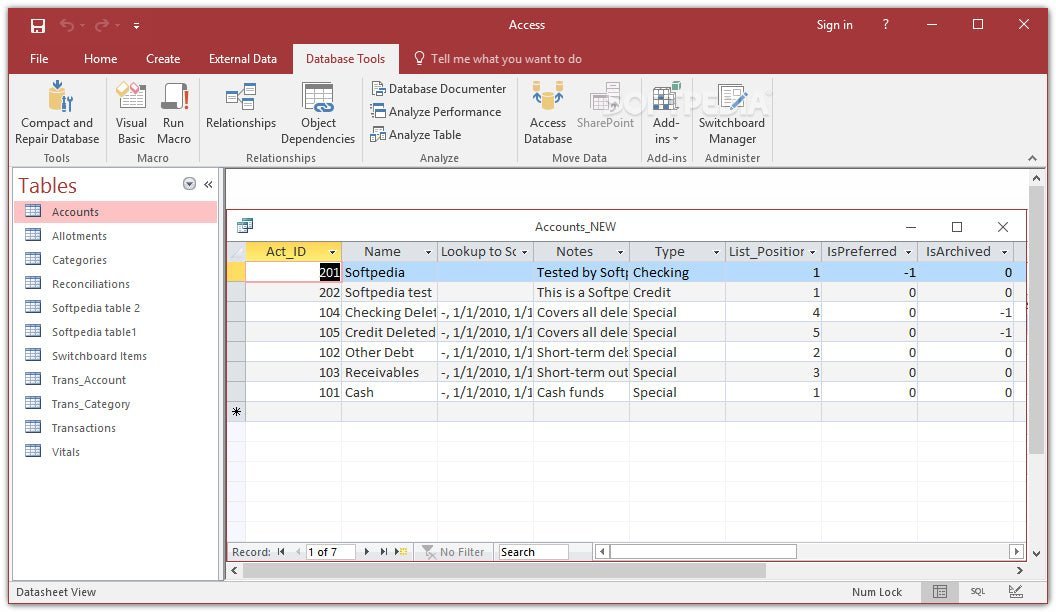
Access 2021 – Create browser-based database applications
-
Microsoft Teams – Collaboration platform for messaging, meetings, and video calls
-
Skype for Business 2021
System Requirements – Microsoft Office 2021 Professional Plus
-
Processor: 1.6 GHz or faster, 32-bit (x86) or 64-bit (x64)
-
Operating System:
-
Windows 10
-
Windows 11
-
Windows Server 2019
-
Windows Server 2021
(Other Windows versions are not supported)
-
-
Memory: Minimum 2 GB RAM
-
Hard Disk Space: At least 3 GB of available storage
-
Display: Minimum resolution of 1024 × 768 pixels
-
.NET Framework: Version 3.5 or higher
For detailed requirements, please refer to the manufacturer: office.com/systemrequirements
Important Notice Regarding Office Versions
Compatibility between the installation files and the product key is essential. Due to the wide range of Office variants, the software must be installed using the download installation file provided by us to ensure successful activation.

Reviews
Clear filtersThere are no reviews yet.