Product Information – Microsoft Office 2021 Home and Business (Windows)
Buy Office Home and Business 2021 at a Great Price – Instant Download Included
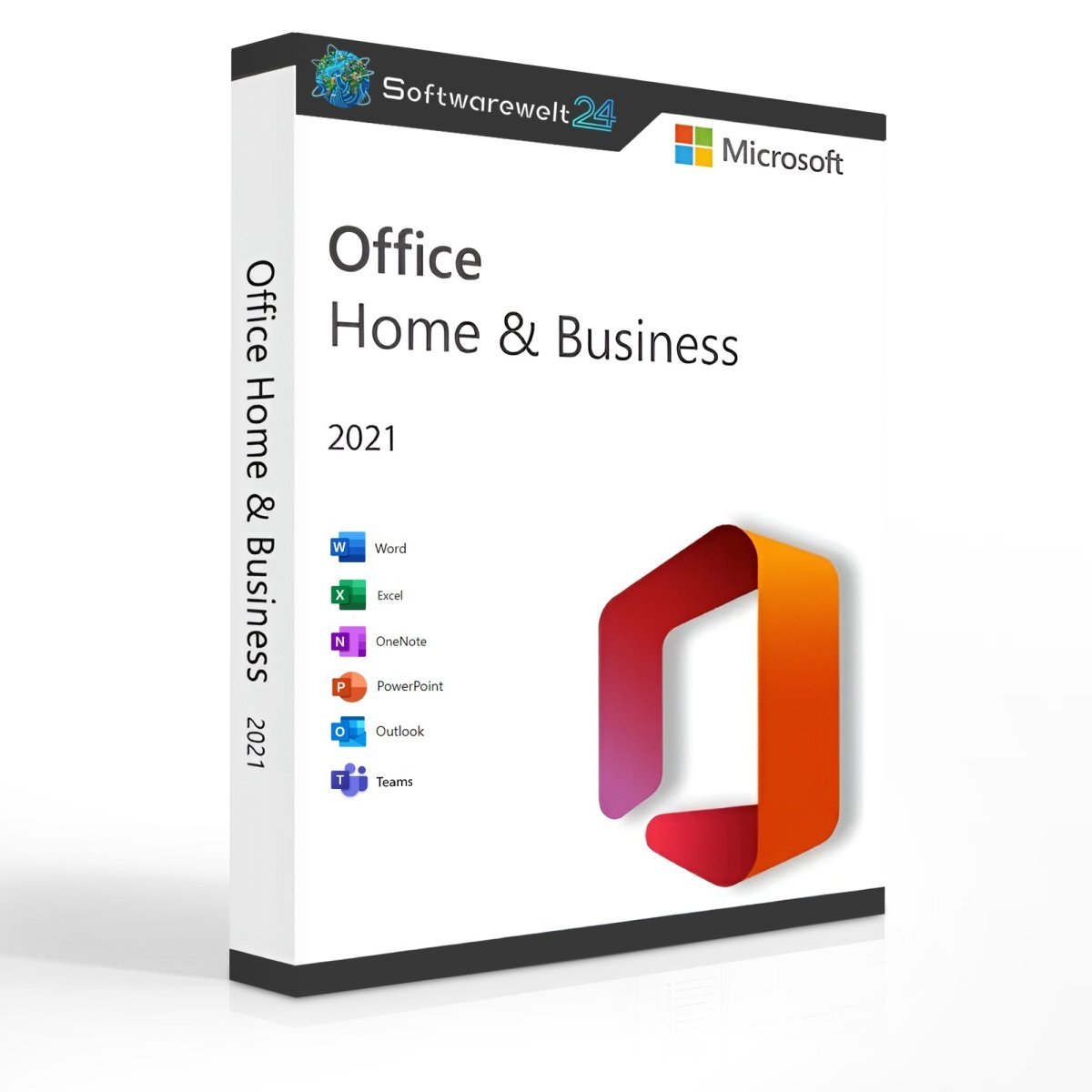
Microsoft Office Home and Business 2021 is an excellent solution for handling all everyday digital office tasks. As the global market leader in office software, Microsoft Office combines powerful features with an intuitive user interface, making it suitable for both professional and private users. Since its first release in 1998, Microsoft has continuously improved Office, and the 2021 version, released alongside Windows 11, continues this tradition.
Essential Office Tools for Efficient Work
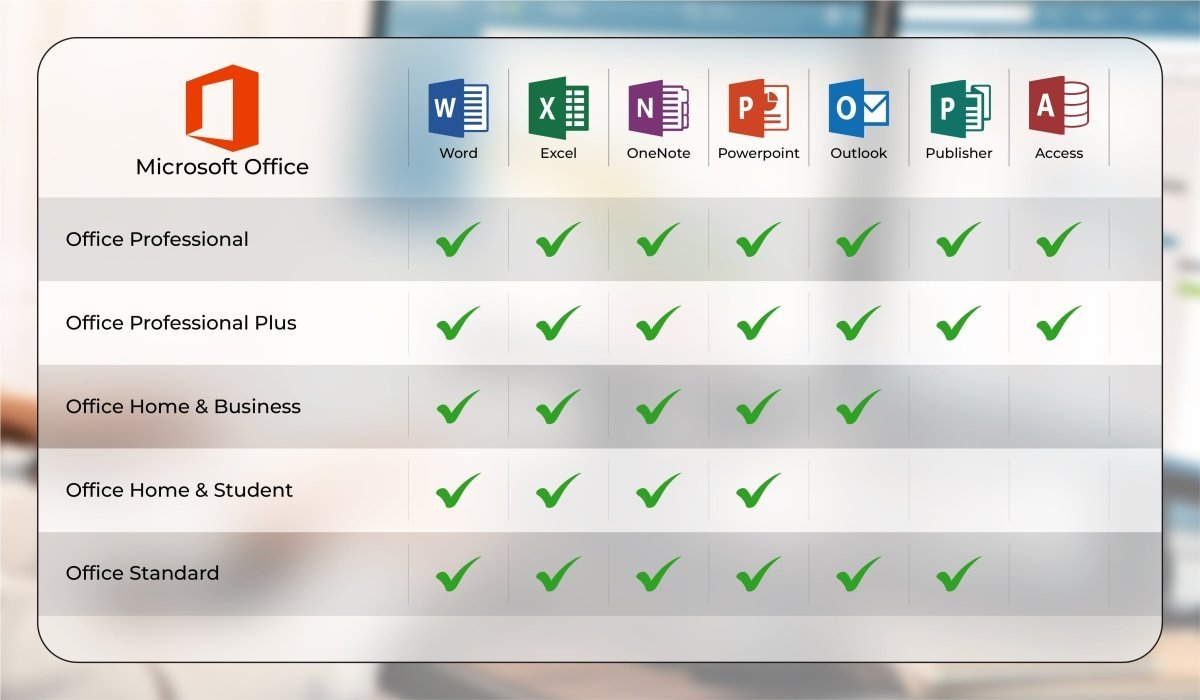
Compared to the Professional editions, Office Home and Business 2021 focuses on the most important applications required for daily office work. It is designed for commercial use, such as small businesses and self-employed users, while still being suitable for home offices. This clearly distinguishes it from Office Home & Student, which is intended only for non-commercial use.
The following core applications are included:
-
Word 2021 – Professional document creation and editing
-
Excel 2021 – Powerful spreadsheet and data analysis tools
-
PowerPoint 2021 – High-quality presentations with advanced design options
-
Outlook 2021 – Email, calendar, and contact management
Additionally, Microsoft Teams is included, replacing Skype in the 2021 edition. Teams enables video conferencing, group communication, and file sharing with excellent performance and support for large meetings.
Improved Performance and Dark Mode for Better Productivity
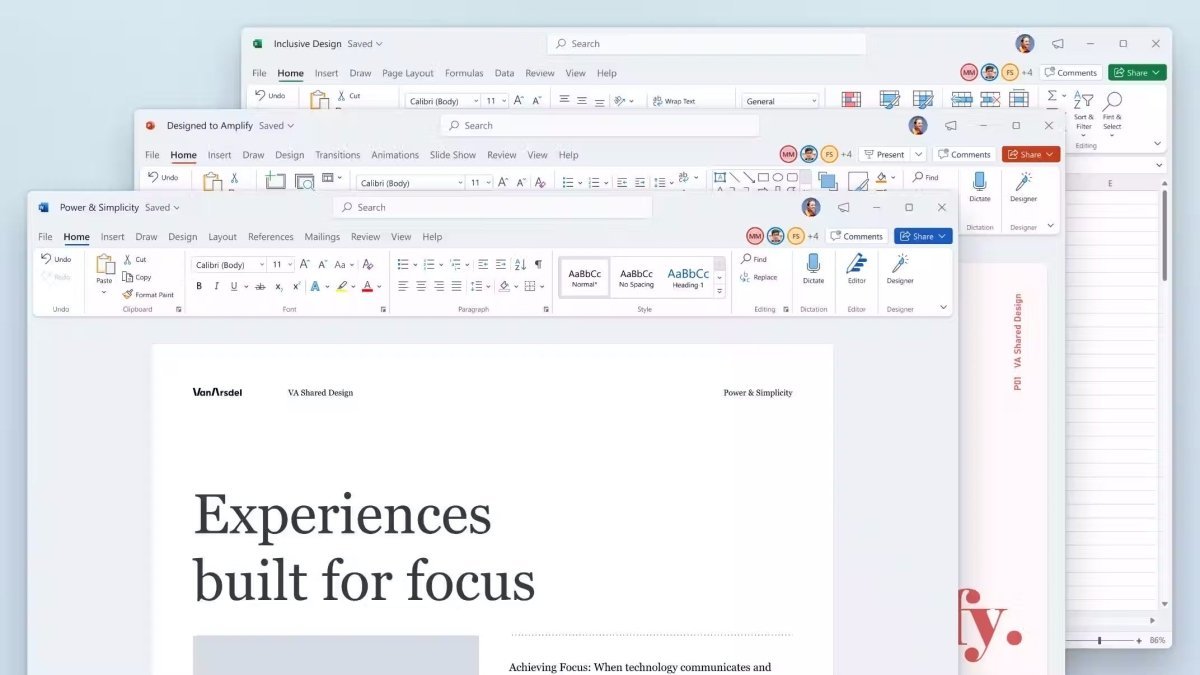
While the visual changes in Office Home and Business 2021 are subtle, Microsoft has significantly improved performance and stability. Even older or less powerful PCs benefit from faster response times and smoother operation, especially when working with large Excel files or complex PowerPoint presentations.
A key usability feature is the Dark Mode, which can be activated via the “Layout” settings. This darker interface improves visibility and reduces eye strain, particularly when working with multiple windows or applications at the same time. Dark Mode is optional and can be enabled or disabled at any time.
Modern Features for Everyday Work
Office Home and Business 2021 introduces several practical technical enhancements, including:
-
Cloud-based access to Word, Excel, and PowerPoint via a browser
-
Co-authoring, allowing multiple users to work on the same document simultaneously (via OneDrive)
-
Improved presentation recording, including speaker notes and laser pointer
-
XLOOKUP in Excel for more efficient data searches
These features enhance collaboration, flexibility, and overall productivity.
One-Time Purchase – No Subscription Required
When you purchase Microsoft Office Home and Business 2021 from Softwarewelt24, you receive a one-time license with no recurring subscription fees. After payment, the software is available for immediate download. You can move the software to a new PC as long as the previous installation is deactivated.
We also offer additional Office editions such as Office 2019 and Office 2021 Professional Plus, depending on your needs.
System Requirements – Microsoft Office 2021 Home and Business
-
Processor: 1.6 GHz or faster, 32-bit (x86) or 64-bit (x64)
-
Operating Systems:
-
RAM: Minimum 2 GB
-
Storage: At least 3 GB of available disk space
-
Display: Minimum resolution of 1024 × 768
-
.NET Framework: Version 3.5 or higher
Further details are available from the manufacturer.
Our Innovation for Your Future
If the Office package you selected is temporarily unavailable, we automatically provide an upgrade to a higher version at no additional cost, giving you:
Important Note on Office Versions
⚠️ Compatibility between the installation file and the product key is essential.
Due to the variety of Office versions, installation must be completed using the download file provided by us.

 Overview
 Languages










Reviews
Clear filtersThere are no reviews yet.