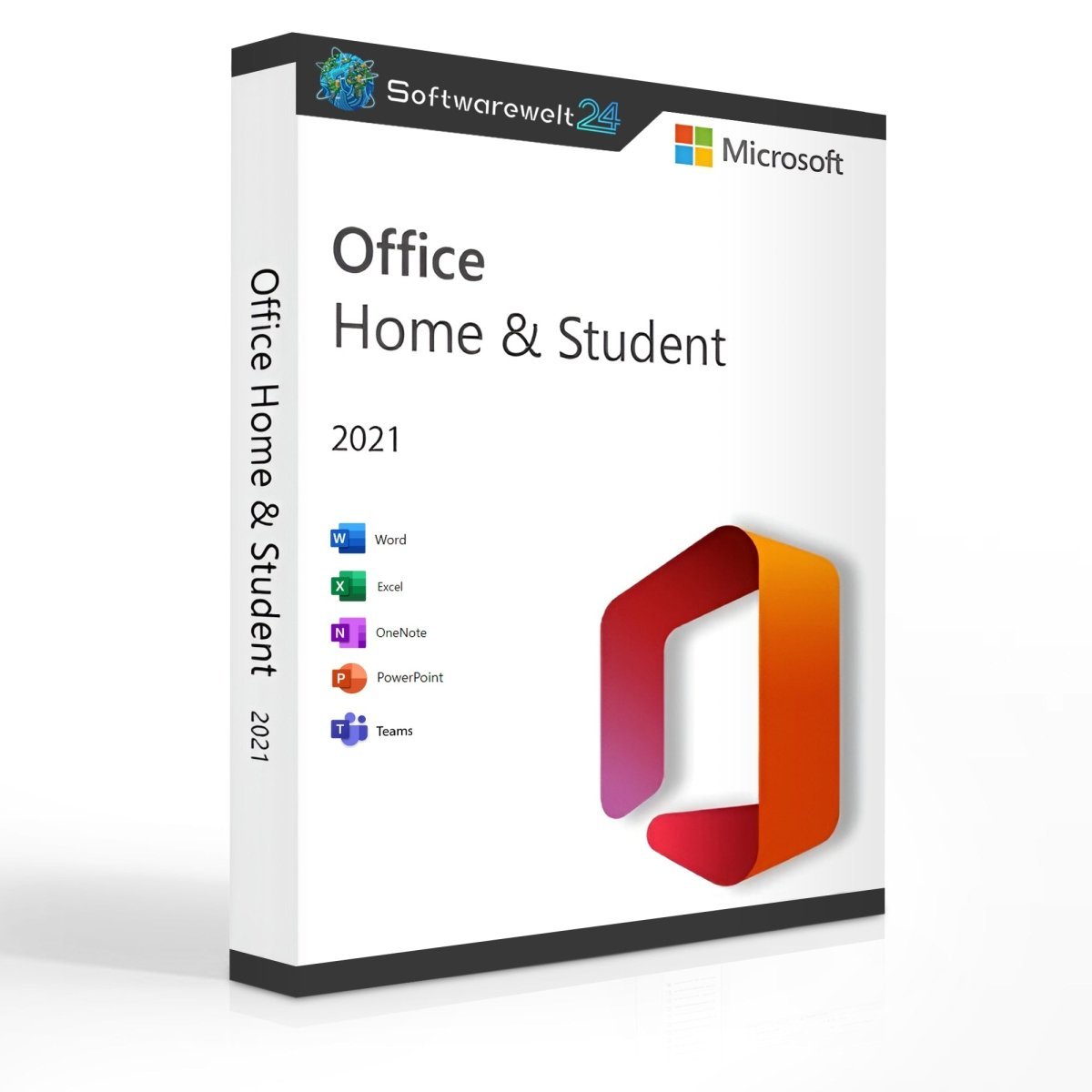
Product Information – Microsoft Office 2021 Home and Student (Windows)
Affordable Office Software – Office Home and Student 2021
For extensive text creation, impressive presentations, and comprehensive spreadsheet work, Microsoft Office Home and Student 2021 has been a trusted choice for many years. First introduced in 1998, Microsoft Office has supported millions of users worldwide. With the 2021 edition, Microsoft delivers a refined version that launches alongside the Windows 11 operating system, offering improved performance and a modern design.
Office Home and Student – The Affordable Entry into Digital Office Work
Microsoft offers its Office software in various editions to suit different needs. Office Home and Student 2021 is the most affordable entry-level package and is designed exclusively for private users. If you plan to use Office professionally or commercially, a different edition is required.
This version is licensed for one user on one device only. Usage is possible after activation via a Microsoft account, an active internet connection, and a modern web browser. Reinstallation is possible after deactivating the previous installation.
Included Applications – Everything You Need for Everyday Office Tasks
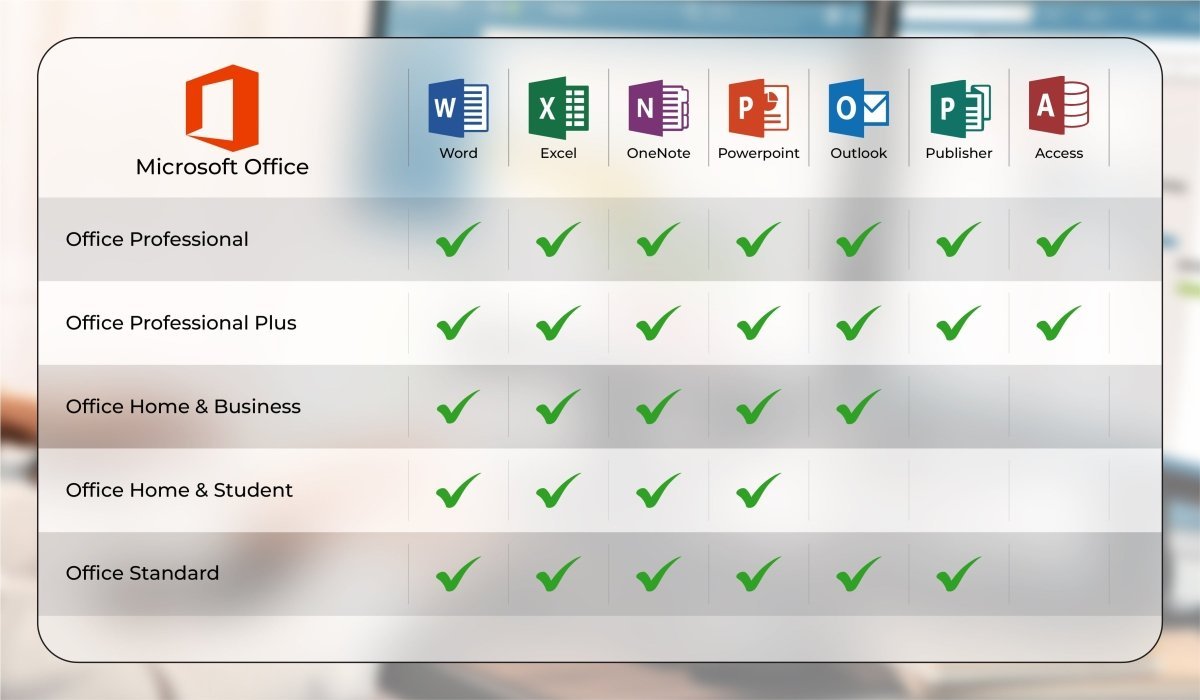
Microsoft Office Home and Student 2021 includes the essential applications for daily office work:
-
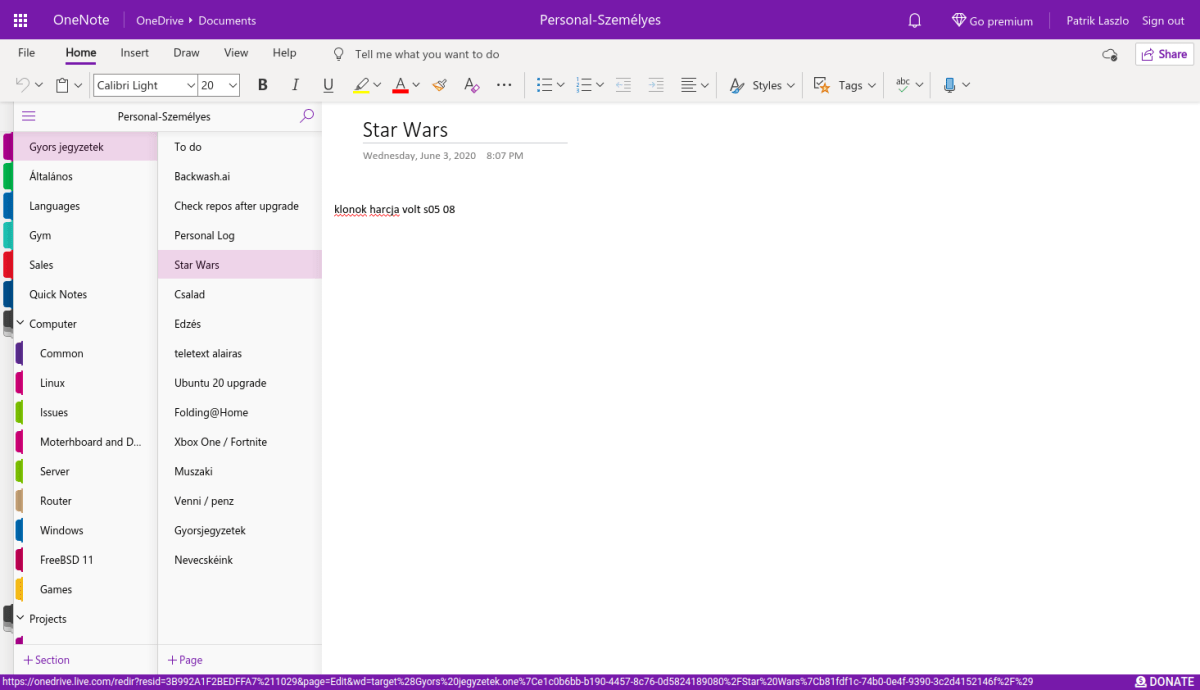
Word 2021 – Powerful word processing with extensive layout and formatting options
-
Excel 2021 – Advanced spreadsheet software with unlimited table sizes and familiar formulas
-
PowerPoint 2021 – Professional presentation creation with extensive design and animation tools
⚠️ Outlook is not included in the Home and Student edition. Outlook is only available with Office Home and Business 2021.
Microsoft Teams is included and replaces the previously used Skype application.
Modern Design and Useful Improvements
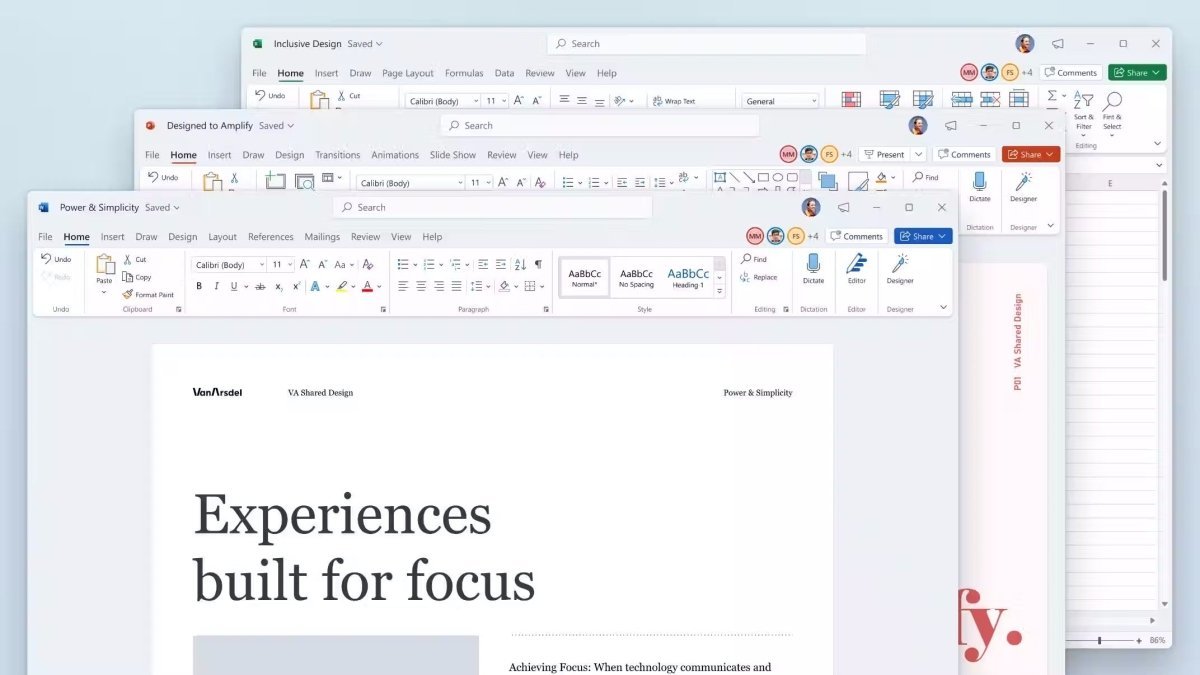
Released alongside Windows 11, Office Home and Student 2021 features a refreshed interface with rounded corners, updated tabs, and a more consistent overall design. A newly introduced Dark Mode improves visibility and comfort, especially when working with multiple applications simultaneously.
While the 2021 version focuses on refinement rather than major changes, Microsoft has made notable improvements in performance and stability, ensuring smoother operation even on less powerful systems.
Additional enhancements include:
-
Improved presentation recording, including presenter comments and laser pointer
-
Co-authoring in Word, allowing multiple users to work on the same document (via OneDrive)
-
Faster search functions
-
Automatic saving to prevent data loss
One-Time Purchase – No Subscription Required
When purchasing Microsoft Office Home and Student 2021 from us, you pay a one-time fee and can use the software indefinitely. There are no monthly or annual subscription costs, unlike Microsoft 365.
We also offer alternative Office packages for professional use, including:
-
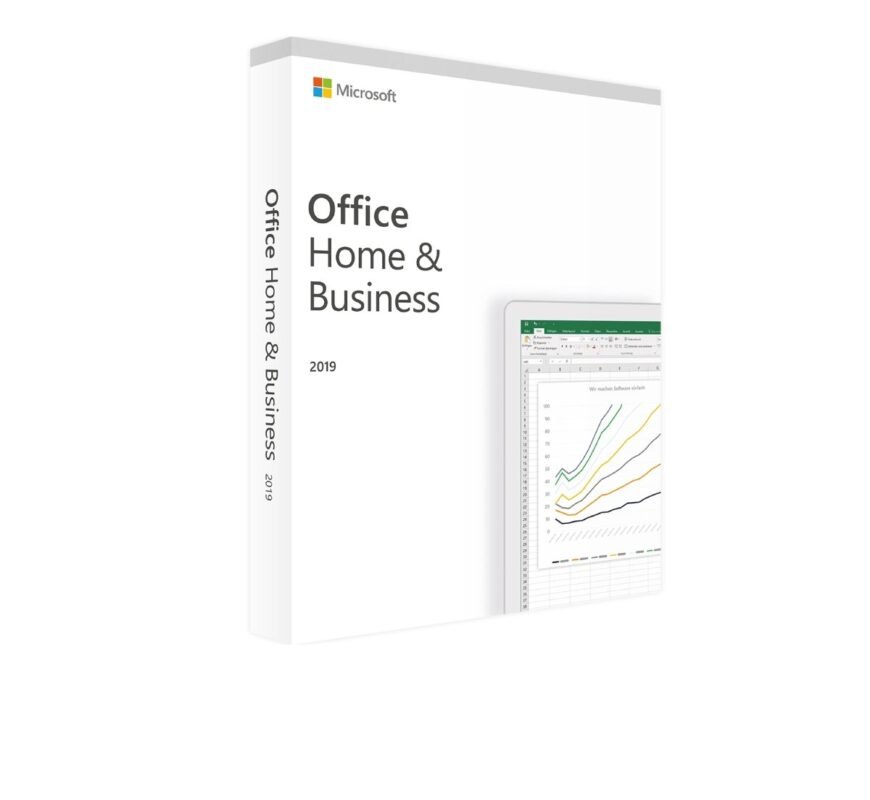
Microsoft Office 2021 Home & Business
-
Microsoft Office 2021 Professional Plus
-
Older versions such as Office 2019
All versions are available for instant digital download at competitive prices.
System Requirements – Microsoft Office 2021 Home and Student (Windows)
-
Processor: 1.6 GHz or faster, 32-bit (x86) or 64-bit (x64)
-
Operating Systems:
-
Memory: Minimum 2 GB RAM
-
Storage: At least 3 GB of available disk space
-
Display: Minimum resolution of 1024 × 768
-
.NET Framework: Version 3.5 or higher
Further details are available at office.com/systemrequirements.
Our Innovation for Your Future
If your selected Office package is temporarily unavailable, we automatically provide an upgrade to a higher version at no additional cost, offering you:
Important Note on Office Versions
⚠️ Compatibility between the installation file and the product key is essential.
Due to the wide variety of Office versions, installation must be performed using the download file provided by us.

 Overview
 Languages










Reviews
Clear filtersThere are no reviews yet.