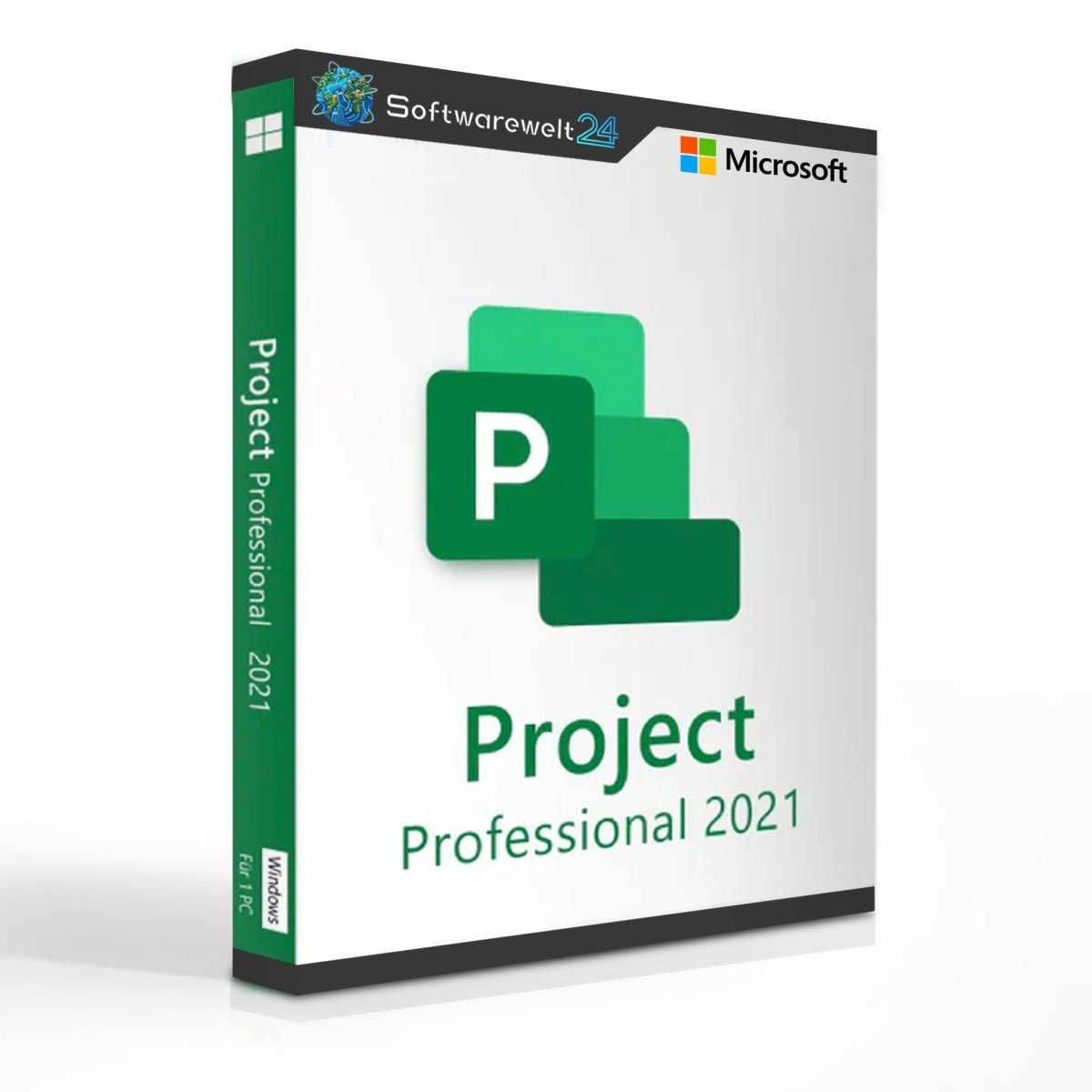
Product Information: Microsoft Project 2021 Professional (Windows)
Greater transparency for all your projects – Microsoft Project 2021 Professional
To maintain full control over complex projects and keep track of progress and individual tasks at all times, Microsoft offers Project 2021 Professional, a powerful project management solution. This software is primarily aimed at professional and business users and meets even the highest requirements with ease.
When you purchase Microsoft Project 2021 Professional, you receive a full version with unrestricted use and no ongoing costs. The software is available as a direct download and can be easily reinstalled. If needed, an existing installation can be deactivated conveniently via your Microsoft account.
Tip: For users with more basic requirements, Microsoft Project 2021 Standard is available as a more affordable alternative.
Intelligent features that save valuable time
Microsoft Project 2021 Professional includes numerous well-designed features that make project management more efficient and accessible—even for beginners. Thanks to its intuitive interface, familiar ribbon layout, and comprehensive help section, users can get started quickly.
From the very beginning, the software impresses with a wide range of ready-made project templates, allowing projects to be created in just a few clicks. Additional templates can also be searched for and downloaded online.
Resources can be managed efficiently within the software. Interactive dashboards and diagrams—supported by Power BI—help keep track of even the smallest details. Powerful tools for managing schedules, personnel, and workloads ensure that even complex projects can be planned and executed successfully with Microsoft Project 2021 Professional.
Modern design and improved performance
With the release of Windows 11, Microsoft updated its productivity software accordingly—including Project 2021 Professional. The interface has been subtly redesigned with rounded edges, a refreshed color scheme, and an optional Dark Mode, improving usability and visual clarity.
Performance has also been optimized. The software runs faster and more smoothly, even on older systems. Over time, Microsoft has added further enhancements such as:
Microsoft Project 2021 can now be used directly in the browser, allowing location-independent access without an additional download. Simply sign in with your Microsoft account to access all features at no extra cost.
Expand your productivity with additional software
At Softwarewelt24, you can find not only Microsoft Project 2021 but also a wide range of other software solutions at attractive prices. Combine Project 2021 Professional with Office 2021 applications such as Word, Excel, and PowerPoint to maximize productivity in your digital workplace.
Microsoft Project 2021 Professional can also be used via mobile apps on smartphones and tablets and integrates seamlessly with Microsoft Teams, enabling efficient communication and file sharing within your project team.
Note: Microsoft Teams is included by default when purchasing larger Office packages.
System Requirements – Microsoft Project 2021 Professional
-
Processor: 1.6 GHz or faster, 32-bit (x86) or 64-bit (x64) processor
-
Operating Systems:
-
Memory: Minimum 2 GB RAM
-
Hard Disk Space: Minimum 3 GB of available storage
-
Display: Minimum resolution of 1024 × 768 pixels
-
.NET Version: .NET Framework 3.5 or higher
(Further information is available from the manufacturer.)

 Overview
 Languages











Reviews
Clear filtersThere are no reviews yet.