Product Information
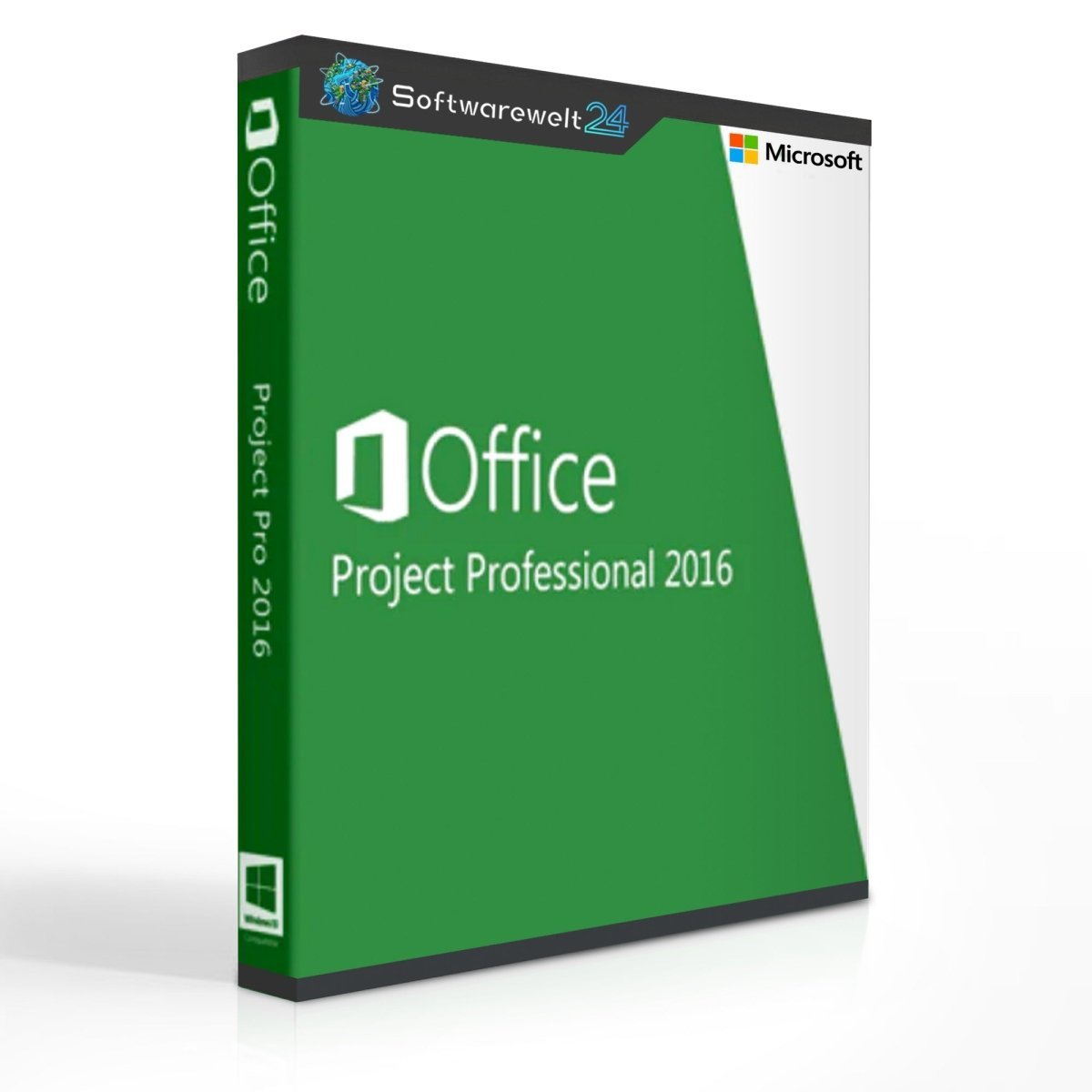
Microsoft Project Professional 2016
Efficient Project Planning and Management
Project execution is part of everyday business in many organizations. Whether planning an event, developing a new product, or optimizing internal processes, structuring tasks into a clearly defined project ensures efficiency and transparency. Assigning a project manager creates clear responsibilities, while defined project goals improve focus and motivation. To ensure success, detailed planning is essential—this is where Microsoft Project Professional 2016 becomes an indispensable tool.
Efficient Scheduling with Microsoft Project
Timelines form the backbone of most projects. Typically, a fixed deadline must be met, supported by numerous intermediate milestones. Time buffers are also essential to handle unexpected delays. Microsoft Project Professional 2016 makes it easy to plan schedules accurately and efficiently. The software automatically considers deadlines, buffers, public holidays, and other constraints to ensure realistic planning.
Resource Planning Made Simple
Meeting deadlines alone is not enough—projects also require the right resources at the right time. Microsoft Project Professional 2016 offers detailed resource planning across three key areas:
-
Workforce
-
Materials
-
Costs
This structured approach ensures that all required resources are available exactly when needed, helping to avoid bottlenecks and inefficiencies.
Monitor Projects and Create Reports
Once planning is complete, the execution phase begins. Continuous monitoring is crucial to ensure adherence to schedules and budgets. Team members can enter progress updates directly into the system, which automatically compares actual results with planned targets. This allows project managers to quickly identify delays or risks.
Additionally, Microsoft Project Professional 2016 generates automatic reports that are ideal for presentations, meetings, and progress reviews.
Standard vs. Professional – Key Differences
Microsoft Project 2016 is available in two editions: Standard and Professional.
-
Project Standard 2016 is designed for single-user environments and smaller projects.
-
Project Professional 2016 is aimed at professional users and larger teams. It supports integration with Microsoft Project Server, enabling efficient collaboration across teams.
The Professional edition also includes advanced features such as:
Seamless Integration with Microsoft Services
As part of the Microsoft Office family, Project Professional 2016 integrates smoothly with other Office applications. For example, when using Skype for Business, users can make calls or send messages directly from within the Project interface. Documents from other Office programs can also be easily shared and incorporated into project planning.
What-If Scenarios for Proactive Planning
Microsoft Project Professional 2016 allows you to simulate various what-if scenarios. You can analyze the impact of delayed deliveries, staff absences, or other disruptions on your project timeline. These simulations help prevent problems before they arise and enable informed decision-making when deviations occur.
System Requirements – Microsoft Project Professional 2016
Platform: Windows
Supported Operating Systems:
-
Windows 7 or later
-
Windows Server 2008 R2
-
Windows Server 2012
-
Windows Server 2012 R2
-
Windows 10 Server
Hardware Requirements:
-
Processor: x86 or x64 processor, 1 GHz or faster with SSE2 support
-
Memory: 1 GB RAM (32-bit) or 2 GB RAM (64-bit)
-
Storage: 3 GB available disk space
-
Graphics: DirectX 10 compatible graphics card
-
Sound Card: Not required

 Overview
 Languages












Reviews
Clear filtersThere are no reviews yet.