Product Information
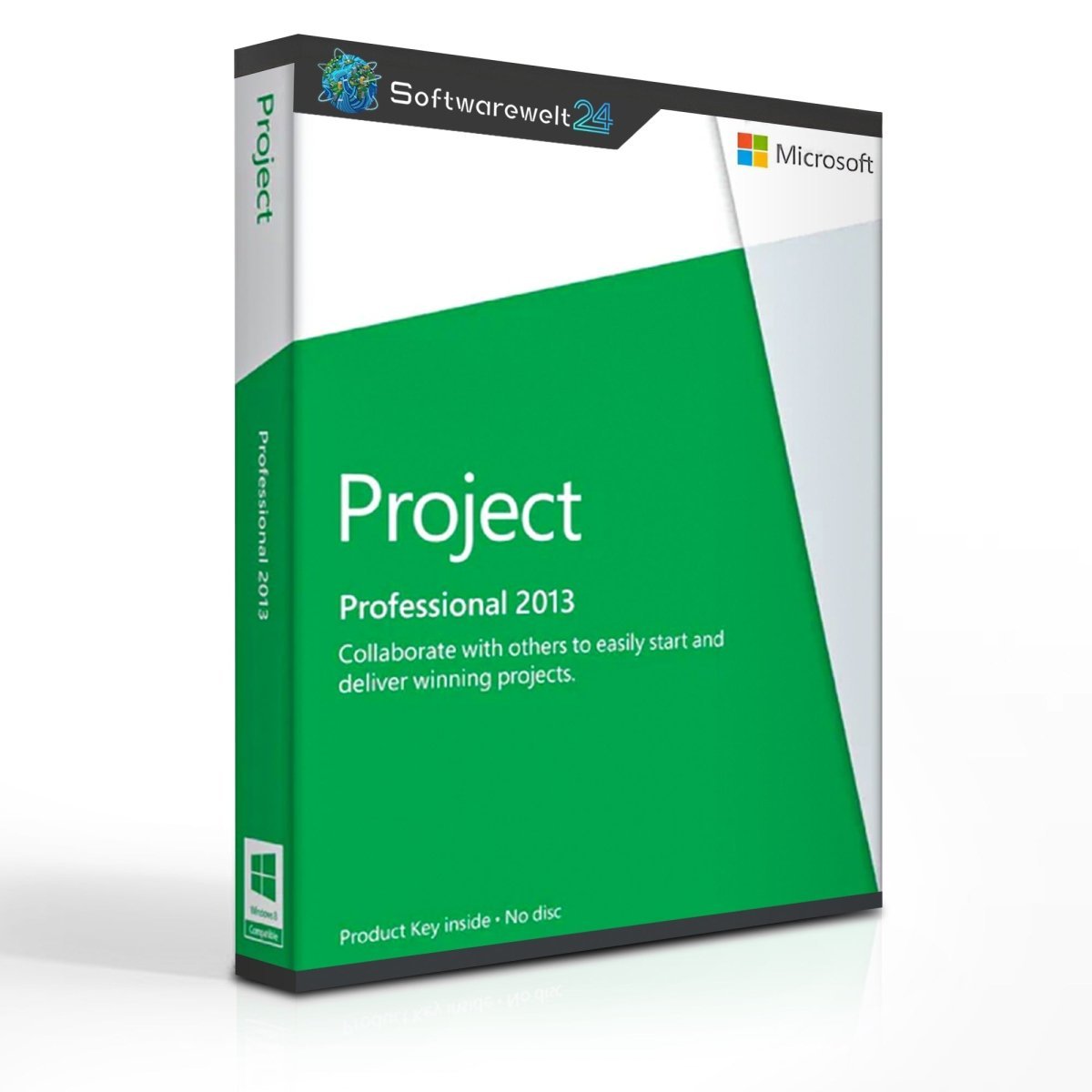
Microsoft Project Standard 2013
Professional Project Management for Small Businesses and Freelancers
Microsoft Project Standard 2013 is a powerful project management solution designed for small businesses, freelancers, and self-employed professionals. The software helps you plan, manage, and monitor projects by keeping track of costs, timelines, resources, and requirements. With clear visualizations and automated tools, you can quickly determine whether a project is feasible and manage long-term strategies more efficiently.
Easy Project Management with Microsoft Project 2013
With Project 2013, you can create new projects in just a few clicks and define their duration, tasks, and milestones. Assign employees, equipment, and other resources, calculate costs, and monitor workloads—all within a single, intuitive interface.
Whether you are planning a short-term project lasting only a few days or managing complex, long-term strategies over months or years, Microsoft Project Standard 2013 gives you full flexibility. It is ideal for professionals and companies that want to plan their future more clearly, efficiently, and reliably.
Key Features of Microsoft Project 2013
-
Create new projects quickly and manage them using clear Gantt charts
-
Efficiently manage employees, time, and resources
-
Get a transparent overview of total project costs throughout the entire project lifecycle
-
Familiar Microsoft Office-style interface for quick onboarding
-
Suitable for both short-term tasks and long-term strategic planning
-
Automated workflows detect conflicts and planning errors early
-
Changes made in one part of the project are automatically reflected across all related plans
Automated Processes for Better Planning
Microsoft Project 2013 includes numerous automation features that simplify project planning. For example, if a team member is assigned to overlapping tasks, the system automatically detects the conflict and alerts you. This allows you to manage resources accurately and avoid costly mistakes.
The familiar Office user interface and context-sensitive menus ensure fast access to all important functions. Even complex projects can be presented clearly and professionally, making it easier to communicate plans and progress to stakeholders and team members.
Important Notice
⚠ Microsoft Project 2013 is not compatible with Microsoft Office 2016.
System Requirements – Microsoft Project Standard 2013
Platform: Windows
Included Application: Project
Version Year: 2013
Supported Operating Systems
32-bit Office 2013 supported on:
-
Windows 7 (32-bit or 64-bit)
-
Windows 8 (32-bit or 64-bit)
-
Windows 8.1 (32-bit or 64-bit)
-
Windows Server 2008 R2 (64-bit only)
-
Windows Server 2012 (64-bit only)
64-bit Office 2013 supported on:
Hardware Requirements
-
Processor: x86 or x64 processor, minimum 1 GHz with SSE2 support
-
Memory: 1 GB RAM (32-bit) or 2 GB RAM (64-bit)
-
Storage: 3 GB available disk space
-
Graphics: DirectX 10 compatible graphics card, minimum resolution 1024 × 576


 Overview
 Languages









Reviews
Clear filtersThere are no reviews yet.