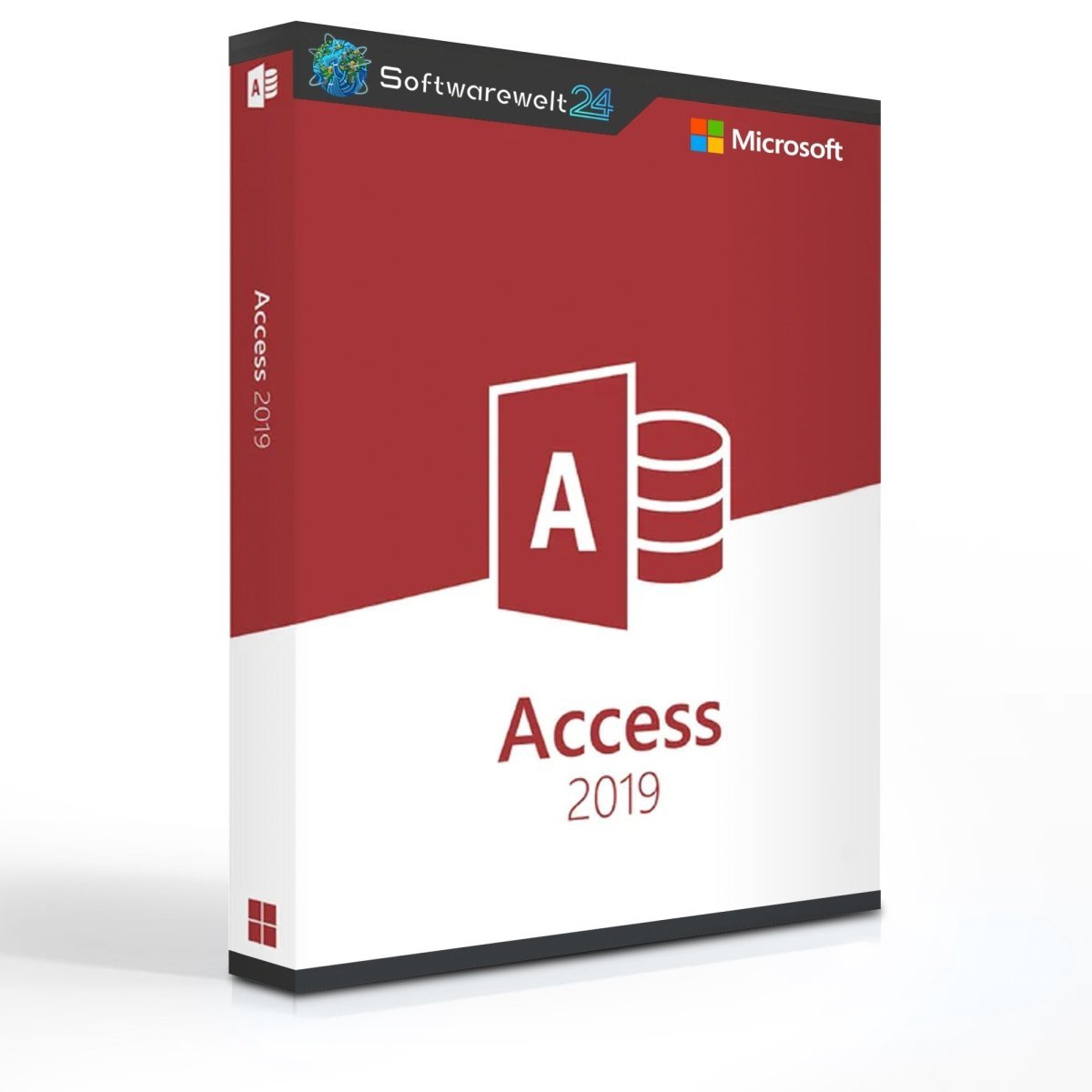
Microsoft Access 2019 – Efficient Data Management for Your Business
Powerful Database Management with Microsoft Access 2019
Storing and analyzing data has become increasingly important for modern businesses. Digital sales channels make it possible to collect large volumes of customer data, which can be used strategically to develop new sales and marketing approaches. In addition, companies must continue to manage traditional business data such as employee records, customer information, and orders. To store all this information securely and efficiently, a reliable database solution is essential. Microsoft Access 2019 is ideally suited for this purpose.
Access – A Database with SQL Support and User-Friendly Interface
Databases typically rely on a dedicated database language for interaction, allowing users to store and retrieve data using specific commands. Microsoft Access uses SQL (Structured Query Language), the most widely used database language worldwide. While SQL offers powerful capabilities, it often requires extensive training.
To simplify database usage, Access provides an intuitive graphical user interface, enabling users to work efficiently without advanced technical knowledge. At the same time, the software offers numerous professional features, including access control mechanisms to ensure data security. Access also allows users to visualize data using charts and diagrams, significantly improving clarity and comprehension—especially when working with large datasets.
What’s New in Microsoft Access 2019?
Microsoft Access 2019 is the latest generation of this database software, originally introduced in 1992. Even users familiar with earlier versions benefit from upgrading to Access 2019, as it includes a range of improvements and new features.
One of the most notable enhancements is the updated data visualization. Access 2019 introduces new chart types that help users gain deeper insights from their data. Additionally, there are improved sorting and filtering options based on specific data attributes, along with numerous other refinements that further enhance productivity and usability.
Available as a Standalone License or Part of an Office Suite
Microsoft Access is part of the Microsoft Office family. However, it is only included in business-oriented Office editions such as Office 2019 Professional and Office 2019 Professional Plus. Alternatively, Access 2019 is also available as a standalone license, making it a cost-effective solution for users who do not require the full Office package.
System Requirements – Microsoft Access 2019
-
Processor: 1 GHz or faster, 32-bit (x86) or 64-bit (x64) processor
-
Operating Systems:
-
Memory: Minimum 2 GB RAM
-
Hard Disk Space: Minimum 4 GB of available storage
-
Display: Minimum resolution of 1024 × 768 pixels
-
.NET Version: .NET Framework 3.5 or higher
(More detailed information is available from the manufacturer at office.com/systemrequirements.)

 Overview
 Languages










Reviews
Clear filtersThere are no reviews yet.