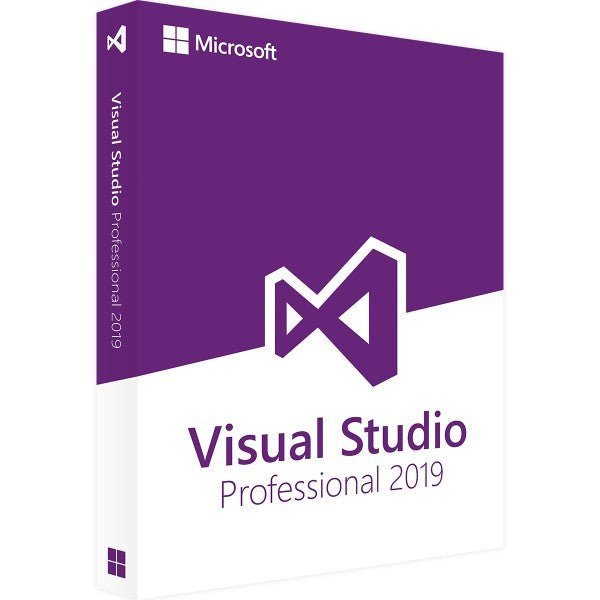

Microsoft Visual Studio 2019 Professional
Description
Microsoft Visual Studio 2019 Professional | Softwarewelt24
A powerful development environment for modern, cross-platform applications
Microsoft Visual Studio 2019 Professional is a versatile and feature-rich Integrated Development Environment (IDE) designed for building cross-platform, cloud-based, and desktop applications. It enables developers to create high-quality software for multiple platforms, including Windows, Android, iOS, and the Web, all within a single, unified environment.
With support for popular programming languages such as C++, C#, Visual Basic, F#, and Python, Visual Studio 2019 Professional is perfectly suited for professional developers, teams, and businesses. Its intuitive user interface and streamlined navigation help accelerate development workflows and improve productivity.
Key Features of Visual Studio 2019 Professional
-
.NET Core 3.0 Support
Develop modern, cross-platform applications that run on Windows, macOS, and Linux. -
Collaboration Tools
Built-in tools such as Git and Team Foundation Server (TFS) simplify teamwork. Using Team Explorer, developers can access repositories, manage builds, and collaborate efficiently. -
Azure Integration
Develop, deploy, and manage cloud-based applications directly through Microsoft Azure.
Who Is Visual Studio 2019 Professional For?
-
Software Developers
Ideal for cross-platform and multi-language application development. -
Development Teams
Designed for collaborative workflows with advanced version control, debugging, and testing tools. -
Businesses and Enterprises
Perfect for companies developing custom software solutions to increase efficiency and productivity. -
Developers of Modern Technologies
Especially suitable for cloud computing, AI-driven applications, and modern software architectures.
New Features and Improvements Compared to Previous Versions
-
Faster Startup and Improved Performance
Reduced load times and optimized overall performance. -
Live Share
Real-time collaboration for shared coding and debugging sessions, regardless of location. -
Intelligent Code Editor
Enhanced IntelliSense with improved auto-completion, refactoring, and error detection. -
Azure DevOps Integration
Simplifies project management, CI/CD pipelines, and team collaboration.
Advantages of Visual Studio 2019 Professional
-
Extensive Language Support
Supports C++, C#, Visual Basic, F#, Python, and many other languages. -
All-in-One Development Tools
Includes Git, Azure DevOps, powerful debugging tools, and automated testing features. -
Cross-Platform Development
Build applications for Windows, Android, iOS, macOS, and the Web. -
Cloud-Ready Development
Fully integrated with Microsoft Azure for cloud-based applications. -
User-Friendly Interface
Intuitive navigation with quick access to essential development tools.
System Requirements – Microsoft Visual Studio 2019 Professional
-
Operating System: Windows 10 version 1703 or later
-
Processor: Minimum 1.8 GHz (Quad-Core recommended)
-
Memory: Minimum 2 GB RAM (8 GB or more recommended)
-
Storage: At least 20 GB of free disk space (SSD recommended)
-
Graphics: DirectX 10–compatible graphics card with a minimum resolution of 1280 × 720
-
Internet Connection: Required for updates and certain features

Reviews
Clear filtersThere are no reviews yet.