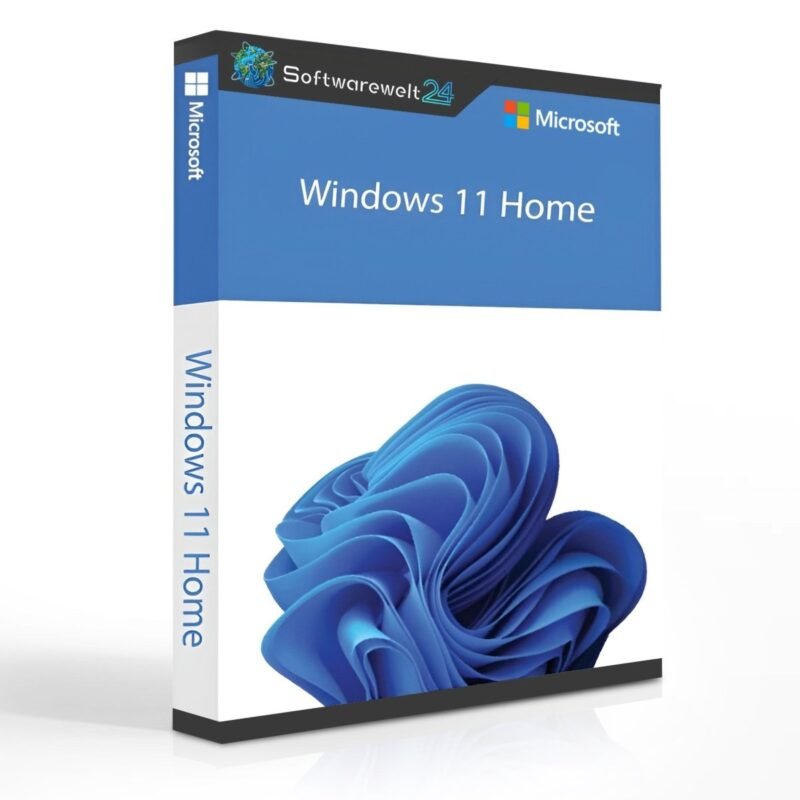
Product Information: Windows 11 Home
Buy Microsoft Windows 11 Home and enjoy a versatile operating system
When you buy Windows 11 Home, you get a powerful and modern operating system that sets new standards for both work and leisure. As the name suggests, the Home Edition is primarily designed for individual users who want to benefit from numerous improvements and updates. Windows 11 Home stands out especially for its comfort, performance, and security.
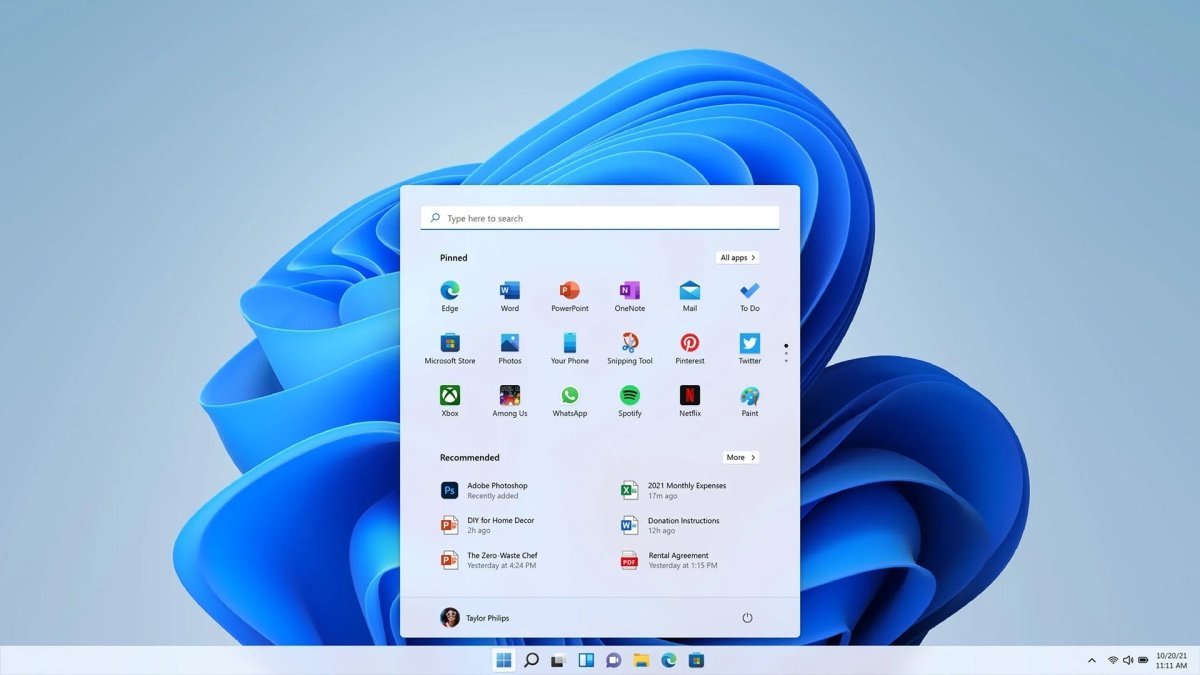
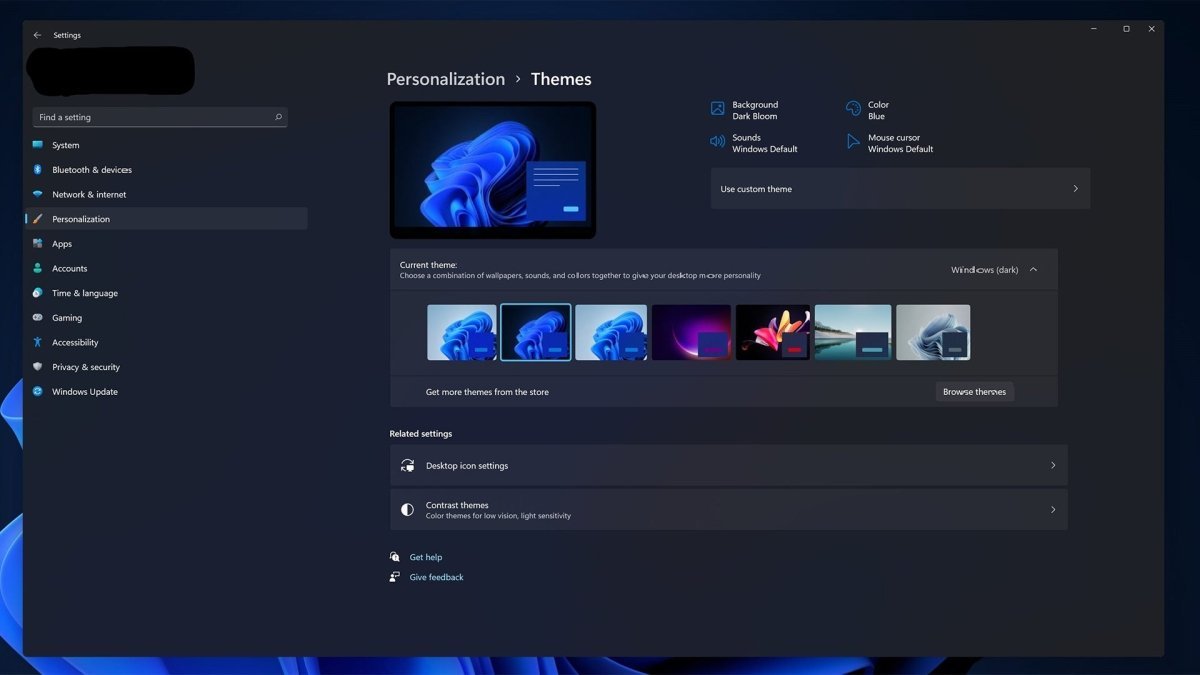
Predefined window layouts, important gaming enhancements, Android app integration, and a wide range of new widgets are just some of the features included in Windows 11 Home. The Start menu has been completely redesigned, replacing the “Live Tiles” from Windows 8.x and Windows 10 with a clean grid of pinned apps and a list of recently used programs and resources.
By purchasing Windows 11 Home, you benefit from full support for the latest hardware and devices.
Overview of Windows 11 Home Features
-
Redesigned Start menu and taskbar
-
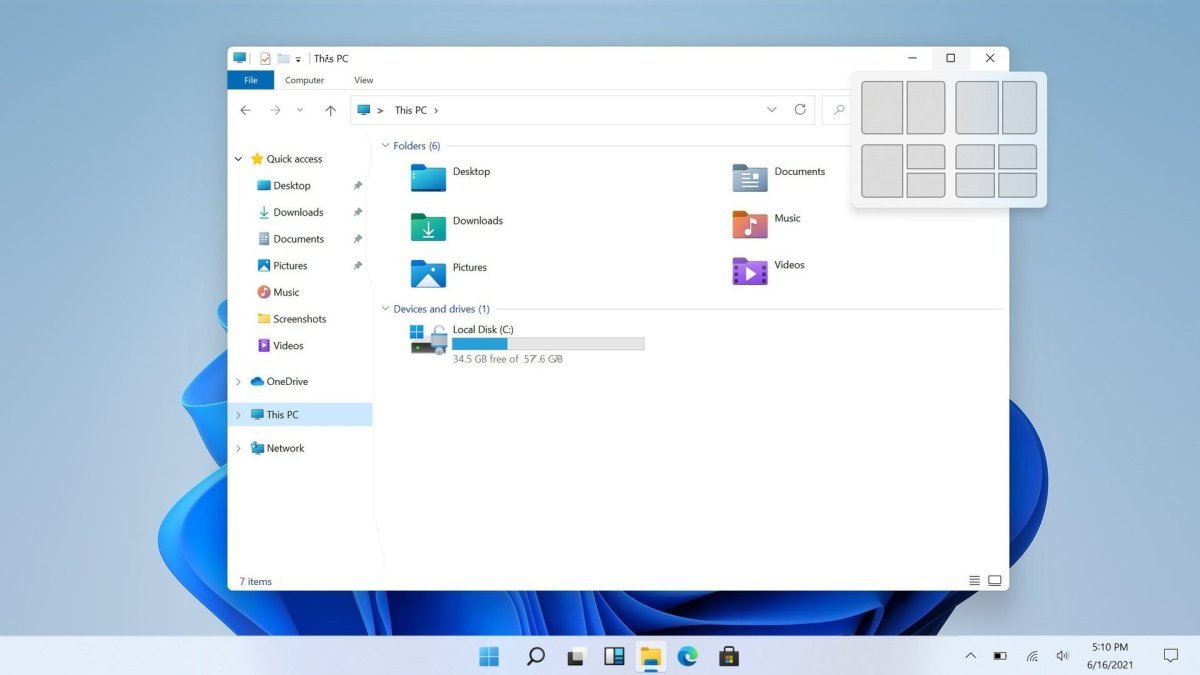
Snap Layouts for improved window management
-
Auto HDR for enhanced gaming visuals
-
Improved performance and faster system response
-
New widgets for news, weather, calendar, and more
-
Android app integration (via Microsoft Store)
-
Enhanced security features
-
Optimized Microsoft Store experience
Preview of Windows 11 Home Updates
After buying Windows 11 Home, you will quickly notice numerous improvements and updates. Independent tests by tech portals and YouTube reviewers confirm that Windows 11 is significantly faster than previous versions. Users working with large databases or graphics-intensive games will particularly benefit from noticeable performance gains.
One of the major enhancements is the Auto HDR feature, which significantly improves the visual quality of PC games. Even DirectX 11 and DirectX 12 games without native HDR support benefit from higher contrast, richer colors, and a wider color range.
With the new group chat icon in the system tray, users can make calls, send messages, and access chat features more quickly. Additional improvements include optimized startup notifications, enhanced multi-window management, a redesigned Microsoft Store, simplified context menus, and desktop groups.
More Convenience: Buy Windows 11 Home Online
The Action Center from Windows 10 has been replaced by a modern Notification Center and Quick Settings menu, accessible from the lower-right corner of the taskbar. The Notification Center displays all user notifications as well as a full monthly calendar, while the Quick Settings menu allows you to easily manage key system settings such as volume, brightness, Wi-Fi, Bluetooth, and Focus Assist.
Media controls are displayed directly above the Quick Settings menu when watching videos in Microsoft Edge or listening to music in apps such as Spotify.
Another highly practical improvement in Windows 11 Home is the ability to dock application windows in predefined positions. With ready-made layouts, windows can be arranged quickly and cleanly without overlapping. This feature is especially useful on large monitors and when working with multiple applications at the same time, offering a clear boost in productivity and user comfort.
System Requirements – Windows 11 Home
-
Processor: 1 GHz or faster with at least 2 cores on a compatible 64-bit processor or SoC
-
Operating System: Windows 11
-
RAM: Minimum 4 GB
-
Storage: Minimum 64 GB available disk space
-
Graphics Card: DirectX 12 compatible or higher with WDDM 2.0 driver
(For more detailed information, please refer to the manufacturer.)
Important Note
The Windows 11 Home Edition requires an internet connection and a Microsoft account to complete device setup during first use.

 Overview
 Languages











Reviews
Clear filtersThere are no reviews yet.